Releases: Dezoff-max/CleanMac
Release list
CleanMac v0.2.1

What's new
- Added a polished, centered About CleanMac window instead of the sparse system panel.
- Kept the About metadata focused on the developer and MIT license, with direct GitHub, Releases, and License links.
- Added immediate Russian/English and light/dark appearance updates inside the About window.
- Kept the detailed broom artwork transparent in the Dock.
- Updated the app version to 0.2.1 (build 3).
Download
- macOS 14 or later
- Apple Silicon (
arm64) - Archive:
CleanMac-a5c853e-unsigned.zip - Checksum:
CleanMac-a5c853e-unsigned.zip.sha256
Verify the downloaded archive with:
shasum -a 256 CleanMac-a5c853e-unsigned.zipCompare the result with the first value in the attached .sha256 file.
Distribution note
This build is ad-hoc signed and is not notarized by Apple because no Developer ID certificate is configured for the project yet. Gatekeeper may block the downloaded app. Do not disable macOS security; build from source if you prefer a local development build.
CleanMac v0.2.0
CleanMac 0.2.0
A functional release focused on safe macOS cleanup and controlled application removal.
What's new
- Safe Mode now blocks selection of results that require manual review.
- Unavailable scan locations show their exact path and a clear reason.
- Finder Automation now has a live status and an explicit permission request.
- Added a safe third-party application uninstaller.
- Multiple applications can be selected and reviewed before moving them to Trash.
- Optional leftovers are stored separately for each app and are limited to exact bundle-ID paths.
Safety
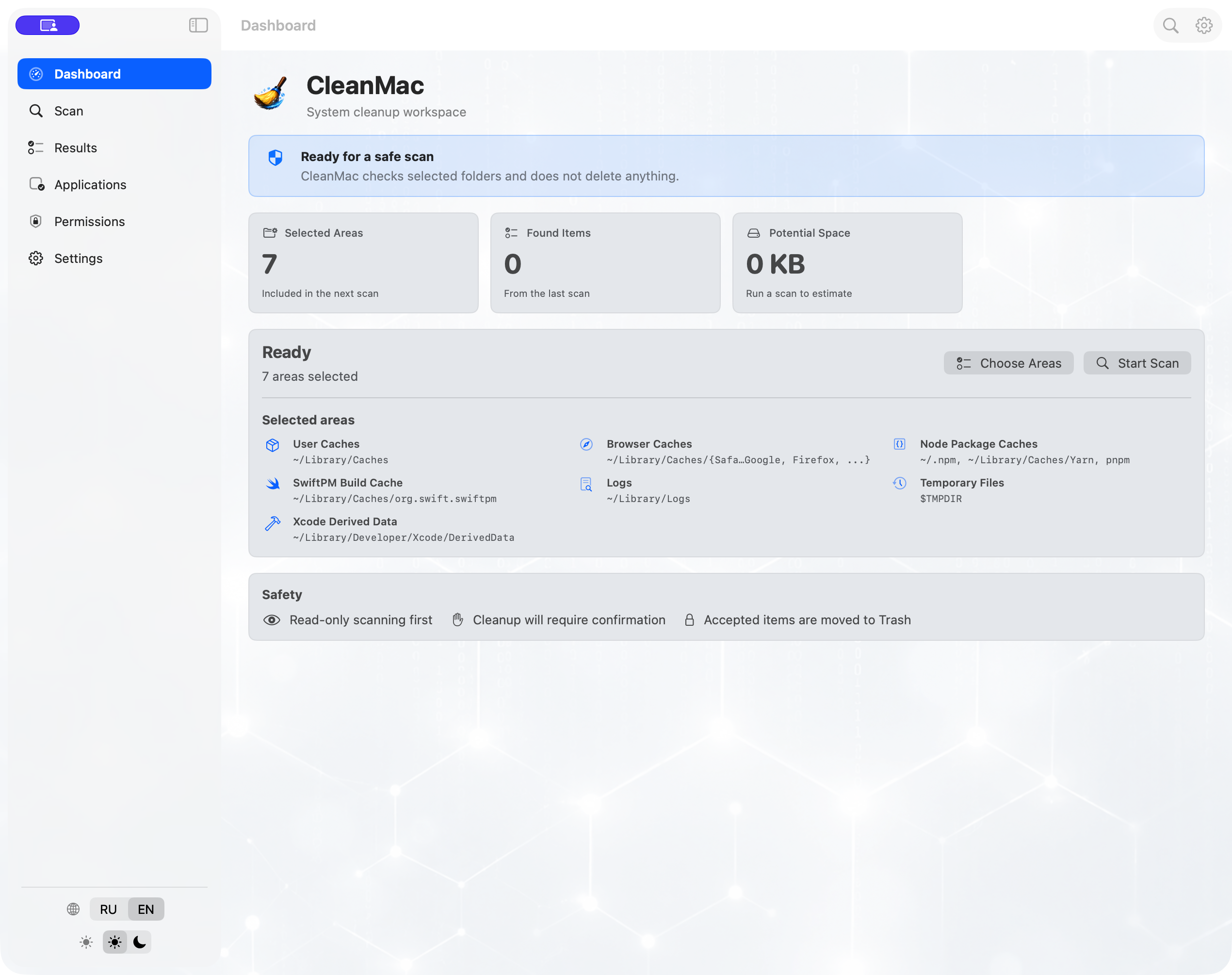
- Scanning is read-only.
- Cleanup requires review and a separate confirmation.
- Accepted items are moved to Trash instead of being permanently deleted.
- The app bundle is moved first; its leftovers remain untouched if that step fails.
- CleanMac does not escalate privileges or install a system helper.
Installation
Download the ZIP and its SHA-256 file from Assets. Verify the archive with:
shasum -a 256 CleanMac-*.zip
Compare the result with the first value in the attached .sha256 file.
Important: the current build is ad-hoc signed and is not notarized by Apple. macOS Gatekeeper may block it. Do not disable system security to run an unsigned file.
Requirements
- macOS 14 or later
- Apple Silicon (arm64)
CleanMac v0.1.1

Unsigned CleanMac build from a0f800b.\n\nChanges:\n- Real scan progress with current area, percentage, found count, and measured size.\n- More polished modern scan animation.\n- Smarter conservative rules for Downloads, logs, and temporary files.\n\nVerify the zip with the attached sha256 file.
CleanMac v0.1.0
Unsigned CleanMac build. Download the zip and verify it with the attached sha256 file.