Repository navigation
Releases: Dhanendra-github/qrlan-drop
Release list
QRLAN Drop v2.0.0

QRLAN Drop v2.0.0
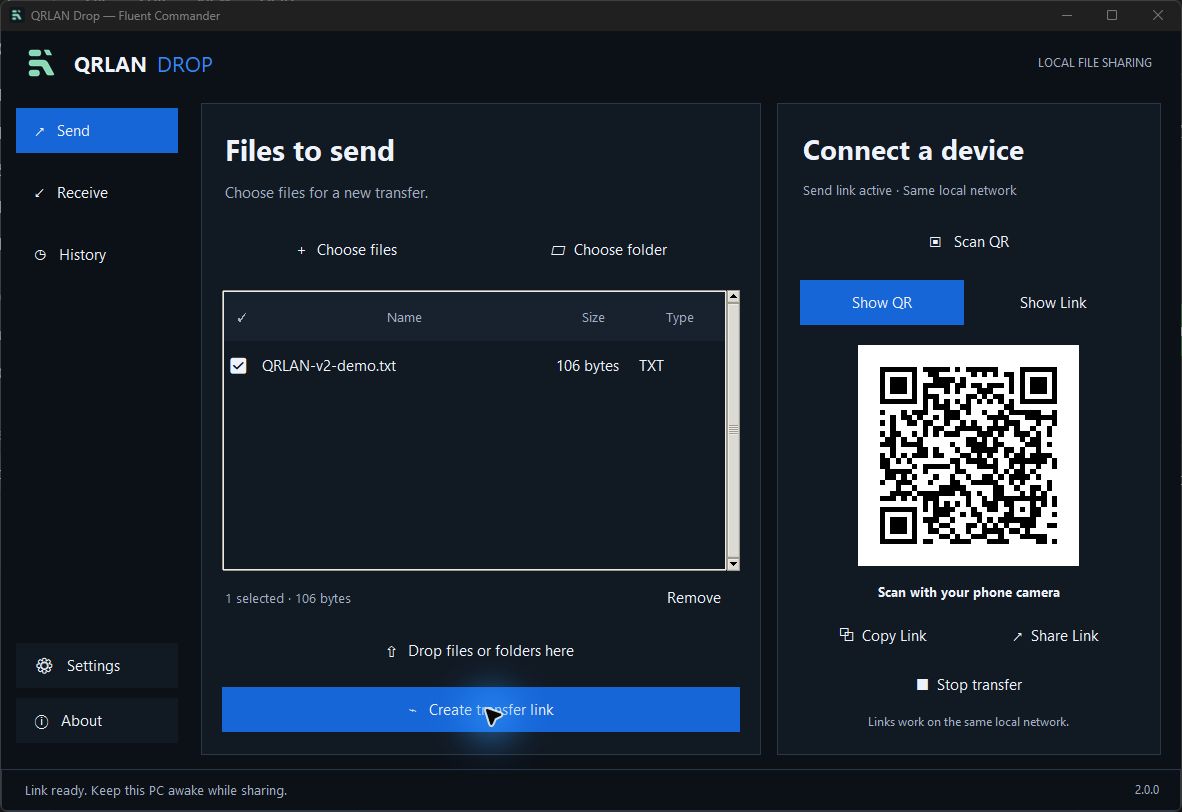
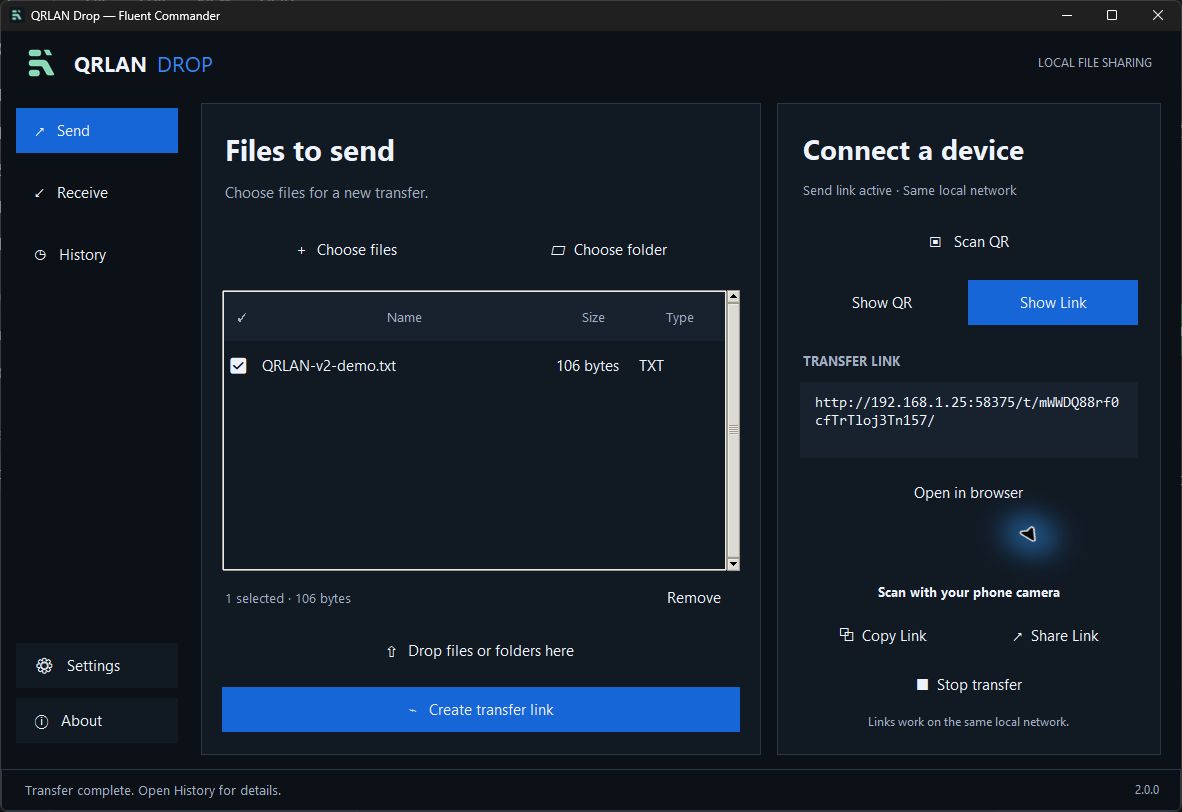
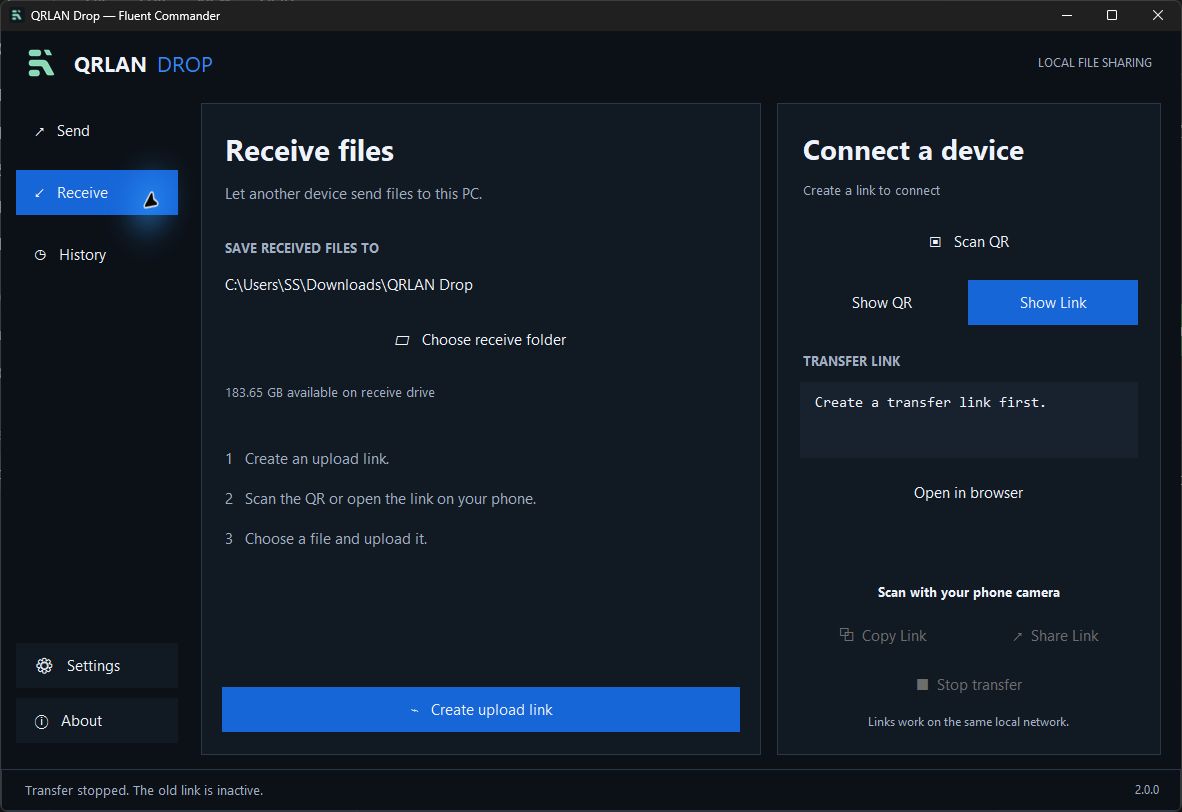
A new Fluent Commander design with simpler sharing controls and a dedicated place for your transfer history.
Screenshots
 |
 |
 |
 |
What’s new
- Blue-and-charcoal dark interface with the new mint logo and matching Windows app icon
- Select multiple files, add folders, or drag files and folders into the selection
- Show QR / Show Link, Copy Link, and Share Link controls
- Scan QR from an image or camera, with a link review before opening
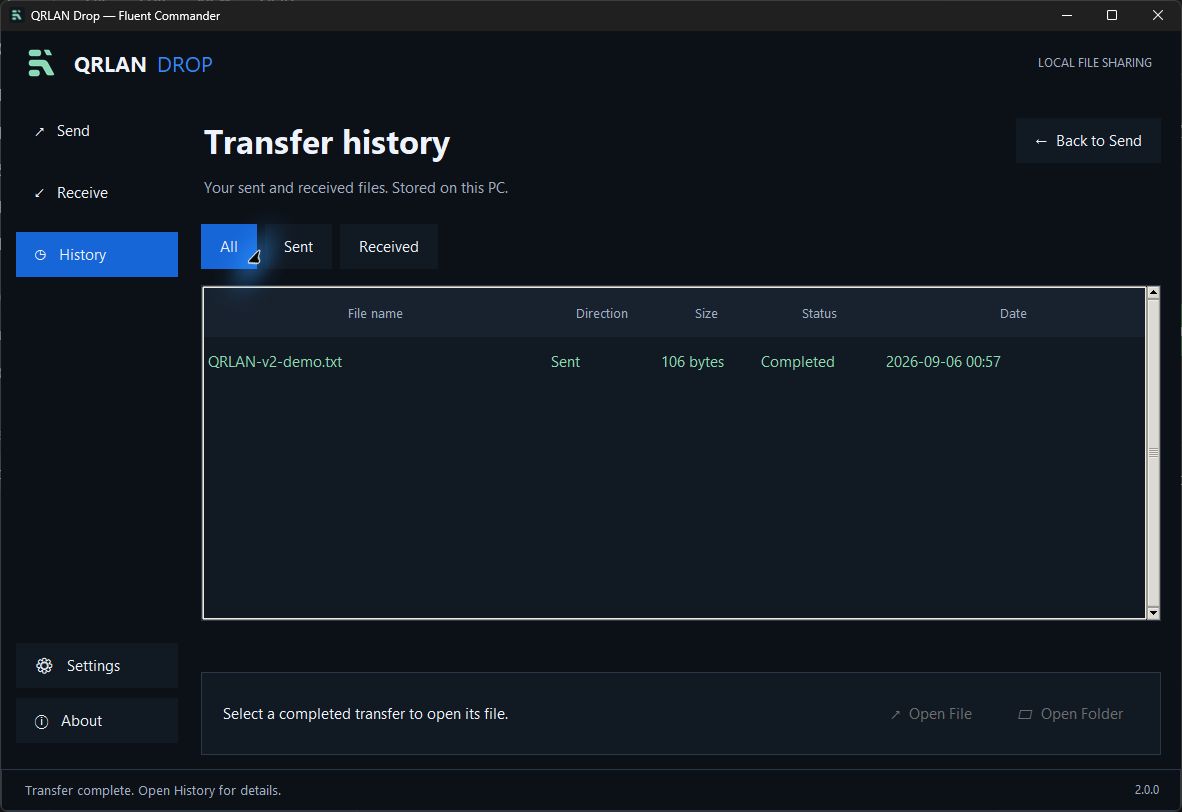
- Separate History screen with All / Sent / Received filters; transfer records stay off the main screen
- Open File and Open Folder actions for completed transfers
- Matching branding on the phone upload/download pages
- Version 2.0.0 shown in the app and Windows file details
Fixed
- Stop transfer cancels active uploads and downloads and removes incomplete uploads
- Useful errors for interrupted uploads, full drives, and unavailable files
- Duplicate filenames no longer overwrite existing files
- Completed uploads keep their actual destination when the receive-folder preference changes
- Transfer updates are delivered safely to the desktop interface
- Controls stay visible at the tested desktop window sizes
Transfer features
- Choose where received files are saved
- Direct local-network sharing with no cloud upload or account
- Streamed file data with no artificial file-size cap
- General progress on the main screen and persistent local History
- Download selected files individually in the receiving browser
Download
Download QRLAN.Drop.exe below and double-click it on Windows. No Python installation is needed. If Windows Firewall asks, allow Private networks. Both devices must be on the same local network. Keep the host PC awake and the app open while transferring.
Download QRLAN.Drop.Source.zip if you want the source and build files.
EXE SHA-256: c5b741fb8d22738b175f27f307255d4d7de4babd2e98417ae8685743bb9fbd56
Validation and current limits
29 automated tests passed, plus live desktop upload/download, clipboard, QR/link, History, and layout checks. A full 1 TB transfer and physical camera/phone compatibility have not been validated. Interrupted transfers must restart; resume support is not included.
Full details are also available in CHANGELOG.md.
QRLAN Drop v1.5.0
QRLAN Drop v1.5.0
A major visual update that keeps QRLAN Drop simple, private, and easy to use.
What’s new
- Modern dark interface with purple-and-cyan styling
- Smooth button hover lighting, startup fade, pulsing status light, and animated progress
- New Open Folder and Open File shortcuts
- Matching dark phone upload and download pages
- Version number shown inside the app
Fixed
- No command window stays open
- Native Windows title bar now matches dark mode
- QR panel layout no longer collapses
- Better fit on common Windows 11 display sizes
Transfer features
- Choose the folder for received files
- Progress for large uploads and downloads
- No artificial file-size limit
- Direct local Wi-Fi transfer with no cloud upload
Download
Download QRLAN Drop.exe below and double-click it. If Windows Firewall asks, allow Private networks.
EXE SHA-256: 0BD02C09119E847AEE44DD425682158C2172B0E2FCE043803BE0AFE78677D11F
Full details are also available in CHANGELOG.md.
QRLAN Drop v1.0.0
First public release.
Download QRLAN Drop.exe below and double-click it on Windows 11. No Python installation is needed.
Both the computer and phone must be connected to the same Wi-Fi.