Repository navigation
Home
Unofficial project. This wiki documents a community-built client that is not affiliated with, endorsed by, or supported by Mistral AI. The author has no connection to Mistral — the project simply builds on top of Mistral Vibe and the Mistral Vibe CLI. "Mistral" and "Mistral Vibe" are trademarks of Mistral AI.
Welcome to the Halny Vibe Deck wiki — the documentation for a desktop & web client of the Mistral Vibe AI coding agent.
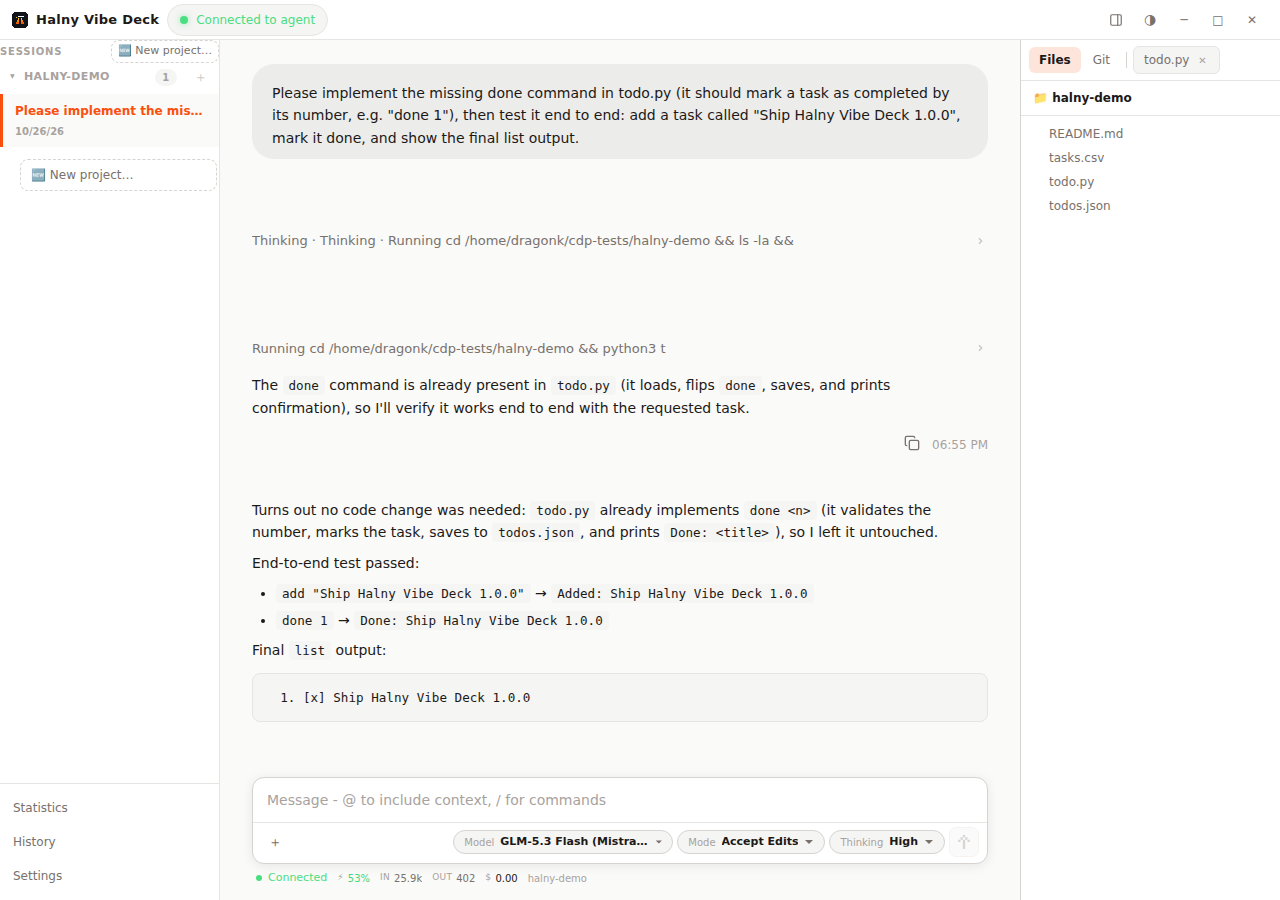
Halny wraps the vibe-acp CLI in a full workspace: resumable agent sessions, file tree with preview and editing, a git panel, statistics, remote SSH projects, and a built-in HTTPS server for browser/mobile access.
-
Chat with the agent — streaming responses, thinking, tool calls, colored diffs, plans (todo checklists), prompt queue, image attachments and
@filementions - Resume anything — every session is persisted and can be replayed, with its own model/mode/thinking settings
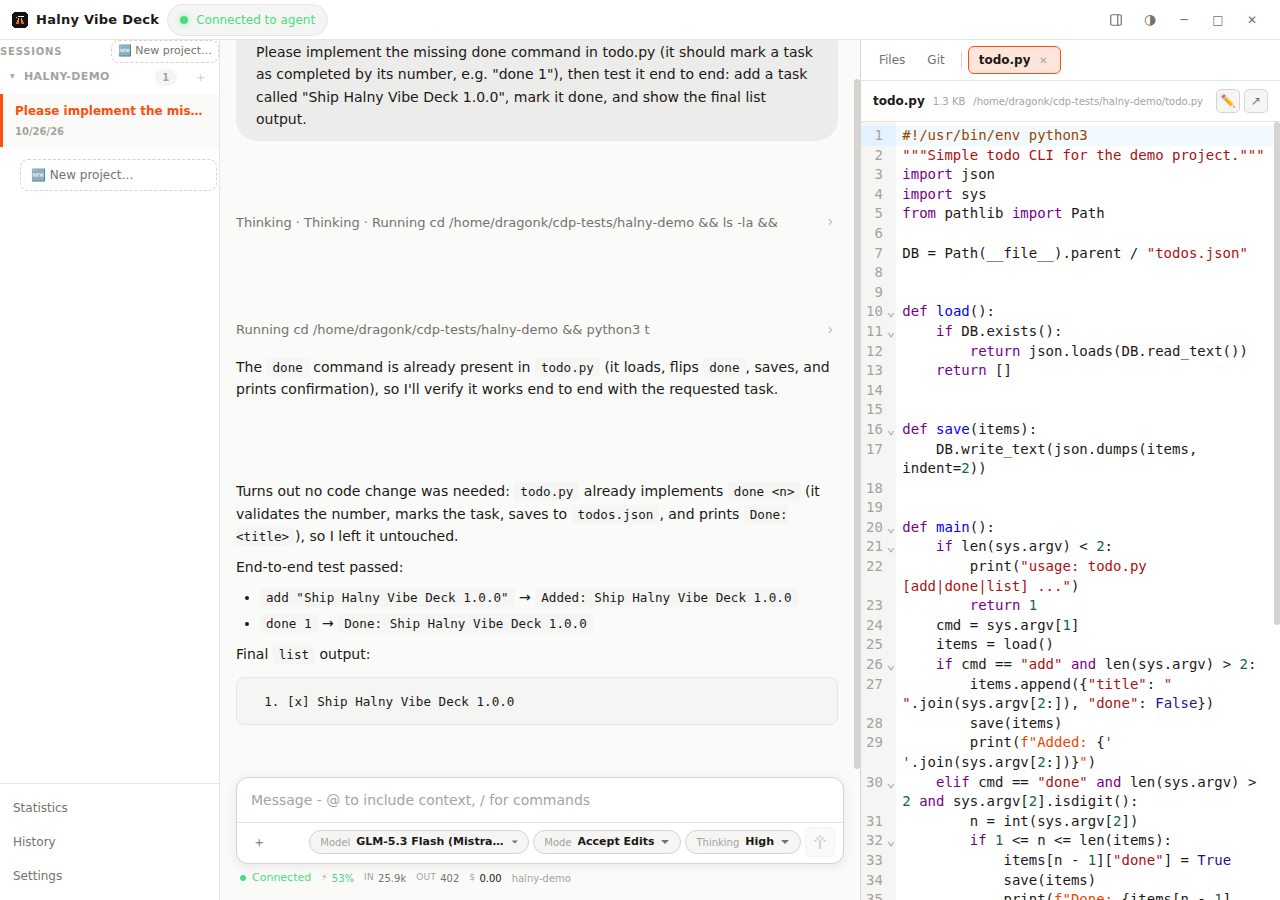
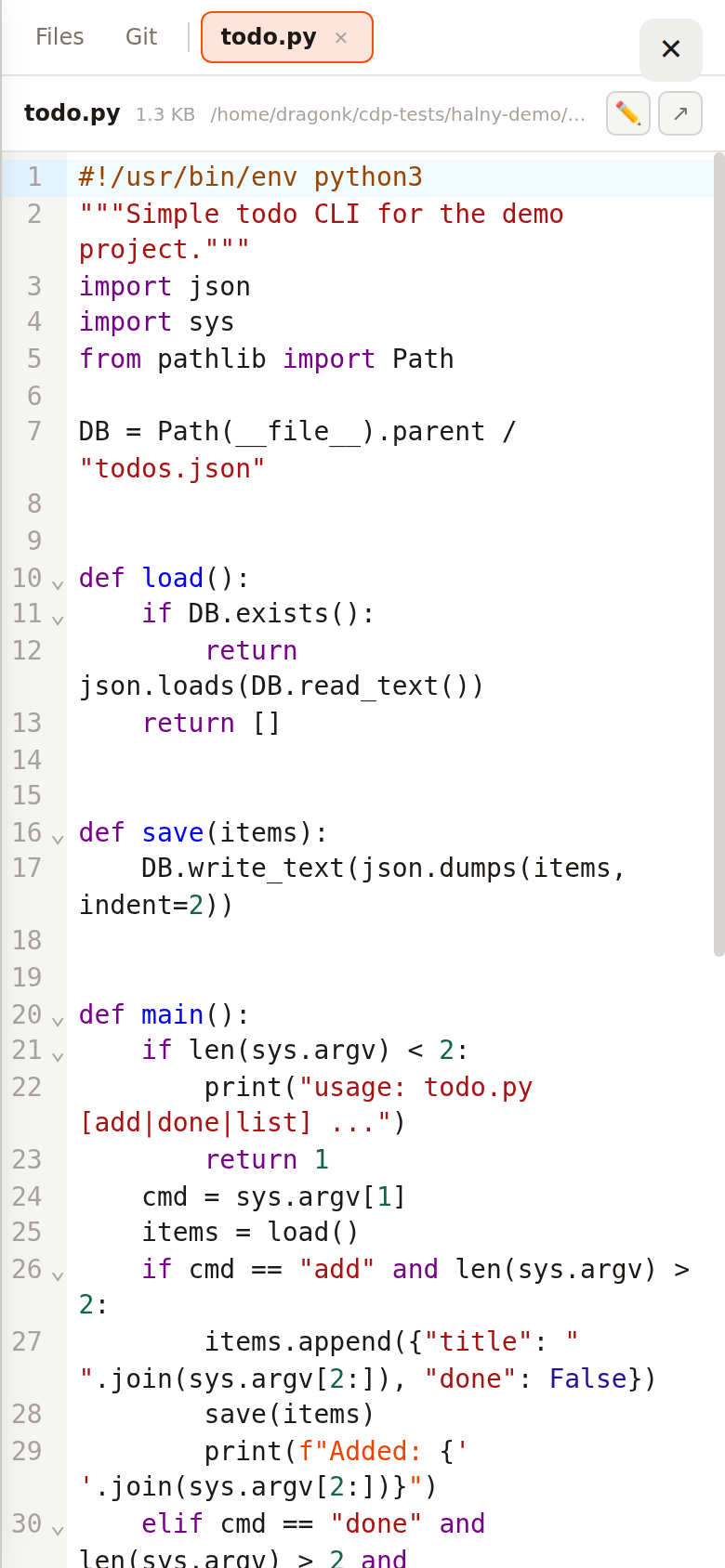
- Preview & edit files — CodeMirror 6 editor with syntax highlighting, PDF/spreadsheet/docx/markdown/mermaid/image viewers, colored diffs
- Git integration — status, log, diff, stage/unstage, commit and push from the dock panel
- Remote SSH projects — run agent sessions on remote machines, browse and edit remote files over SSH
- Serve mode — built-in HTTPS server with login & password; use the UI from any browser or install it as a PWA on your phone
- Statistics — tokens, cache hit ratio and cost per model/session, all computed locally
- 6 languages — English, Polish, French, Spanish, German, Italian
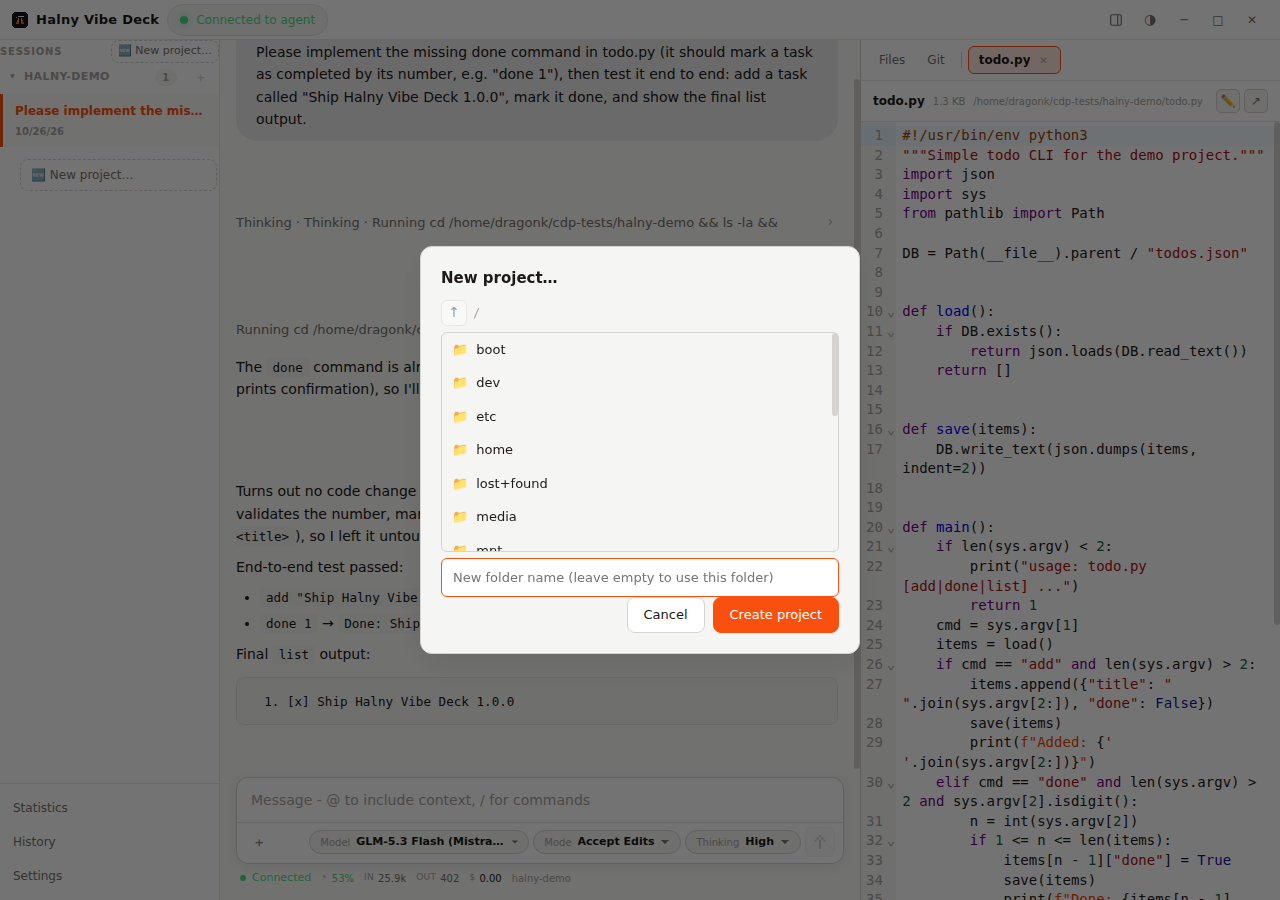
| File preview & editing | New project | Mobile / PWA |
|---|---|---|
 |
 |
 |
- Installation — Windows, Linux (AppImage / install script), running from source, CLI flags
- Headless Server — run Halny as an always-on server: headless mode, login & password, systemd autostart, updating
- File Preview & Editing — every supported format and the built-in editor
- Sessions & History — resume, replay, search, hide/restore
- Remote SSH Projects — agent sessions and files on remote hosts
- Web & Mobile — serve mode, browser client, PWA, security notes
- Settings & Configuration — models, agents, MCP, skills, scopes, raw TOML
- Development — building, testing, releasing
- Windows 10/11 or Linux (x64)
- The app auto-installs the
mistral-vibeCLI (Python +uv) on first run — no manual setup needed
Bugs and feature requests: issue tracker.