Repository navigation
File Preview and Editing
Halny has a built-in viewer and editor for most file types, so you rarely need to leave the app.
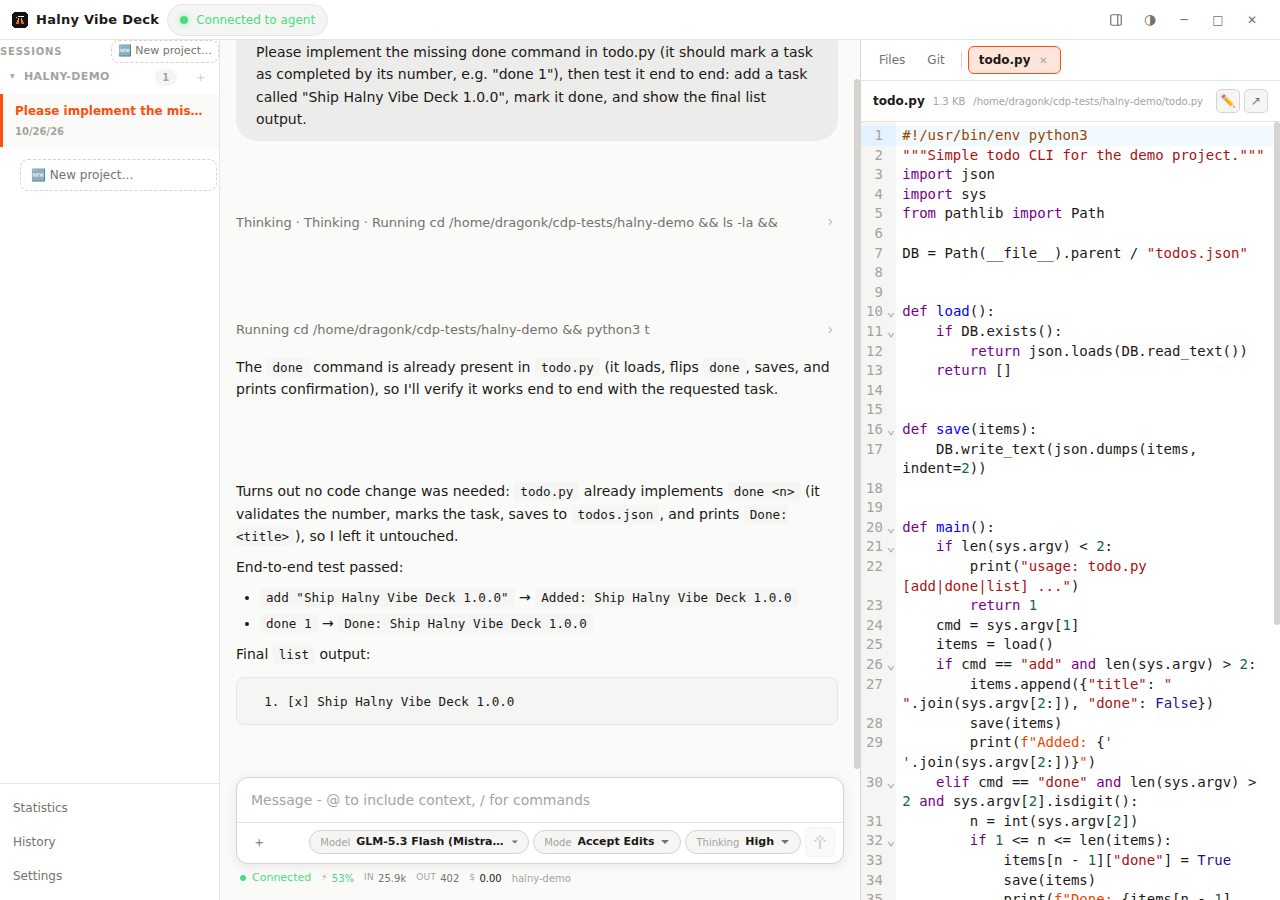
- Click any file path in the chat (agent messages, tool calls, diff summaries)
- Browse the Files tab in the right dock and click a file
- Open git diffs from the Git tab (changed files and agent edits render as colored diffs)
Files open as tabs in the dock; multiple tabs can be open at once. Remote files (SSH projects) preview and edit the same way — see Remote SSH Projects.
- Code and text files up to 2 MB open in a CodeMirror 6 editor with syntax highlighting for the detected language
- Edit and press Ctrl+S to save (a checkmark confirms the save); remote files save over SSH
- Large files (2–4 MB) open read-only; above 4 MB the preview shows a hint instead of loading
| Format | Details |
|---|---|
| Source/text files | syntax highlighting, up to 4 MB (200 KB rendered in view) |
| Images | png, jpg, gif, webp, bmp, svg, ico, tiff |
| up to 20 pages, rendered in-app | |
| Spreadsheets | xlsx, xls, csv — sheet tabs, up to 200 rows per sheet |
| Word | docx (via mammoth) |
| Markdown | rendered preview |
| Mermaid | markdown/mermaid diagrams render as flowcharts |
| Archives | zip — browse the contents in-app |
| Directories | browse folder contents, navigate up and down |
| Diffs | colored +/- diff view for git changes and agent edits |
Unknown binary files show an open-externally hint.
In the input bar press the + button to attach:
-
File — inserts an
@pathmention the agent can read -
Directory —
@path/mention - Image — attaches a picture for vision-capable models
- Branch diff — attaches the current git working-tree diff (capped at 100 KB)
You can also paste images from the clipboard directly into the input.