Is there an existing issue for this problem?
What part of EdgeTX is the focus of this bug?
Transmitter firmware
Current Behavior
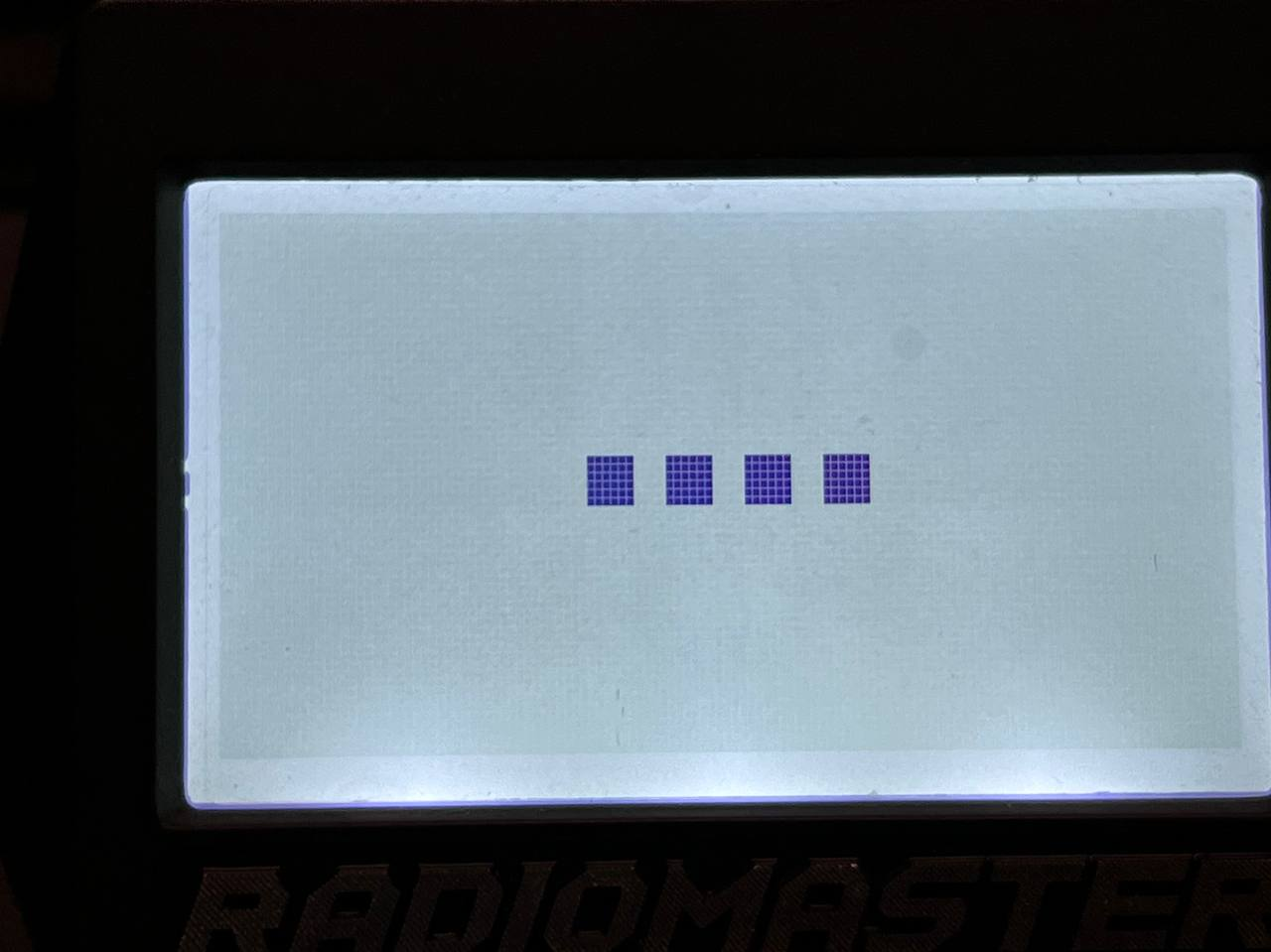
I have a custom Splash Screen in my Zorro TX. When I turn TX on, I see my splash, but it's very bright, and seems like the contrast is set to a minimum. If I set the contrast in TX to the maximum, my splash screen keeps the same (low bright) behavior.
How I can control my contrast values for boot splash? Why it not used TX values?
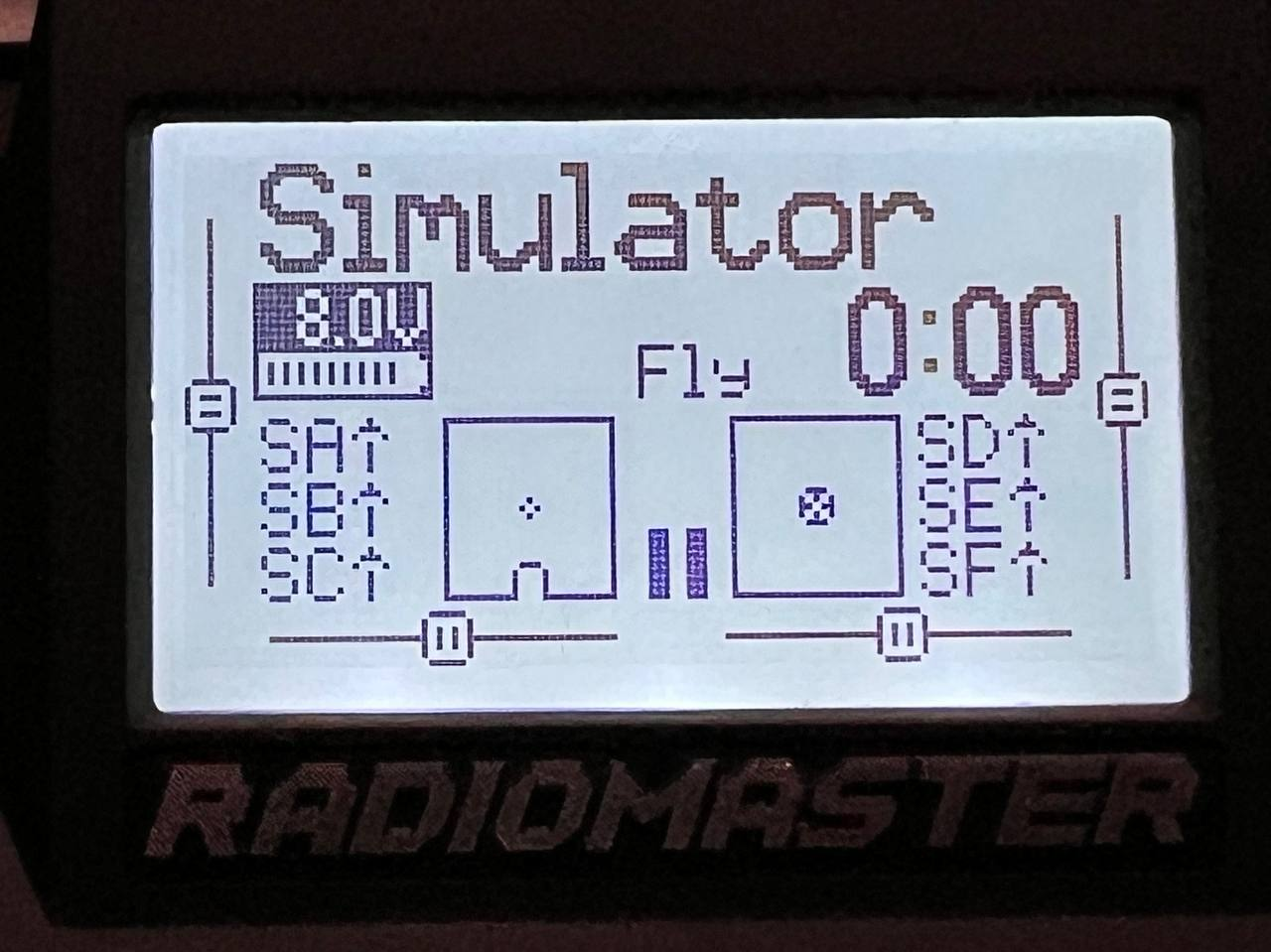
Look second screenshot.

Expected Behavior
The splash screen uses the main contrast value of TX.
Steps To Reproduce
- Set a custom splash screen with lots of blacks
- Set contrast in TX to maximum value
- Turn off TX
- Turn back TX to ON
- Look the splash screen
Version
2.8.2
Transmitter
Radiomaster Zorro
Operating System (OS)
Windows
OS Version
Window 10 22H2
Anything else?
No response
Is there an existing issue for this problem?
What part of EdgeTX is the focus of this bug?
Transmitter firmware
Current Behavior
I have a custom Splash Screen in my Zorro TX. When I turn TX on, I see my splash, but it's very bright, and seems like the contrast is set to a minimum. If I set the contrast in TX to the maximum, my splash screen keeps the same (low bright) behavior.
How I can control my contrast values for boot splash? Why it not used TX values?
Look second screenshot.
Expected Behavior
The splash screen uses the main contrast value of TX.
Steps To Reproduce
Version
2.8.2
Transmitter
Radiomaster Zorro
Operating System (OS)
Windows
OS Version
Window 10 22H2
Anything else?
No response