
A lightweight dashboard that displays team-level aggregate metrics and individual contributor activity across multiple GitLab and GitHub repositories. Designed to surface team health indicators for managers, with individual activity data available for coaching conversations — no ranking, scoring, or competitive badges.
- Team aggregate metrics — 8 key metrics (merged MRs/PRs, median lead time, median turnaround, AI co-author rate, AI adoption, review coverage, active contributors, lines changed) with period-over-period trend indicators
- Multi-forge support — Track both GitLab and GitHub repositories, mixed freely in the same config
- Team-based organization — Group repositories by teams and filter by team
- AI co-authorship tracking — Detects AI-assisted MRs/PRs via description trailers (Co-Authored-By, Generated-By, etc.) and tracks adoption across the team
- Jira integration — Extract bug priority from MR/PR titles
- Interactive timeline — Click timeline bars to filter aggregate metrics and contributor list by specific time periods
- Individual contributor list — Collapsible alphabetical list with activity badges; click to view detailed activity, charts, collaborators, and repository breakdown
- Interactive tooltips — Hover over metric cards and activity badges for descriptions
- PDF export — Team activity report and individual activity report
- Dark/light themes — Responsive UI with theme switching
🚀 Try it now: https://my1.fr/dev-pulse/


-
Install dependencies
pip install -r requirements.txt
-
Set environment variables
export GITLAB_TOKEN="glpat-your-token-here"   # Required if using GitLab repos
export GITHUB_TOKEN="ghp_your-token-here"     # Required if using GitHub repos
export JIRA_API_TOKEN="your-jira-token"       # Optional
-
Configure repositories
Edit
repos.yamlto organize repositories by team (GitLab and GitHub URLs can be mixed):repositories: backend-team: - url: https://gitlab.com/your-org/api-service - url: https://github.com/your-org/user-service frontend-team: - url: https://github.com/your-org/web-app docs-team: - url: https://gitlab.com/your-org/documentation # url: https://gitlab.com/your-org/more-docs
-
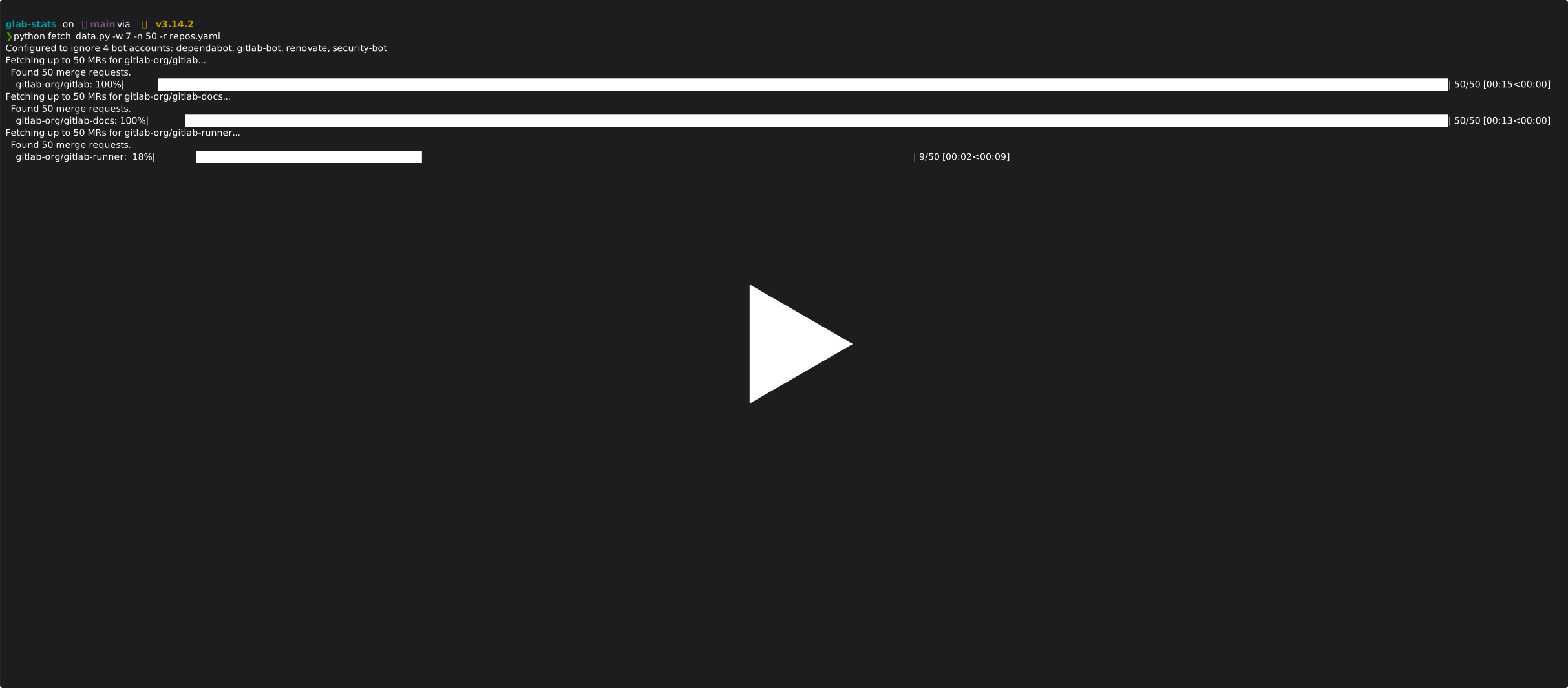
Fetch data
python fetch_data.py -n 50  # Fetch 50 most recent MRs/PRs per repo

# Additional options:
python fetch_data.py -n 100 -w 8              # Use 8 workers for faster fetching
python fetch_data.py -r custom-repos.yaml     # Use custom repos config file
python fetch_data.py -n 30 -w 6 -r repos.yaml # Combine options
Options:
-n, --limit: Number of most recent MRs/PRs to fetch per repo (default: 20)-w, --workers: Number of concurrent threads for fetching details (default: 4)-r, --repos: Path to repos configuration file (default: repos.yaml)
-
Run the UI
cd frontend
python -m http.server 8080
Open http://localhost:8080 in your browser.
- Team filtering — Use the team dropdown to filter contributors and repositories by team
- Settings — Two options: "Show All Teams" toggle and "AI Adoption Threshold" (percentage of AI co-authored MRs a contributor needs to be counted in the AI Adoption metric, default 30%)
- Jira integration — Extracts ticket IDs from MR/PR titles (e.g.,
RHEL-1234: fix bug)
MR/PR descriptions are scanned for trailers indicating AI collaboration:
Co-Authored-By:/Generated-By:/Assisted-By:/AI-Agent:Generated with:/Created with:/Built with:/Powered by:
These are matched against known AI tools (Claude, ChatGPT, Copilot, Gemini, Cursor, etc.). When detected, the MR/PR is flagged as AI co-authored, contributing to:
- AI Co-Author Rate — Percentage of MRs/PRs co-authored with AI in the period
- AI Adoption — Percentage of contributors meeting the AI usage threshold
- AI badge — Shown on individual contributors in the contributor list
Apache 2.0 - see LICENSE file.