You signed in with another tab or window. Reload to refresh your session.You signed out in another tab or window. Reload to refresh your session.You switched accounts on another tab or window. Reload to refresh your session.Dismiss alert
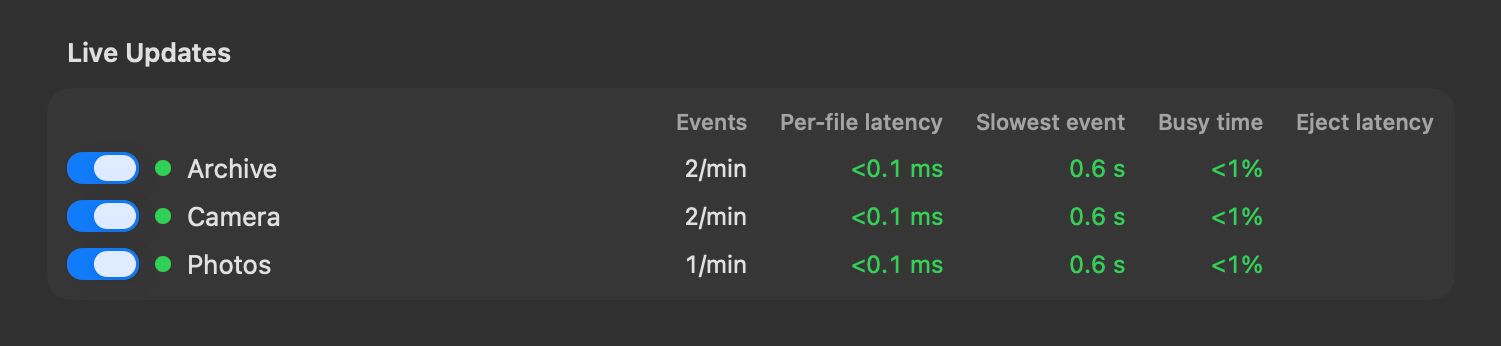
Live updates on external drives: files added, renamed or deleted on a connected drive show up in search within seconds, instead of at its next reindex. You can see how each drive keeps up, and turn its live updates off, in Settings > Drives & Volumes
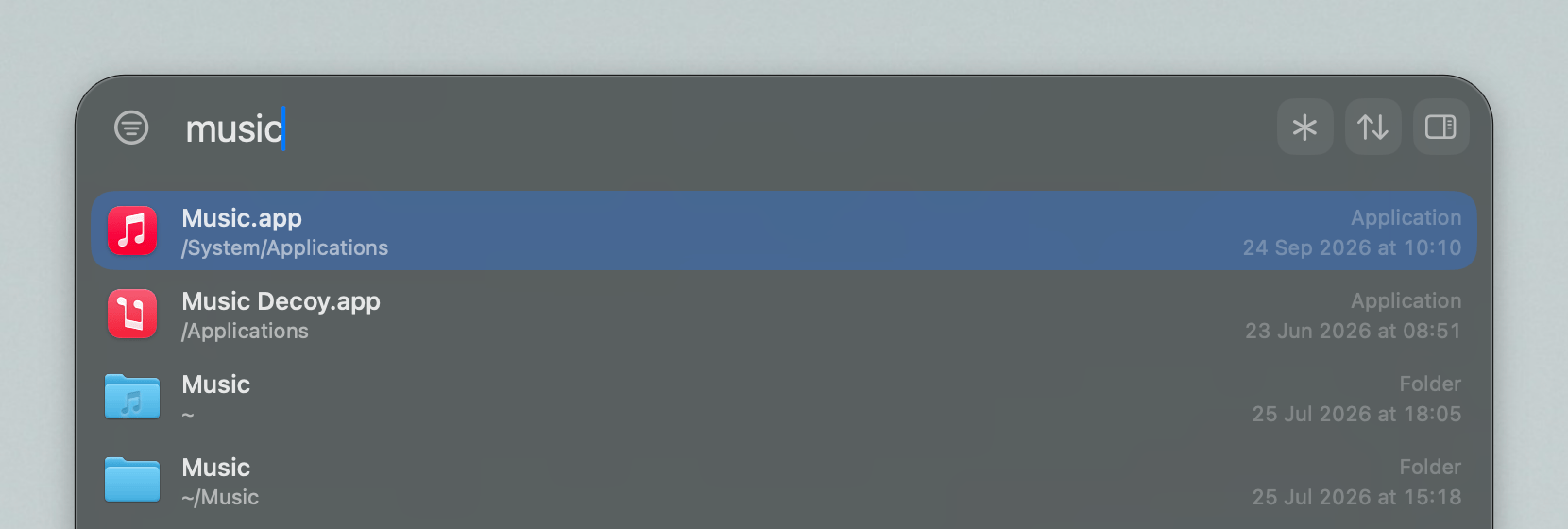
App launcher: the search bar prioritizes apps if the query seems to hint at that
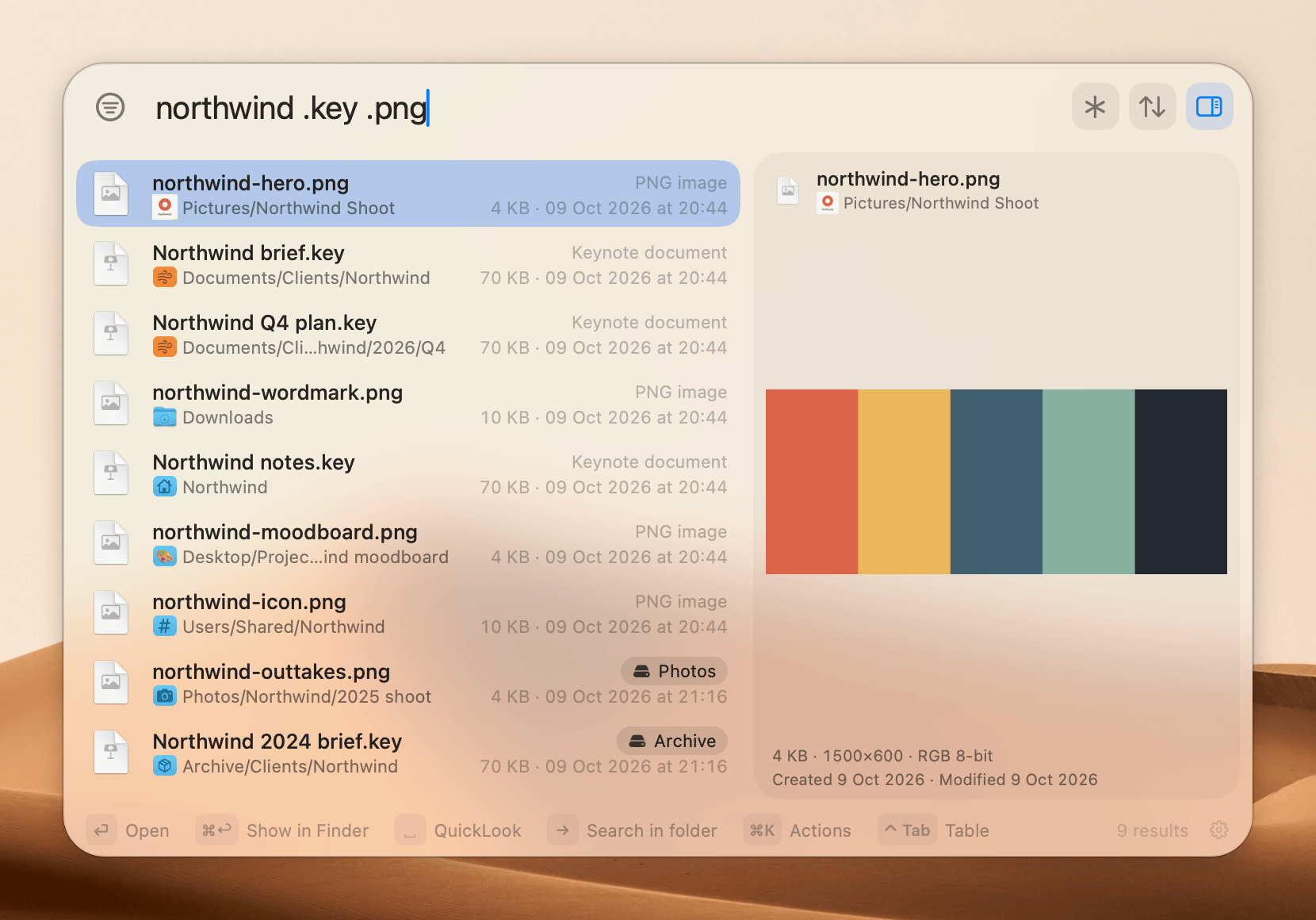
Folder icons: paths in the search bar show the folder icon, which you can turn off in Settings > Style. You can pick an icon for each drive in Settings > Drives & Volumes
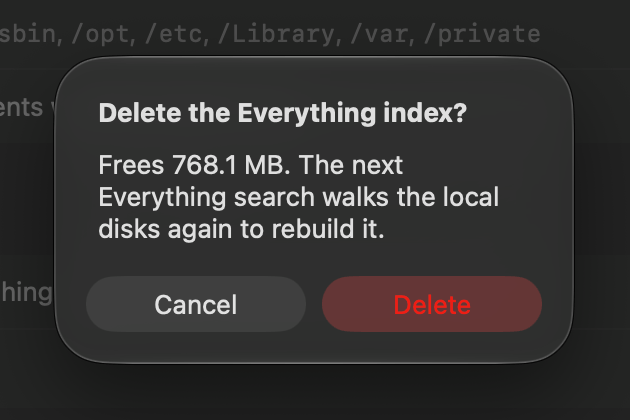
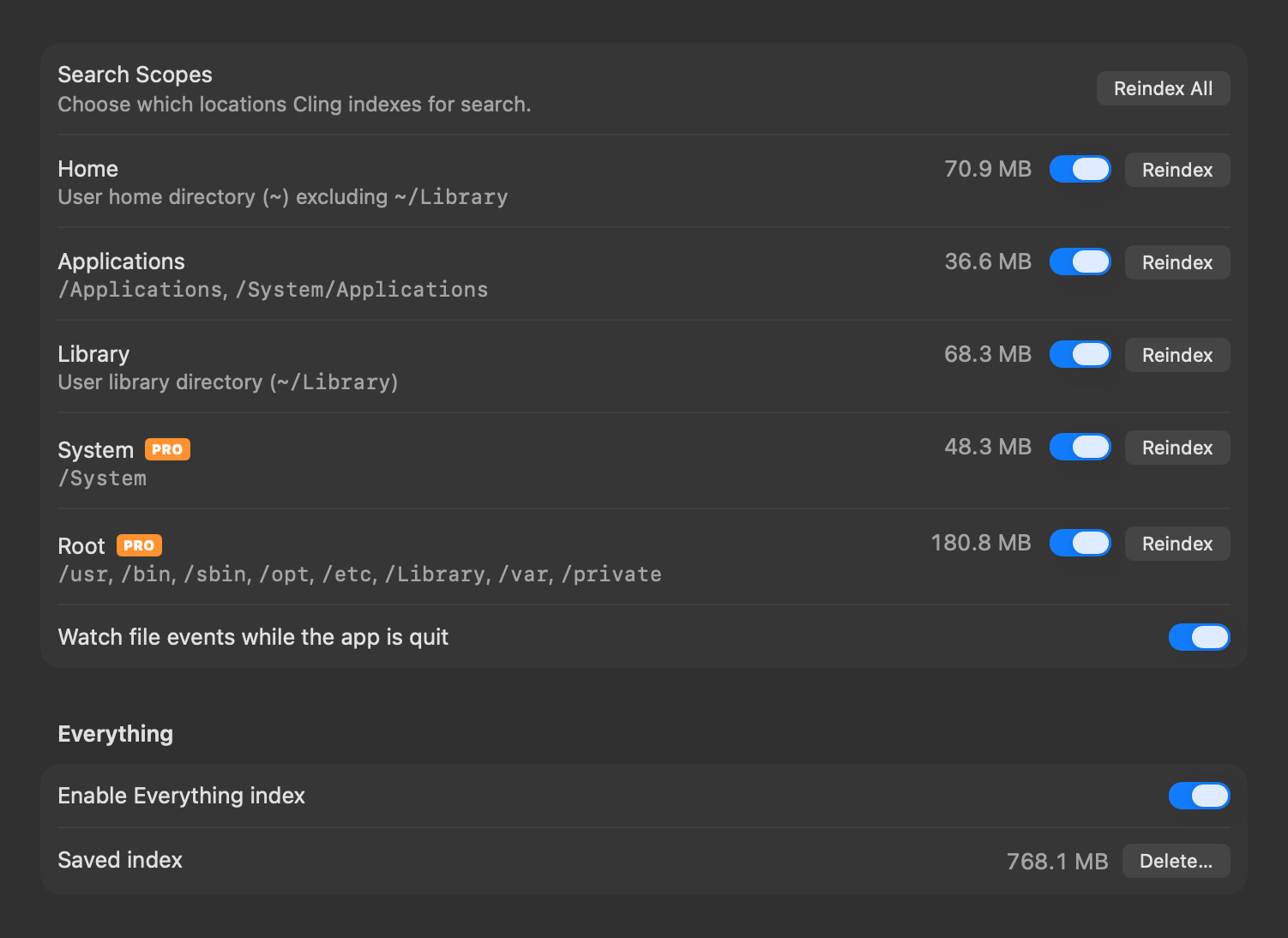
Option to turn off the Everything index: hides its asterisk and shortcut everywhere, and can delete its saved index to free the space. You can turn it off in Settings > Search
Index sizes: size on disk for each scope, drive and Everything index
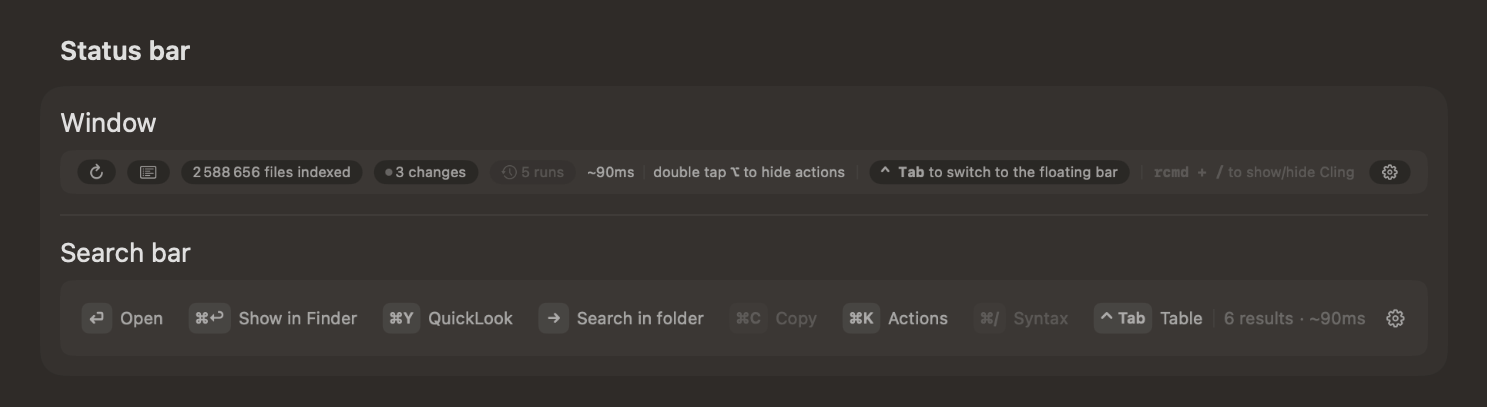
Status bar editor: pick what the status bar shows in the window and the search bar, in Settings > Style
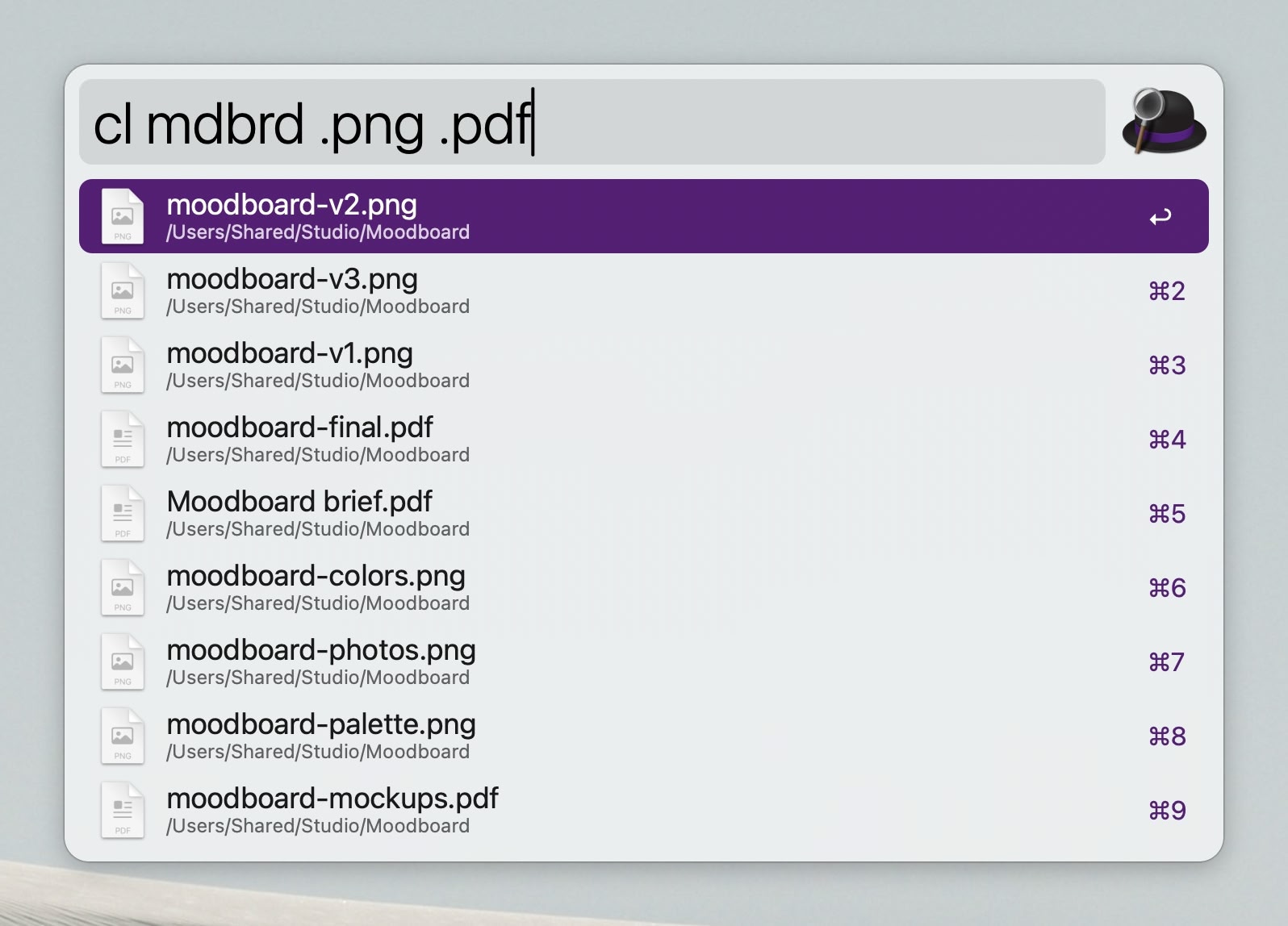
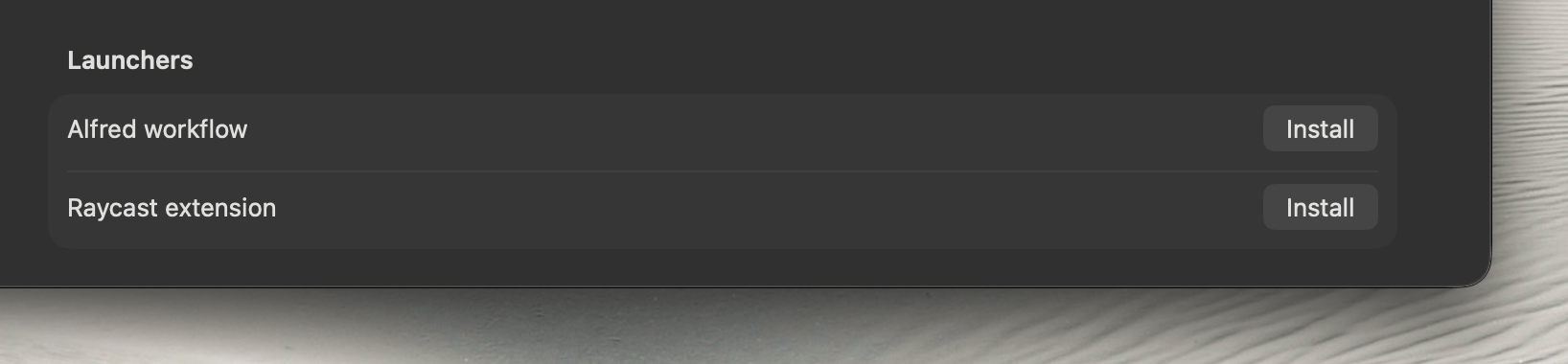
Alfred workflow: search Cling from Alfred with cl and reindex with clreindex. You can install it, and the Raycast extension, in Settings > General
Fixes
Fixed a possible crash when dragging the results table's header past the last column
Fixed a possible crash when previewing code
Fixed a possible crash when applying a quick filter while Cling is indexing
Fixed a possible crash while saving the index of a very large drive
Fixed a possible freeze at launch when a drive is slow to answer
Improvements
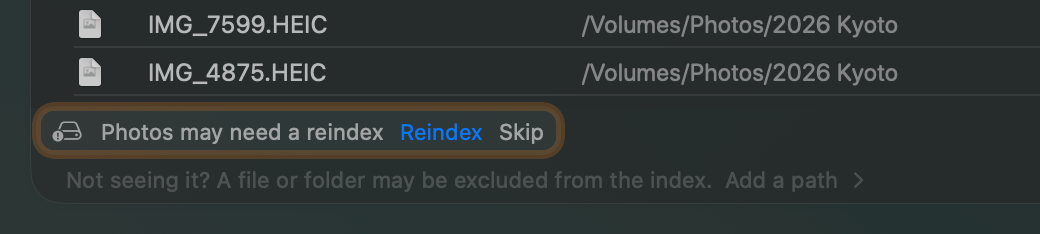
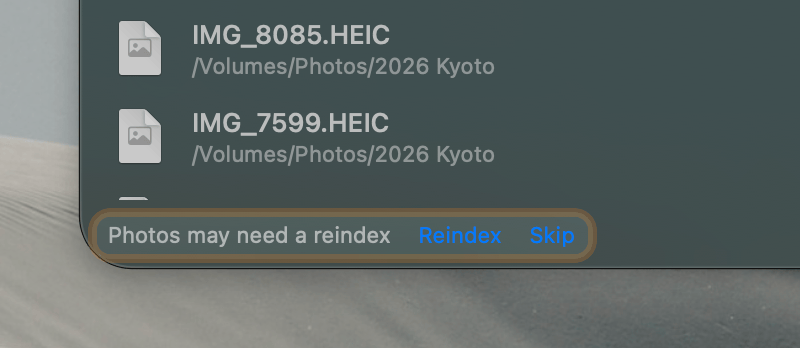
Searching a drive that was unplugged without ejecting, offers to reindex it, in case its index missed the last changes
Status bar shows how long the last search took
More files that change constantly and nobody searches for stay out of the index: database side files, apps' logs, web view data and the system's logs
Periodic reindexing waits for the drive to settle, so it doesn't slow down I/O workload