Repository navigation
Hyper Browser screen grabs with explanations
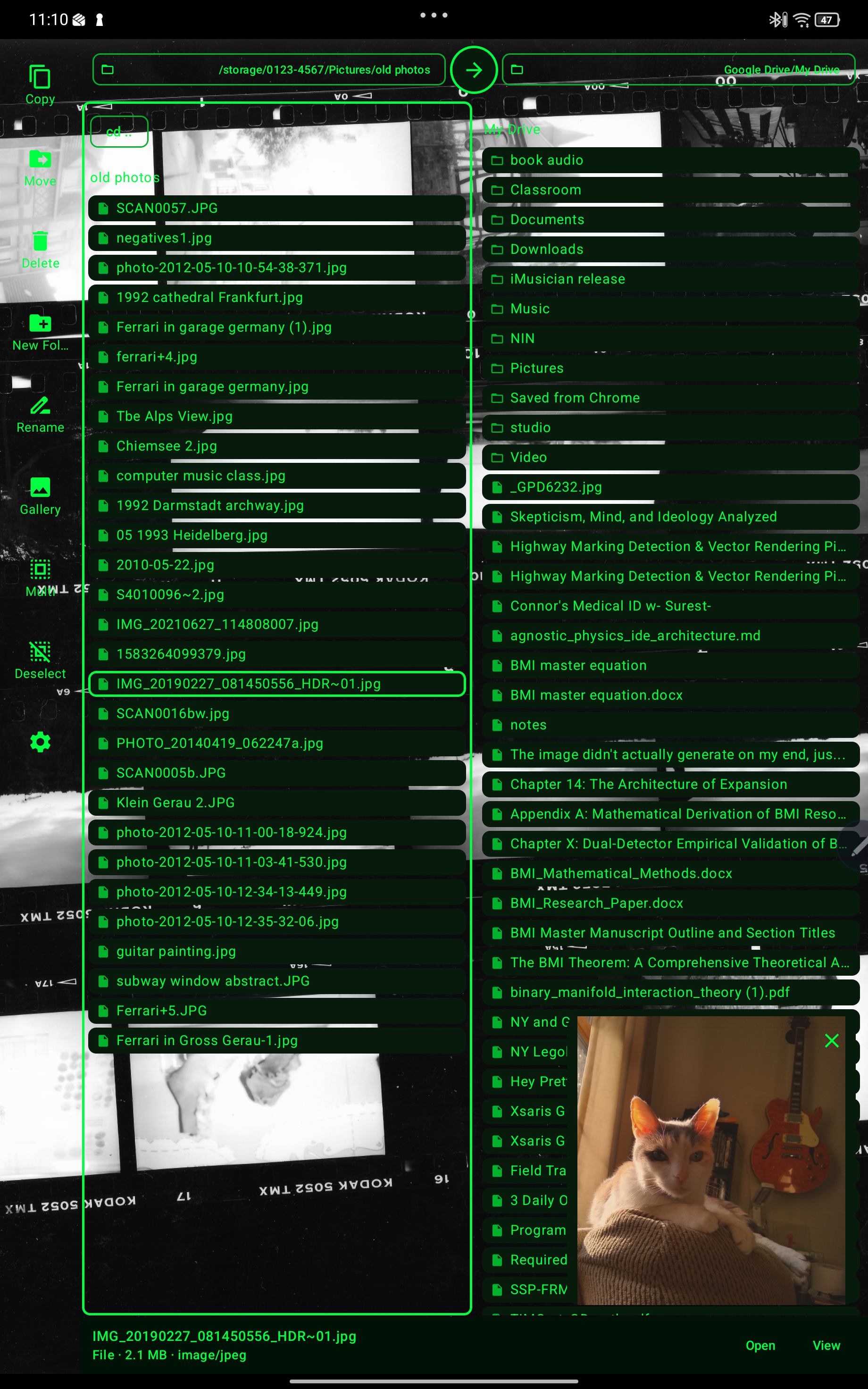 The above image is the file browser view in hacker theme with a custom background and a selected image generating a preview at the bottom right. V.4.0.1
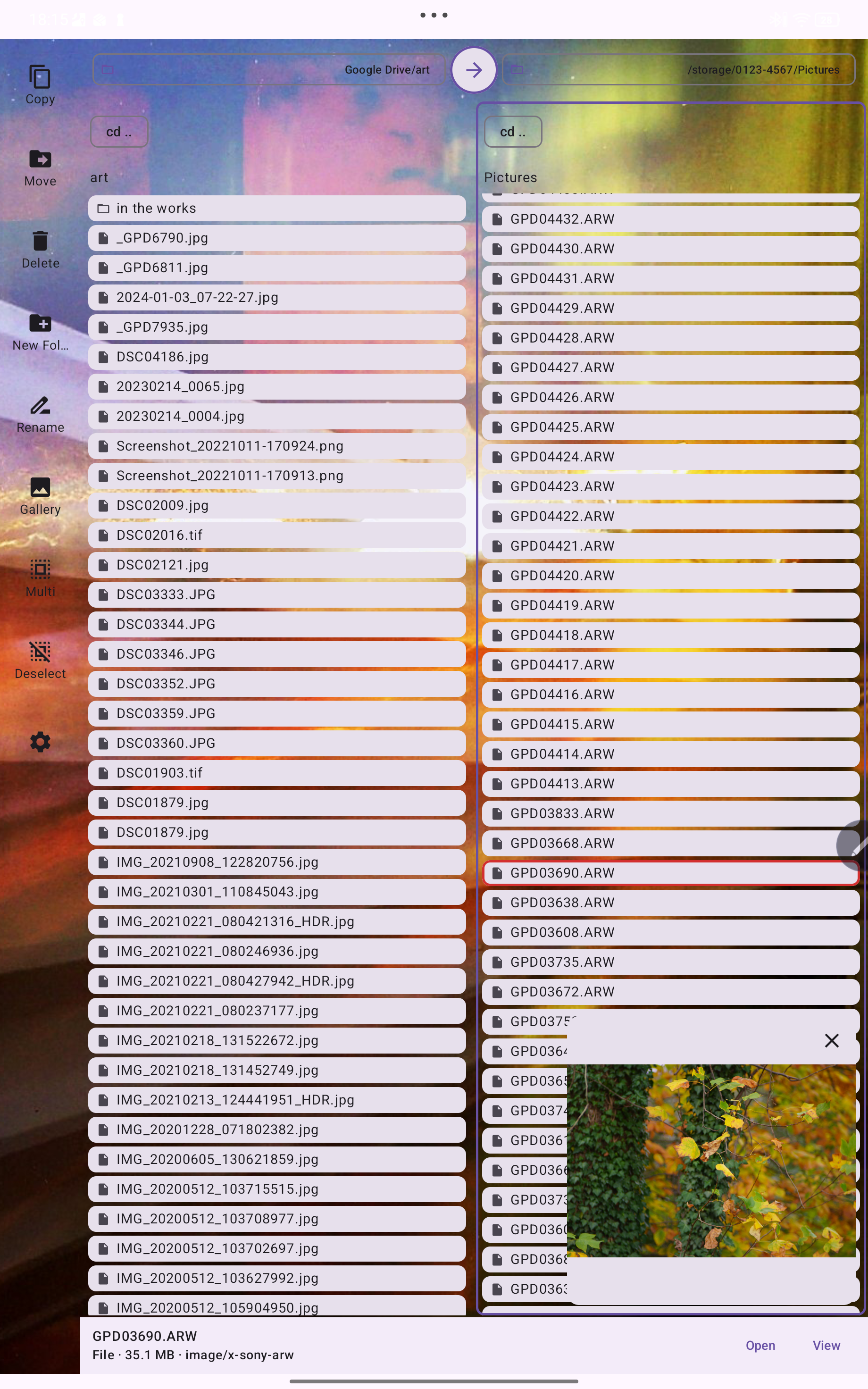 The above image shows the default light theme of the file browser mode with an image selected showing a preview. V.4.0.1
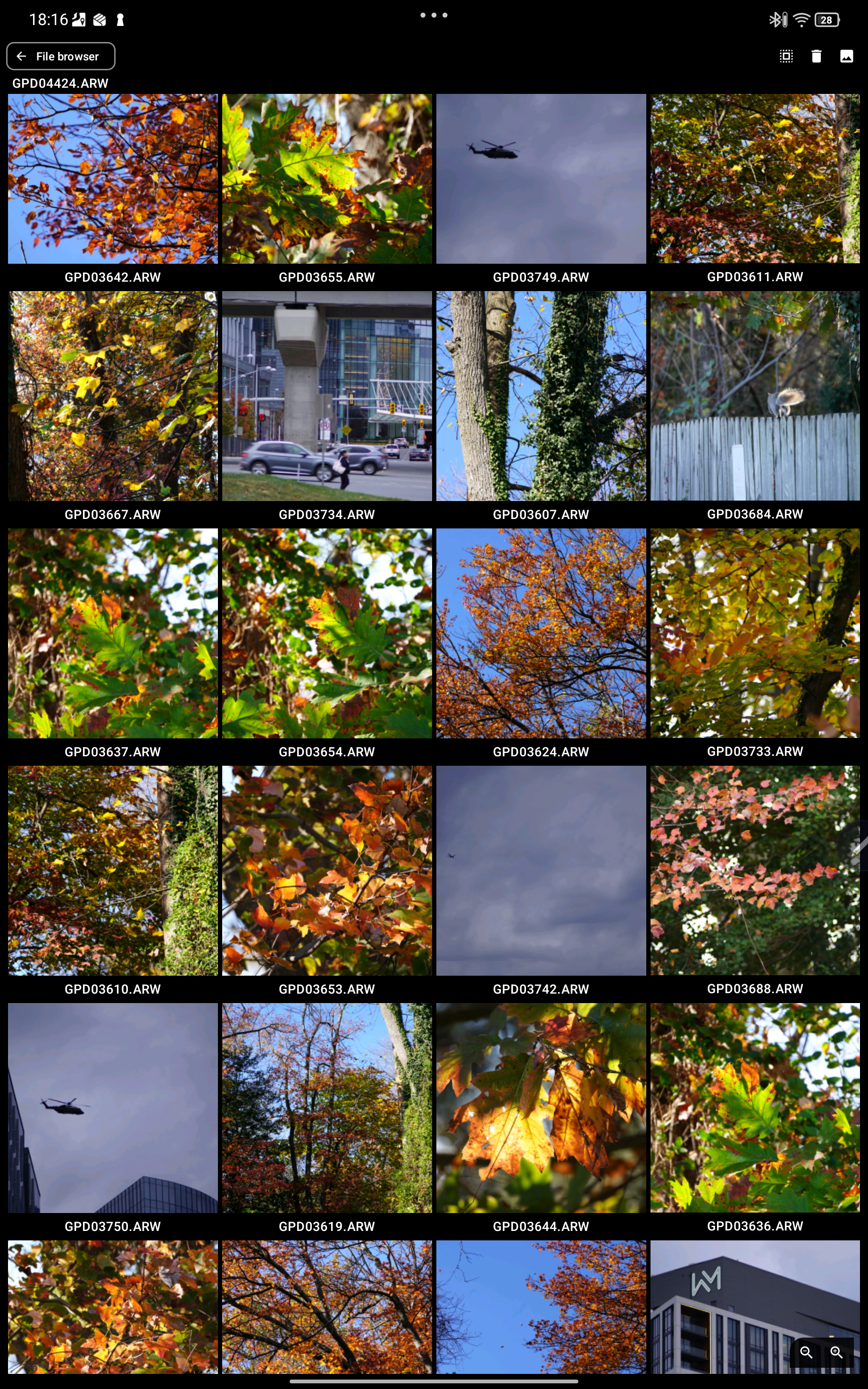 The above image shows the gallery view in thumbnails mode. This can be increased to larger thumbnails just by zooming in, and then a final zoom in opens individual files. V.4.0.1
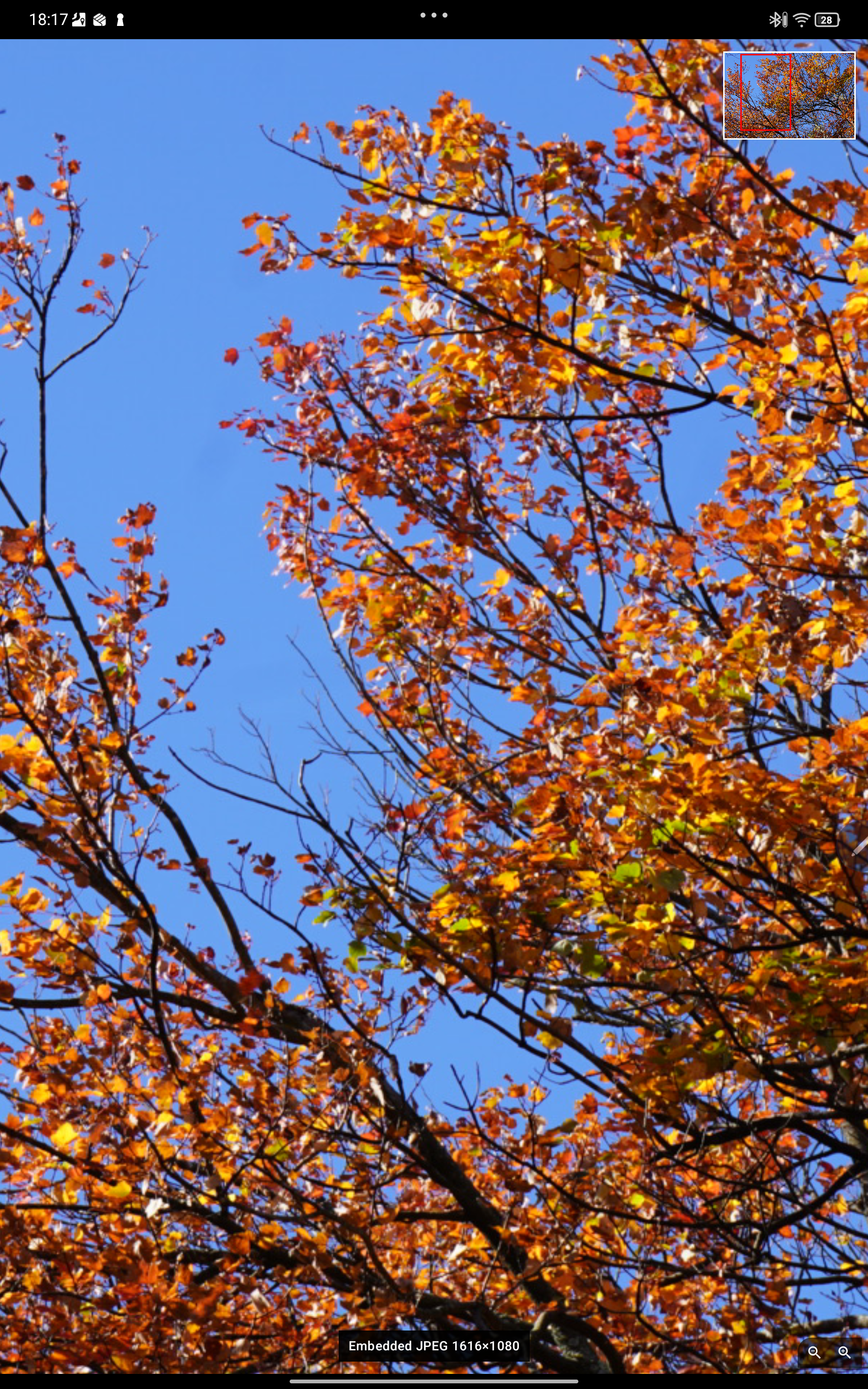 This shows a RAW file opened from the gallery in the RAW inspector, viewing the maximum resolution embedded jpg instead of the RAW sensor data. This is what most gallery apps will display when they "open$ a RAW file. It isn't RAW. It is compressed RAW, basically a jpg.
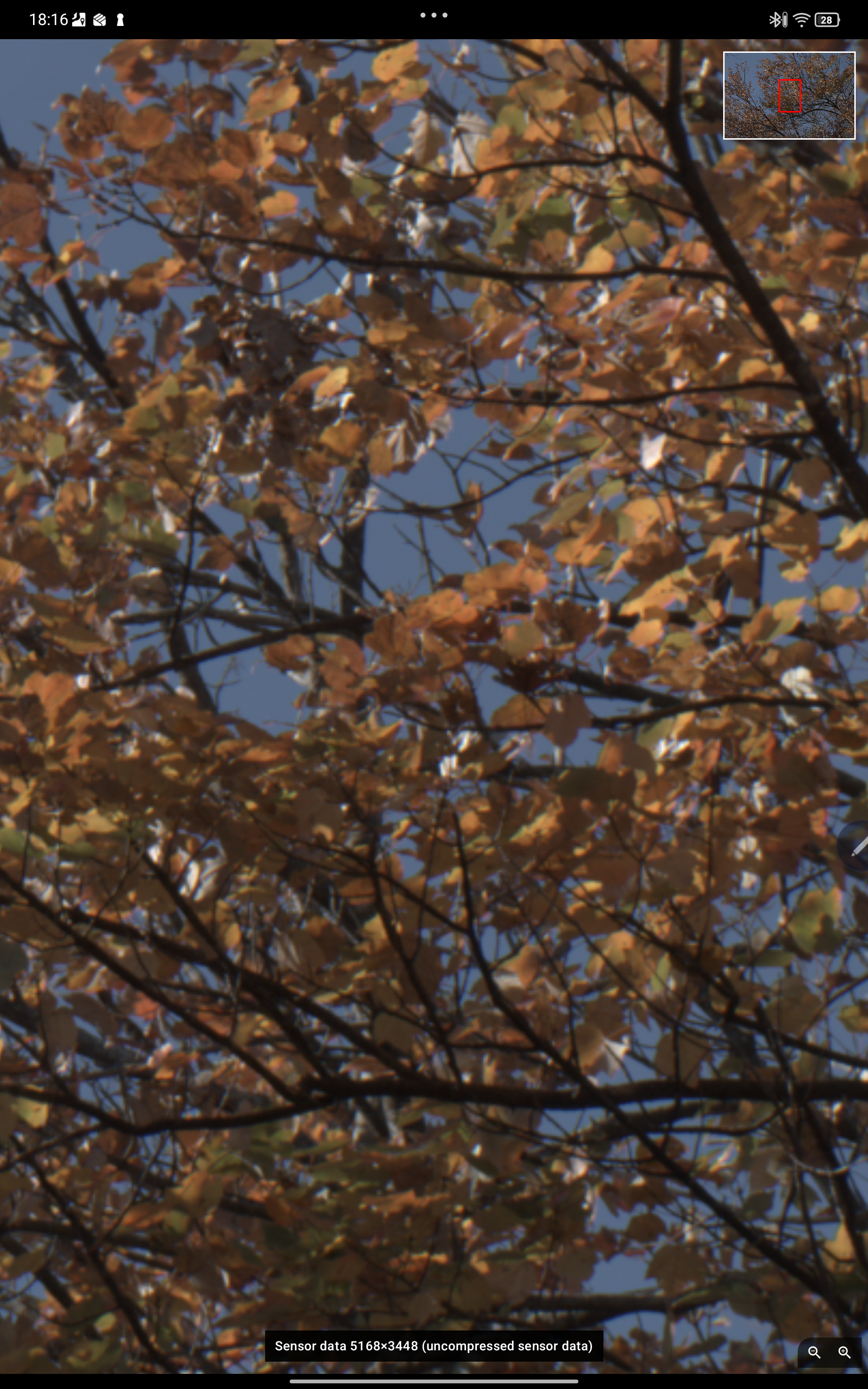 This shows the same image opened from the gallery in the RAW inspector showing the RAW sensor data if the image. This is a true RAW file output. This is basically a bitmap.