1.5.4.0 | Async Loading, Quick Select, SuperiorSkyblock2 Support

📦 BlockDisplayCreator 1.5.4.0 | Async Loading, Quick Select, SuperiorSkyblock2 Support
🚀 New features
🔀 Asynchronous block loading
- All custom blocks now load asynchronously from their files. This ensures smooth and invisible performance on your server.
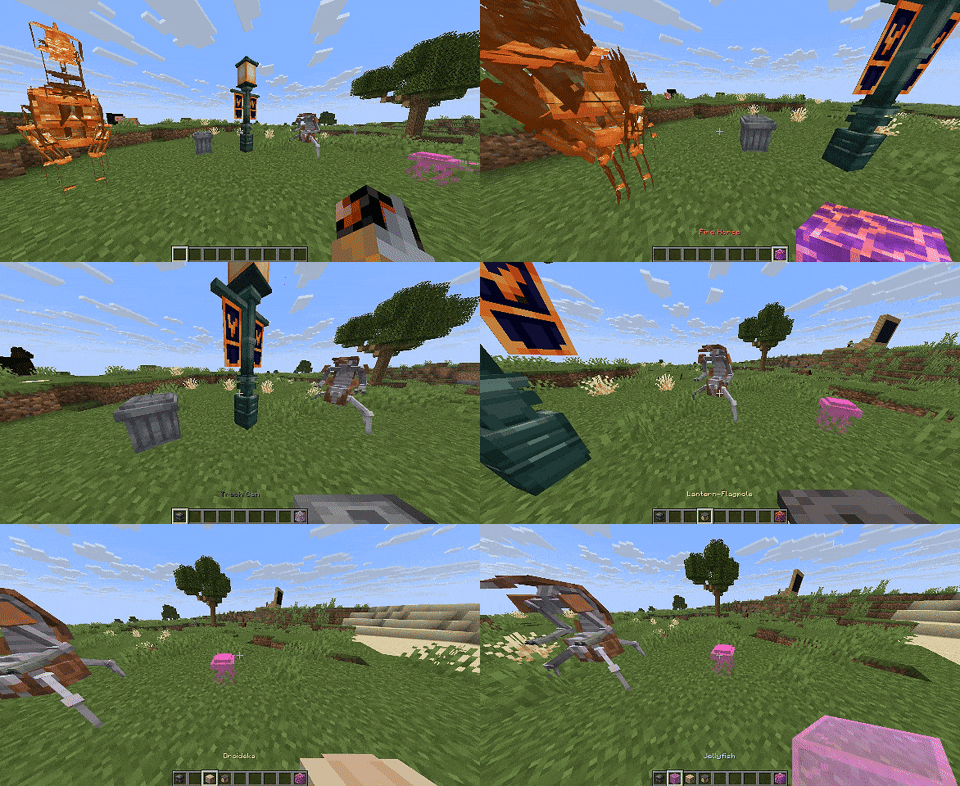
👆 Quick Select feature (Minecraft 1.21.4+)
Works just like in vanilla Minecraft — simply middle-click a custom block to get it in your hand.
- Works only with installed PasketEvents
- In Creative mode you can obtain blocks even if they are not in your inventory.
- Permission for this creative feature:
bdc.quickselect.creative.
✨ New Block Parameters
-
stage-settings.place.placement-mode- Control where and how a block may be placed. There are 5 modes:default— place on any face (top, bottom, sides).vertical_only— only top/bottom faces; side faces are blocked.horizontal_only— only side faces; top/bottom are blocked.vertical_with_horizontal— prefers vertical behavior even when placed on a side; treats side placement as if vertical for visuals/logic.horizontal_with_vertical— prefers horizontal behavior even when placed on top/bottom; treats vertical placement as if horizontal for visuals/logic.
Example:
stage-settings:
  place:
    placement-mode: vertical_with_horizontal

-
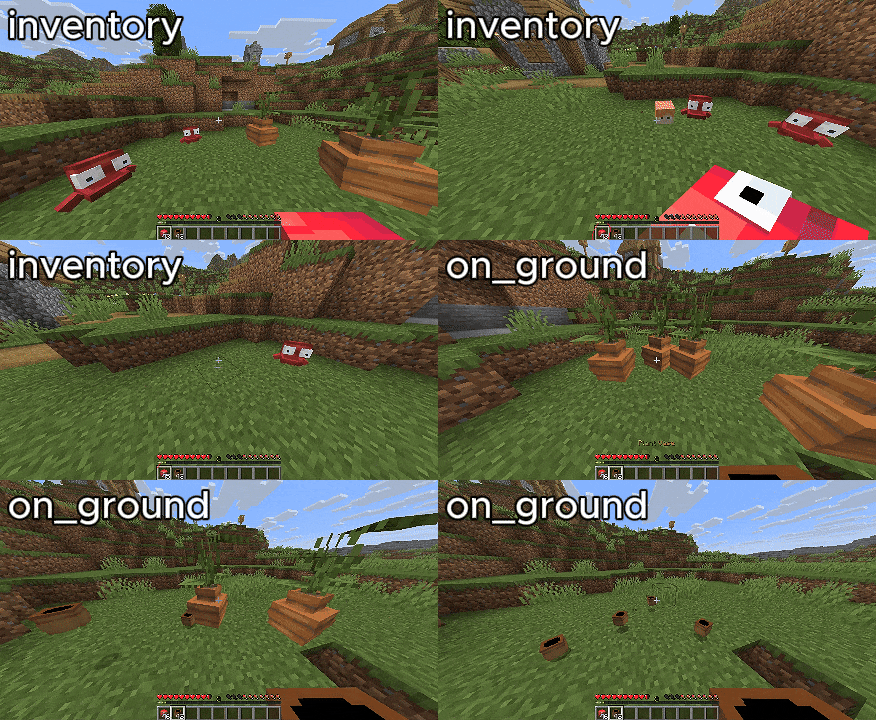
stage-settings.break.drop-mode- Choose how the block drops its item on break:on_ground— default; drop at the block location.inventory— give directly to the player’s inventory; if full, drop at player location.
Example:
stage-settings:
  break:
    drop-mode: inventory
-
✅ All of the above parameters can now be configured via
/bdc custom-block editfile
🏝️ SuperiorSkyblock2 integration
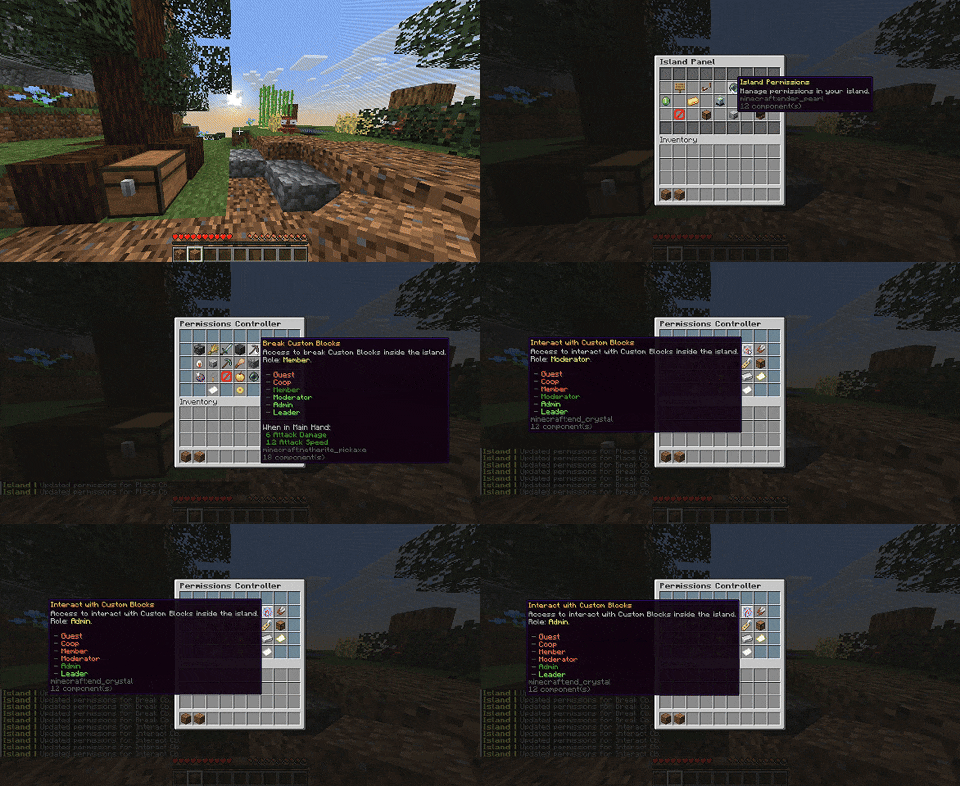
Island privileges to control access to custom blocks:
place_cb— place custom blocksbreak_cb— break custom blocksinteract_cb— interact with custom blocks
You can expose these in permissions.yml → items (SSB2) to make them toggleable in the island UI.
For unrestricted island access use bdc.bypass.skyblock or superior.skyblock.bypass permissions.
Message settings are made in messages.yml
📂↳📁↳📁 Subfolder loading for custom blocks
Custom blocks can now be organized inside any subfolders of the custom-blocks directory. Perfect for keeping things tidy and organized.
🔑 New permission system
- Separate permissions for each major subcommand
- Wildcard permissions with
* - Full list:
bdc.quickselect.creative
bdc.bypass.*
bdc.bypass.wg
bdc.bypass.skyblock
bdc.command.*
bdc.command.reload
bdc.command.erasecbdata
bdc.command.custom-block.*
bdc.command.custom-block.give
bdc.command.custom-block.place
bdc.command.custom-block.break
bdc.command.custom-block.editfile
📨 Expanded messages.yml
The message system has been greatly expanded. Most messages related to commands and custom blocks are now configurable, and each message supports helpful placeholders so you can fully control how feedback looks in chat.
What’s new:
- Many more message keys covering common actions & errors.
- Easy‑to‑read placeholders (e.g., block names, locations, players, reasons).
- Consistent formatting across commands and block events.
✨ Improved
- Block names can now safely contain special characters — automatically wrapped in quotes inside commands.
- Sound handling in
/bdc editfile: when setting a sound to a block, it now correctly plays for the player. - Improved filtering of block names and sound names in commands.
- Documentation improvements.
🔄 Changed
- Command
/bdc killcbentitieshas been renamed to:It now fully matches its functionality: removing all interaction entities, display entities, shulkers, and clearing block data in the selected area./bdc erasecbdata
🐞 Fixed
- Bug with incorrect rendering of
barrel.yml. - Bug with wrong block rotation when using small
sides-count. - Bug causing duplicate custom blocks.
- Bug where block service data was missing at its location.
- Bug with enchantment loading.
- Bug with null interaction command
Full Changelog: 1.5.3.0...1.5.4.0