Repository navigation
Library and Search
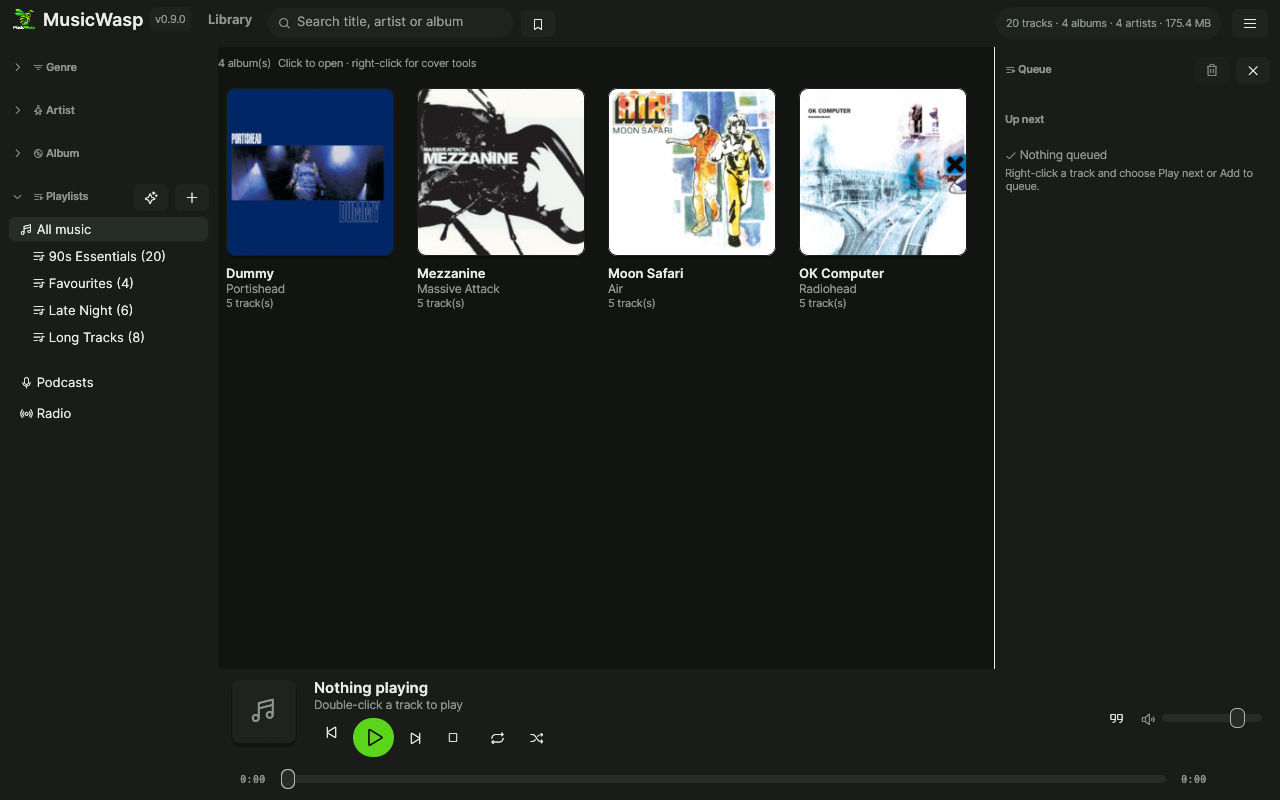
MusicWasp indexes audio metadata into SQLite with lofty. Supported formats include MP3, FLAC, OGG,
Opus, M4A, AAC, WAV, WavPack, APE, WMA, AIFF, Musepack, TAK and DSF.
Scans are incremental:
- existing paths are loaded once into a path to
mtime + sizemap - unchanged files are skipped without re-reading tags
- changed and new files are read and committed in batches
- audio files are counted up front so progress has a total
- Settings and the toolbar show a progress bar with found/total, indexed and unchanged counts
- cancellation is available from Settings and the toolbar
The scan worker uses its own SQLite connection, so the UI remains usable while indexing.
The column browser filters by genre, artist and album. A column selection and search query are ANDed.
Fields:
titleartistalbum-
albumartist/album_artist genreformatyear-
track/trackno -
disc/discno -
duration/length
Text fields match substrings. Prefix a text value with = for an exact match.
Examples:
artist:"radiohead" year:1997
genre:rock year:>=1990
album:"OK Computer" track:1
year:1990..1999
title:=Airbag
format:flac
Numeric fields accept =, >, >=, <, <= and .. ranges. Plain text is ANDed with the field
filters. Unknown fields remain plain text.
Use the bookmark button beside the search box:
- Save current search…
- click a saved entry to apply it
- right-click an entry to edit or delete it
Saved searches are stored in the library database.
The Rating column shows five clickable stars. Clicking a star sets the rating; clicking the current rating clears it. The now-playing view also exposes stars.
Playback updates:
ratingplay_countskip_countlast_played
The main menu has:
- Sort by rating, play count, last played or date added
- Play history filters for Never played and Not played in 90 days
Main menu → Library hygiene lists:
- tracks whose files no longer exist
- groups sharing normalized artist, title and album
Removing entries only deletes database rows. Audio files are never deleted, and playlist entries cascade with the removed rows.
Watcher events can leave a row pointing at a path that no longer exists after a file is renamed outside MusicWasp. Possible renames → Find renames scans the recorded music folders and matches those vanished rows against files that are present.
Matches use tags, size, duration and mtime. Rows that were already re-imported by the watcher are merged back into the original row, keeping ratings, play counts and playlist entries.
The result is a dry-run preview:
- nothing is deleted or moved until Apply renames is confirmed
- rows with a convincing match are excluded from Prune all
- unmatched rows stay in Missing files for manual pruning
Use hygiene to find stale rows before reorganizing a music directory. Files can be re-imported by scanning their folder again. For bulk renames from tags, see File Organizer.