Quick Start
Start here when you want a clean first run without touching Claude Code or Codex data.
git clone https://github.com/GrubbyLee/skill-manager.git
cd skill-manager
node scripts/install.mjs
The install script runs a local npm link. It does not scan, clean, disable, or edit Claude/Codex data.
Run without linking if you prefer:
node bin/skm.js scan
node bin/skm.js ask "convert a web page to markdown"skm help --lang en
skm scan --lang zh-CN
SKM_LANG=en skm doctorMost command output supports English and Simplified Chinese. JSON field names stay stable.
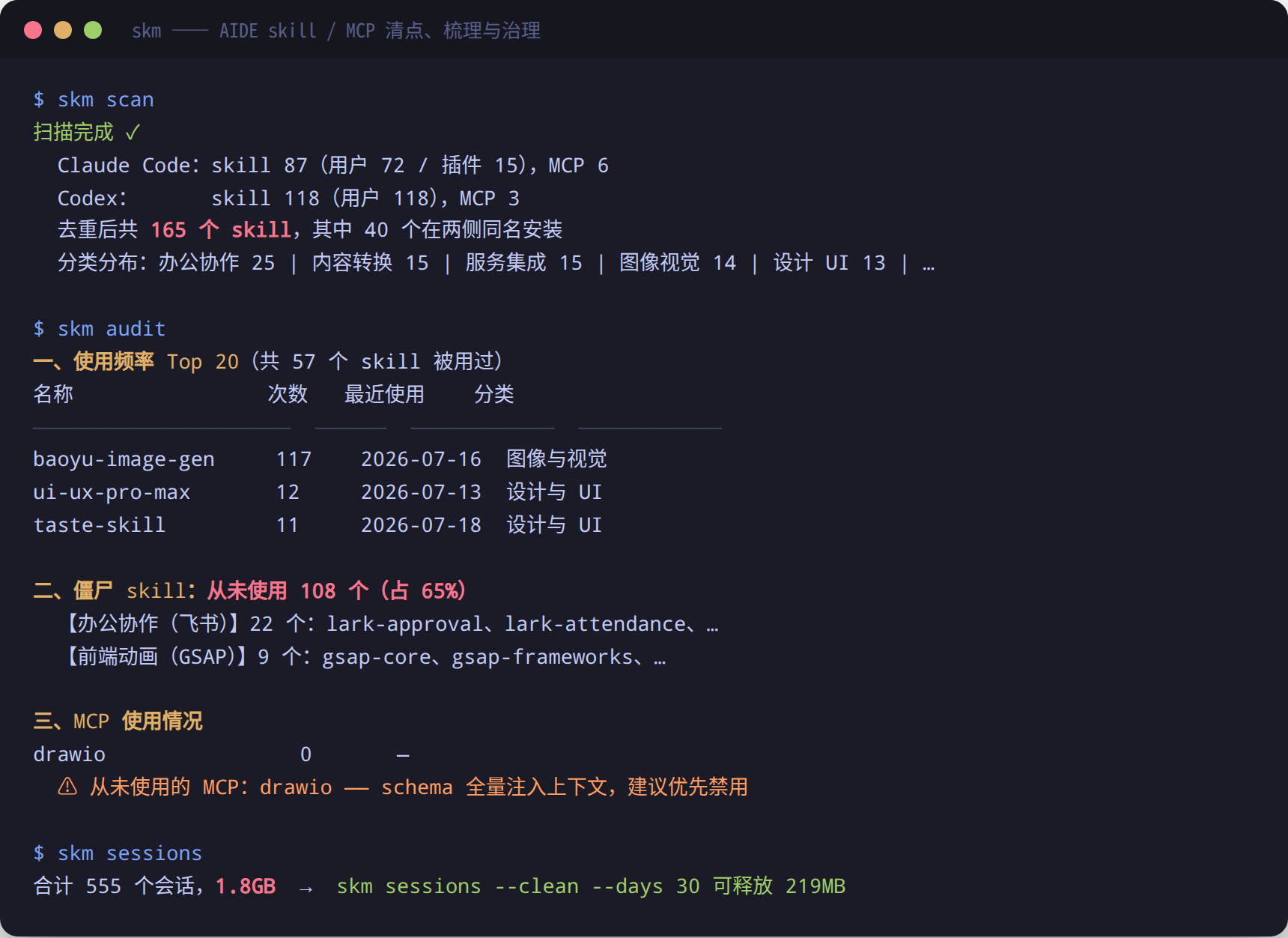
skm scanThis rebuilds ~/.skill-manager/catalog.json from installed Claude Code / Codex skills and MCP server metadata.
skmThe bare command is the health check. It summarizes total skills, MCP servers, duplicates, never-used skills, session logs, and a health score.
skm ask "convert a web page to Markdown"
skm recommend "create image cards" --top 5 --why
Recommendations are local by default. Add --advisor codex or --advisor claude only when you explicitly want a local AIDE CLI to judge a compact candidate list.
skm report --format html --output skm-report.html
skm graph --format html --output skill-graph.html
Open both files in your browser. The report is a compact health page; the graph is a draggable relationship map.
skm doctor
skm scan
skm
skm risks
skm report --format html --output skm-report.html
skm dupes
skm audit
skm list --mcp
skm sessions
skm sessions --clean --days 30 --keep 3 --dry-run
Stop at skm sessions if you only want facts. Keep --dry-run until you are ready to actually clean logs.