English · 中文
Real-time 3D/4D Gaussian Splatting renderer and procedural animation toolkit for Unity 6+ / URP, with visionOS / VR stereo support.
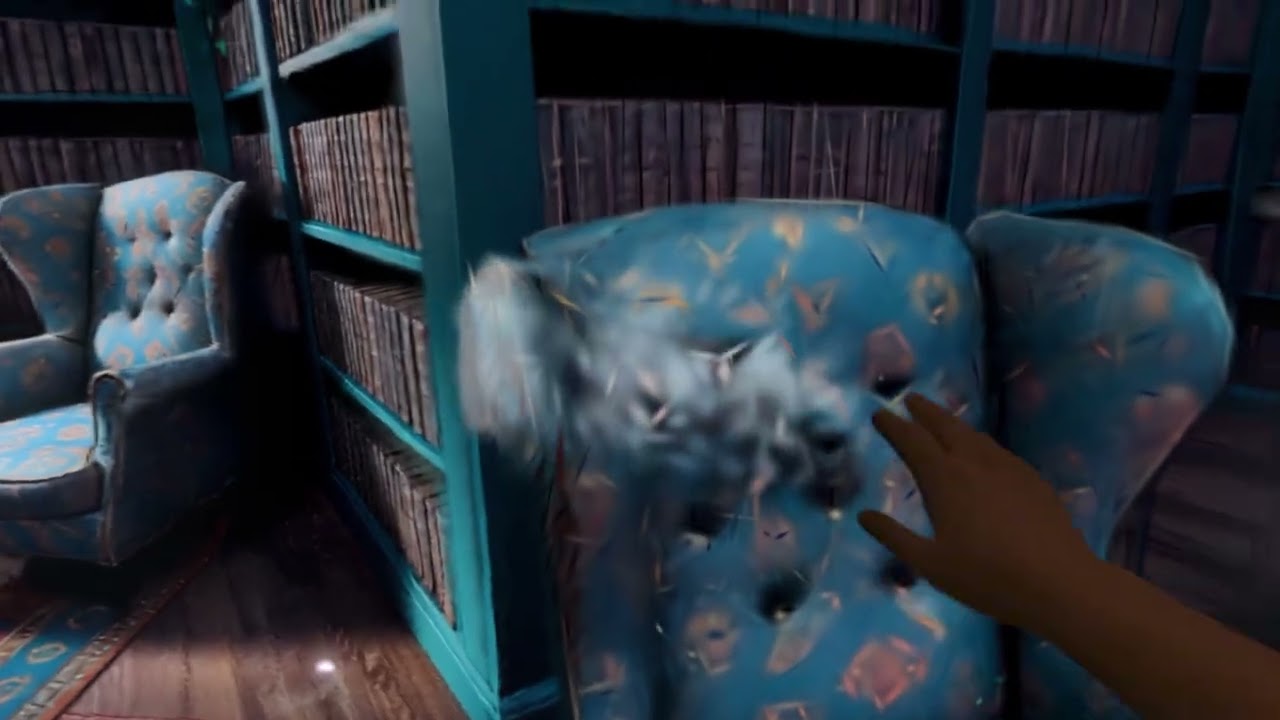
Based on aras-p/UnityGaussianSplatting (MIT), heavily extended with a GPU-driven animation system, 4D sequence playback, morphing, and XR rendering paths.
- GPU-sorted splat rendering with radix sort (counting-sort fallback on platforms without wave intrinsics)
- Global cross-model sorting: overlapping splat models blend and occlude correctly
- GPU frustum + opacity culling with indirect draw
- Optional tile-based rendering path
- Render modes: full splats, point cloud, and debug views (points, indices, boxes, chunk bounds)
- URP Render Feature (primary target); HDRP pass and built-in pipeline paths exist but are less exercised
- GaussianPlayer — 4D playback: plays per-frame splat asset sequences at a configurable frame rate
- GaussianAnimator + GaussianAnimVolume — procedural GPU animation, scoped by box/sphere volumes with falloff, non-destructive (runs on temporary buffers)
- Modifier stack — Dissolve, Wave, Warp, Property, Turbulence, Swirl, Caustic, WheatWave, Converge
- GaussianModifierStateMachine — state machine with parameter capture and blended transitions between modifier states
- GaussianMorph — GPU morph transition between two splat assets
- GaussianCutout — box/ellipsoid cutout regions
- GaussianStylizeVolume — stylization post-processing (stereo aware)

- visionOS stereo rendering: single-dispatch stereo, foveated rendering (VRR) support
- Apple Vision Pro: supported only via the Metal rendering path (Compositor Services); the PolySpatial (RealityKit) path is not supported
- Quest is expected to work in principle, but is currently unverified
- Unity 2022.3+ with URP
- A GPU with compute shader support — best results on Vulkan / Metal
Unity4DGS is a Unity package (com.hankun.4dgs); its manifest lives at Assets/4DGS/package.json. Add it to an existing project either way:
From a Git URL — in the Package Manager, choose Add package from git URL and enter (the ?path= points at the package subfolder):
https://github.com/HankunYu/Unity4DGS.git?path=Assets/4DGS
From disk — clone the repo, then in the Package Manager choose Add package from disk and select Assets/4DGS/package.json:
git clone https://github.com/HankunYu/Unity4DGS.git
- Add the
GaussianSplat URP Featureto your URP Renderer asset. - Put a
GaussianSplatConfigcomponent in the scene (holds global rendering settings and shader references). - Create a splat asset from a
.ply/.spzfile viaTools > Gaussian Splats > Create GaussianSplatAsset. - Add a
GaussianSplatRenderercomponent to a GameObject and assign the asset. - For 4D sequences, use
GaussianPlayerand point it at a folder of per-frame assets.
DemoScene references a Gaussian splat asset (a "ceramic" scene) generated with World Labs Marble. That asset is not included in this repository — a fresh clone will show a missing reference in DemoScene. Bring your own .ply / .spz and create an asset (see Getting Started) to populate the scene.
Assets/4DGS/
├── Runtime/          # Renderer, sorting, animation system, modifiers, state machine
├── Editor/           # Asset creator, importers (PLY/SPZ), editing tools
├── Shaders/          # Splat / point cloud shaders, sorting & morph compute
├── Resources/        # Compute shaders (animation, tile rendering, utilities)
└── Settings/         # URP pipeline assets
MIT — see LICENSE.
Portions copyright (c) 2023 Aras Pranckevičius (UnityGaussianSplatting).