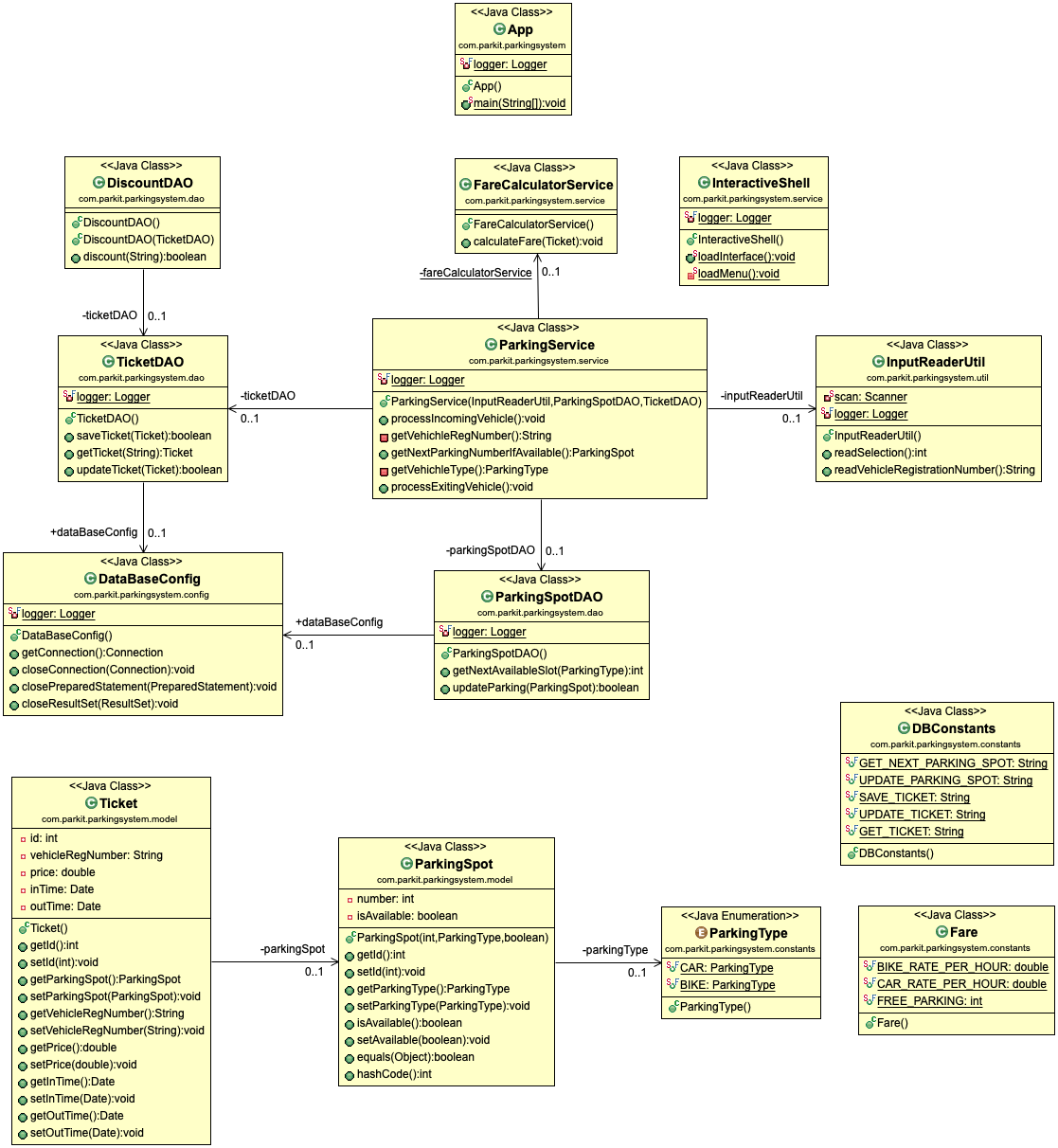
A command line app for managing the parking system. This app uses Java to run and stores the data in Mysql DB.
After installing MySQL, you will be asked to configure the password for the default `root` account.
This code uses the default root account to connect and the password is set as `pass`.
If you add another user/credentials make sure to change the same in the `credentials.properties` file.
-
Open a command prompt to start MySQL server :
- Enter this command to be connected as
rootaccount :mysql -u root -p - Type your password to start the server
- Enter this command to be connected as
-
Copy/paste SQL scripts :
- Enter this script to create databases
prodandtest
- Enter this script to create databases
There are 2 possibilities :
- Open the project with your IDE and run the main method of
Appclass. - Or open a prompt :
- move to the root of the project you cloned on your local machine
- enter
mvn clean installcommand to compile, test, package and install properly the project - enter
mvn exec:javacommand to start the application
As part of this project, I achieved the following objectives :
- Fork this project applying
Getting Started - Correct calculation method
- Implement new features :
- Free parking within 30 minutes
- 5% Loyalty discount
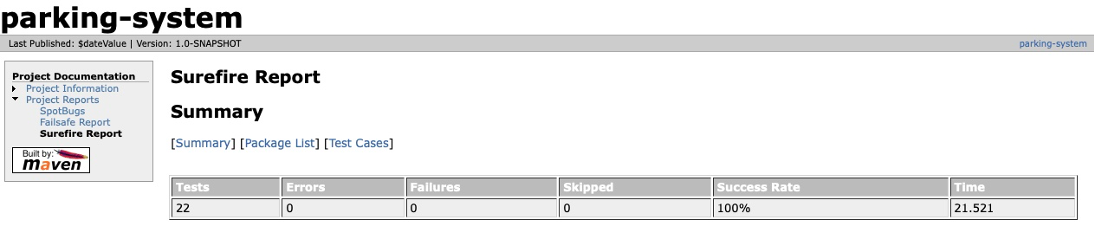
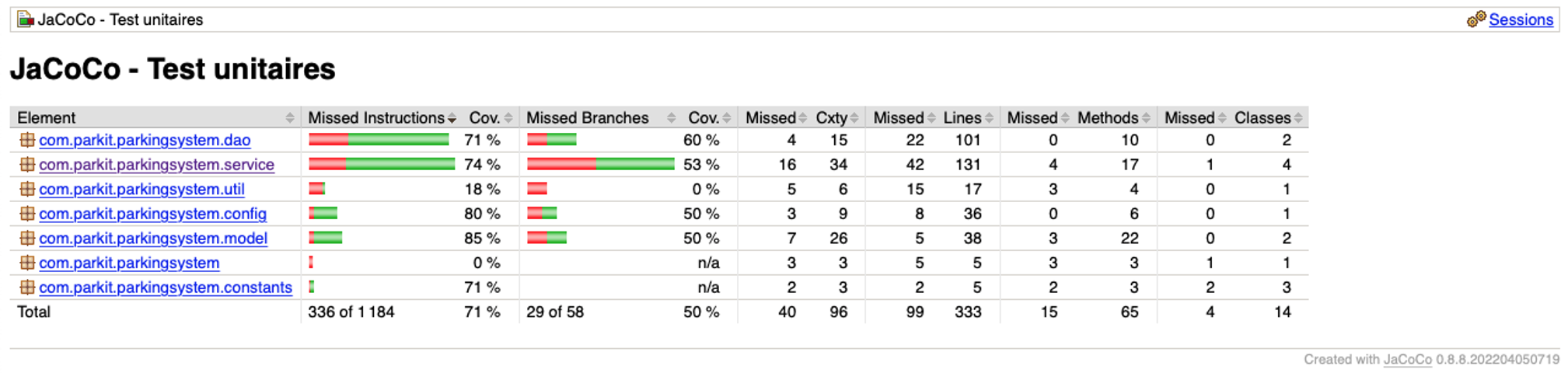
- Write unit tests
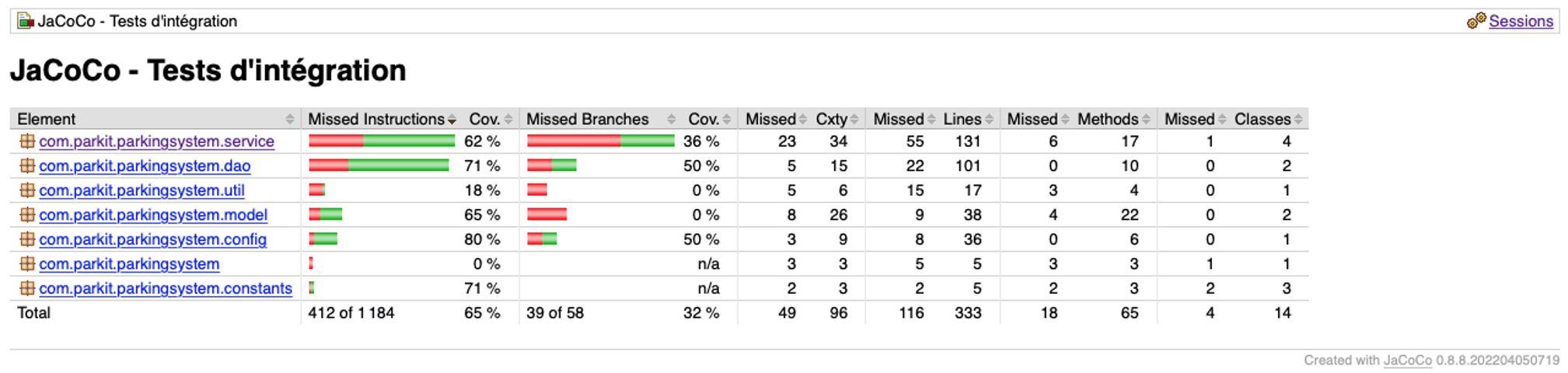
- Write integration tests