
Video wallpaper for Linux. Written in Python. 🐍
Hidamari 日溜まり【ひだまり】(n) sunny spot; exposure to the sun
If you like my project, please consider buying me a coffee!! (⁎˃ ꇴ ˂⁎)ッ



Also please don't forget to click that star button! 🌟
Your support is truly appreciated!

Please also check my new project Hanabi! While the project is still in its infancy, it has the potential to become more integrated with GNOME Shell
There are several solutions to achieve video as wallpaper on Linux, for example:
Hidamari offers similar feature as above, with additional features listed below:
- Autostart after login
- Apply static wallpaper with blur effect 1
- Detect maximized window and fullscreen mode 2
- Volume control
- Mute/Pause the playback anytime with just 2 clicks!
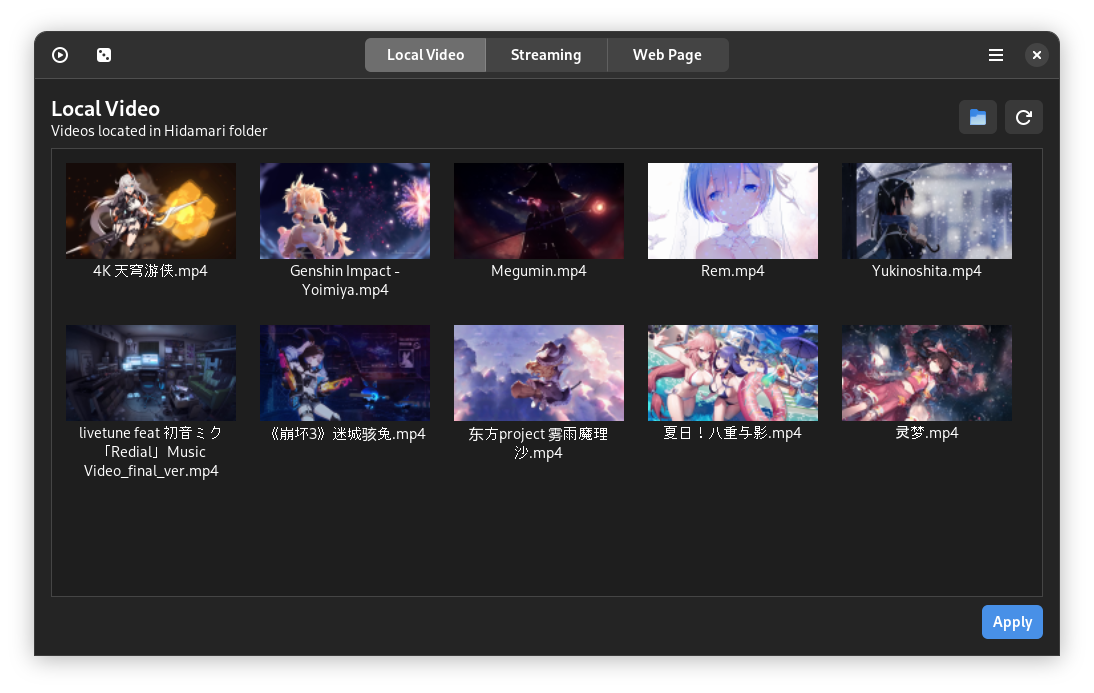
- I'm feeling lucky 3
- Hardware accelerated video decoding! 4
- Gnome Wayland support!
- Multi-monitor support!
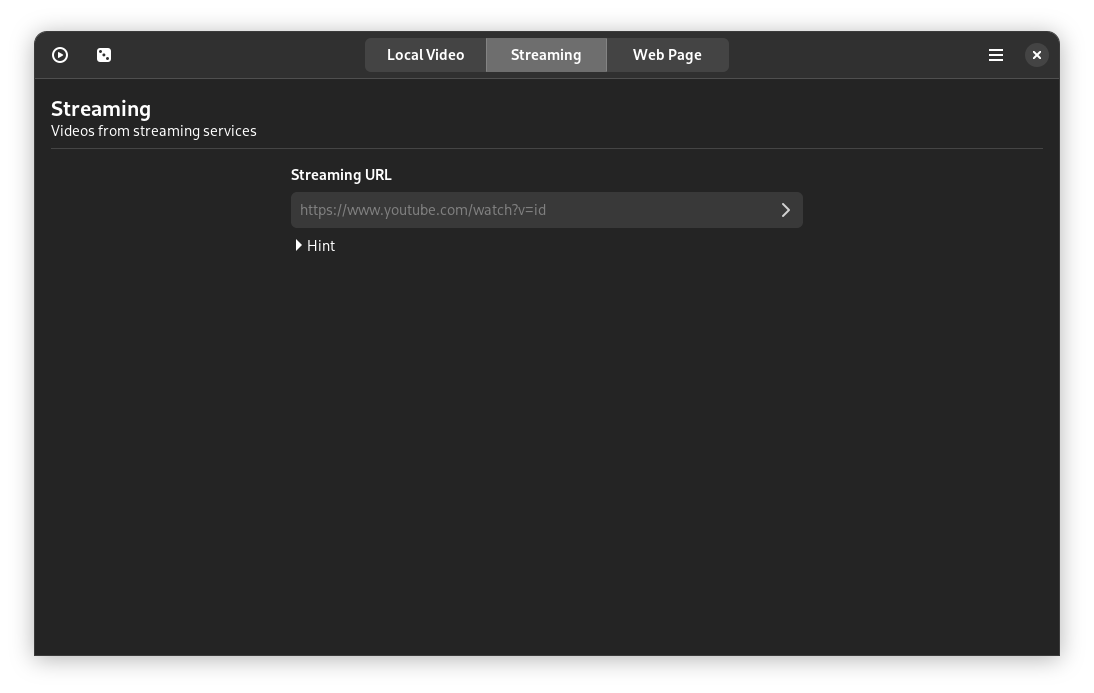
- Streaming URL support! 5
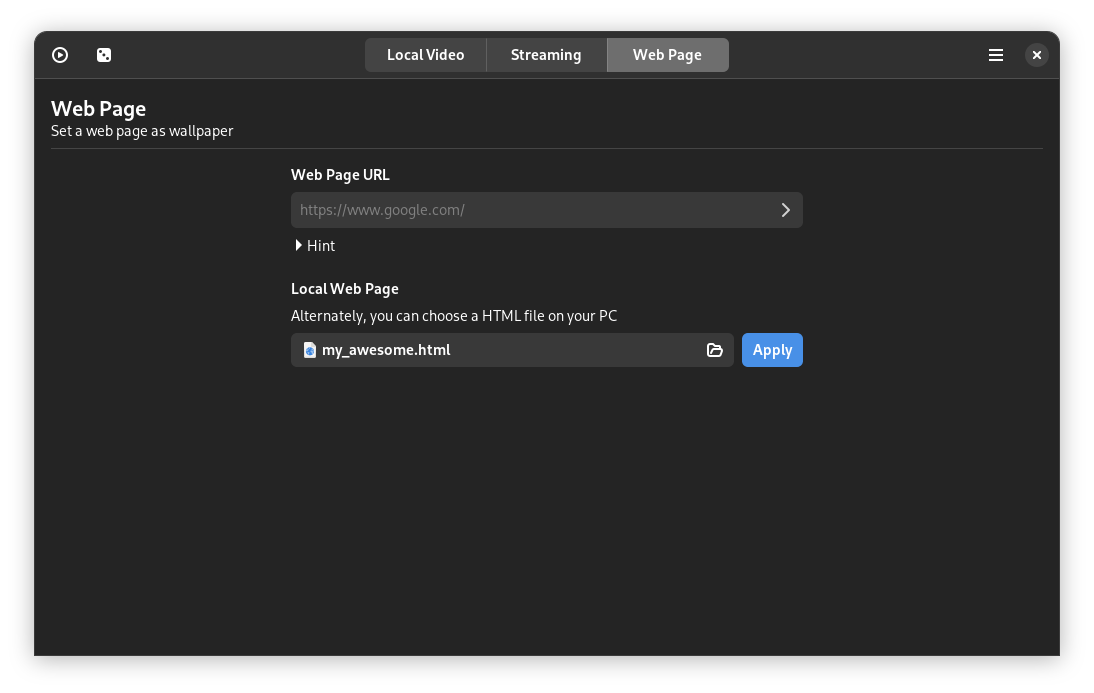
- Webpage as wallpaper! 6
- You name it! =)
1 Video frame can be applied as system wallpaper, look great in GNOME (currently GNOME exclusive, support for other DE might be added if requested...)
2 Automatically pauses playback when maximized window or full screen mode is detected (currently X11 only...)
3 Randomly select and play a video
4 Use vlc as backend (currently HW acceleration doesn't work with Nvidia+Wayland combination...)
5 Use yt-dlp as backend, tested with YouTube videos
6 Theoretically it can be anything from a normal webpage to Unity/Godot WebGL games, be creative!
It is available on Flathub!

Install:
Make sure to follow the setup guide before installing
flatpak install flathub io.github.jeffshee.Hidamari
Run:
flatpak run io.github.jeffshee.Hidamari
Clone the repository and install with Meson, via the top-level
Makefile:
git clone https://github.com/jeffshee/hidamari.git
cd hidamari
make install
This installs into ~/.local (no sudo needed). See docs/dev.md for the full
list of dependencies, a system-wide install (sudo make install PREFIX=/usr/local), and
building as a Flatpak from source instead.
On KDE Plasma, Hidamari can also register itself as a wallpaper plugin, selectable from
System Settings > Appearance > Wallpaper, kept in sync with the standalone app.
make install registers it automatically whenever kpackagetool5 is available. To install
it manually instead (for example, on a Flatpak install, or if you skipped kpackagetool5):
kpackagetool5 --type Plasma/Wallpaper --install data/plasma/wallpapers/io.github.jeffshee.Hidamari.wallpaper--install only works the first time; if the plugin is already registered (or to pick up changes
after updating the source), use --upgrade instead:
kpackagetool5 --type Plasma/Wallpaper --upgrade data/plasma/wallpapers/io.github.jeffshee.Hidamari.wallpaperFlatpak users can also install it from within the running app, via the "Install Plasma wallpaper plugin" button in the hamburger menu.
These are maintained by the community!
| Distro | URL | Maintainer |
|---|---|---|
| Arch Linux |  |
None |
Collaboration is welcome! Let's make it better together~
Feel free to open an issue if you have any problem or suggestion 🤗
Made with contributors-img.
Icons made by Freepik from Flaticon