🌎English | 🇨🇳中文
This is a repository for reinforcement learning implementation based on Unitree robots, supporting Unitree Go2, H1, H1_2, and G1.
Isaac Gym |
Mujoco |
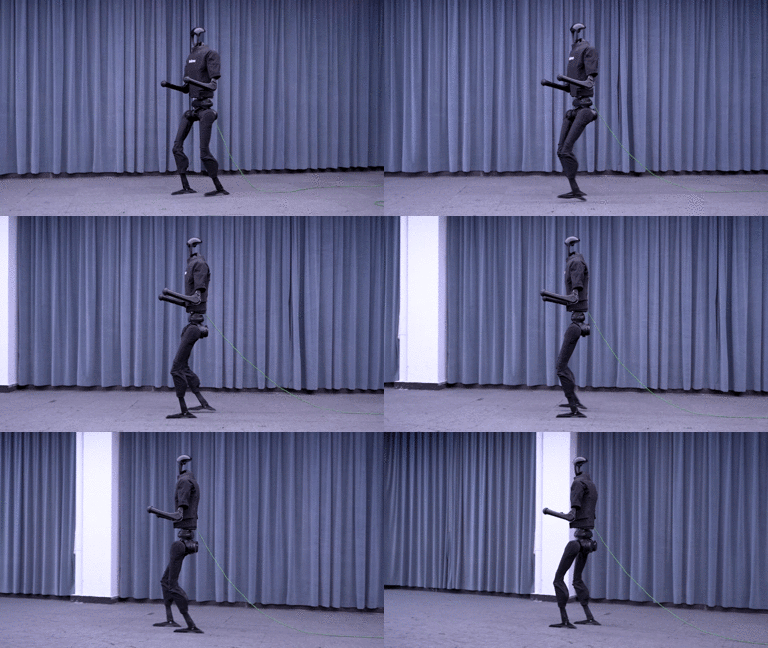
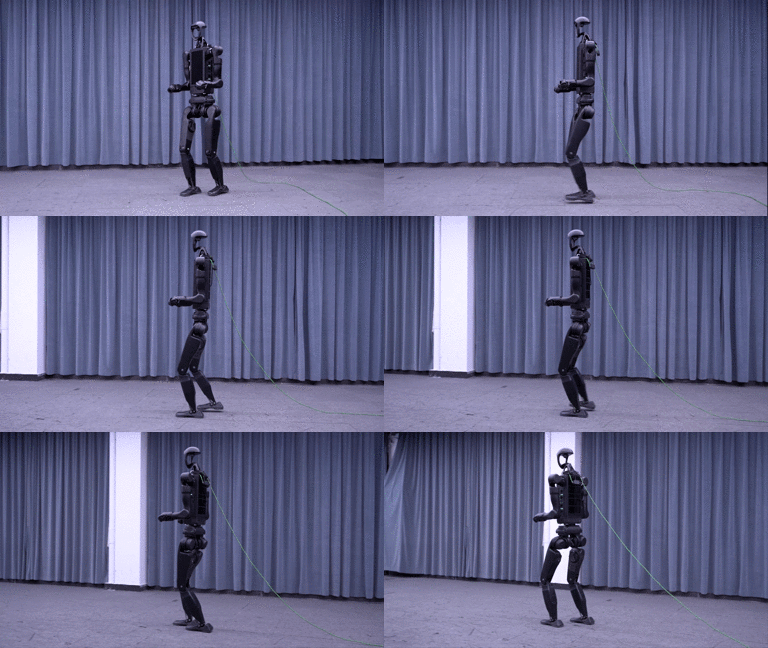
Physical |
|---|---|---|
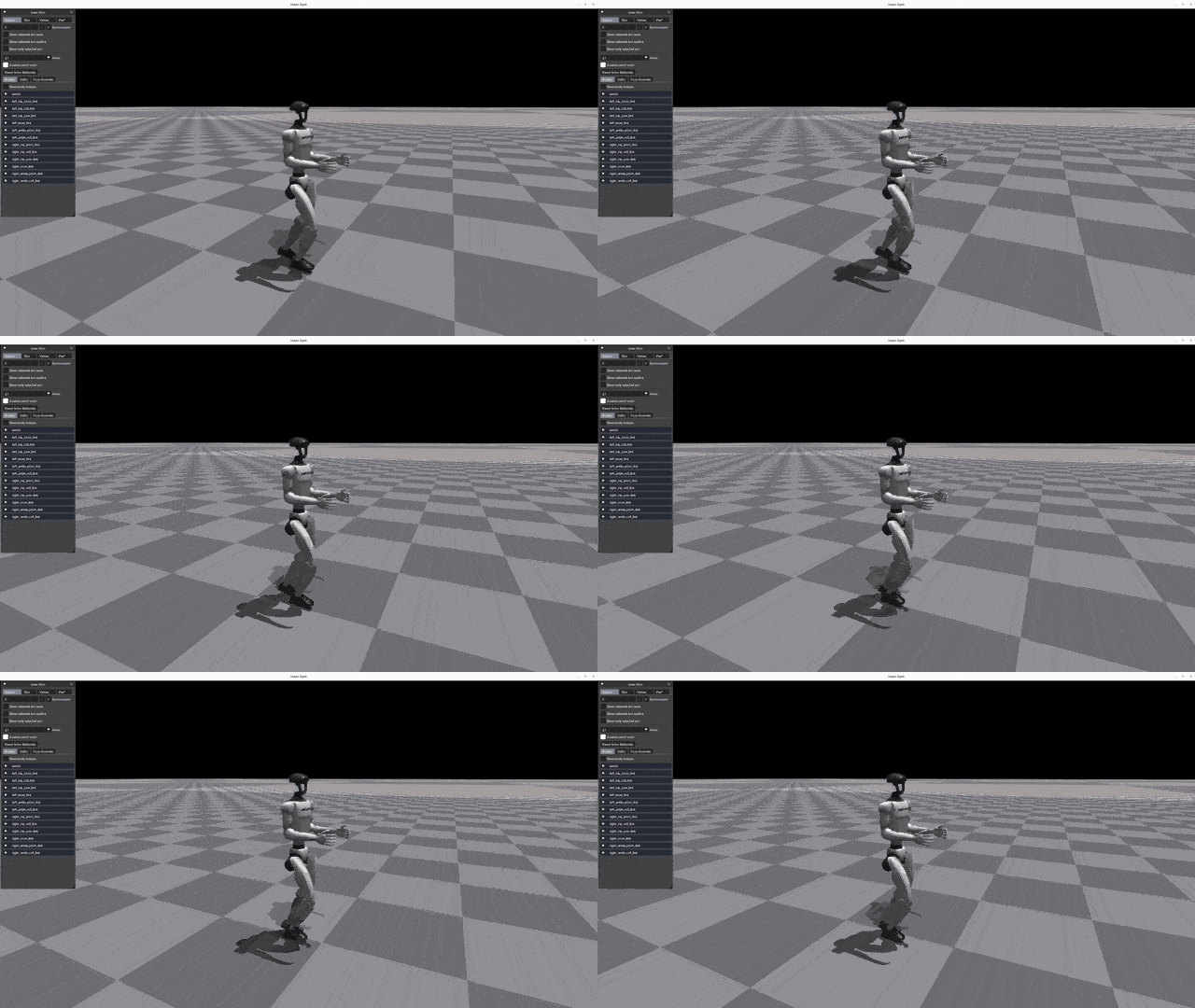 |
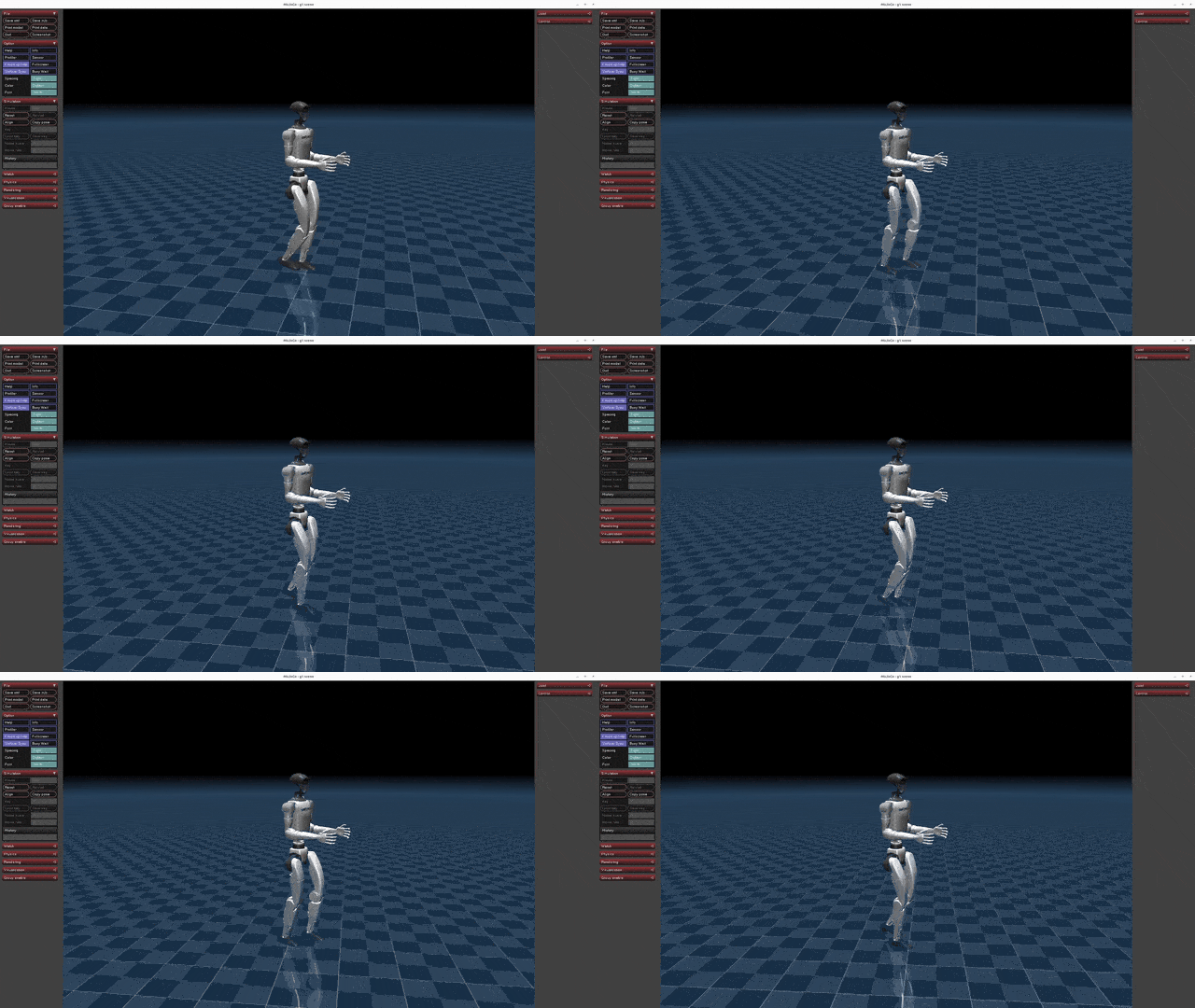 |
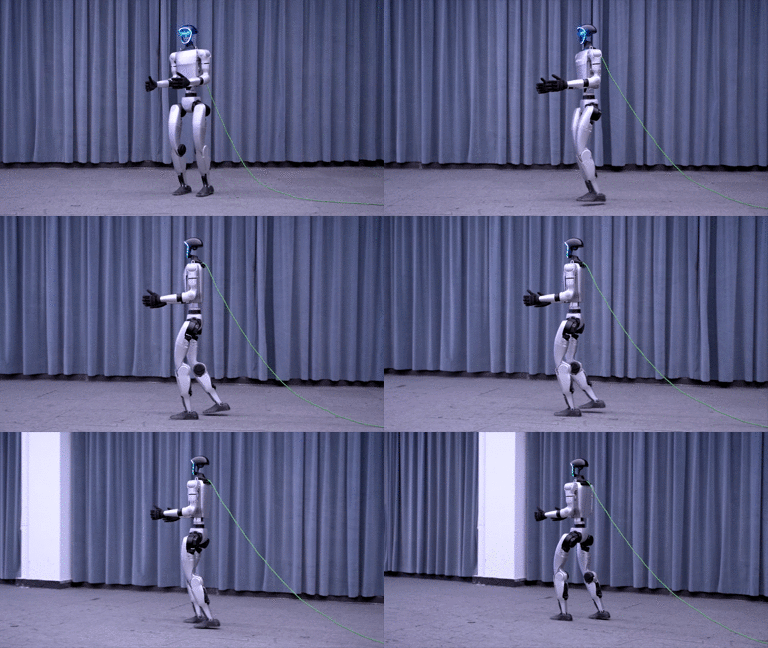 |
Based on: Official Unitree RL GYM.
This repository contains modified code from the official Unitree RL GYM environment, with additional implementations for RL hyper-parameters tuning, domain randomization, reward engineering, and training monitoring.
We focus only on training the Unitree G1 and include some weights under log/ to replicate benchmark. Installation and requirements remain the same.
You can read a deep dive into RL for bipedal locomotion as well as code explanation and full literature review here.
Please refer to setup.md for installation and configuration steps.
The basic workflow for using reinforcement learning to achieve motion control is:
Train → Play → Sim2Sim → Sim2Real
- Train: Use the Gym simulation environment to let the robot interact with the environment and find a policy that maximizes the designed rewards. Real-time visualization during training is not recommended to avoid reduced efficiency.
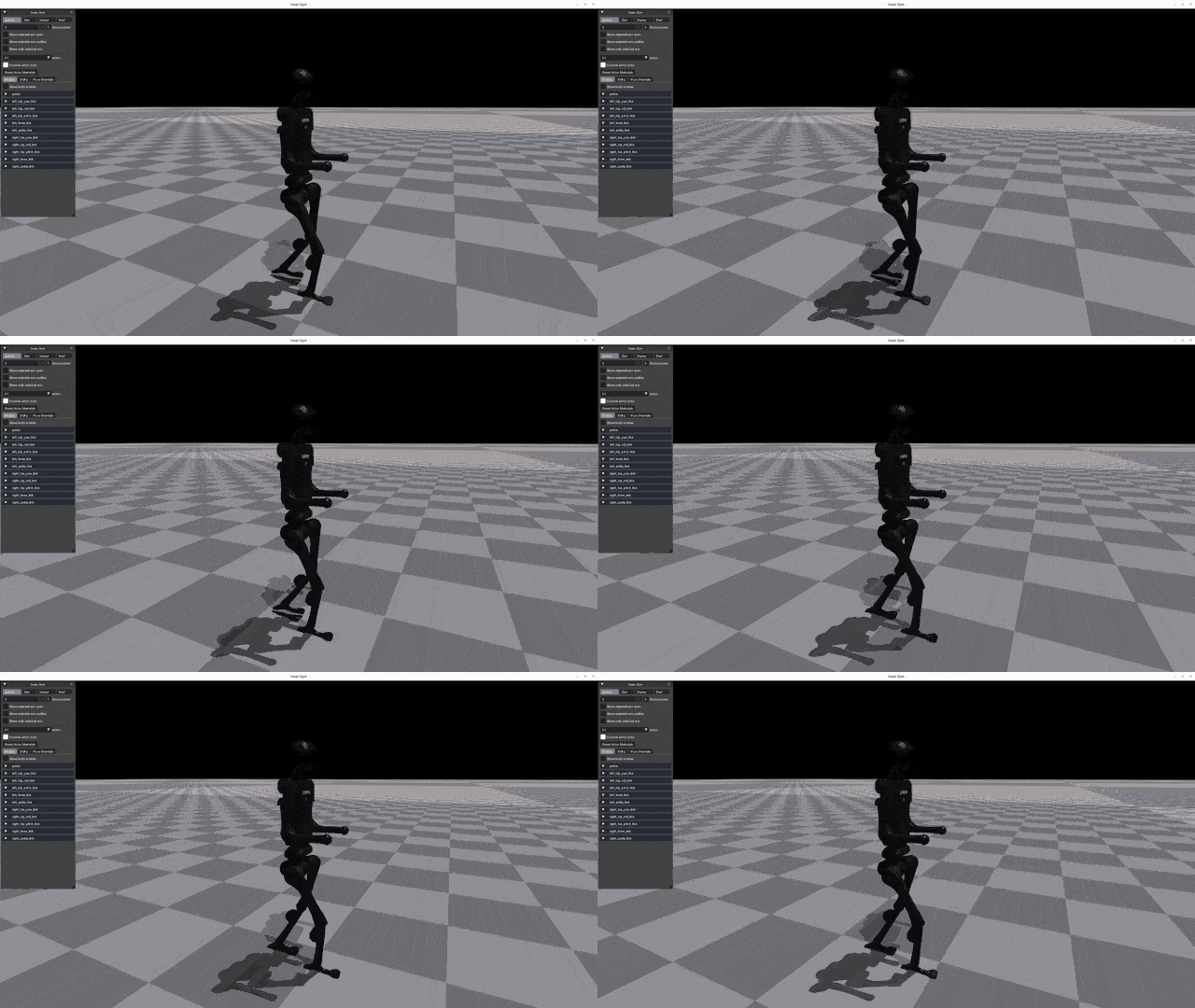
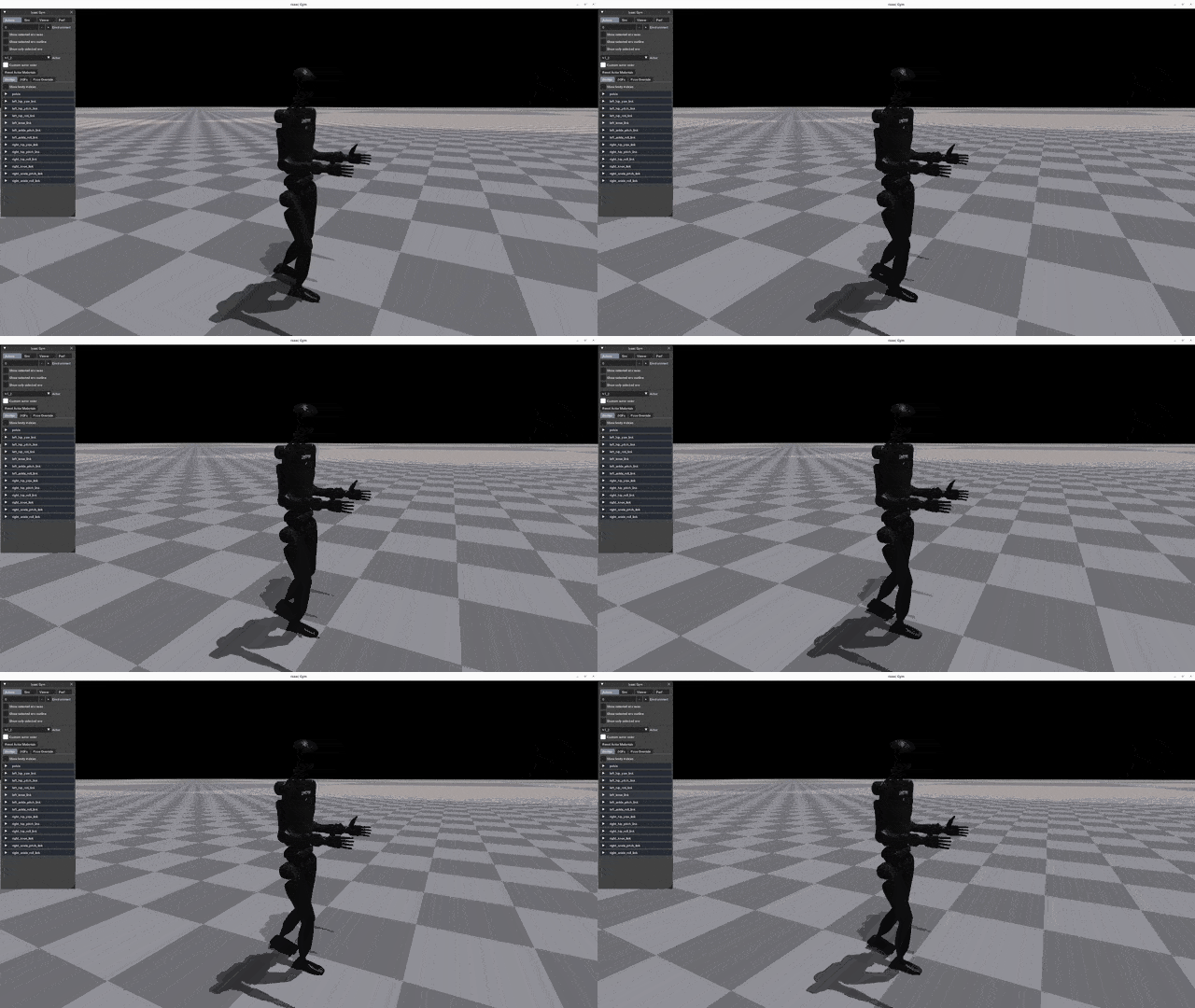
- Play: Use the Play command to verify the trained policy and ensure it meets expectations.
- Sim2Sim: Deploy the Gym-trained policy to other simulators to ensure it’s not overly specific to Gym characteristics.
- Sim2Real: Deploy the policy to a physical robot to achieve motion control.
Run the following command to start training:
python legged_gym/scripts/train.py --task=xxx--task: Required parameter; values can be (go2, g1, h1, h1_2).--headless: Defaults to starting with a graphical interface; set to true for headless mode (higher efficiency).--resume: Resume training from a checkpoint in the logs.--experiment_name: Name of the experiment to run/load.--run_name: Name of the run to execute/load.--load_run: Name of the run to load; defaults to the latest run.--checkpoint: Checkpoint number to load; defaults to the latest file.--num_envs: Number of environments for parallel training.--seed: Random seed.--max_iterations: Maximum number of training iterations.--sim_device: Simulation computation device; specify CPU as--sim_device=cpu.--rl_device: Reinforcement learning computation device; specify CPU as--rl_device=cpu.
Default Training Result Directory: logs/<experiment_name>/<date_time>_<run_name>/model_<iteration>.pt
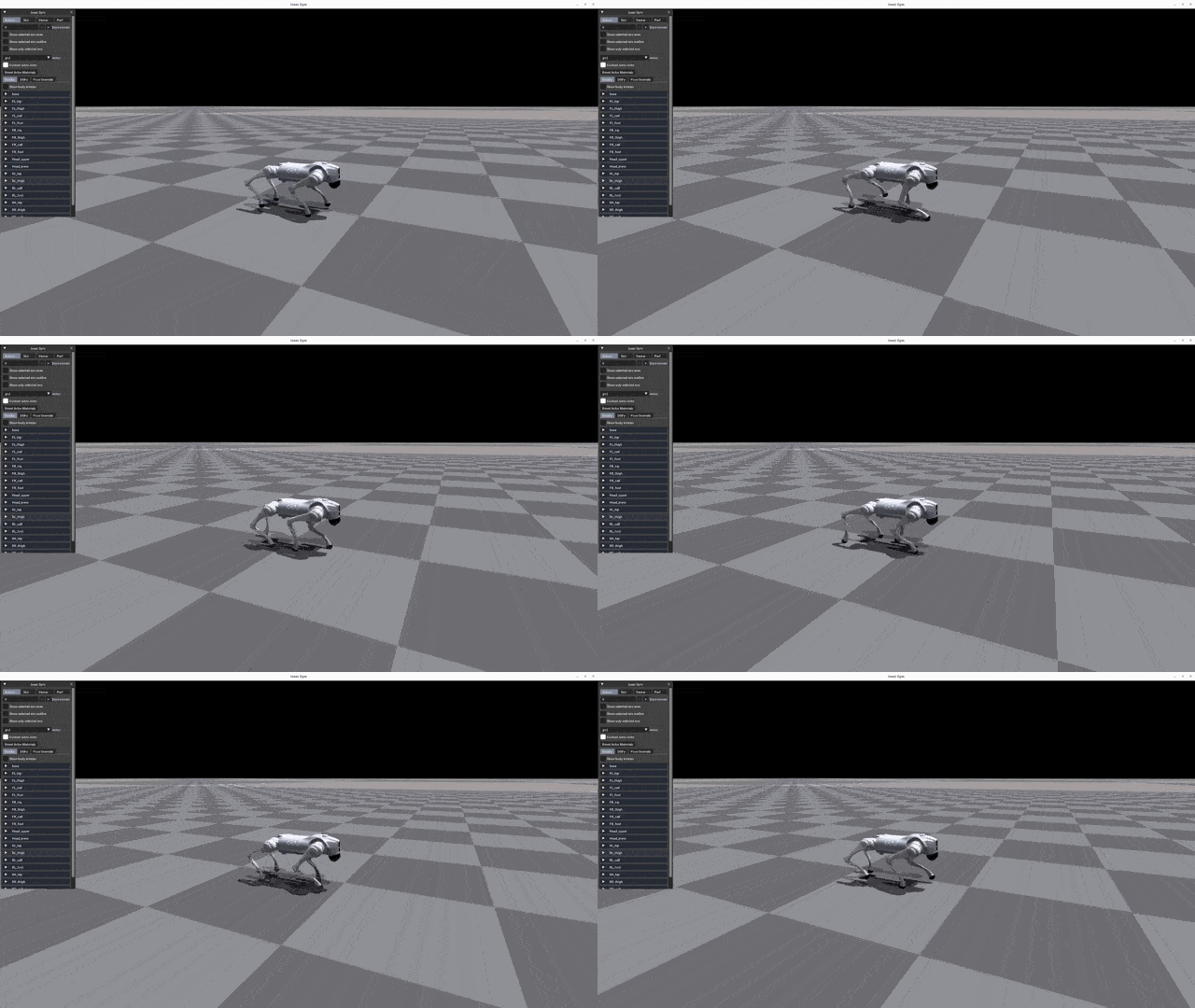
To visualize the training results in Gym, run the following command:
python legged_gym/scripts/play.py --task=xxxDescription:
- Play’s parameters are the same as Train’s.
- By default, it loads the latest model from the experiment folder’s last run.
- You can specify other models using
load_runandcheckpoint.
Play exports the Actor network, saving it in logs/{experiment_name}/exported/policies:
- Standard networks (MLP) are exported as
policy_1.pt. - RNN networks are exported as
policy_lstm_1.pt.
| Go2 | G1 | H1 | H1_2 |
|---|---|---|---|
 |
|
 |
 |
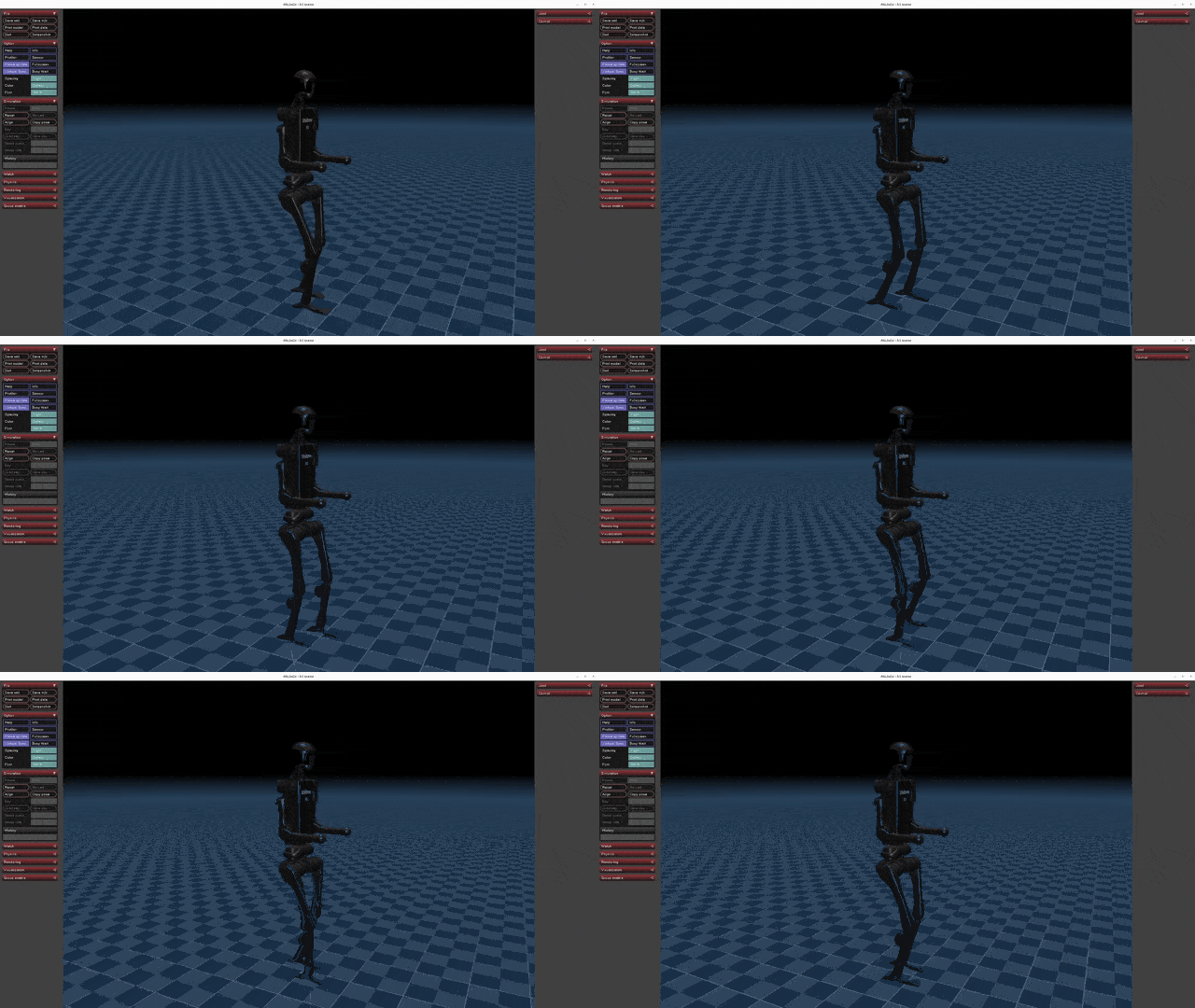
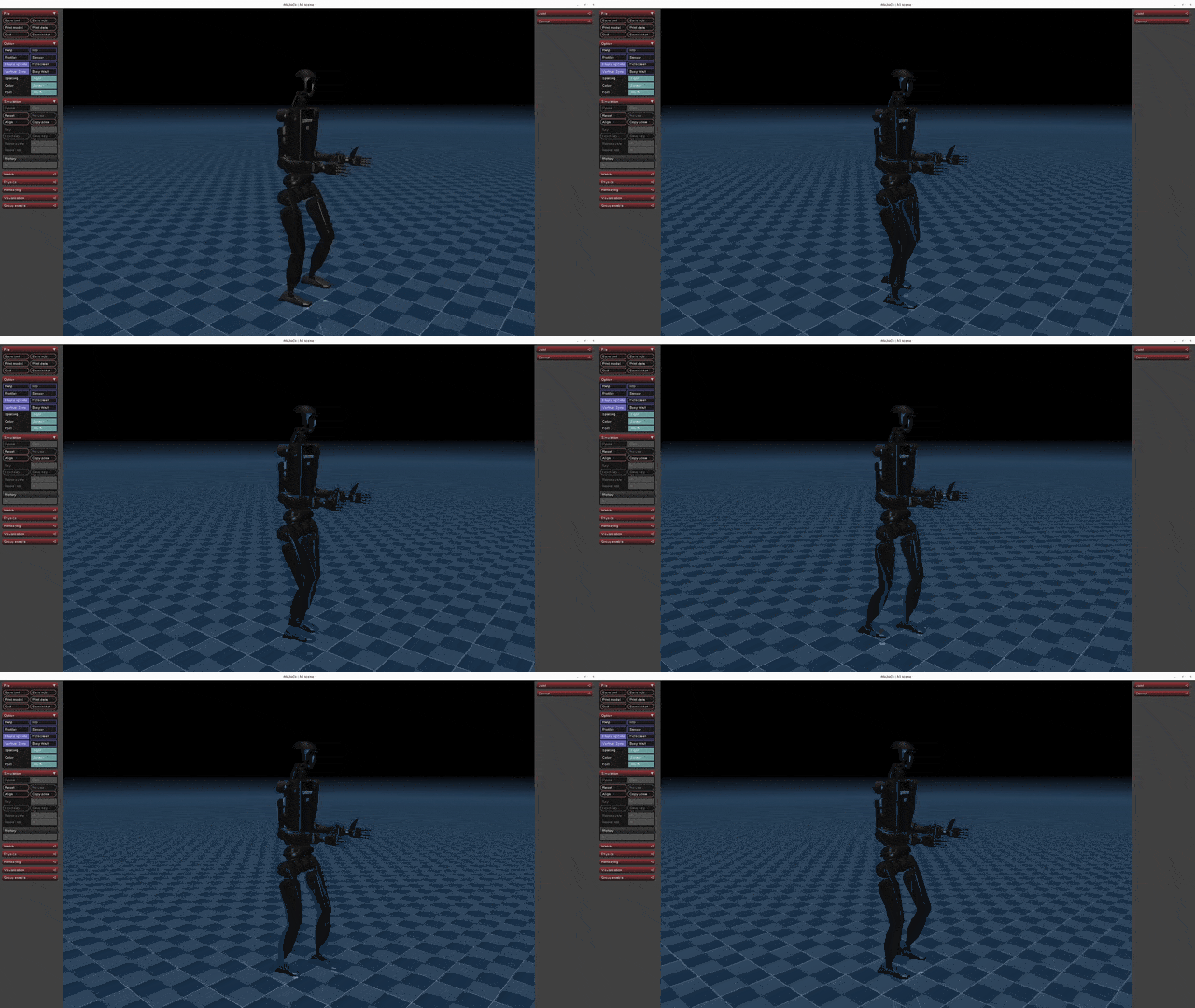
Run Sim2Sim in the Mujoco simulator:
python deploy/deploy_mujoco/deploy_mujoco.py {config_name}config_name: Configuration file; default search path isdeploy/deploy_mujoco/configs/.
python deploy/deploy_mujoco/deploy_mujoco.py g1.yamlThe default model is located at deploy/pre_train/{robot}/motion.pt; custom-trained models are saved in logs/g1/exported/policies/policy_lstm_1.pt. Update the policy_path in the YAML configuration file accordingly.
| G1 | H1 | H1_2 |
|---|---|---|
|
 |
 |
Before deploying to the physical robot, ensure it’s in debug mode. Detailed steps can be found in the Physical Deployment Guide:
python deploy/deploy_real/deploy_real.py {net_interface} {config_name}net_interface: Network card name connected to the robot, e.g.,enp3s0.config_name: Configuration file located indeploy/deploy_real/configs/, e.g.,g1.yaml,h1.yaml,h1_2.yaml.
| G1 | H1 | H1_2 |
|---|---|---|
|
 |
 |
This repository is built upon the support and contributions of the following open-source projects. Special thanks to:
- legged_gym: The foundation for training and running codes.
- rsl_rl: Reinforcement learning algorithm implementation.
- mujoco: Providing powerful simulation functionalities.
- unitree_sdk2_python: Hardware communication interface for physical deployment.
This project is licensed under the BSD 3-Clause License:
- The original copyright notice must be retained.
- The project name or organization name may not be used for promotion.
- Any modifications must be disclosed.
For details, please read the full LICENSE file.
- To train G1 for bipedal walking:
python legged_gym/scripts/train.py --task=g1 --experiment_name=g1_baseline --headless --num_envs=128 --max_iterations=10000 --seed=42- To play learned G1 in Isaac Gym:
python legged_gym/scripts/play.py --task=g1 --experiment_name=g1_baseline- To play learned G1 in Mujoco:
Make sure to change the policy path to the trained policy in g1.yaml:
policy_path: "{LEGGED_GYM_ROOT_DIR}/logs/g1_baseline/exported/policies/policy_lstm_1.pt"
python deploy/deploy_mujoco/deploy_mujoco.py g1.yaml