
The agentic workspace for orchestrating parallel AI coding agents.
Stop juggling 47 browser tabs. One isolated command center per project — terminals, agents, tasks, and prompts in a single view.


Website · Documentation · Report a Bug · Request a Feature
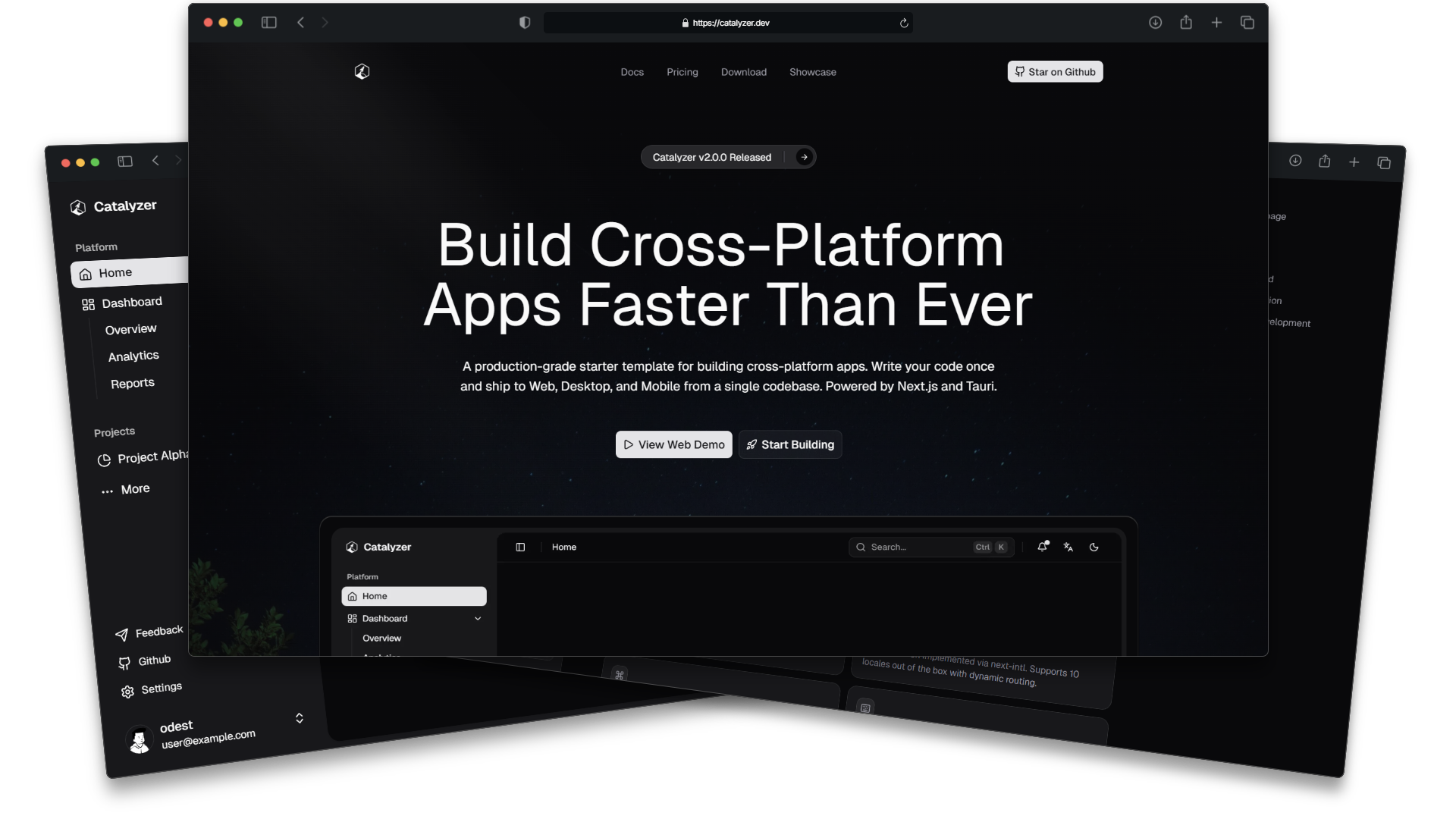
Developers using AI coding agents are stuck in a loop:
Open terminal → run agent → switch to browser → check output
   → open notes → find prompt → copy prompt → switch back
   → paste prompt → agent fails → open terminal → debug → repeat
Hyperion collapses that loop into a single view. Every project gets its own isolated workspace — scoped terminals, a live agent grid, a kanban board, and a versioned prompt library, all in one place.
| Without Hyperion | With Hyperion |
|---|---|
| A dozen scattered terminal windows | One scoped terminal grid per project |
| Copy-pasting prompts from notes | Versioned prompt forge |
| Manually tracking what agents did | Kanban board with agent dispatch |
| Switching between five tools | One workspace, one view |
| One project at a time | Multi-workspace sidebar |
The desktop and web client is fully open source and lives in this repository.
The core of Hyperion. The sidebar holds every project — each a self-contained environment. Switch workspace → everything changes: terminal grid, agent pool, task board, and prompt forge all re-scope instantly. Zero cross-contamination.
┌──────────┐   Sidebar holds all your projects
│ 🟢 claude │ ← Active workspace
│ ⚪ claude │
│ ⚪ claude │
│ + Create  │
└──────────┘
Run multiple AI coding agents in parallel, each in a scoped terminal pane.
- Spawn agents from the task board or manually
- Real-time output streaming
- Stop, restart, or reassign agents on the fly
┌───────────────┬───────────────┐
│   Agent-1     │   Agent-2     │
│   🔨 Auth     │   🔨 API      │
│   Status: ✅  │   Status: 🔄  │
├───────────────┼───────────────┤
│   Agent-3     │   Agent-4     │
│   🔨 UI       │   🔨 Tests    │
│   Status: ⏳  │   Status: ⏳  │
└───────────────┴───────────────┘
Tiled terminal panes with split support — horizontally or vertically, resizable, tabbed, and scoped to the active project directory.
Create tasks, assign them to agents, track progress.
Drag a task onto an agent → it starts working. Real-time status flows back to the board.
┌─────────────┬──────────────┬─────────────┬──────────┐
│  BACKLOG    │ IN PROGRESS  │   REVIEW    │   DONE   │
├─────────────┼──────────────┼─────────────┼──────────┤
│ Add login   │ Build REST   │ Fix auth    │ Init     │
│ page        │ endpoints    │ redirect    │ project  │
│             │              │             │          │
│ Write tests │ Setup DB     │             │ CI/CD    │
│ for API     │ schema       │             │ pipeline │
└─────────────┴──────────────┴─────────────┴──────────┘
Version-control your agent prompts. No more losing the perfect prompt in a chat history.
- Create prompt templates per workspace
- Version and iterate (v1.0 → v1.1 → v1.2)
- A/B test different approaches
- Attach prompts to kanban tasks
For complex tasks needing multiple agents working together.
Agent-1: "Design database schema"
    ↓ (when done)
Agent-2: "Build API endpoints"     Agent-3: "Create UI components"
    ↓ (when both done)
Agent-4: "Write integration tests"
Define task dependencies. Hyperion orchestrates the execution order.
┌─────────────────────────────────────────────────────┐
│                  HYPERION SHELL                      │
│           (Tauri 2 Desktop / Next.js Web)            │
├───────────┬─────────────────────────────────────────┤
│ SIDEBAR   │            WORKSPACE VIEW               │
├───────────┼─────────────────────────────────────────┤
│ Backend: Workshop Manager · PTY Pool · Agent Spawner │
│          Task Scheduler · WebSocket · SQLite        │
└─────────────────────────────────────────────────────┘
Data flow: create a workspace → isolated scope → terminal grid + board render → spawn an agent on a task → PTY allocates a terminal → WebSocket streams output to the pane and board. Switch workspace → everything re-scopes.
| Layer | Technology | Purpose |
|---|---|---|
| Shell | Tauri 2 / Next.js 16 | Cross-platform desktop + web |
| UI | React 19 + Tailwind v4 + shadcn/ui | Design system (40+ themes) |
| State | Zustand + localStorage | Workspace + agent state |
| Terminal | xterm.js + node-pty | Multi-pane terminal grid |
| Agent Runtime | Vercel AI SDK / LangChain | LLM agent orchestration |
| Drag & Drop | @dnd-kit | Task board interactions |
| Real-time | WebSocket | Terminal I/O + agent status |
| Persistence | SQLite (Tauri) / Supabase (Web) | Workspaces + prompts + tasks |
| Build | Turborepo + pnpm | Monorepo tooling |
# Clone the repo
git clone https://github.com/BhagirathsinhRana378/Hyperion.git
cd Hyperion

# Install dependencies
pnpm install

# Run web app
pnpm web dev

# Run desktop app
pnpm tauri dev- Open Hyperion
- Click + Create in the sidebar
- Name your workspace (e.g.,
MyProject) - Open a terminal → it's scoped to that workspace
- Create a task on the board → assign to an agent
- Watch the agent work live in its terminal pane
apps/
  web/                    Next.js (SSR) — web app + PWA
  native/                 Tauri 2 — desktop & mobile

packages/
  core/                   Shared logic
  ├── pages/              workspace, terminal, kanban layouts
  ├── components/         terminal/agents/kanban/prompts
  ├── stores/             workspace, terminal, agent, kanban, prompt state
  └── hooks/              use-workspace, use-pty, use-agent

  ui/                     Design system: shadcn/ui + 40 themes
  i18n/                   10-language translations
  cli/                    Scaffolding tool
Phase 1 — Foundation: multi-workspace sidebar · workspace-scoped state · basic terminal Phase 2 — Terminal Grid: split/resize panes · workspace-scoped terminals Phase 3 — Agent System: spawn from board · real-time output · status tracking · stop/restart/reassign Phase 4 — Task Board: kanban DnD · task CRUD · agent dispatch · live sync Phase 5 — Prompt Forge: editor · version history · A/B testing Phase 6 — Agent Swarm: dependency graph · sequential/parallel orchestration Phase 7 — Polish: cross-platform builds · keyboard shortcuts · plugin system · import/export
Contributions welcome — see the contributing guidelines.
git checkout -b feat/my-feature
pnpm check        # Lint
pnpm typecheck    # Type check
pnpm build        # Build
git commit -m "feat: add workspace switching"
git push origin feat/my-feature # and open a PRFound a vulnerability? Open a private security advisory rather than a public issue. We take these reports seriously.