Repository navigation
Screenshots
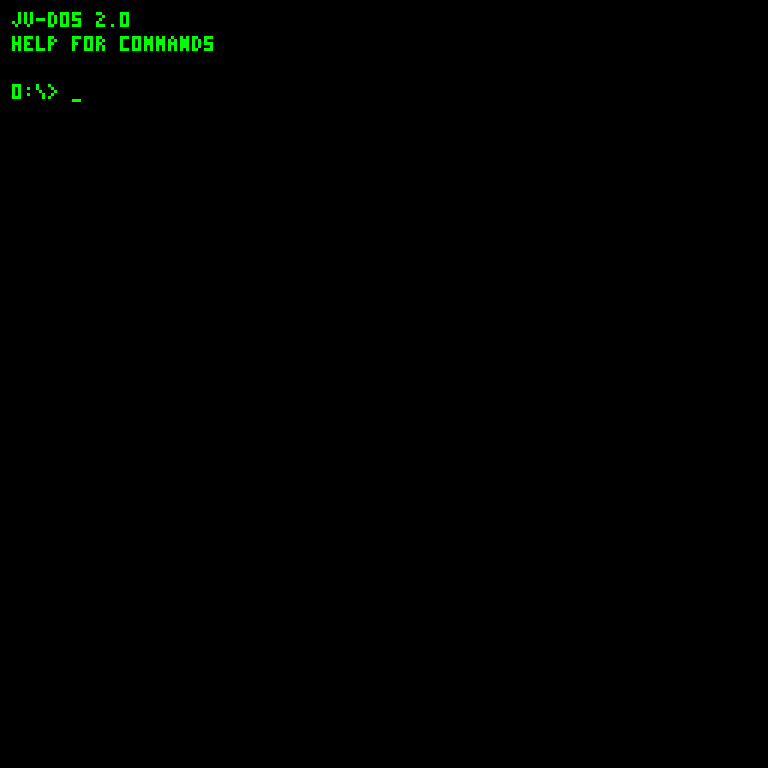
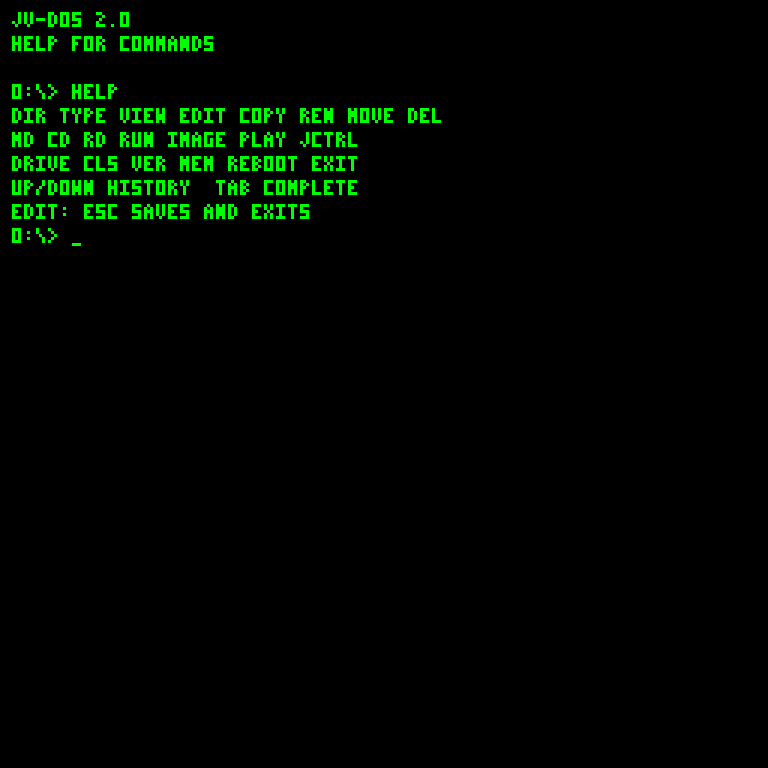
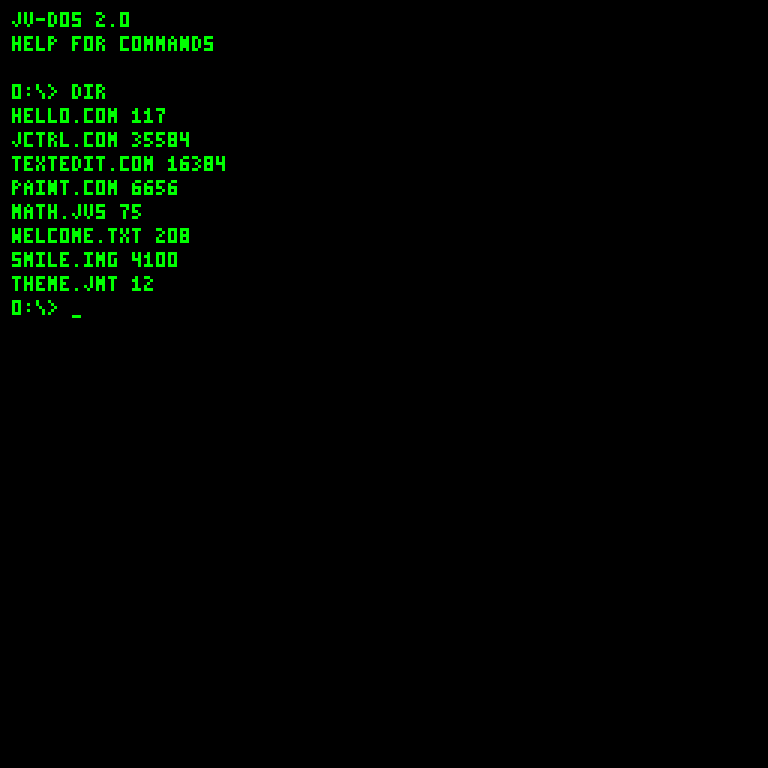
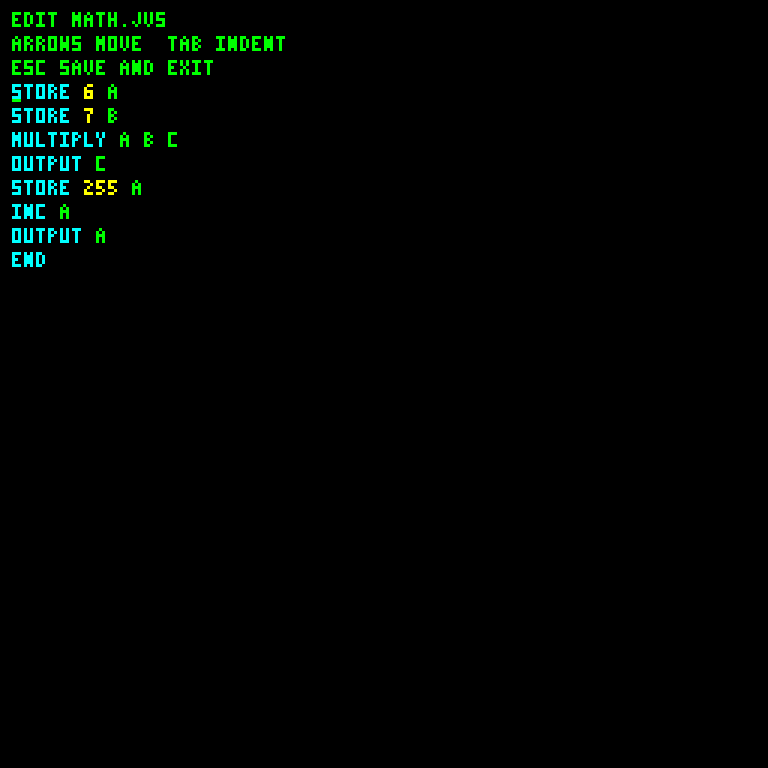
Current guest captures were regenerated on October 22, 2026 from the working-tree JavaVCPU/JV-DOS bytecode on disposable disks. They show the actual 256 by 256 palette framebuffer, enlarged exactly 3x to 768 by 768 by the headless regression runner. No host window borders are included. The normal Swing display scales to 800 by 800.
| Startup | Command help |
|---|---|
 |
 |
Click the display before typing; prompt starts at 0:\>. |
HELP covers everyday commands; programming syntax lives in the JVS guide. |
| Directory | Source editor |
|---|---|
 |
 |
| One JVFS volume per disk, with folders and 24-bit file sizes. |
EDIT MATH.JVS; Esc saves and exits. |
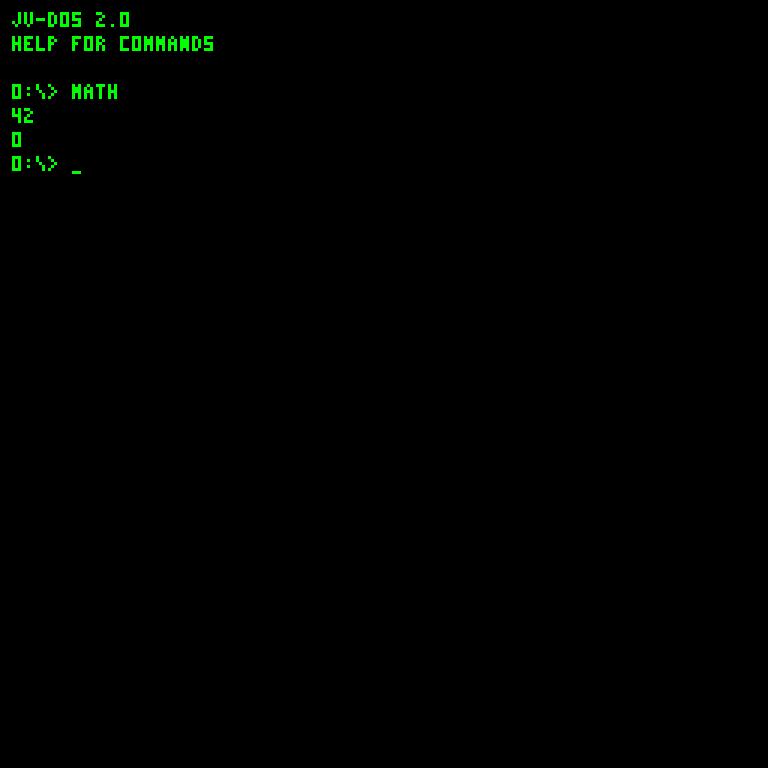
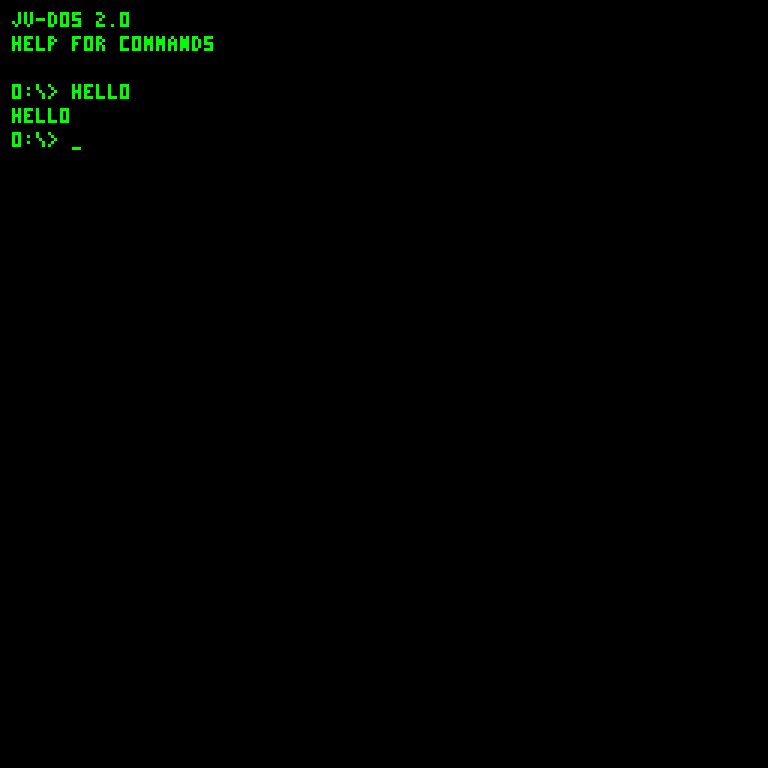
| JVS source execution | COM execution |
|---|---|
 |
 |
Direct MATH resolves MATH.JVS. |
Direct HELLO resolves HELLO.COM. |
See Getting started, JV-DOS and COM programming.
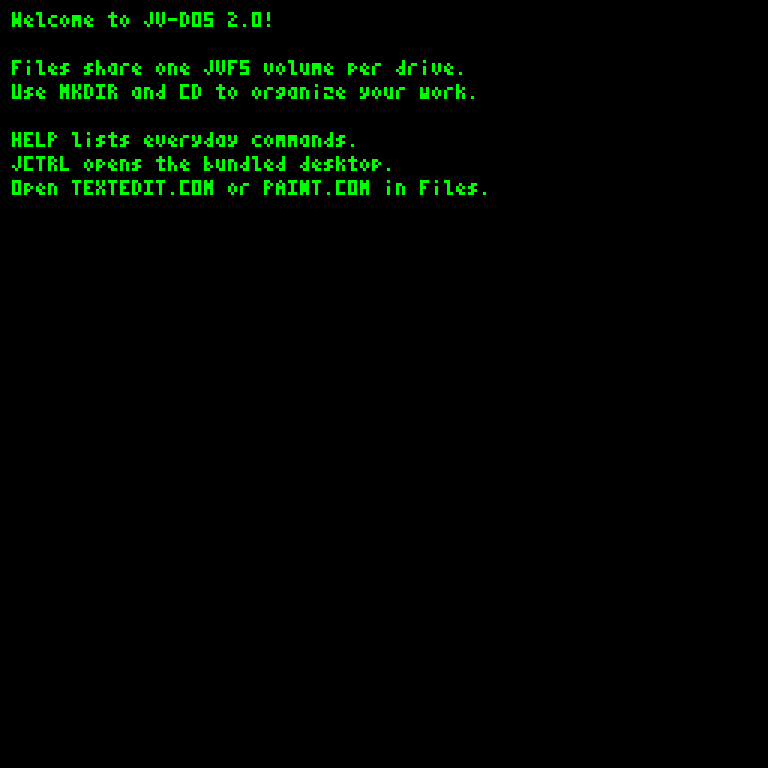
| Document pager | Palette image |
|---|---|
 |
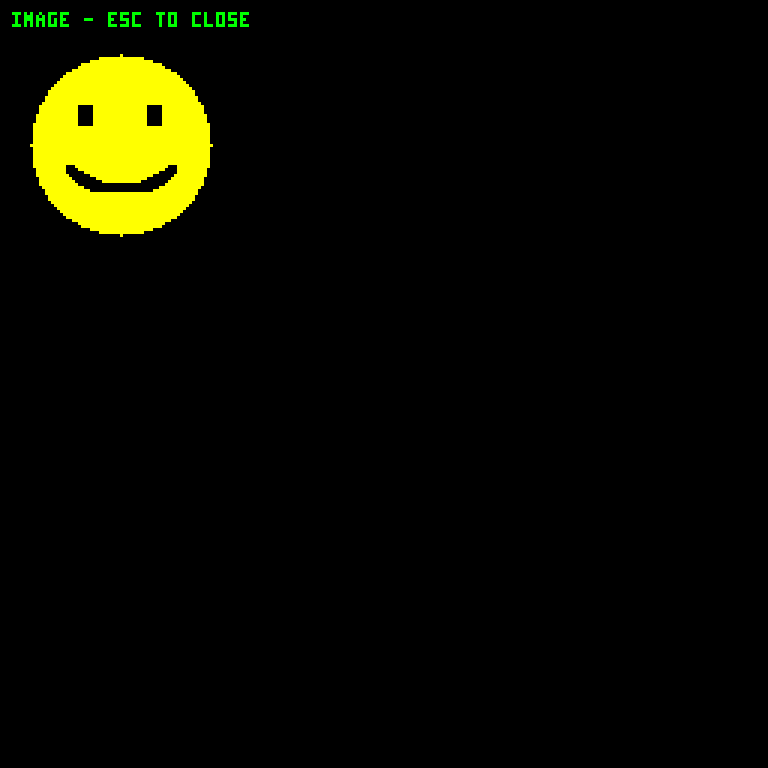 |
| Arrows/Page Up/Page Down navigate; Esc closes. | Esc, Enter or Q closes the image viewer. |
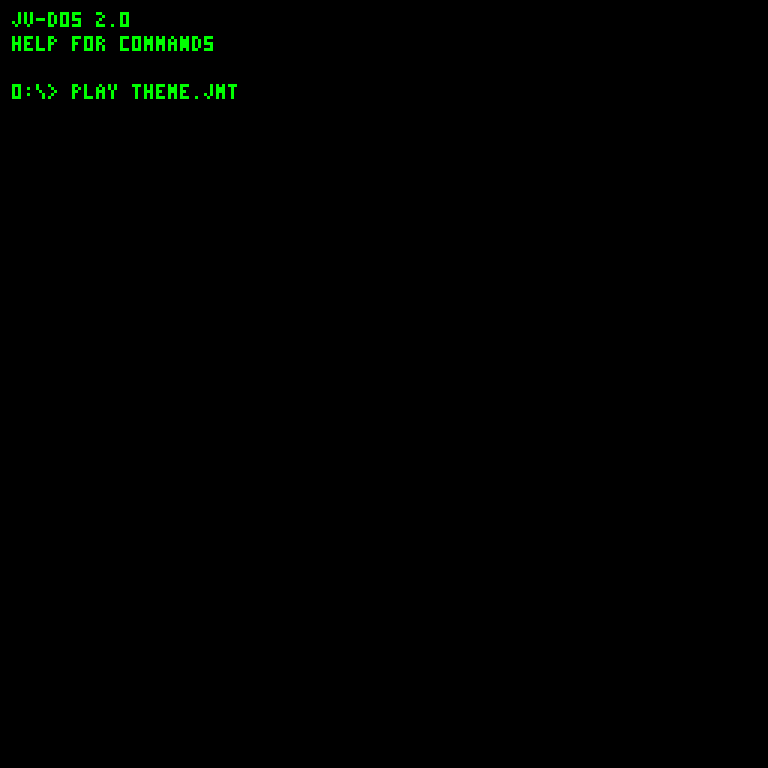
The PLAY command remains visible while music runs; there is no graphical transport or waveform. Esc stops and silences playback. See media formats.
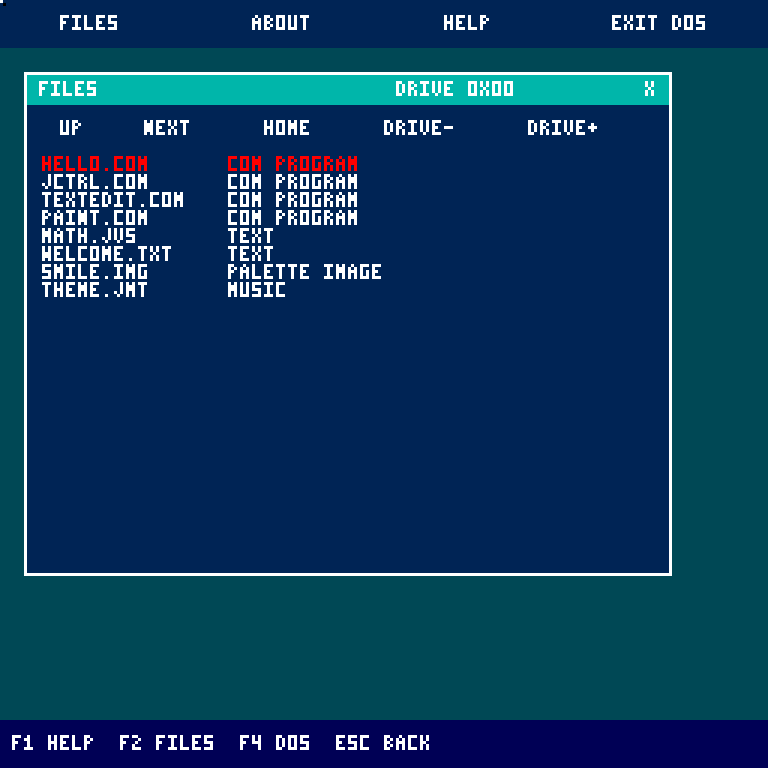
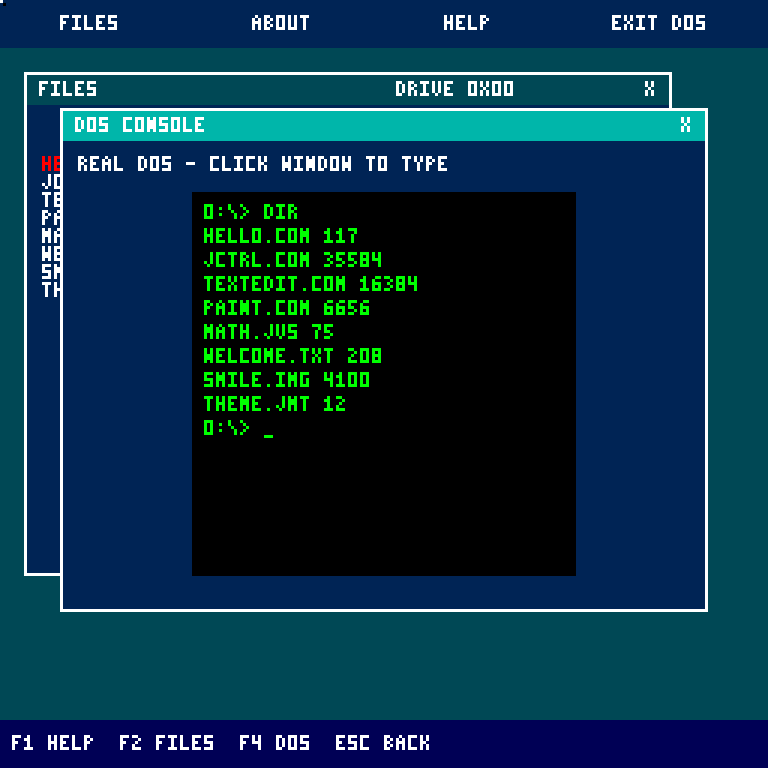
| Files | Resident DOS window |
|---|---|
 |
 |
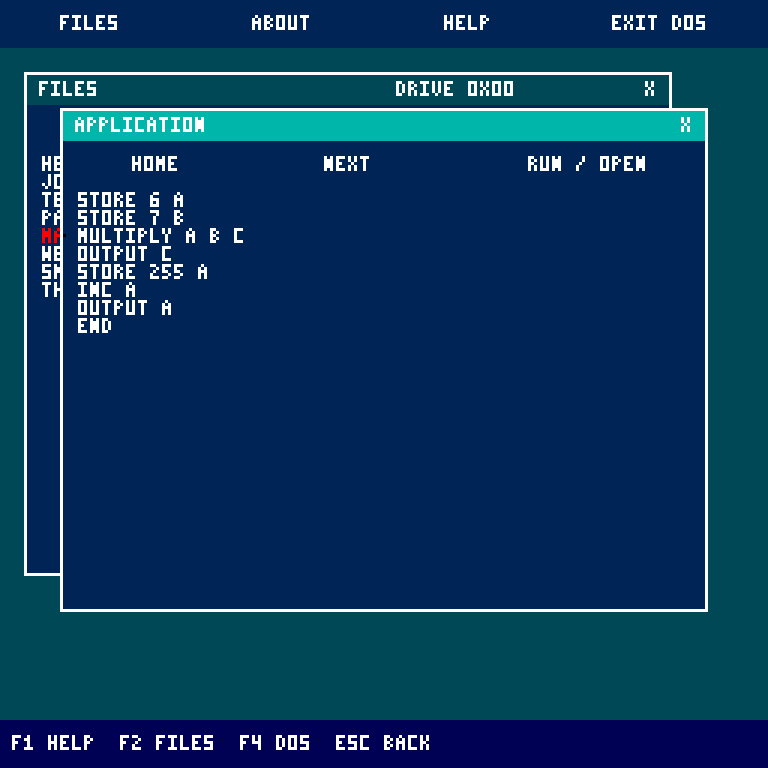
| JVS source reader | Palette viewer |
|---|---|
 |
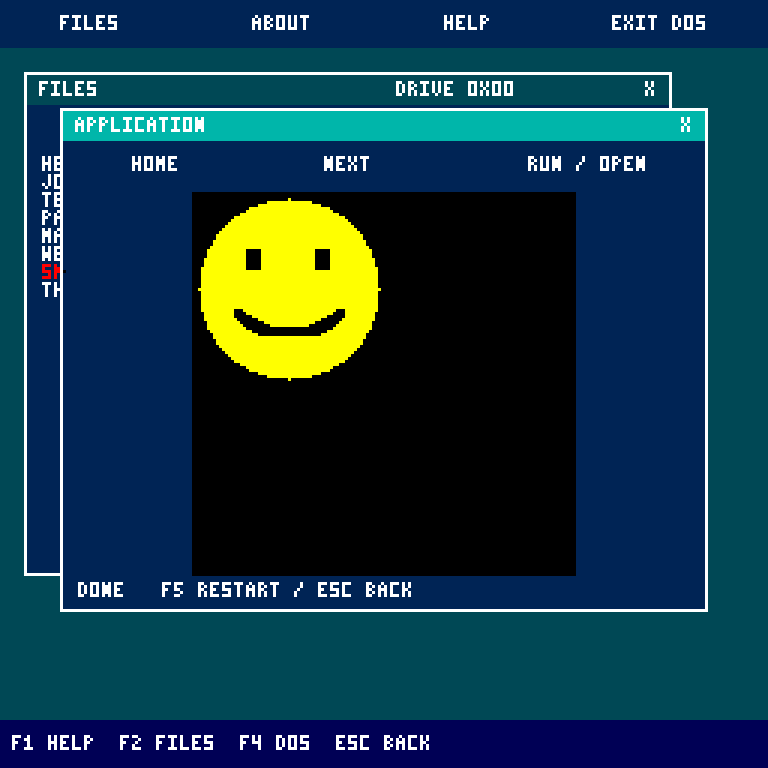 |
See JCTRL desktop for window controls, file moves, DOS commands and application memory.
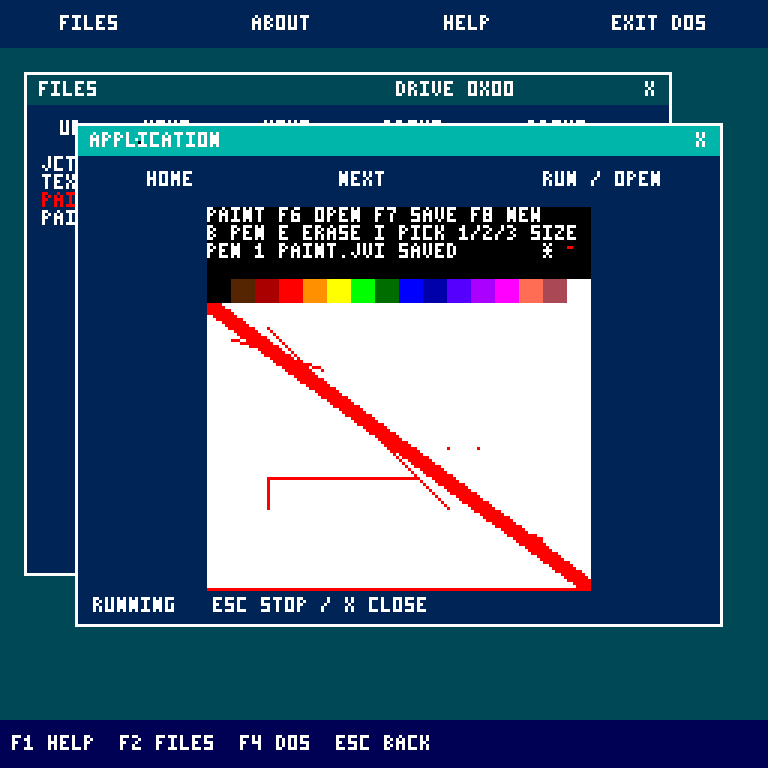
| Paint | TextEdit |
|---|---|
 |
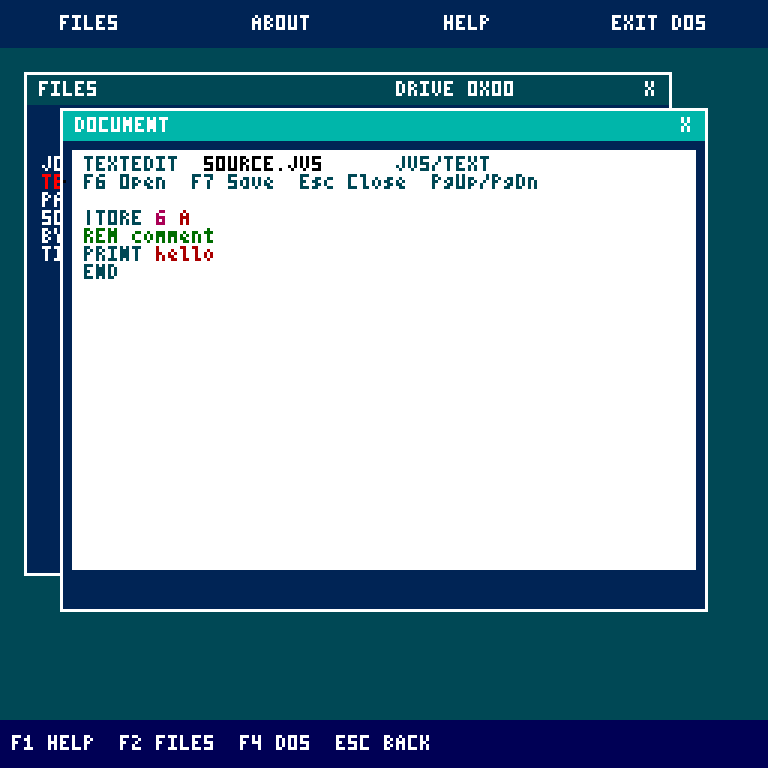 |
| 128 by 96 canvas; F7 saves PAINT.JVI. | 4 KiB text/hex editor; F7 saves. |
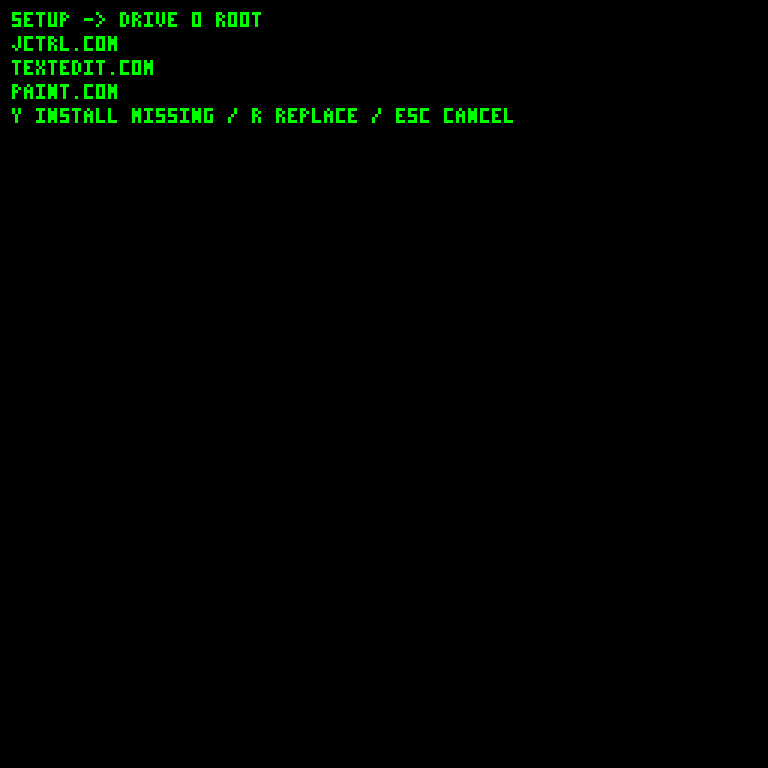
The setup capture comes from installerRegression, before answering its install prompt. See JCTRL applications and Installers.
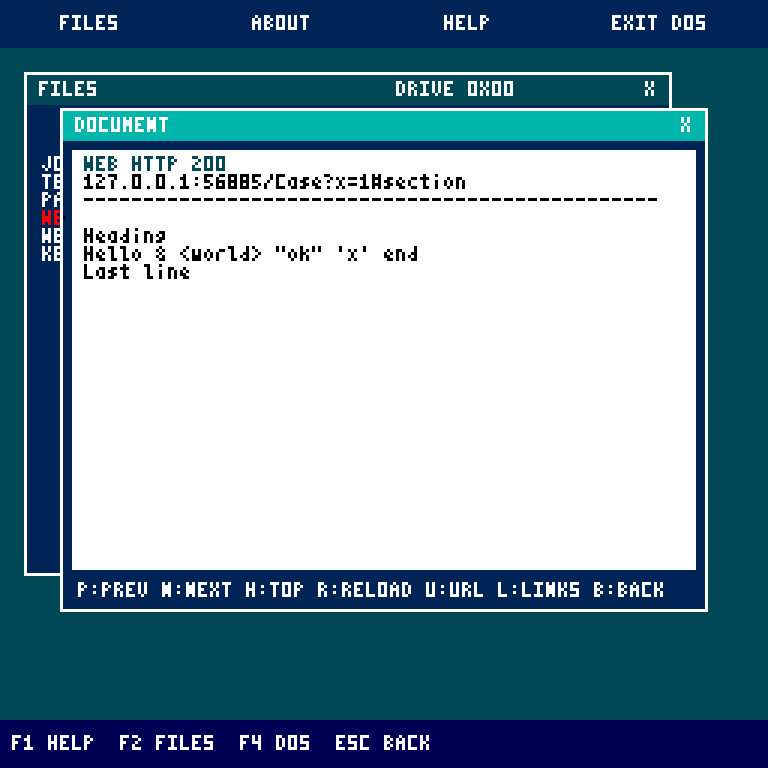
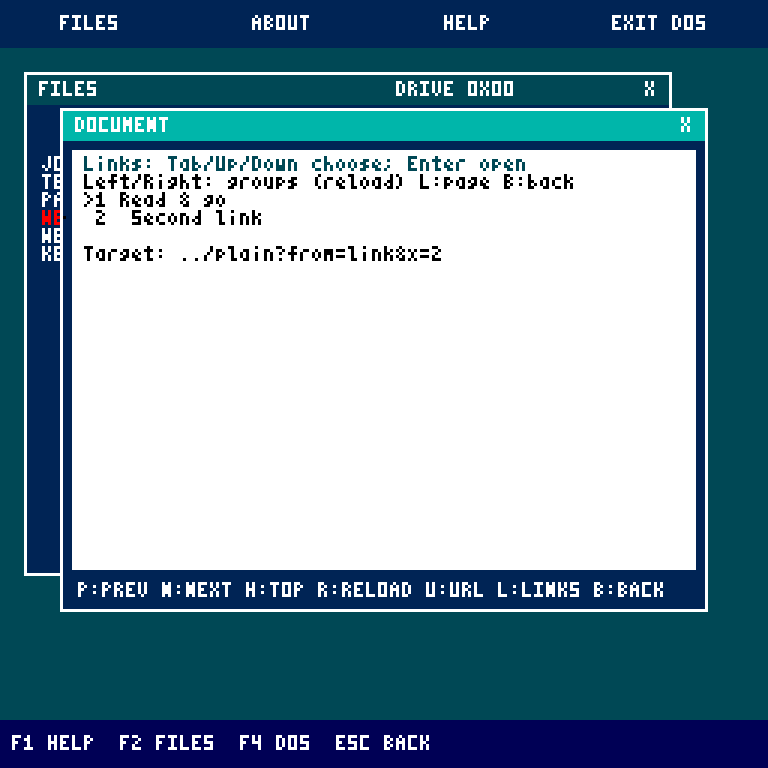
| WEB reader | Link chooser |
|---|---|
 |
 |
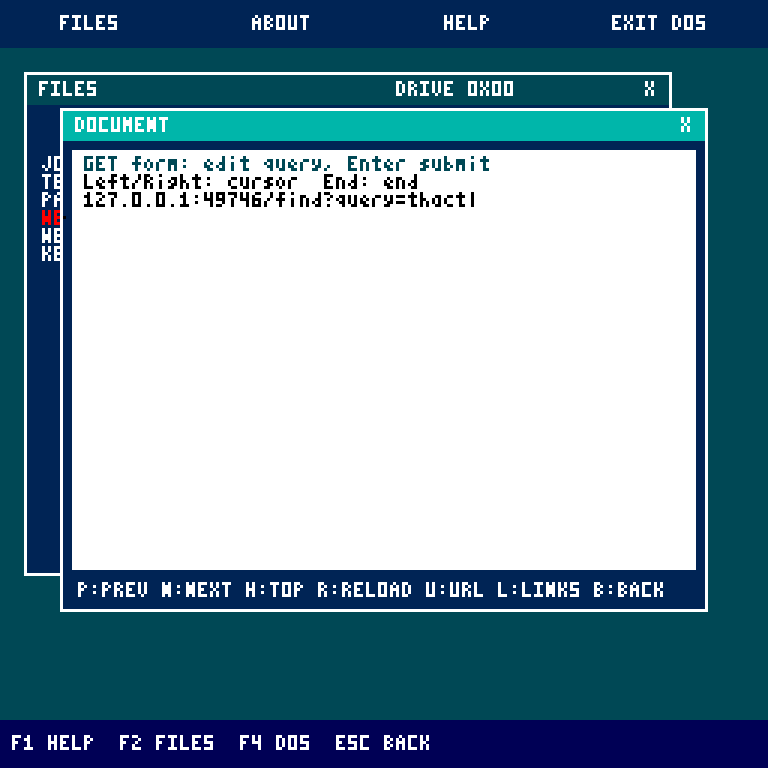
| GET-form address editing | Pong |
|---|---|
 |
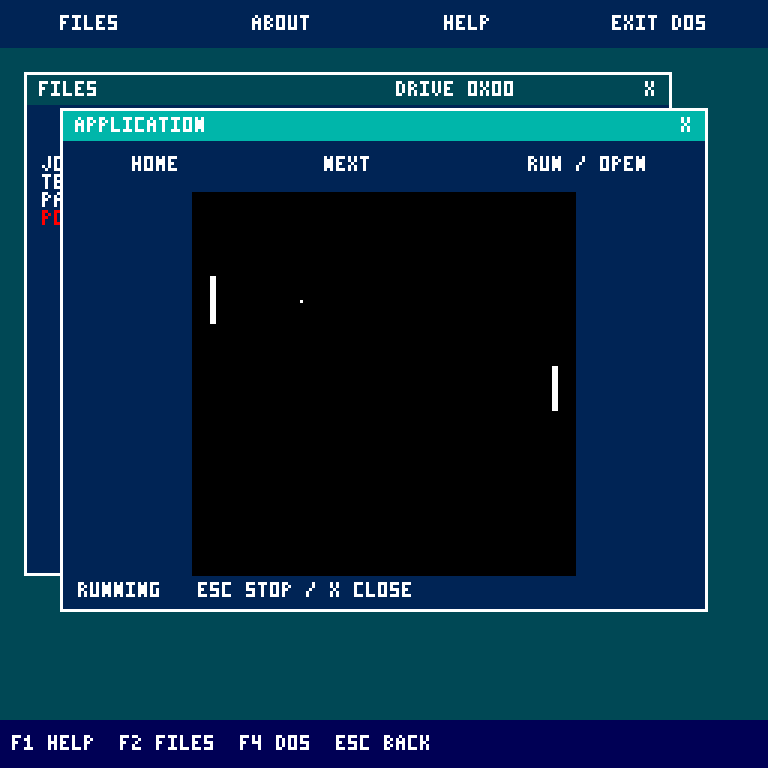 |
WEB captures use local regression-server fixtures, not live websites. See application controls and the gateway helper.
The following browser captures are retained from October 11, 2026. They show the tool's editor/preview/composer layout, before the current JVFS folder and bundle-install updates. Current controls and limits are documented in Tooling and Disk Workshop.
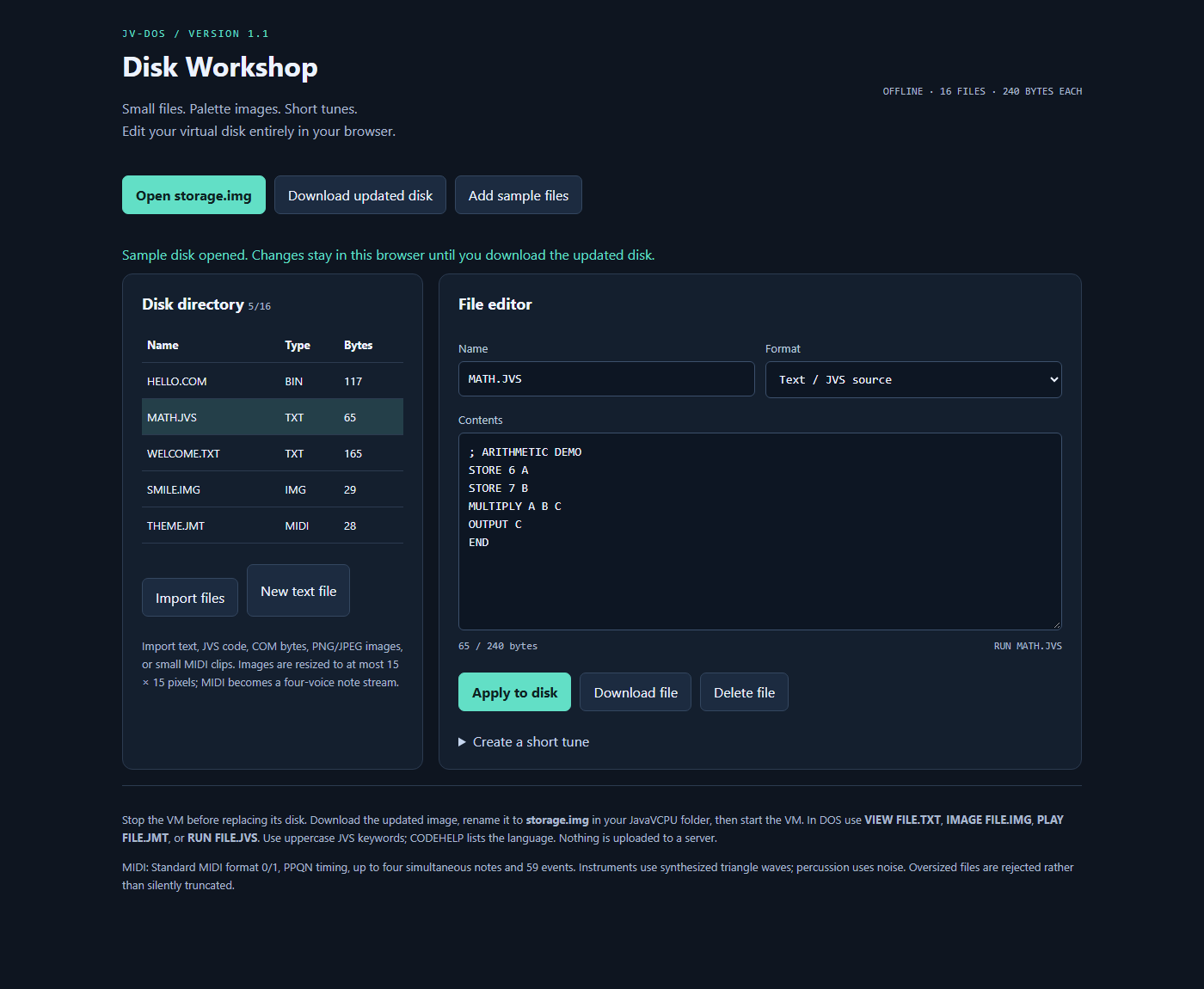
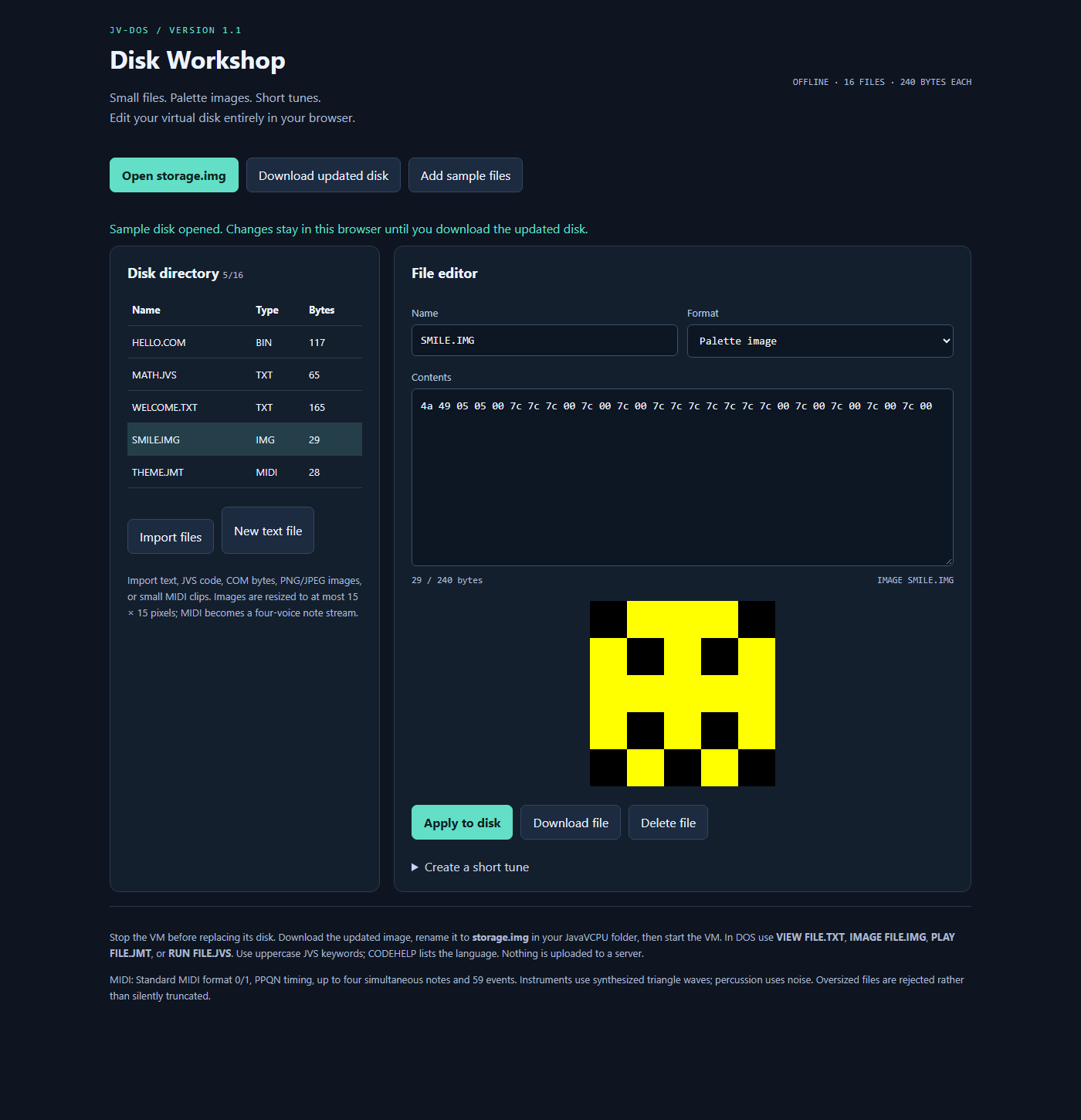
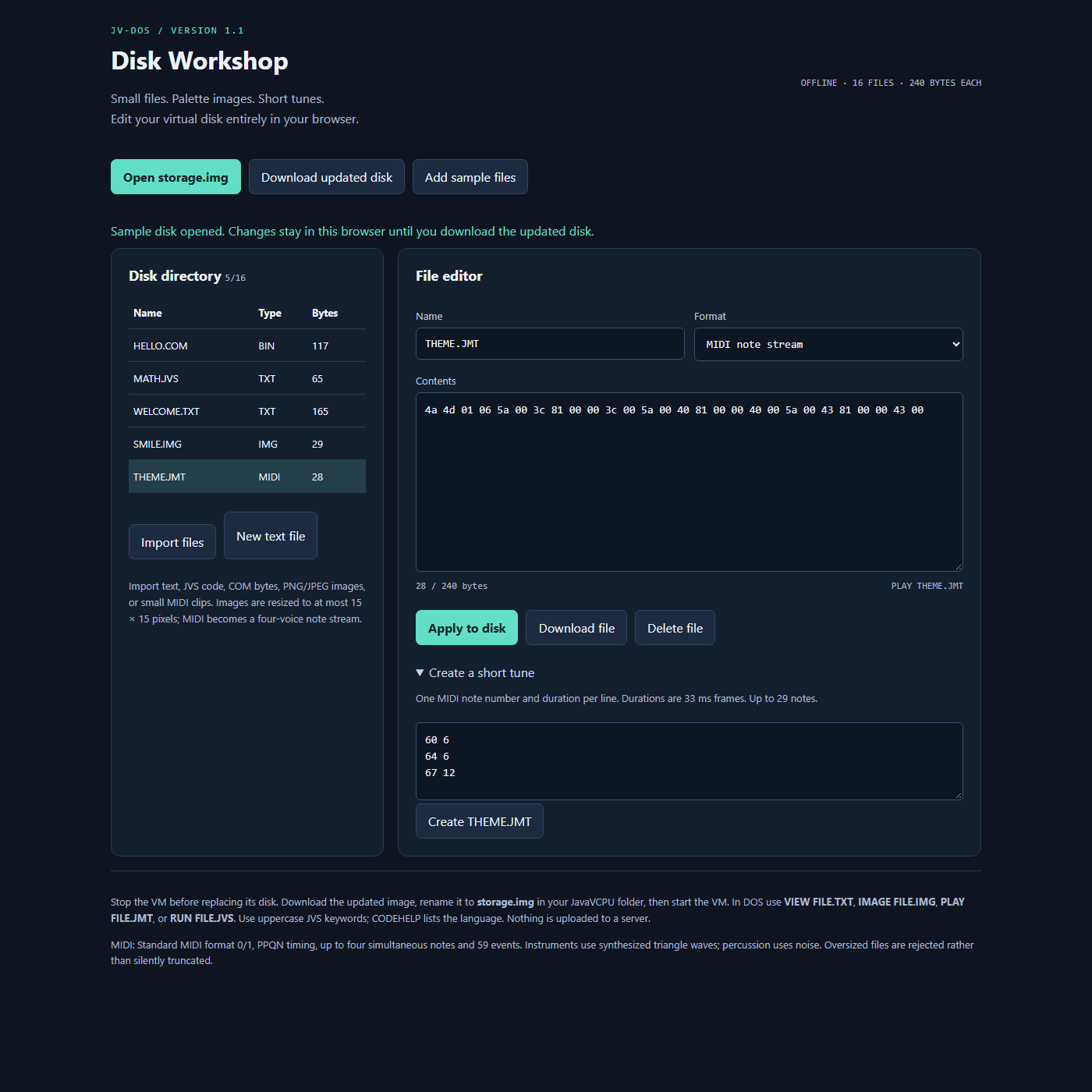
Guest capture regeneration and wiki-image publishing are documented in tools/wiki.