Repository navigation
Releases: JRDevo/ETS2-ATS-VR-Controls
Release list
ETS2 ATS VR Controls v0.2.0

ETS2 ATS VR Controls v0.2.0
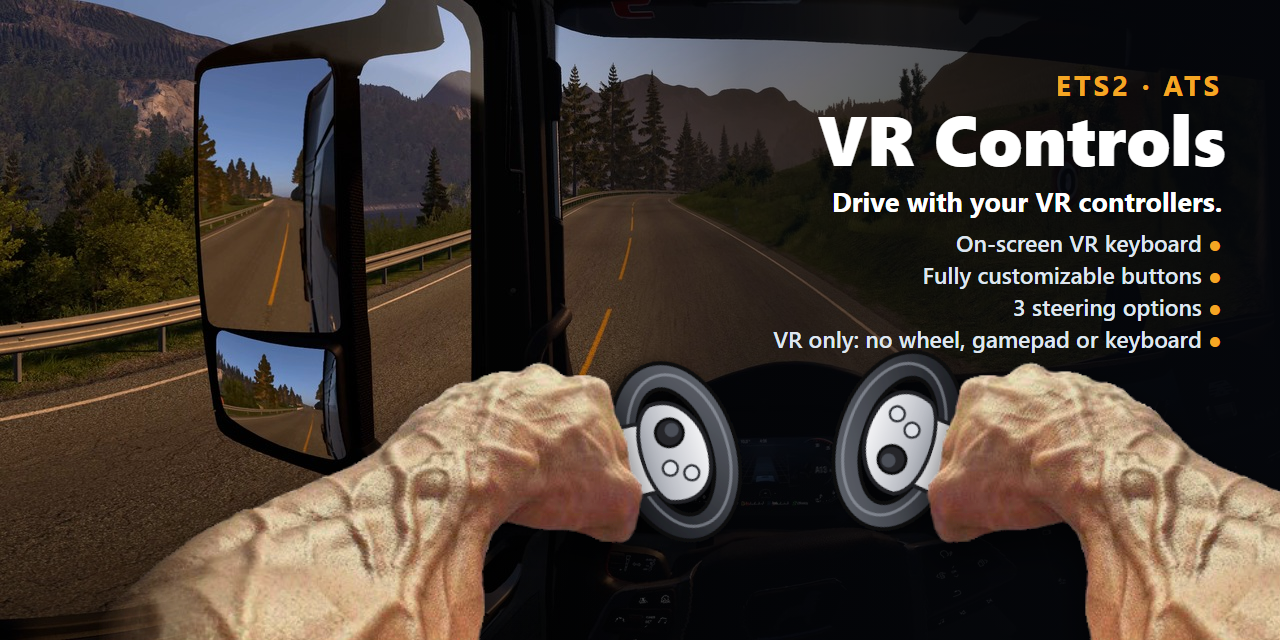
Drive Euro Truck Simulator 2 and American Truck Simulator in VR with only your headset and its controllers. This
version adds three ways to steer, four layers of buttons, and more keys on the VR keyboard.
Caution
Only download this mod from https://github.com/JRDevo/ETS2-ATS-VR-Controls/releases. There is no website, no Discord,
no Nexus, no Steam Workshop. Any other site, mirror or "installer" that offers it is not mine: do not run it.
OpenXR only: start the game with
-openxr(see the README: "Which VR mode?"). Windows 10 / 11, 64-bit.
Tested with ETS2 1.61, Quest 3 via Virtual Desktop.
New: three ways to steer
In the VR menu, open the Driving tab and pick Steer with:
| Steer with | How |
|---|---|
| Stick | The stick steers, as before. Most of the stick = small turns; all the way = hard turns. |
| Wheel | Hold the grip(s) and turn your hands like a real steering wheel. Hold the wheel with: Both grips (two hands), or Left, Right or Either grip (one hand: move your hand round the rim, like a real wheel). A second hand can join or let go at any time: the wheel does not jump. Let go: the wheel goes back to straight. |
| Point | Point a controller left / right. Hand that points: Left or Right. While that hand points at the VR keyboard or menu, the wheel holds where it is, so you can type in a bend. Tip: point with one hand, type with the other. |
- Stick on / off (Wheel and Point): on = the stick steers too and wins while you push it (a quick correction); off =
only your hands steer, and the stick's left / right become normal buttons again. - Hands turn / Point for full lock: how far you turn or point for full lock (Wheel 90 degrees, Point 35 degrees by
default). - Speed-sensitive like the stick: less wheel at highway speed.
- No double jobs: a grip that holds the wheel is only the wheel -- no key, no modifier layer, no air mouse, no gas /
brake from it. The Buttons tab shows it as "the wheel".
New: four layers of buttons
- Modifier 1 (right grip) and modifier 2 (left grip). No grip = your normal buttons, right grip = layer 2, left
grip = layer 3, both grips = layer 4. Hold the grip(s) first, then press the button. - Buttons tab: Normal / Mod 1 / Mod 2 / Both at the top, and 1: / 2: to pick the two modifier buttons.
- A button with nothing set in a layer does its normal job. Your old modifier settings keep working.
Also new
- Faster return to straight: let go of the stick, or push it the other way, and the wheel comes back fast (0.5 s
from full lock). Turning in stays calm. (steer_back_speedinconfig.ini.) - VR keyboard: PrtSc and Pause next to ScrLk. Pause works with the ETS2 / ATS DLAA mod's hotkeys.
pause
andprintscreencan also go on any controller button. - A logo and a banner for the project.
Install / update
- Close the game. Download
ETS2-ATS-VR-Controls-v0.2.0.zipbelow. - Updating from v0.1.0? Keep your own
config.ini: unzip everything exceptconfig.iniover your old folder.
Missing new settings use their defaults, and the VR menu writes them when you change them.
New install? Unzip to a folder where it can stay (for exampleC:\ETS2 ATS VR Controls). - Right-click
install.ps1> Run with PowerShell, click Yes in the admin prompt. (Updating into the same
folder: this step is not needed again.) - Start the game in VR (
-openxr).
Uninstall: run uninstall.ps1 the same way, then delete the folder.
Good to know
- At every game start the game shows "Request to use advanced SDK features detected". That is this mod's driving
part. Point at OK and click. - Problem? Set
log = 1inconfig.ini, play until it happens, quit, and attachlogs\ets2_ats_vr_controls.logand
config.inito a bug report.
License: PolyForm Noncommercial 1.0.0.
SHA-256 of the zip: 682563c4a18b66fcefb965cf029d53375e1abf5724460d44bfcdb2bfaeadb270