
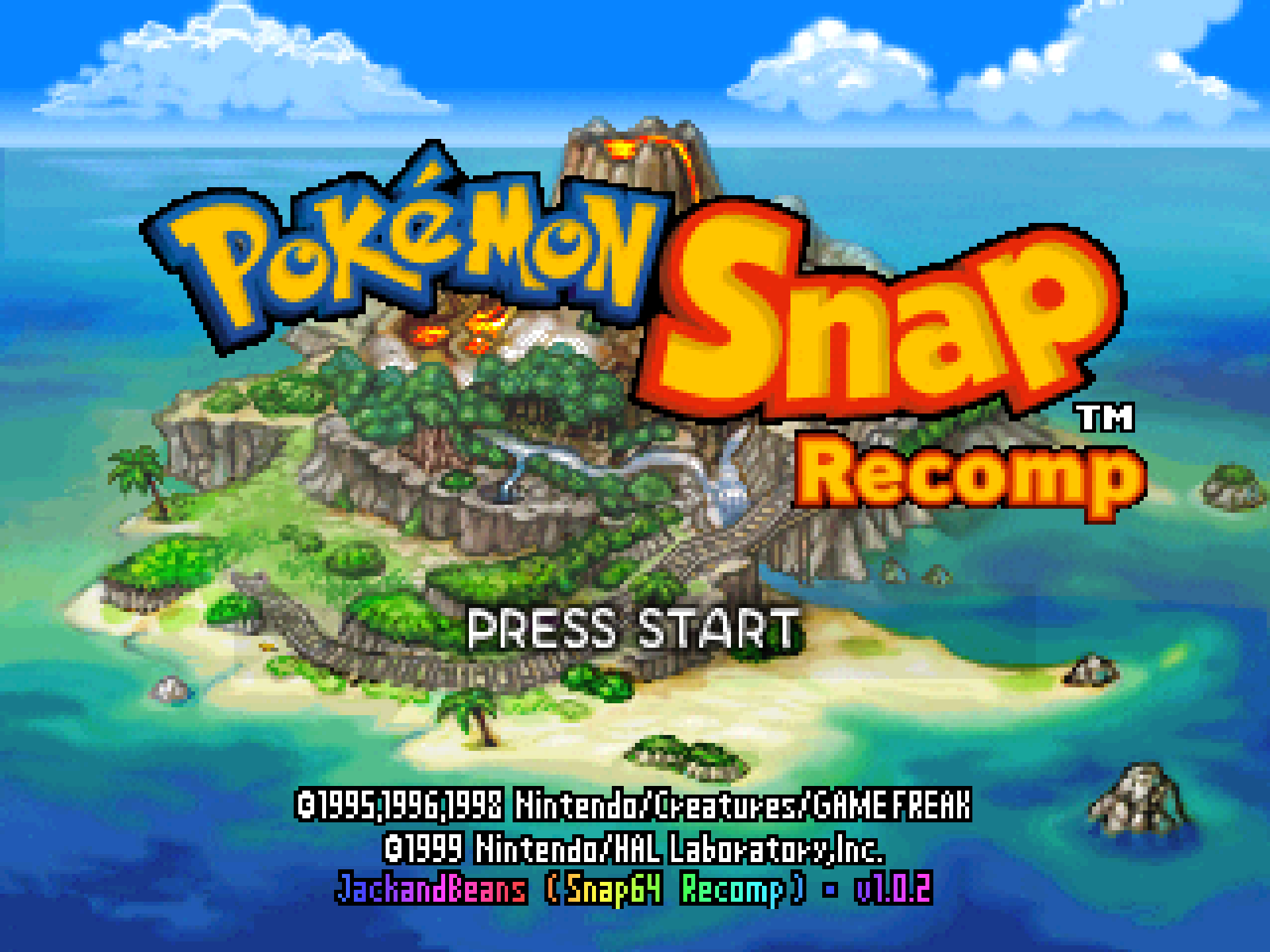
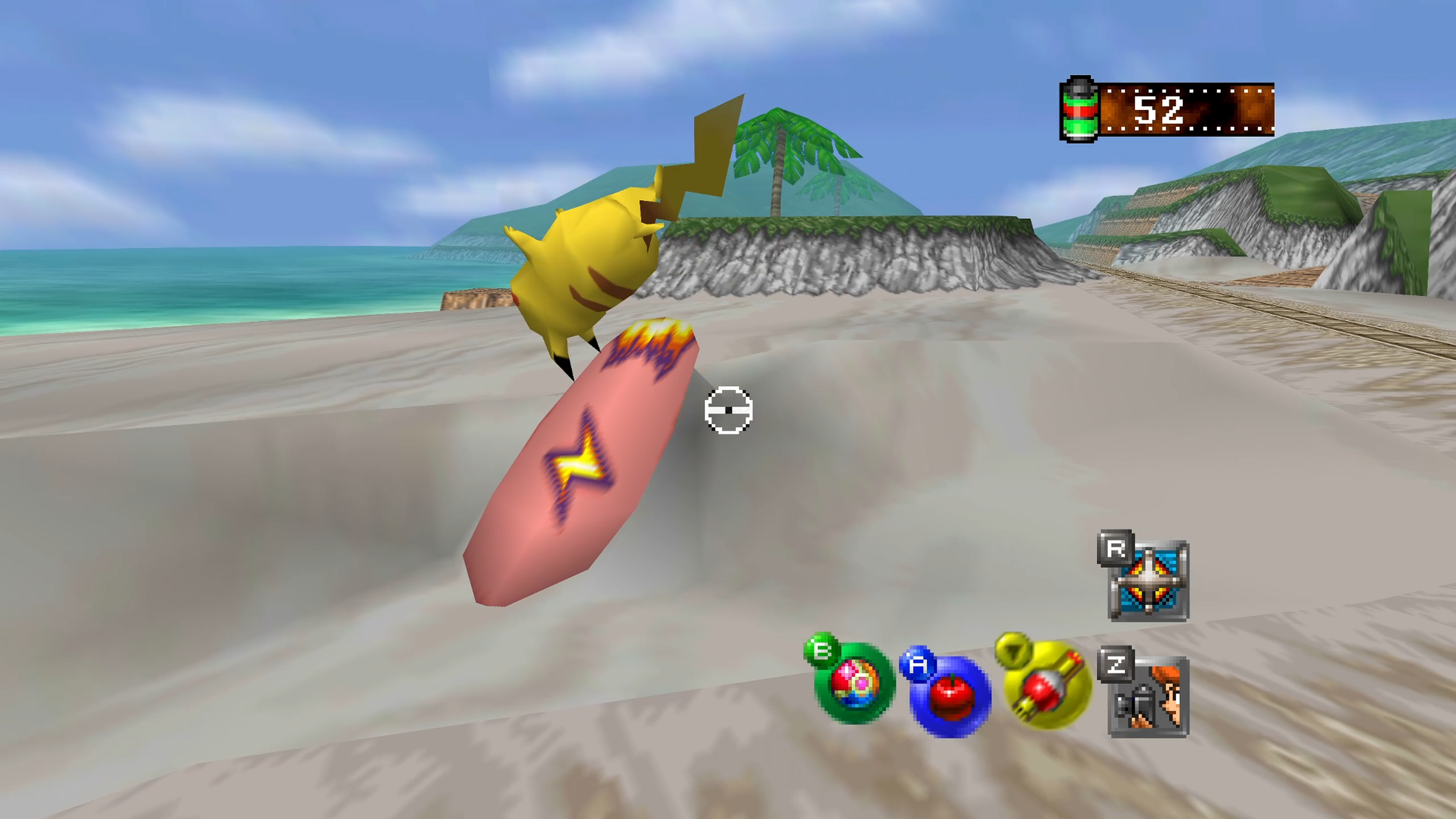
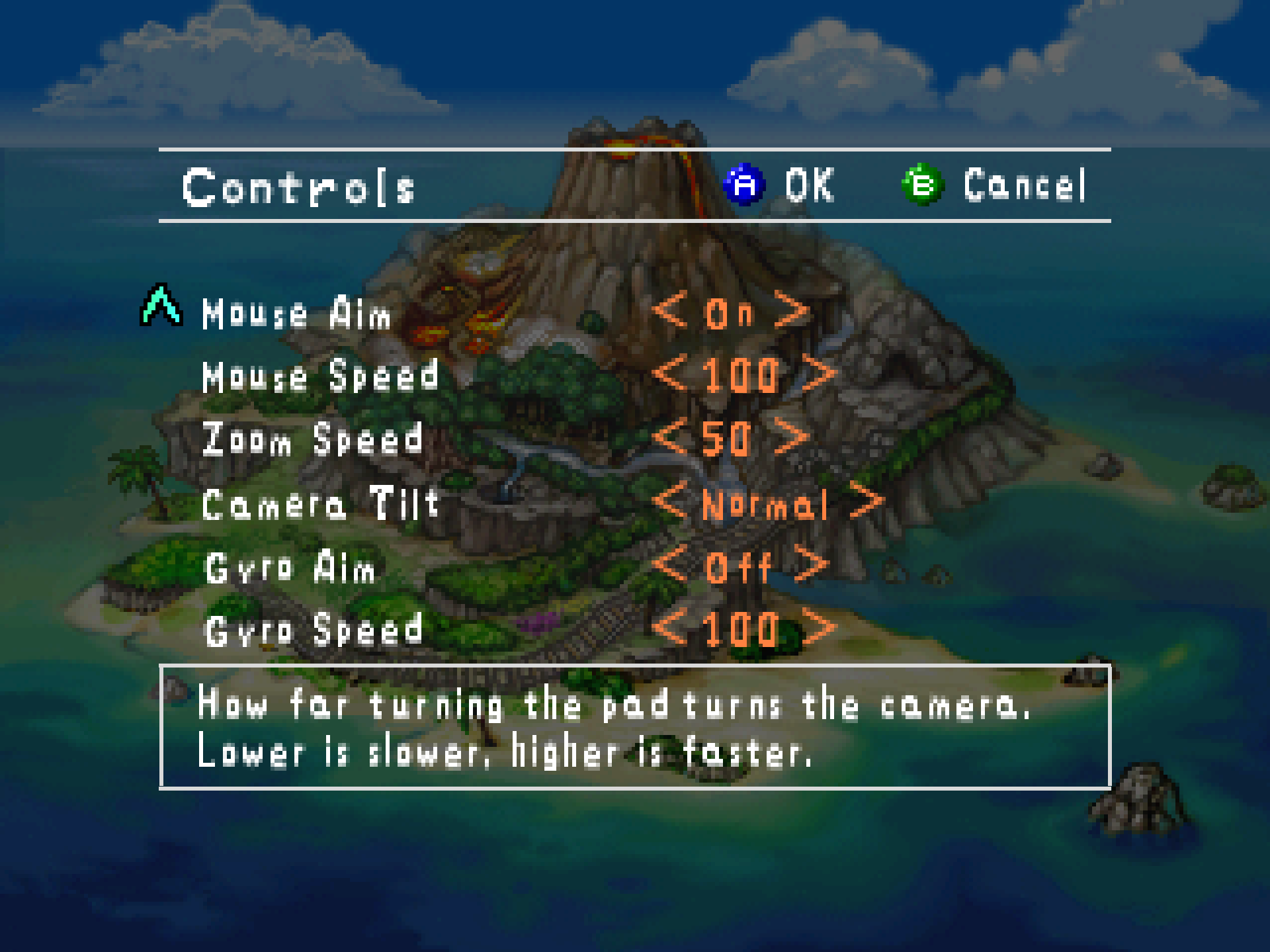
Snap64 Recomp is a native port of Pokémon Snap (Nintendo 64, US release) made by static recompilation: the game's own code runs on your PC, the port only hosts it, and everything about how it looks is off unless you turn it on. 1.0.2 is a small release made of the first bug report against 1.0.1, and of what turned up while it was being fixed.
Downloads
| File | For |
|---|---|
Snap64Recomp-1.0.2-win64.zip |
Windows 10 or 11, 64-bit, with a GPU driver that provides Direct3D 12. Nothing else to install. |
Snap64Recomp-1.0.2-linux-x86_64.tar.gz |
Linux, experimental: needs the system's SDL2, GTK 3 and a Vulkan driver. Played on a Steam Deck in Desktop Mode and nowhere else yet. |
You need your own cartridge dump. No game data is included. Put your pokemonsnap.z64 (US, SHA-1 edc7c49cc568c045fe48be0d18011c30f393cbaf) next to the executable and start it. START HERE.txt in either archive says the rest, in one page.
What's new
Controllers
- A black window at start with a controller attached is fixed (#7, a Switch Online N64 controller over Bluetooth). Every SDL call the port made for a controller ran on the game's own controller thread, and SDL's driver for a Nintendo pad over Bluetooth spends seconds there in synchronous handshakes; the game, straight after opening the pad, sends its scheduler registration without waiting and then waits for the answer forever, and a pad open longer than about 130 ms filled the queue that send needed. The pad now lives on a thread of its own, the game's threads make no controller call at all, and the runtime no longer lets a burst of stale retraces fill a game queue. Reproduced here with a 20-second pause injected at that point, and verified the same way.
pad_enabledin the settings file:falsemakes the port ignore every pad without unplugging one.
Under the hood
- A renderer fault that could drop a whole Pokémon when its triangles reach the camera plane is fixed: the pass's fitted box was computed from unclipped projected positions, and a vertex at or behind the plane made the box empty and the pass vanish. The same family as 1.0.1's Widescreen pop-out, which only the widened view had been guarded against. Found while looking into Snorlax disappearing when the camera is pitched up at him on the Beach, which turned out to be the cartridge's own rule (see Known limitations).
Corrections
- Rumble. 1.0.1's notes said the Rumble Pak now ran for as long as the game asked. It never asks: the cartridge's only motor calls are in its reset handler, which the port never runs, so no pad has ever rumbled here and none will.
rumble_strengthis gone from the settings file (a file that still carries it loads as before), and the port no longer tells the game a Rumble Pak is in port one, as a console with an empty pak slot does not.
Every change, with its cause, is in CHANGELOG.md.
Note
Upgrading from 1.0.1 or 1.0.0: unpack the new archive over the old folder or beside it. Your save is in saves/ and your settings in snapsettings.json, both untouched by the upgrade and both read by 1.0.2 as they are. If you keep the old folder, copy those two across.
Warning
The Windows executable is not signed. SmartScreen may say "Windows protected your PC" on the first start, and an antivirus may flag a program it has never seen; the builds on this page are what the source produces, and the .sha256 beside each archive lets you check what you downloaded.
First start
- On Windows, past SmartScreen: choose More info, then Run anyway, once.
- The first start compiles the shipped shader list during the boot logos and takes longer.
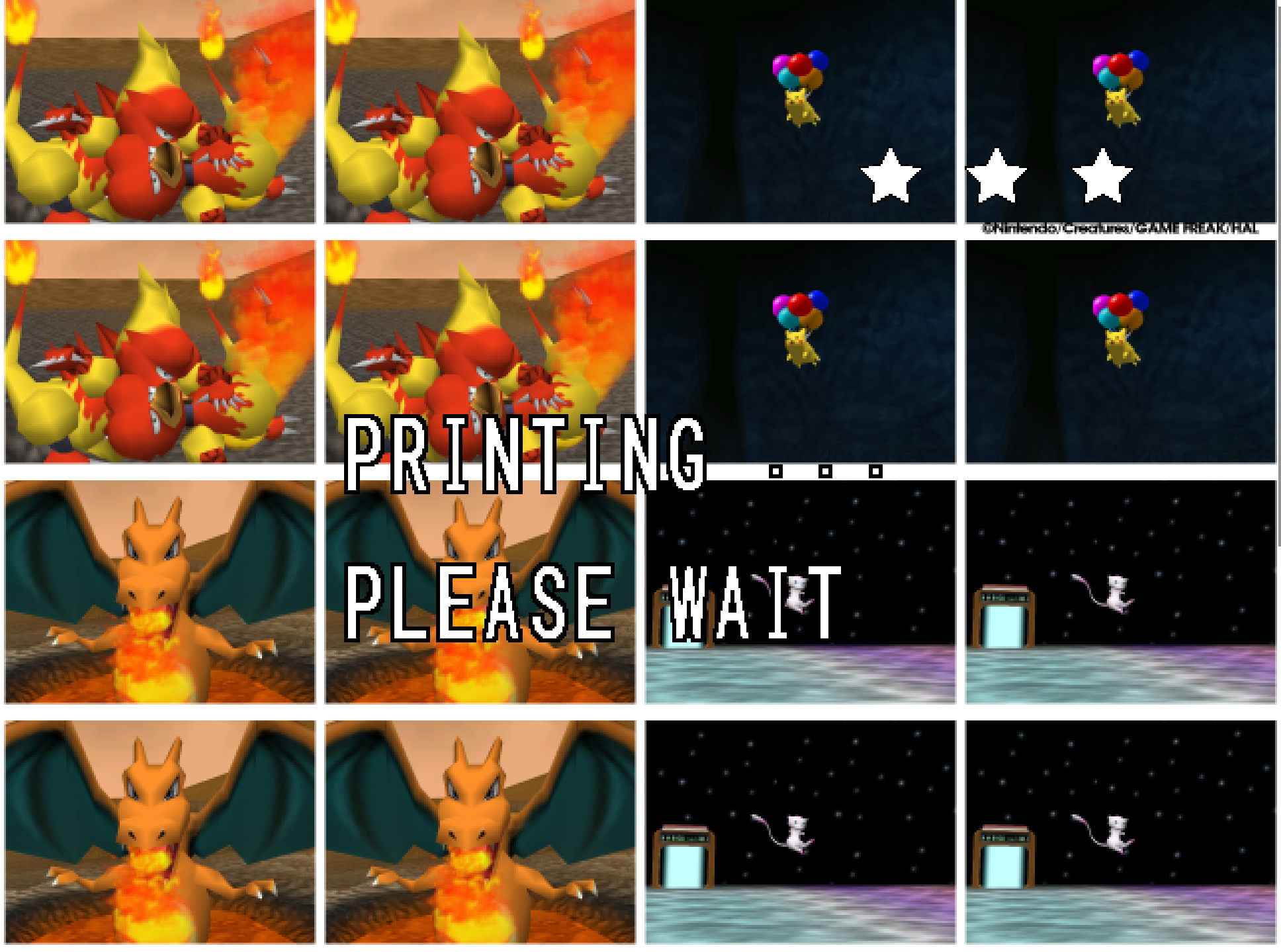
- The Snap Station's Print restarts the program twice, on purpose.
- On a Deck, run it from Desktop Mode, which is where it has been tested; the README's Deck section has the shortcut and gyro settings.
Known limitations
- Widescreen is untested beyond the Beach.
- A Pokémon pops out of the picture before it has fully left it: the cartridge draws a Pokémon only while its collision point projects within 1.5 times the half-screen of the centre, so a big, close one — Snorlax on the Beach with the camera pitched up to the limit — vanishes with part of its body still in frame and returns as the camera comes down. The console does the same; the port keeps the rule as the cartridge has it.
- Gyro has been confirmed on a Steam Deck and no other pad yet.
- A Nintendo pad over Bluetooth is put by SDL's driver in the report mode that only speaks when a button moves, and declared gone after three seconds of silence; the port takes it back at the next touch, on its own thread, so the first press after a pause may arrive a moment late. Read from SDL's code, not seen on such a pad here.
- On the Deck, at the start of the Beach, something flickers in the top-left corner when the camera is first raised and lowered; not understood yet, on the list.
- The Linux build has no crash reporter.
- Rebinding is the settings file until the in-game page arrives; the sticks themselves cannot be rebound.
Thanks
1.0.2 exists because one person hit a black window and took the time to say exactly what they saw. To Succulent-Puppet: your report for #7 — the pad, the machine, the log, the settings, and the fact that unplugging the pad made it start — named the fault precisely enough to reproduce it on a machine that has no such pad, and the fix is the shape it is because of that. To mstan, whose 1.0.1 fix for the Widescreen pop-out turned out to be the first sighting of the renderer fault this release finishes. And to everyone who has played it so far and written back: this is a port of a game people love, kept as the cartridge had it, and your reports are how it gets there.
Reporting a problem
Open an issue here and attach snap64.log from the folder with the executable (and Snap64Recomp.map if the log has [SNAP-AV] lines), your snapsettings.json, and what you were doing.
Verify the download
Each archive's .sha256 holds its SHA-256: certutil -hashfile Snap64Recomp-1.0.2-win64.zip SHA256 on Windows, or sha256sum -c Snap64Recomp-1.0.2-linux-x86_64.tar.gz.sha256 on Linux, prints or checks yours.
Licensed under the GPLv3; third-party notices are in NOTICE.md and licenses/. This project is not affiliated with, endorsed by or connected to Nintendo, Creatures Inc., GAME FREAK inc., HAL Laboratory or The Pokémon Company. Pokémon and Pokémon Snap are their trademarks.