Repository navigation
Releases: Jacoposchenetti/OpenSpoty
Release list
OpenSpoty v1.12.1

OpenSpoty v1.12.1
Security update
- Phone–PC sync over Wi-Fi now uses HTTPS with SHA-256 certificate pinning. Compare the fingerprint shown in the PC app with the value entered on the phone.
- The PC bridge's plain HTTP interface is bound to loopback; network clients use the TLS endpoint.
- Pairing now uses a randomly generated 12-digit PIN.
- After updating both devices, pair them again with the HTTPS address, PIN, and certificate fingerprint shown by the PC app.
Music and musician features
OpenSpoty streams music without an OpenSpoty subscription. Playback is provided through YouTube; Spotify supplies catalog metadata and artwork, not audio. Availability and advertising depend on the source services.
Practice with independent vocal and instrument controls, mute/solo, chords, synchronized lyrics, pitch and speed controls, BPM detection, count-in, and A–B looping. Also included: playlists, tuner, alarms, song identification, podcasts, offline downloads, and Android–Windows sync.
Downloads
- Android:
OpenSpoty-Android-v1.12.1-debug.apk(debug-signed tester build). - Windows:
OpenSpoty-Windows.zip(portable; extract and runOpenSpoty.exe).
The Android APK uses the maintainer's local debug signing key. It can update the maintainer's existing install; other testers may need to uninstall a differently signed build before installing this one. This is a tester build, not a production signing identity.
Installation
Android
Download and open the APK, then allow installation from that source if Android asks. If you already paired to a PC, update the PC package too and pair again using the new HTTPS address, 12-digit PIN, and SHA-256 fingerprint.
Windows
Download and extract the ZIP, then run OpenSpoty.exe. Allow access on private networks when Windows Firewall asks so the phone can connect to the TLS port.
Screenshots
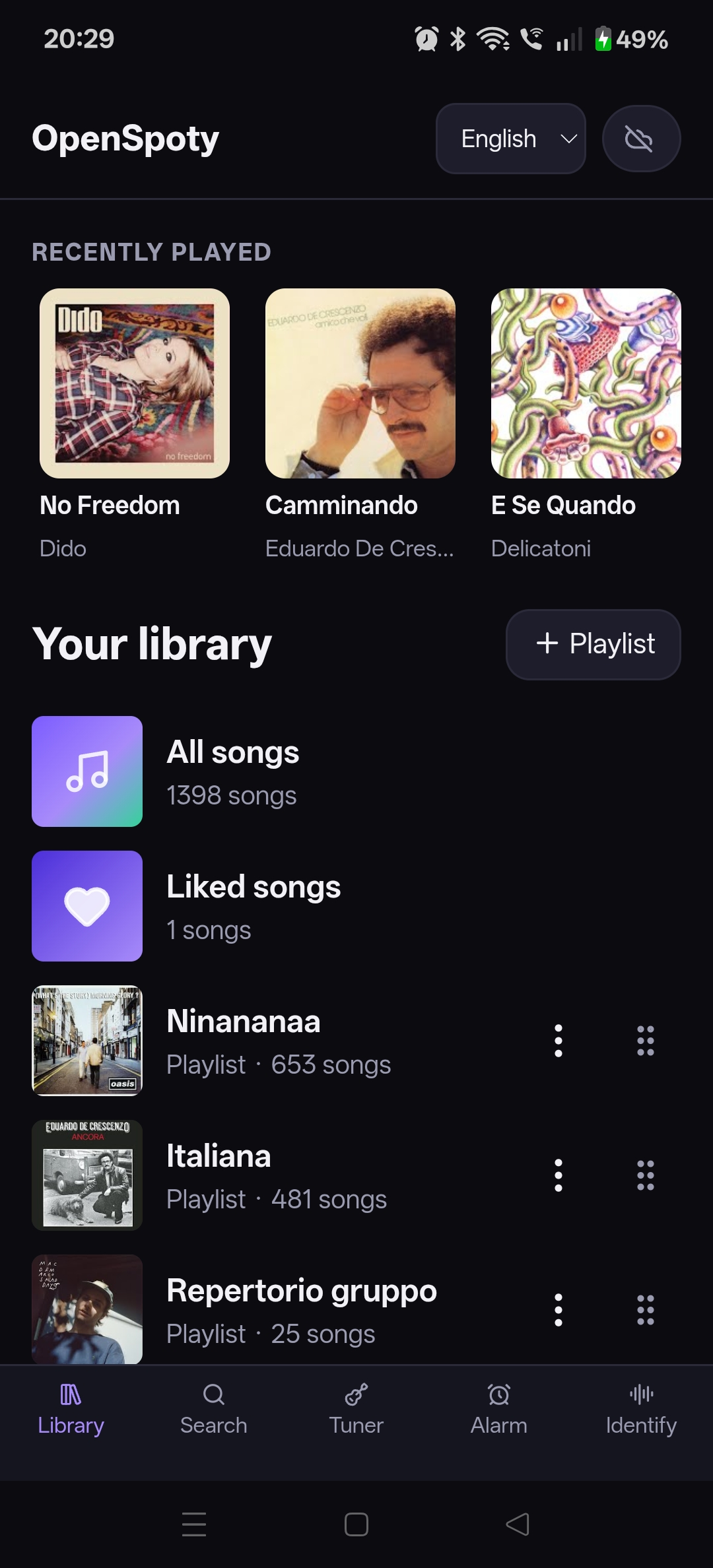
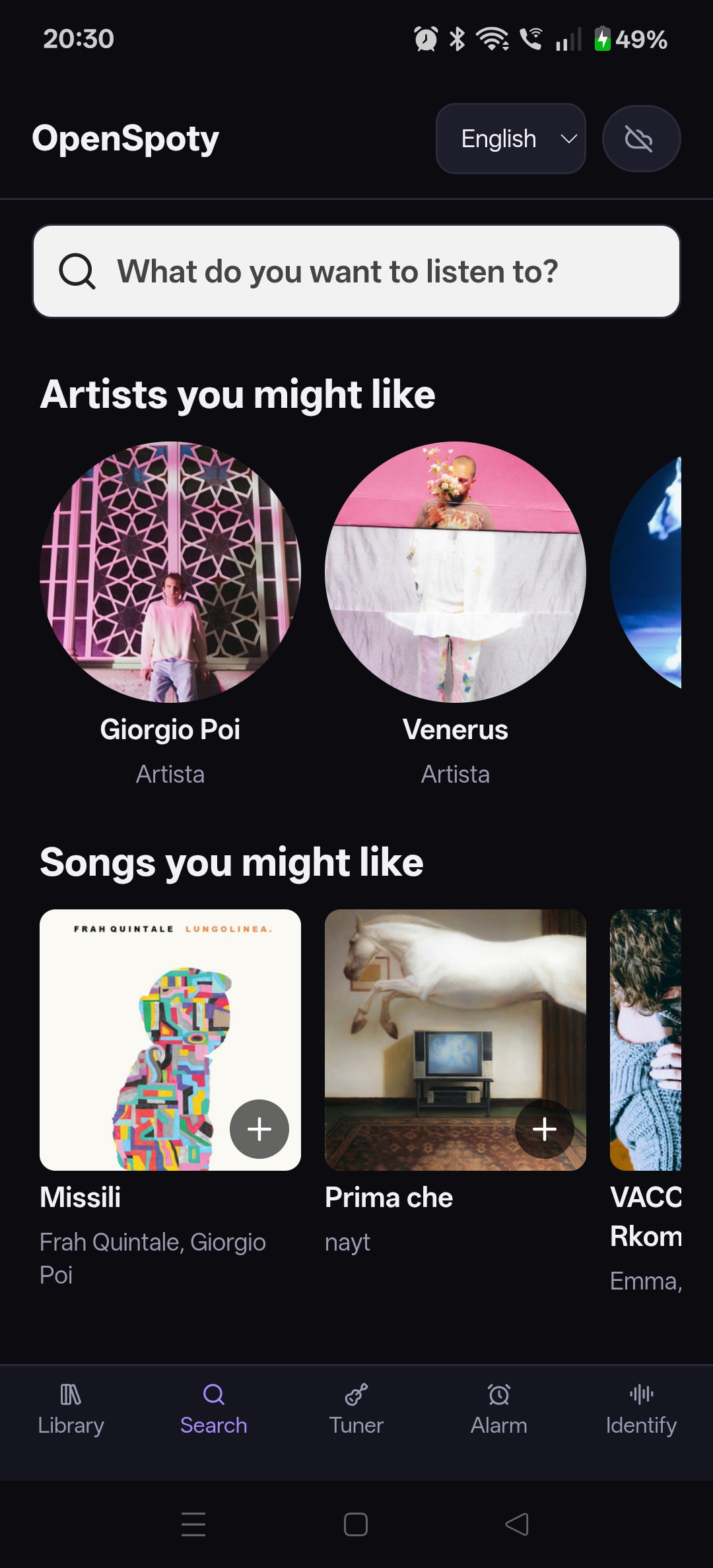
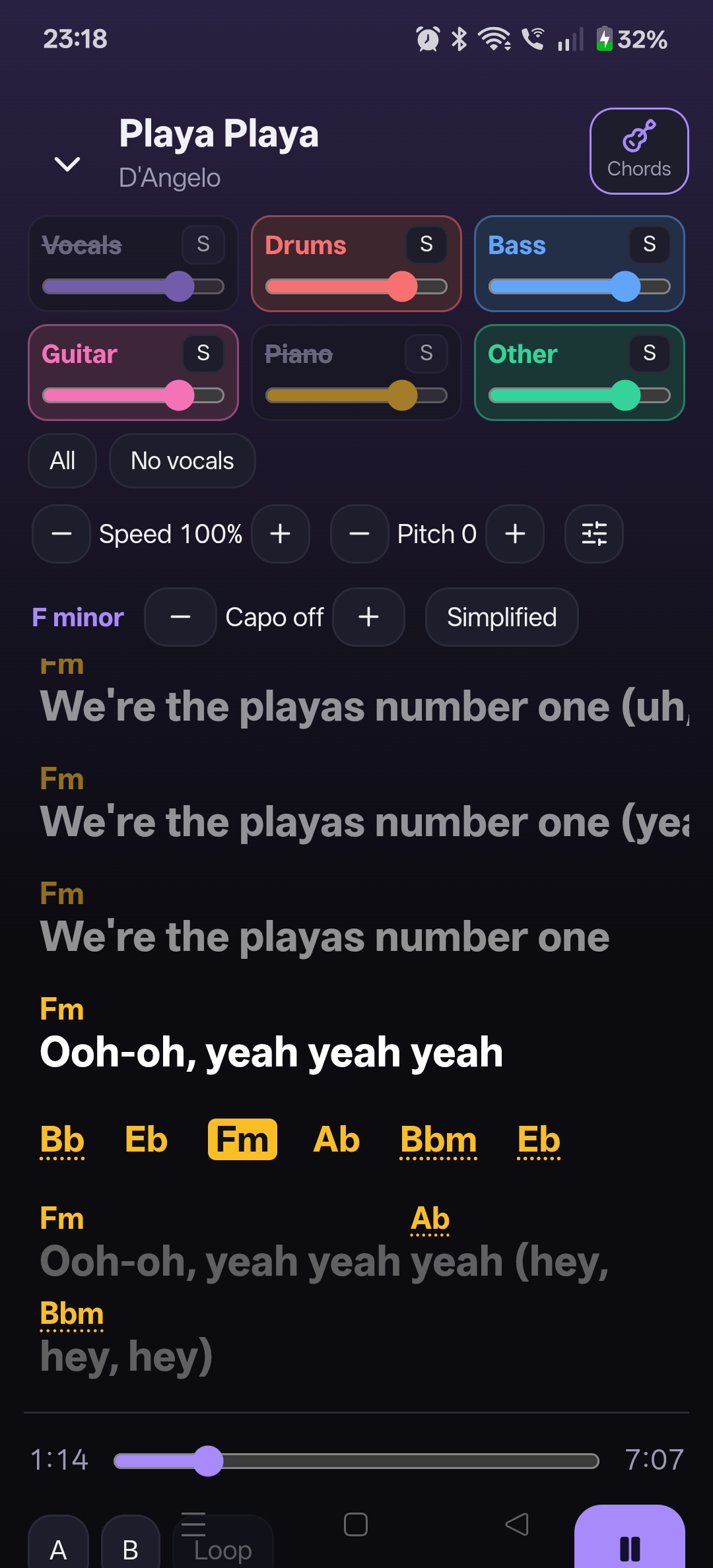
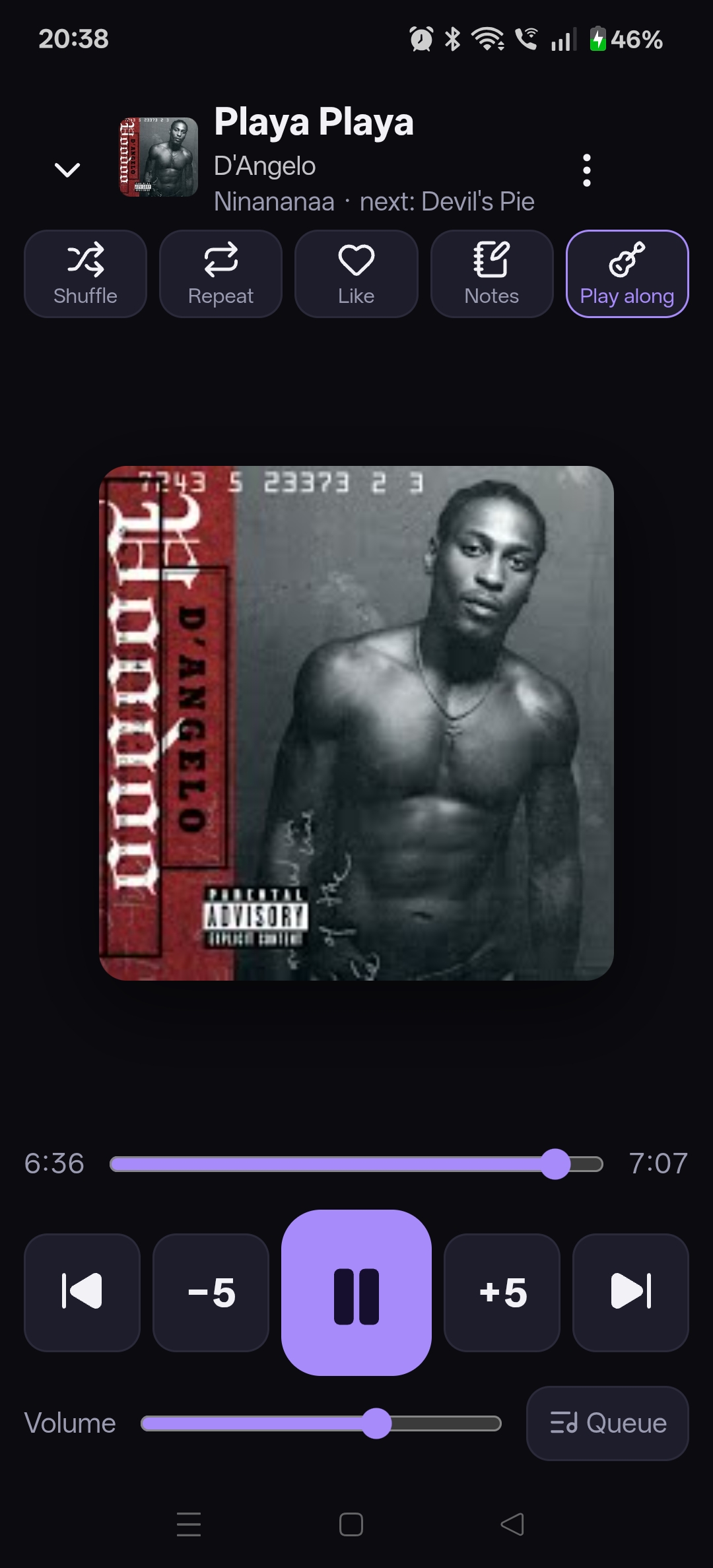
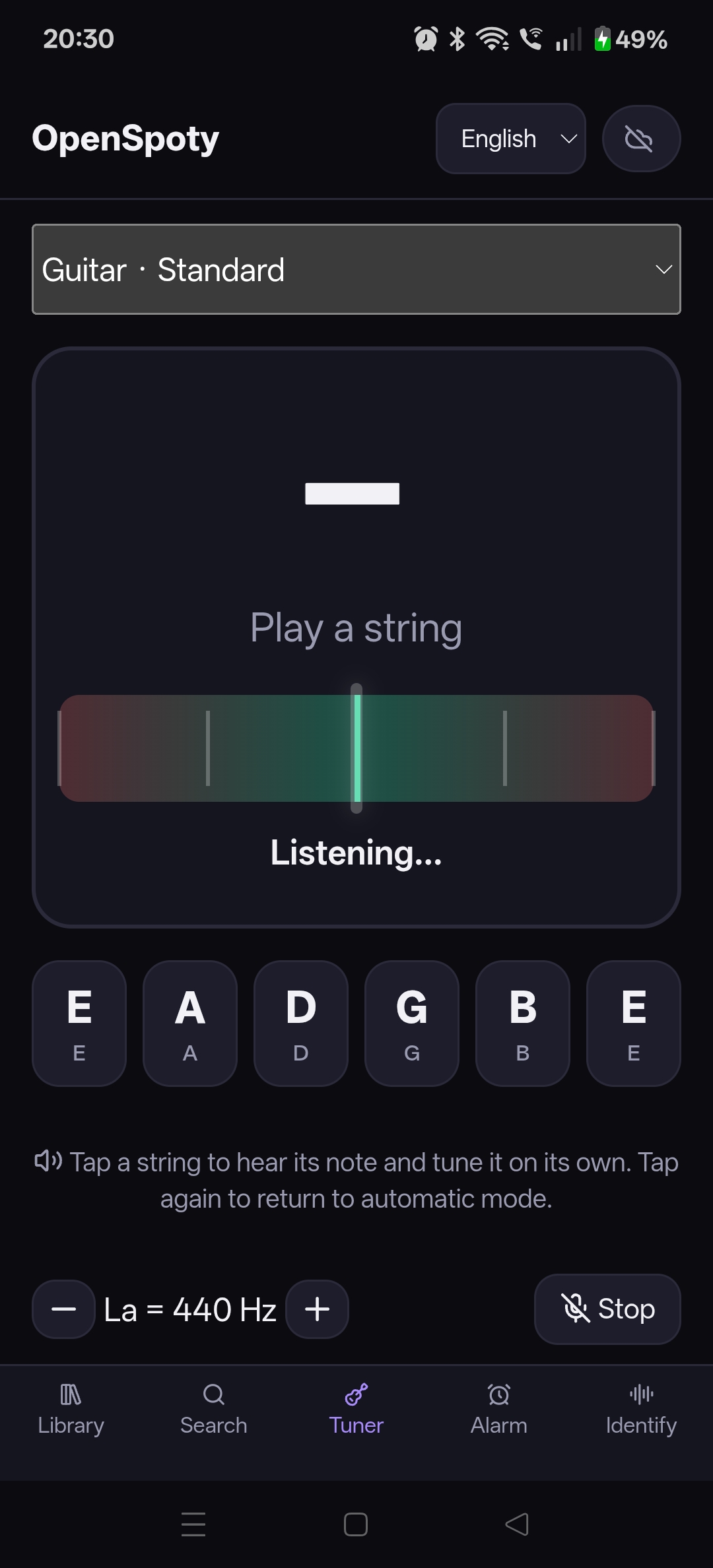
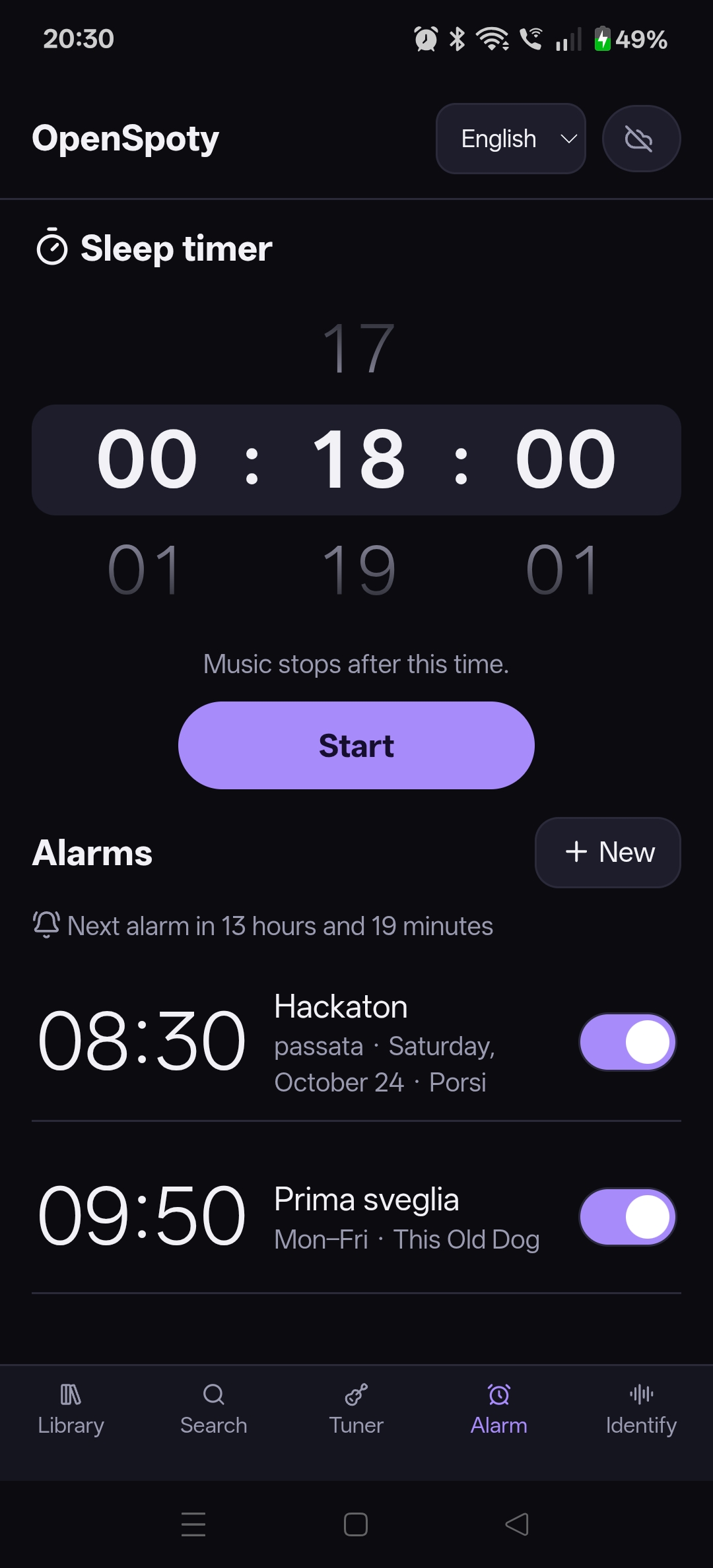
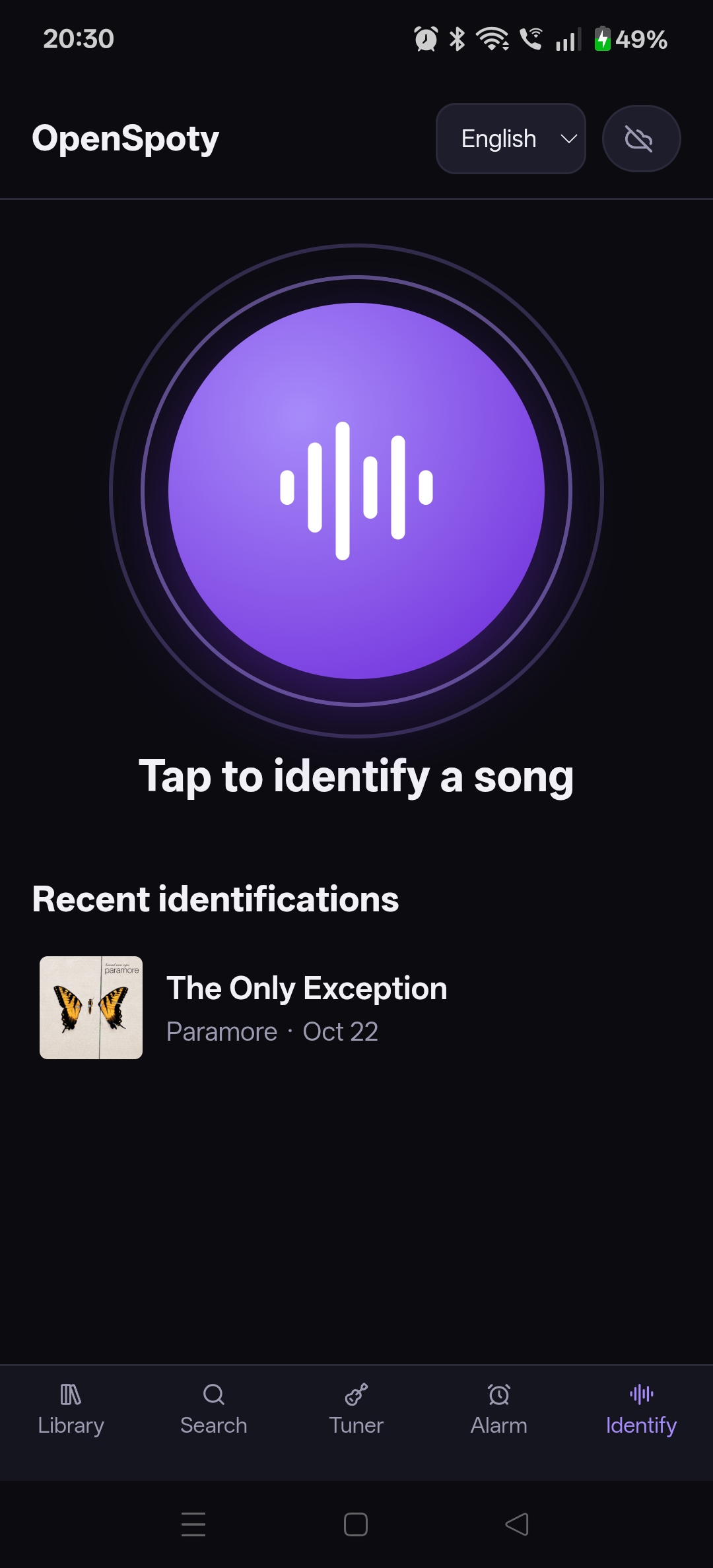
Feedback
Please share what worked and what did not, especially about translations, pairing, and musician workflows. For bug reports, include your device/OS, selected app language, steps to reproduce, and expected result: https://github.com/Jacoposchenetti/OpenSpoty/issues.
OpenSpoty v1.12.0
OpenSpoty v1.12.0
Free music streaming, built for musicians
OpenSpoty lets you stream music for free, with no OpenSpoty subscription. Audio playback is provided through YouTube; Spotify supplies catalog metadata and artwork, not audio. Availability and advertising depend on the source services.
Practice with musician-focused tools:
- Adjust, mute, or solo vocals, drums, bass, guitar, piano, and other stems independently.
- Load and follow chords with synchronized lyrics; edit chord positions.
- Change pitch and speed, detect BPM, use count-in, and loop an A–B section.
Also included: playlists, tuner, music alarms and sleep timer, song identification, podcasts, offline downloads, and Android–Windows sync.
Languages
The app interface is available in Italian and English. It follows the device language on first launch (Italian for Italian devices, English otherwise), and users can change it in the app. Song titles, artist names, lyrics, transcripts, alarms, and user-created names remain in their original language; other device languages fall back to English.
Downloads
- Android:
OpenSpoty-Android-v1.12.0-debug.apk(debug-signed tester build). - Windows:
OpenSpoty-Windows-v1.12.0.zip(portable; extract and runOpenSpoty.exe).
The Android APK is signed with the local debug key. Android updates must use the same signing key; this is a tester build, not a production signing identity.
Installation
Android
Download the APK, open it on the phone, and allow installation from that source if Android asks.
Windows
Download and extract the ZIP, then run OpenSpoty.exe. If Windows shows a first-run warning, continue only if you downloaded the package from the official OpenSpoty release.
Screenshots
Library Search Play Along Player Tuner Alarms Identify
The Play Along screenshot shows the full English interface and synchronized lyrics.
Feedback
Please share what worked and what did not, especially about translations and musician workflows. For a bug report, include your device/OS, selected app language, steps to reproduce, and expected result in an issue: https://github.com/Jacoposchenetti/OpenSpoty/issues.
OpenSpoty 1.11.2
Novità:
- Podcast: gli episodi partono anche sul telefono; "Nuovi episodi" in fondo a Cerca, con le copertine.
- I tempi oltre l'ora si leggono con le ore (1:04:40); negli episodi a destra c'è il tempo che manca (-28:22).
OpenSpoty 1.10.2
Novità:
- Cerca: i brani hanno i tre puntini con tutte le opzioni (libreria, coda, condividi, Mi piace, playlist, artisti, album, separa, scarica); album e playlist con condividi, aggiungi alla libreria e vai agli artisti.
- Brani con più artisti: "Vai agli artisti" li elenca tutti.
OpenSpoty 1.10.1
Novità:
- In Cerca gli artisti hanno il loro "+ Segui".
- Nel player, i tre puntini in alto a destra aprono le opzioni del brano: aggiungi alla libreria o a una playlist, metti in coda, vai all'artista o all'album, condividi, separa, scarica.
OpenSpoty 1.10.0
Novità:
- Segui gli artisti: pulsante "Segui" nella pagina dell'artista; li trovi in Libreria sotto "Artisti che segui". Si sincronizzano tra telefono e PC.
- Gli artisti che segui contano nei consigli di Cerca (le loro uscite, artisti simili).
OpenSpoty 1.9.0
Novità:
- Riproduzione automatica: quando la lista finisce (anche un brano cercato), continuano brani simili, come su Spotify. Si spegne dalla Coda.
- Sveglia: scegli cosa succede quando finiscono le canzoni: Ripeti, Brani simili o Fermati.
- Cerca: i risultati arrivano tutti insieme in ordine di pertinenza (brani, artisti, album e playlist mescolati), come su Spotify.
OpenSpoty 1.8.3
Correzioni:
- Se una canzone finisce di essere separata mentre la stai ascoltando, i pulsanti di voce e strumenti funzionano subito (prima bisognava farla ripartire).
OpenSpoty 1.8.2
Novità:
- Mentre scrivi si nascondono sia la barra della canzone in corso sia le schede in basso; ricompaiono quando chiudi la tastiera.
OpenSpoty 1.8.1
Novità:
- Mentre scrivi (per esempio nella ricerca) la barra della canzone in corso si nasconde e ricompare quando chiudi la tastiera.