Repository navigation
Releases: JigSawFr/PlayGuard
Release list
PlayGuard 1.1.0

1.1.0 · 2026-10-14
⬇️ Download playguard.zip (2.4 MB) · the app alone (5.9 MB) · how to install
🚀 4 features · 🐞 5 fixes · 24 commits since v1.0.0
🌟 Highlights
This release lets you choose what the console does when play time runs out, and makes the play timer and the history easier to read.
-
⏰ When time is up:
Choose what the console does when the play-time limit is reached. -
⏱️ Play timer:
The time played beyond the limit is now shown, and a block in the same-every-day mode now follows its daily rule. -
📋 History:
Clearer lines, with the day a limit changed, "today" and "yesterday", and a name for entries of an unknown kind. -
✨ What's new:
The release highlights now come with icons, and the full changelog is a press away. -
🐛 Dialogs:
Text always wraps inside the dialog.
Important
Summary written automatically.
📜 What changed
Every change in 1.1.0 (9 changes)
🚀 Features
- about: the release highlights with icons, the full changelog a press away (#122) (0b8bd5d)
- history: clearer lines — the day a limit changed, today/yesterday, unknown kinds named (#139) (0357f5b)
- play-timer: choose what the console does when the time is up (#134) (cc4b958)
- release: an airier release page, and the console's own lines in comments (#128) (b5be063)
🐞 Bug Fixes
- ci: one summary on the release page, laid out again on a re-run, airier (#124) (c7eea78)
- ci: the release's discussion updated with the release app's token (#130) (7f0efde)
- play-timer: a DAILY-mode block read through its daily rule (#133) (4404c82)
- play-timer: show the time played over the limit (#140) (3890375)
- ui: dialog texts always wrap inside the dialog (#141) (682d9ac)
🛠️ For contributors: tests, docs (6 changes)
🧪 Tests
📚 Documentation
- a 30-second video tour, at the top of the README (#142) (26d4b2d)
- a one-screen README (#136) (e33bdc0)
- a short README, the details in a user guide under docs/ (#135) (4c37b0a)
- tested versions apart from the ones that should work (#138) (750efa8)
- the README's video tour plays inline as a GIF, and three times lighter (#143) (39c2bde)
🖼️ On screen
Screens that look different (7 screens, before and after)
| Screen | Before | After |
|---|---|---|
alarm/01_overview_over |
new | 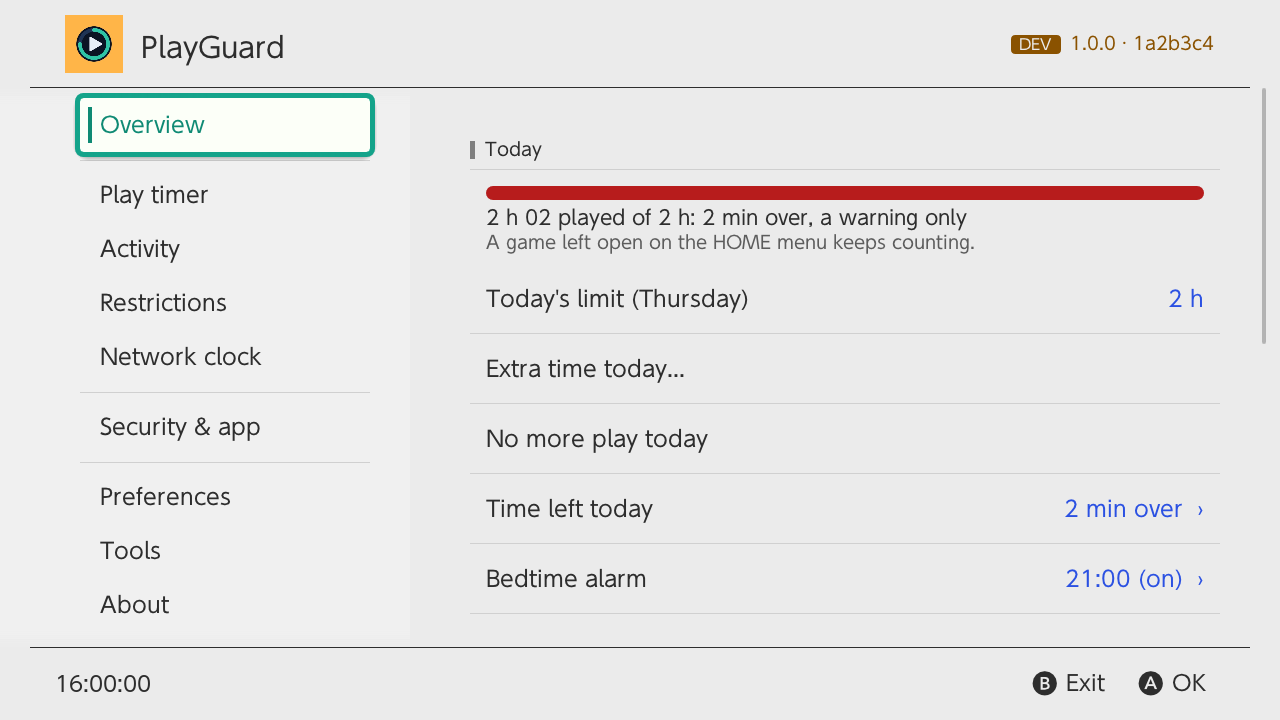 |
alarm/02_play_timer_over |
new | 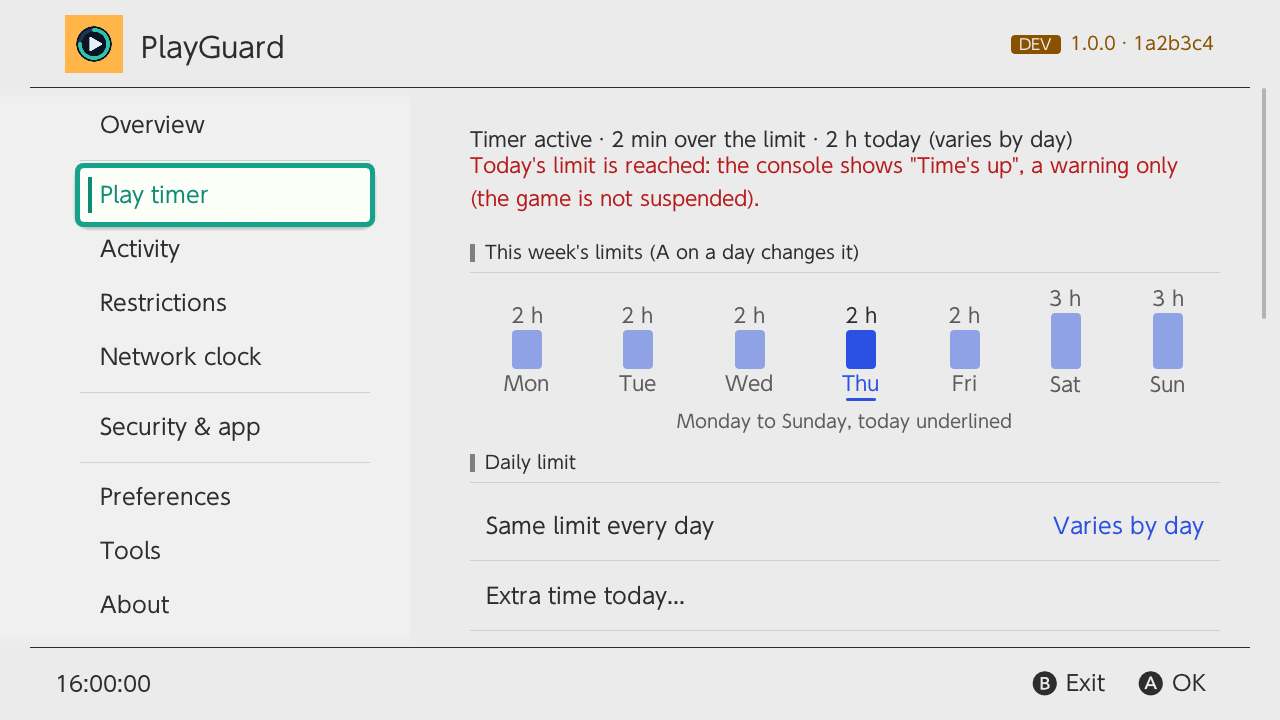 |
errors/03_gate |
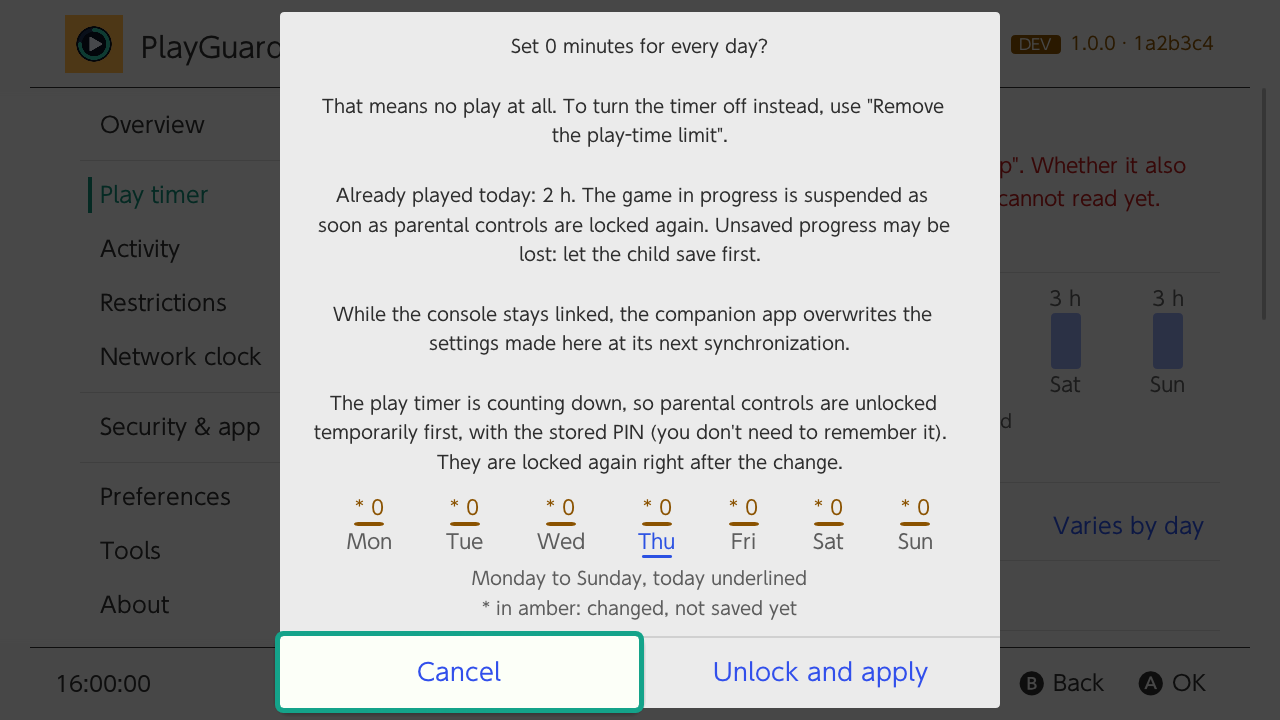 |
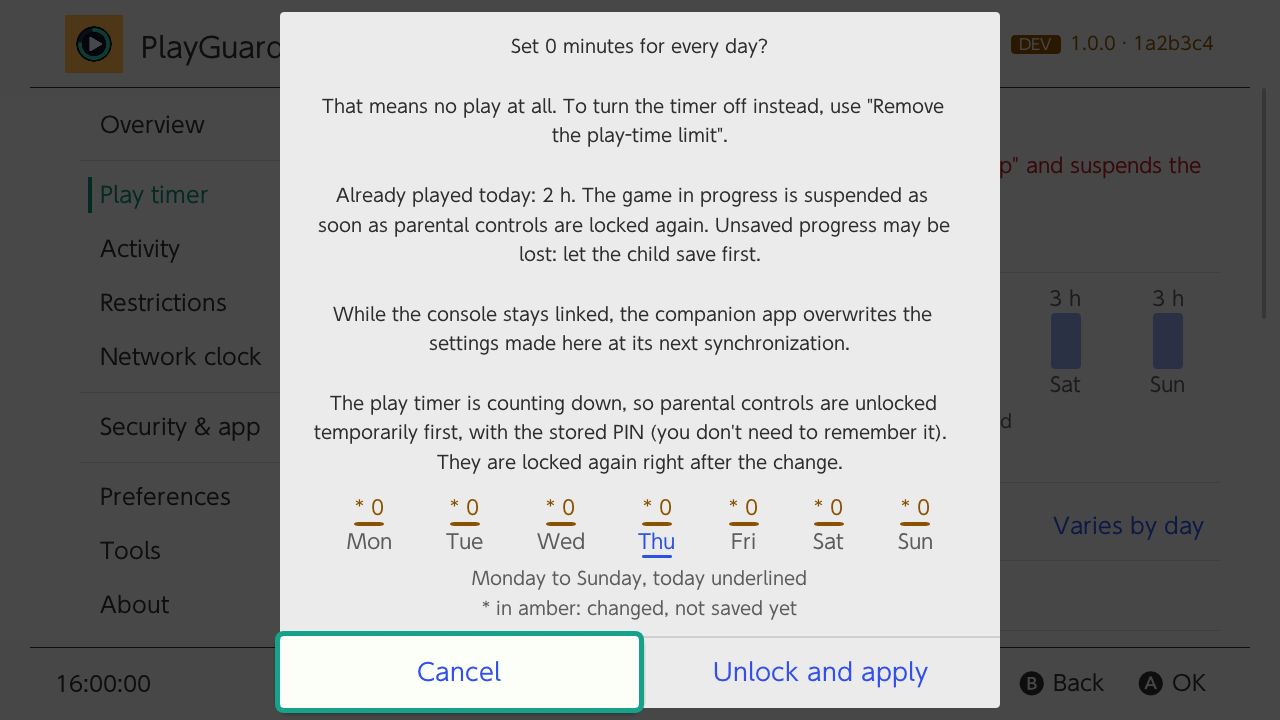 |
errors/04_unlock_failed |
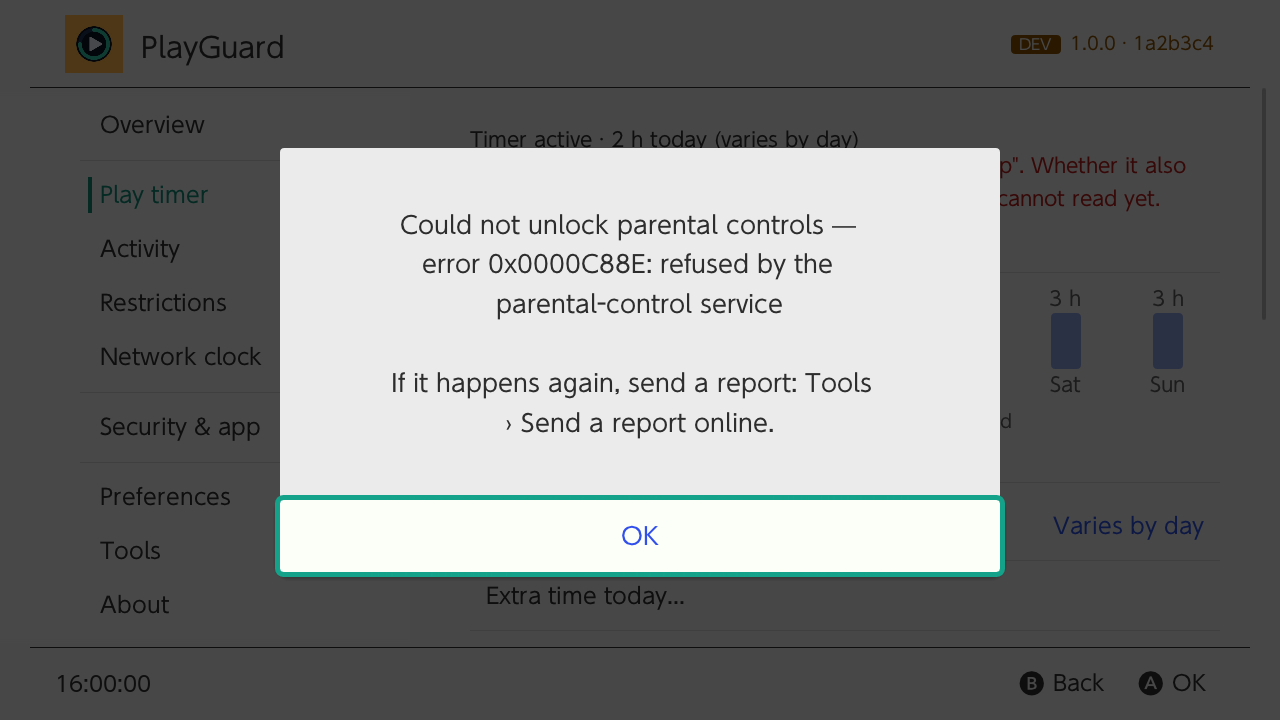 |
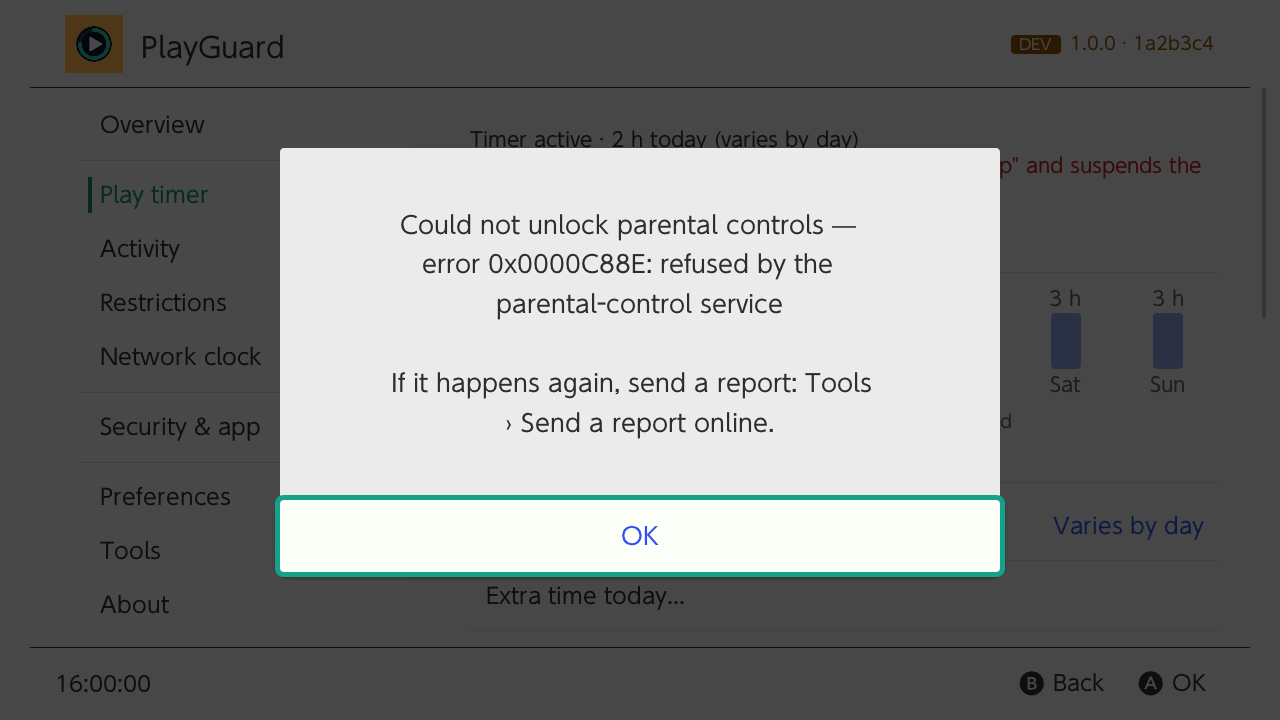 |
errors/07_clock_copy_confirm |
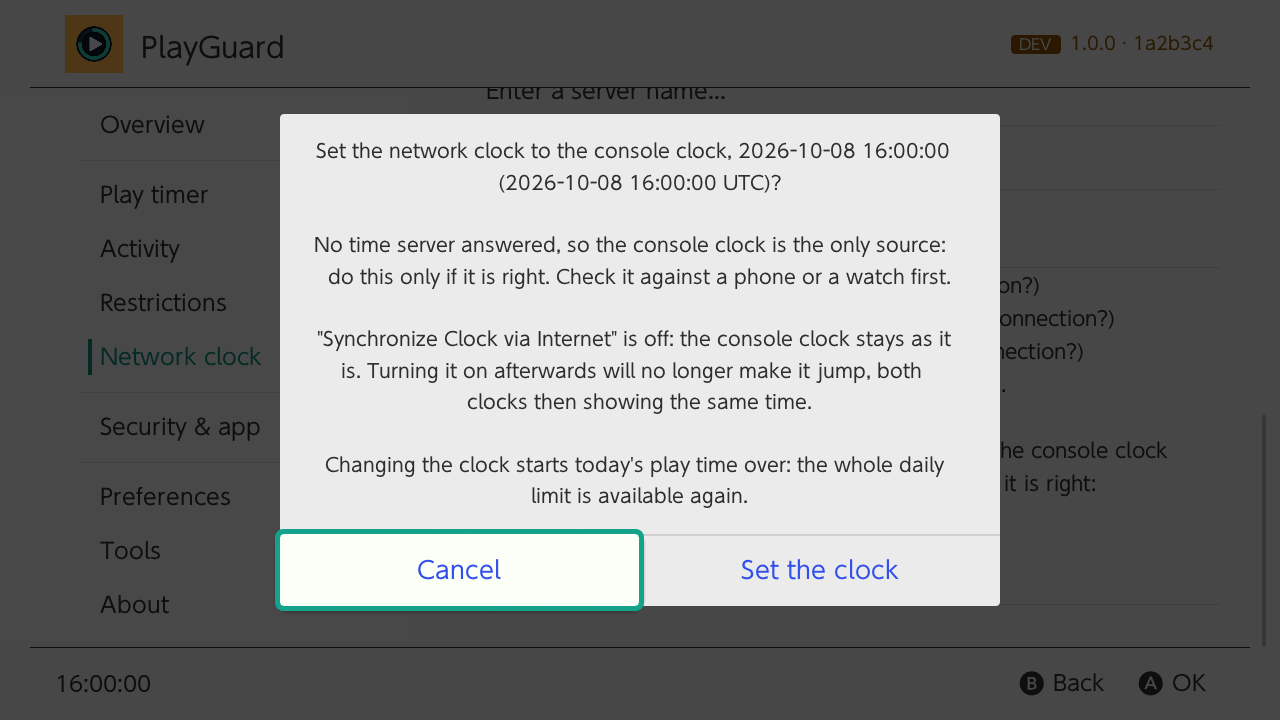 |
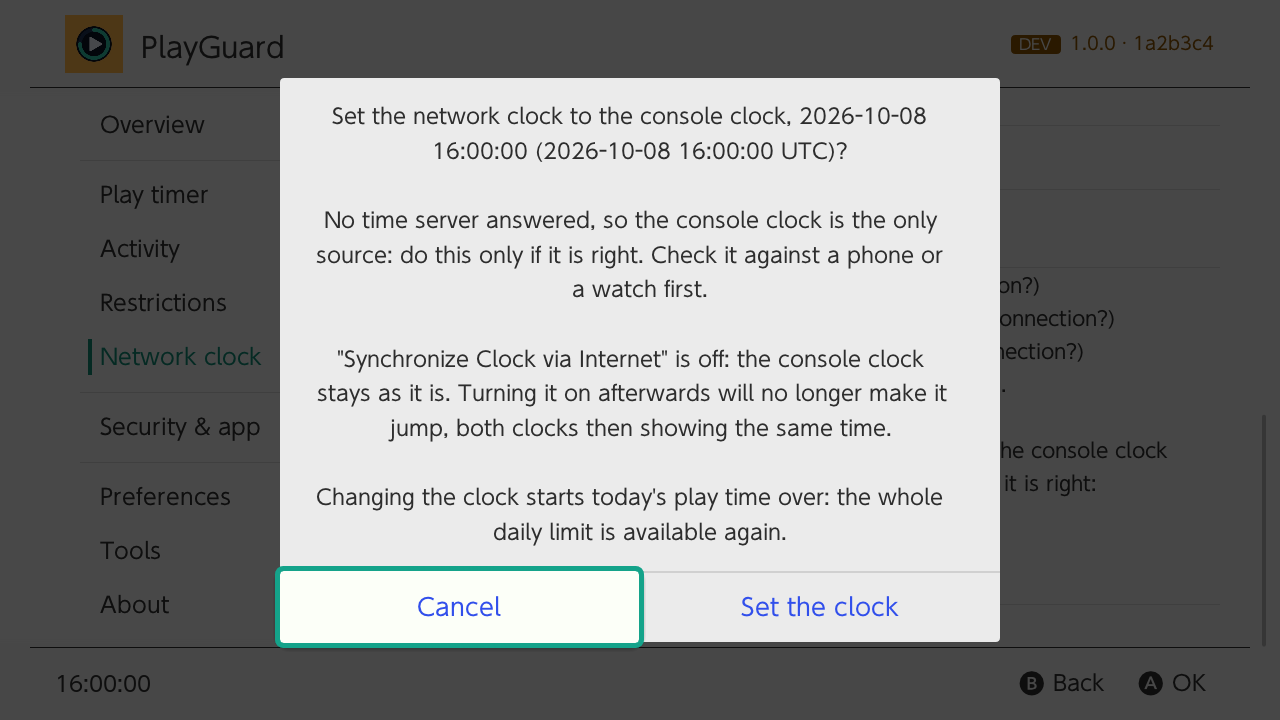 |
smoke/23_time_up_confirm |
new | 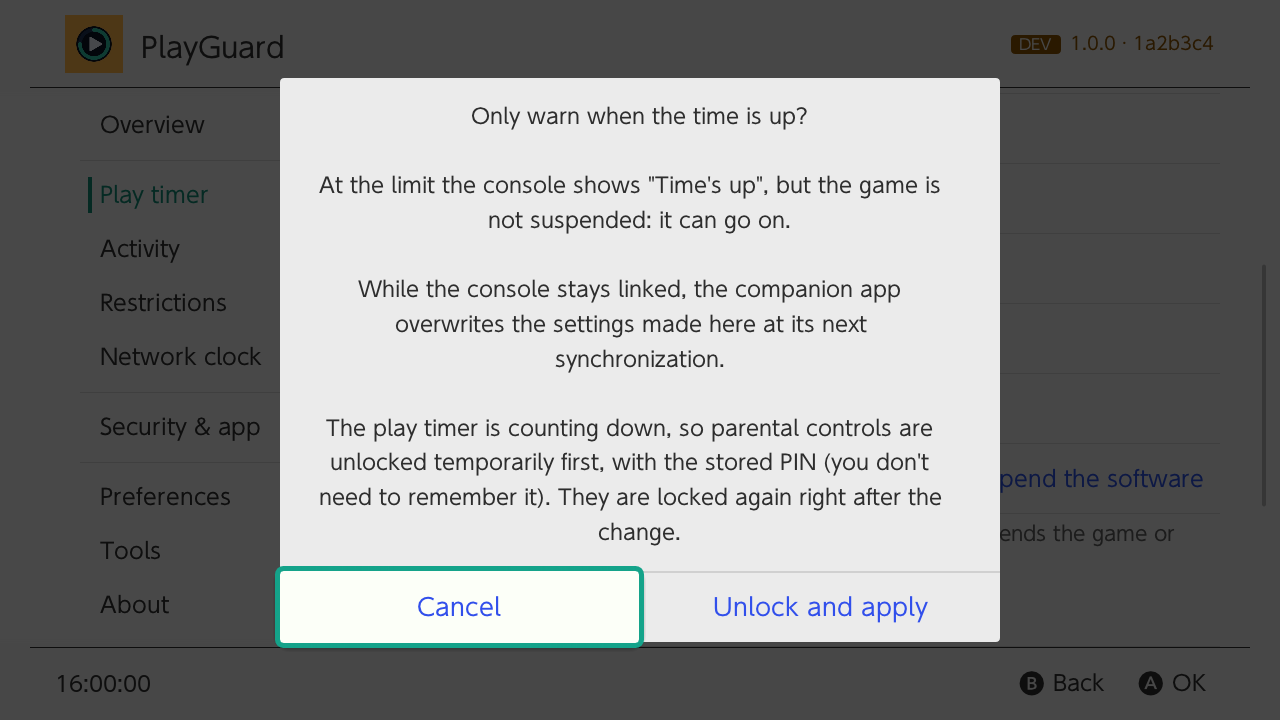 |
smoke/23_time_up_picker |
new | 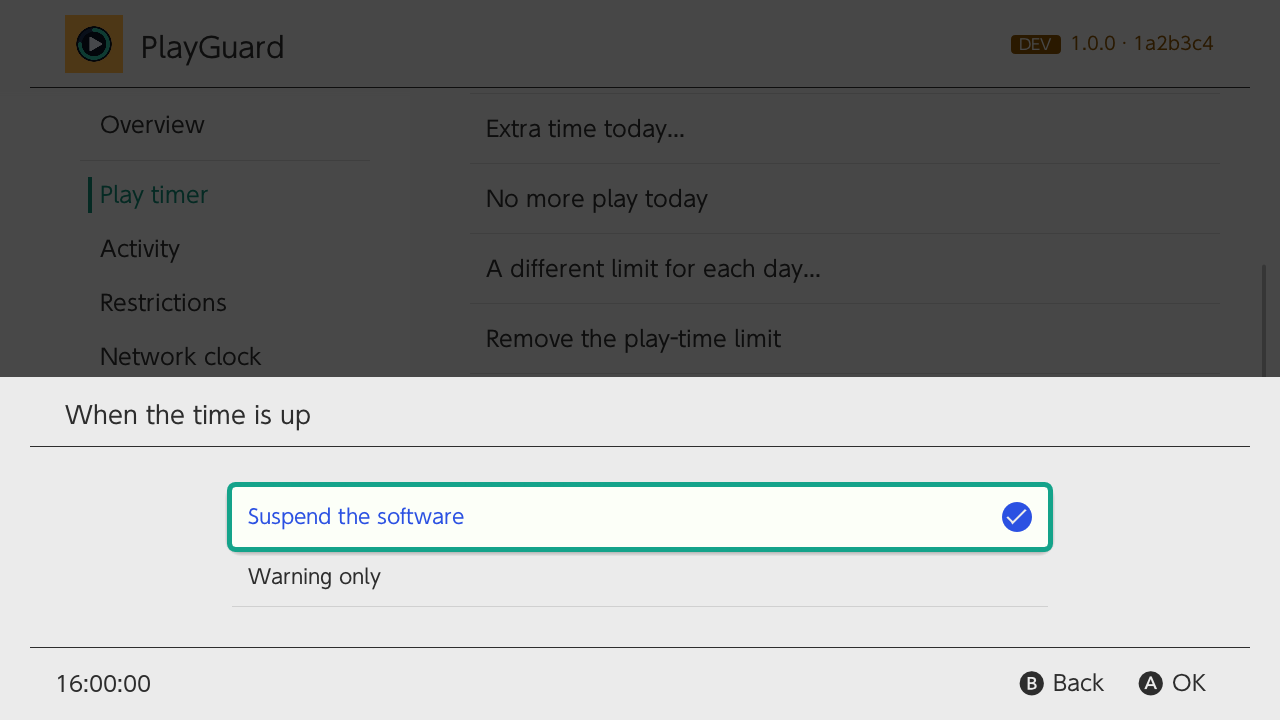 |
📦 Install
-
New install: download
playguard.zip(2.4 MB) and extract it to the root of the SD card.
The app lands insd:/switch/playguard/, its files insd:/config/playguard/. -
Already installed? Update from PlayGuard itself (About › Update), sphaira or the Homebrew App Store. The app alone:
playguard.nro(5.9 MB). -
Locked out?
playguard-rescue.zip(69 KB) is the optional recovery sysmodule, for a forgotten PIN.
Note
Requires custom firmware (Atmosphère). Checked on firmware 21.0.0 → 22.5.0. Compatibility
🔍 Build
Build report (size, tests, coverage, screenshots, toolchain) · SHA256SUMS.txt · provenance: gh attestation verify playguard.nro -R JigSawFr/PlayGuard
Contributors: @JigSawFr
Contributors

Assets 8
PlayGuard 1.0.0
1.0.0 · 2026-10-12
⬇️ Download playguard.zip (2.3 MB) · the app alone (5.8 MB) · how to install
🌟 Highlights
The first release of PlayGuard: the settings of Nintendo's Parental Controls phone app, on the console itself, offline. Custom firmware (Atmosphère) required.
-
⏱️ Play-time limit:
The same every day or one per day on a week chart, saved profiles, extra time today in one press, and a one-switch console lock. -
📊 Activity:
Play time per game and per user account, day by day, a summary per period, and export to CSV, JSON, XLSX or PDF. -
🔒 Restrictions and PIN:
Restriction level, age rating and its organisation, show or change the PIN, and an optional PIN to open PlayGuard. -
🕒 Network clock:
Set from public NTP servers, so the play timer counts right on a console that never reaches Nintendo. -
🛡️ Safe by design:
The play timer is never written while it counts down, every change is logged and can be undone, settings are backed up to the SD card. -
🛟 A way back in:
A recovery sysmodule for a forgotten PIN, and unlinking the phone app on a second-hand console. -
🔄 Updates and reports:
Update in place from PlayGuard, "What's new" after each update, diagnostic reports sent as a link and QR codes. -
🌍 Languages and themes:
Every console language, light and dark themes.
Important
Coming from Pctl Manager: the app is now in sd:/switch/playguard/ and its files in sd:/config/playguard/.
📜 What changed
Every change in 1.0.0 (95 changes)
⚠ BREAKING CHANGES
- new name and SD-card folder (sd:/switch/playguard/).
🚀 Features
- a branded loading screen with a progress bar over the start-up steps (#101) (12716f8)
- a summary per period and games to rediscover in Activity (#81) (3543af7)
- About tab, What's new after updates, and ways to support PlayGuard (#34) (a7a4fb3)
- Activity day by day, deleted games' totals and play time per account (#21) (33f2153)
- Activity tab with play time per game (0a6a556)
- activity: time on no account, and new user accounts flagged (#93) (49ce852)
- an intro at start-up, the loading screen held 2 seconds (Preferences) (#110) (ee3aea7)
- ask for the PIN before a change, or to open PlayGuard (#19) (bb91242)
- back up and restore the parental-control settings (0a6a556)
- bedtime alarm display and opt-in advanced actions (time's up alarm, pause / resume) (4a00686)
- change the bedtime alarm, checked against what the console reports (#44) (dd86342)
- clock: set the network clock to the console clock when no server answers (#94) (a8f1c8d)
- console lock — one switch for a 0-minute limit every day (#28) (ec78f4f)
- dev builds in tabs, reports to GitHub gists only (as .url links); fix update check and build install on the console (#114) (a874d16)
- dev builds: the build list at once, kept and refreshed on demand; artifacts download through a GitHub App; network tasks no longer wait behind the play log (#48) (18144ca)
- dev: clear the cache and the log files, with confirmations and result screens (#102) (ef3e91f)
- developer tool to compare the play-timer block, exemption list in the diagnostic report (#22) (8e8841d)
- development builds from the build artifacts, signed in to GitHub with a QR code; no more pre-releases (#40) (a2c6ce6)
- dev: the builds on a screen of their own, by kind, the pull requests sortable (#112) (0ccf593)
- diagnostic report in sd:/switch/playguard/logs/ (never contains the PIN) (4a00686)
- diagnostics: the start-up times in the diagnostic report (#106) (ebe85c5)
- export the Activity figures to the SD card as CSV, JSON, XLSX or PDF (0a6a556)
- extra time today from the Play timer tab (0a6a556)
- firmware 23.0.1 / Atmosphère 1.12.0 support with firmware and Atmosphère detection (4a00686)
- French translation, language and theme preferences, readable error messages (4a00686)
- install a development build in place from the developer tools (#39) (9af654e)
- lock parental controls again right after a write (4a00686)
- network clock from ~50 public NTP servers, measured against 3 servers (adapted from anbingxi's fork) (4a00686)
- new PlayGuard logo and store art (f576890)
- onboarding, applet warning, Activity totals, week view and i18n polish (#14) (17bc3f1)
- per-day editor with no-limit days, Monday–Friday / weekend presets, copy a day and discard changes (4a00686)
- play-time limit profiles saved on the SD card (4a00686)
- PlayGuard in every console language (#25) (8ff5b0c)
- preferences — start tab, extra-time amounts, remembered Activity choices, daily update check, start-up clock check, backups kept (#17) (cfb9d44)
- profiles with any name, edited and renamed without applying; backups keep the alarm, the rating body and the raw play-timer block (#18) (392499d)
- READ_ONLY build "PlayGuard Diagnostics" that cannot change anything (4a00686)
- record the play timer every 30 s, explain the cl...

