v.1.2.0

This version ships with support for timezone / local dates. This was the most requested feature of all.
The new accessor is called LocalDateValueAccessor.
Many thanks to @spierala for developing this feature!
see PR #26, fixes #6, fixes #13, fixes #15
Until now, this package only contained the DateValueAccessor, which produces dates without a timezone offset.
But when working with Dates in Javascript you can either operate in UTC or Local Time.
- UTC is has no timezone offset.
- Local Time depends on the host system time zone and offset.
Depending on the requirements of your application you can now choose from these Value Accessors:
- DateValueAccessor (UTC)
- LocalDateValueAccessor (Local Time)
DateValueAccessor (UTC)
The DateValueAccessor operates in UTC (Coordinated Universal Time).
The HTML date input will read the UTC representation of the Date Object. When you select a date it will output an UTC date with the time set to 00:00 (UTC).
Import the module via NgModule:
// app.module.ts

import { DateValueAccessorModule } from 'angular-date-value-accessor';

@NgModule({
  imports: [
    DateValueAccessorModule
  ]
})
export class AppModule { }
Now you can apply the useValueAsDate to your date input controls.
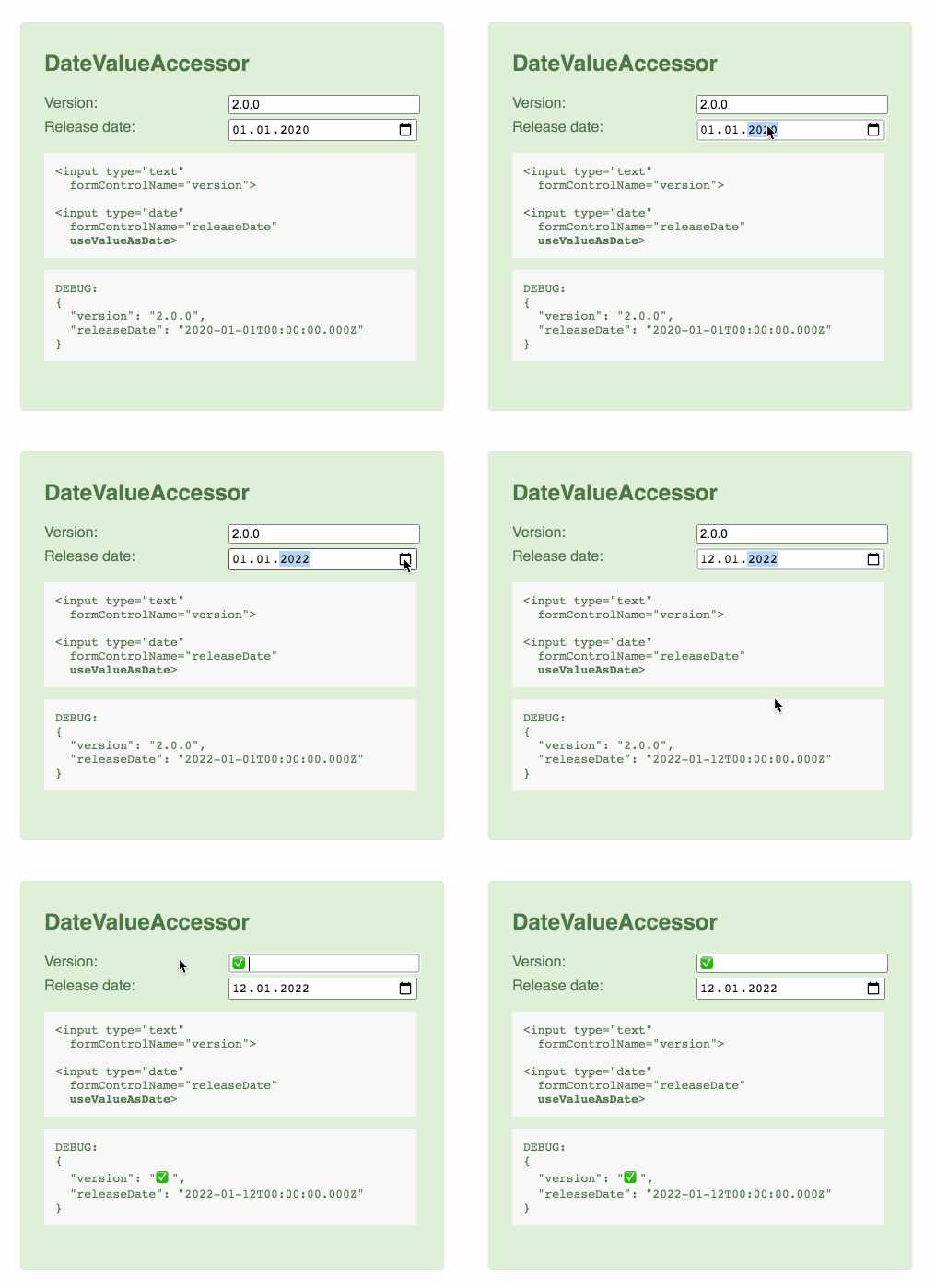
Here you can see the DateValueAccessor - the binding works!
Changes to the input field are propagated to the model.
LocalDateValueAccessor (Local Time)
If you prefer to work with Local Dates then you can use the LocalDateValueAccessorModule.
The HTML date input will read the Local Time representation of the Date Object. When you select a date it will output a Local Date with the time set to 00:00 (Local Time).
Import the module via NgModule:
// app.module.ts

import { LocalDateValueAccessorModule } from 'angular-date-value-accessor';

@NgModule({
  imports: [
    LocalDateValueAccessorModule
  ]
})
export class AppModule { }
Now you can apply the useValueAsLocalDate to your date input controls.
ℹ️ Hint: Most UI component libraries like Angular Material, Kendo Angular, PrimeNG implement their DatePickers operating in Local Time. The Angular Date Pipe uses the Local Time representation of the Date Object by default, too.
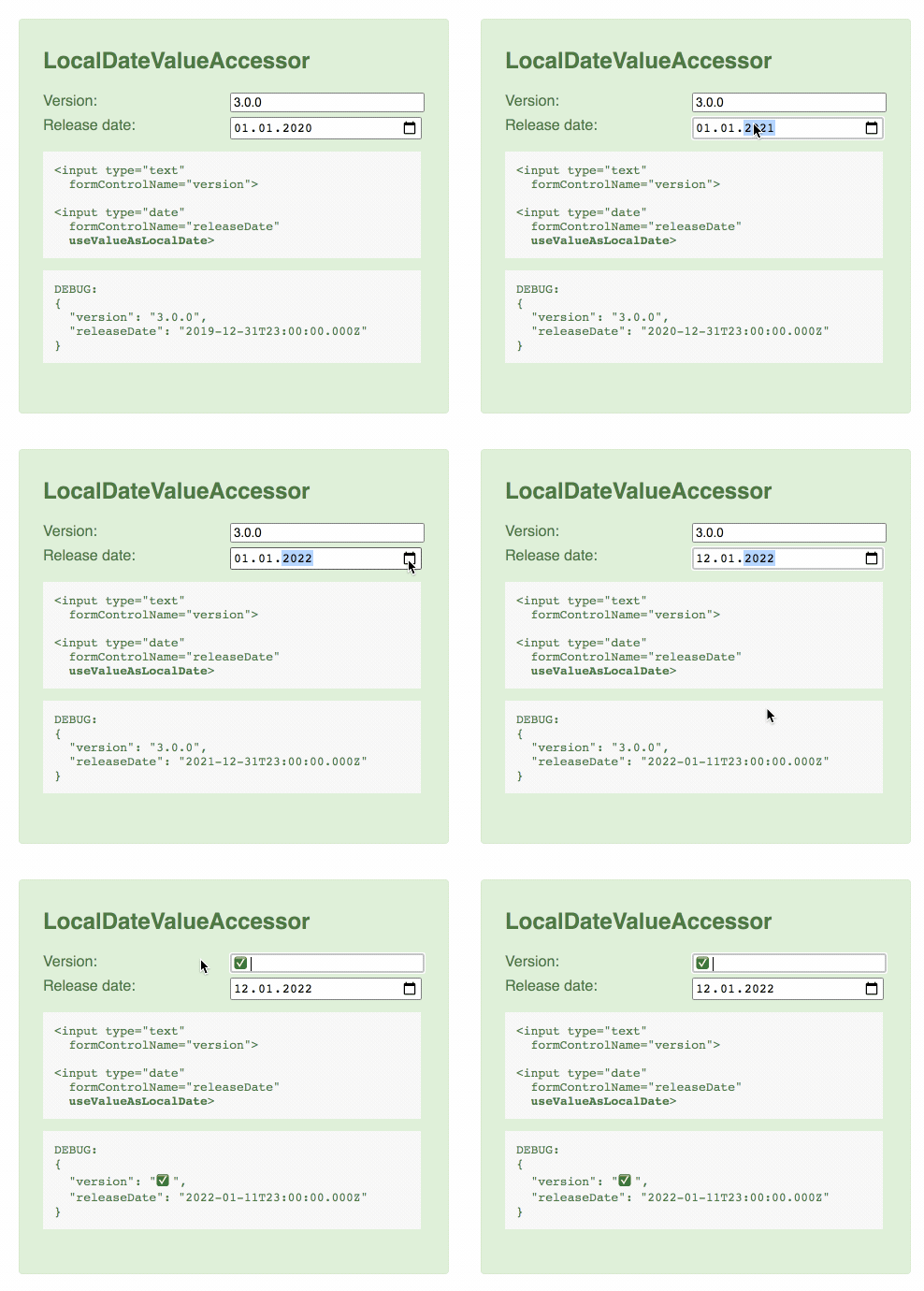
Here you can see the new LocalDateValueAccessor.
Please notice how the date is adjusted due to the German time zone (UTC+1) and how the time offset works.