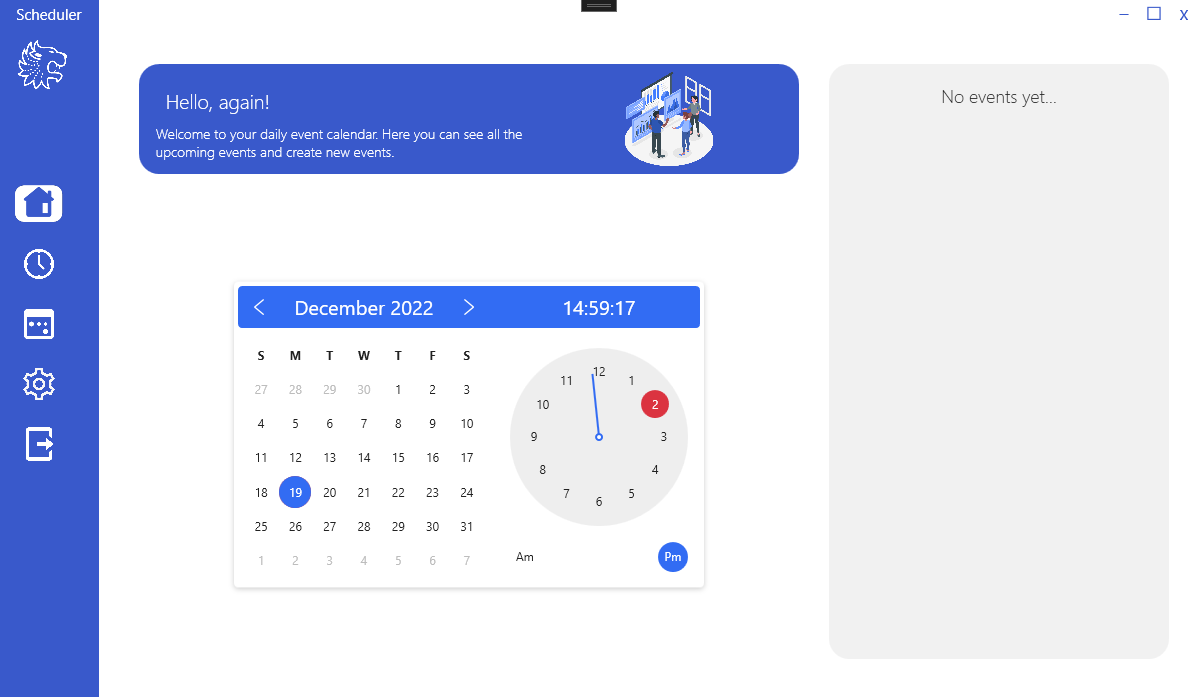
The program is an event scheduler. On the main screen, you can see a calendar with a clock as well as your future reminders / events, if any.
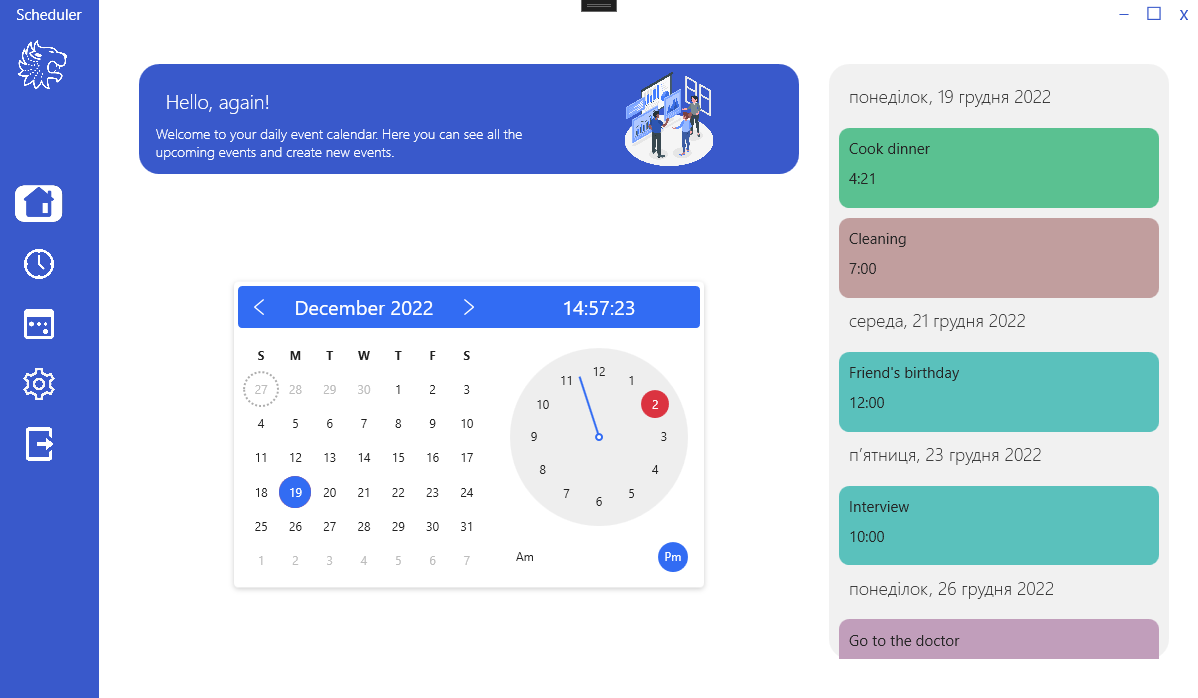
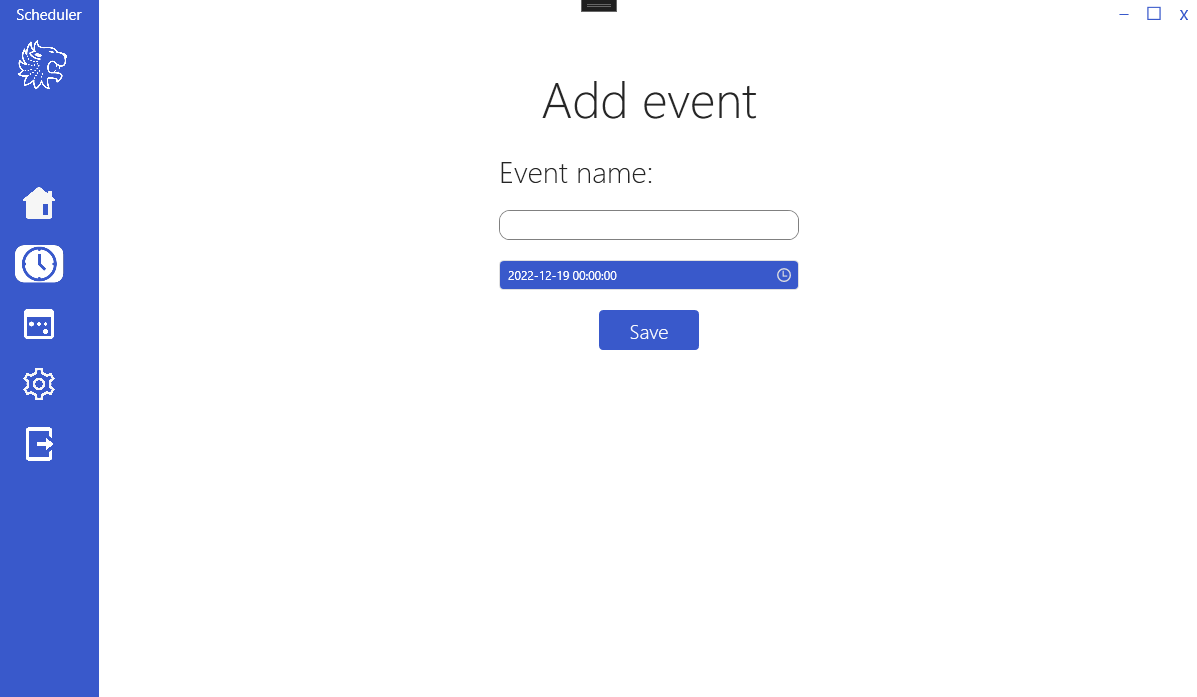
In order to add an event/reminder, you need to go to the second menu item on the left, and fill in the appropriate fields.
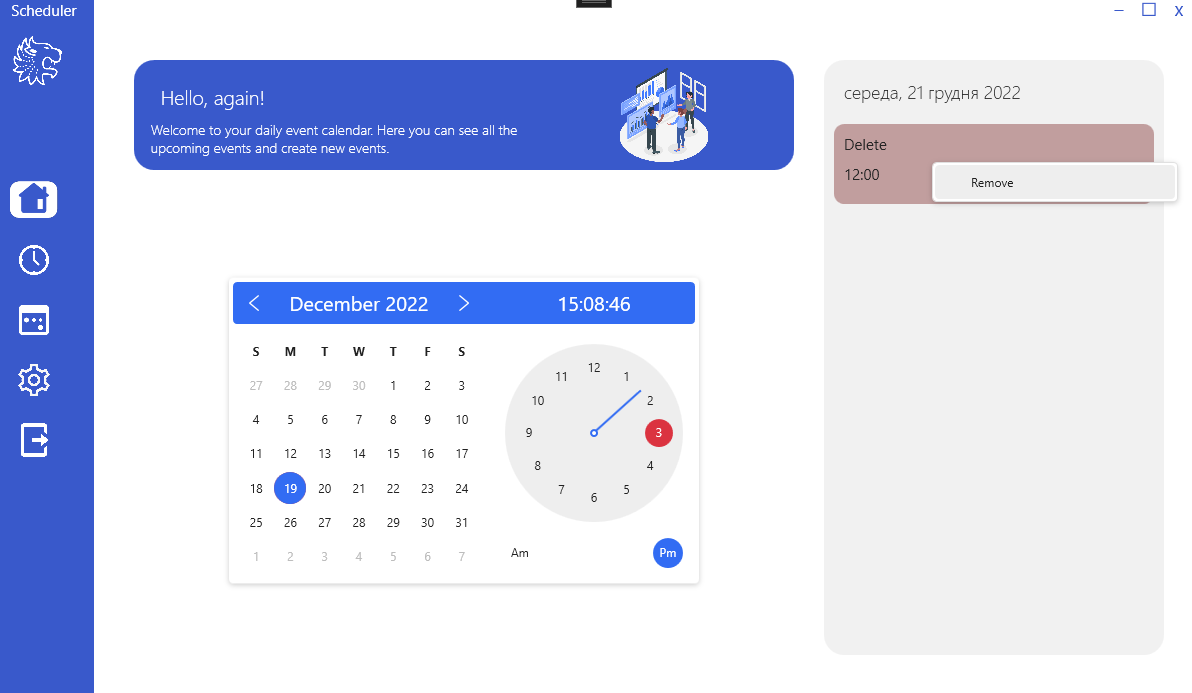
In order to delete an event, you need to right-click on it in the main menu and select the delete item.
The third menu item does nothing, I could not come up with content for it, but I did not delete it. Perhaps in the future there will be ideas. The fourth menu item is the parameters in which you can change the sound of the event reminder melody. To do this, click on the default text or on the name of the selected melody and select the file in the .wav explorer.
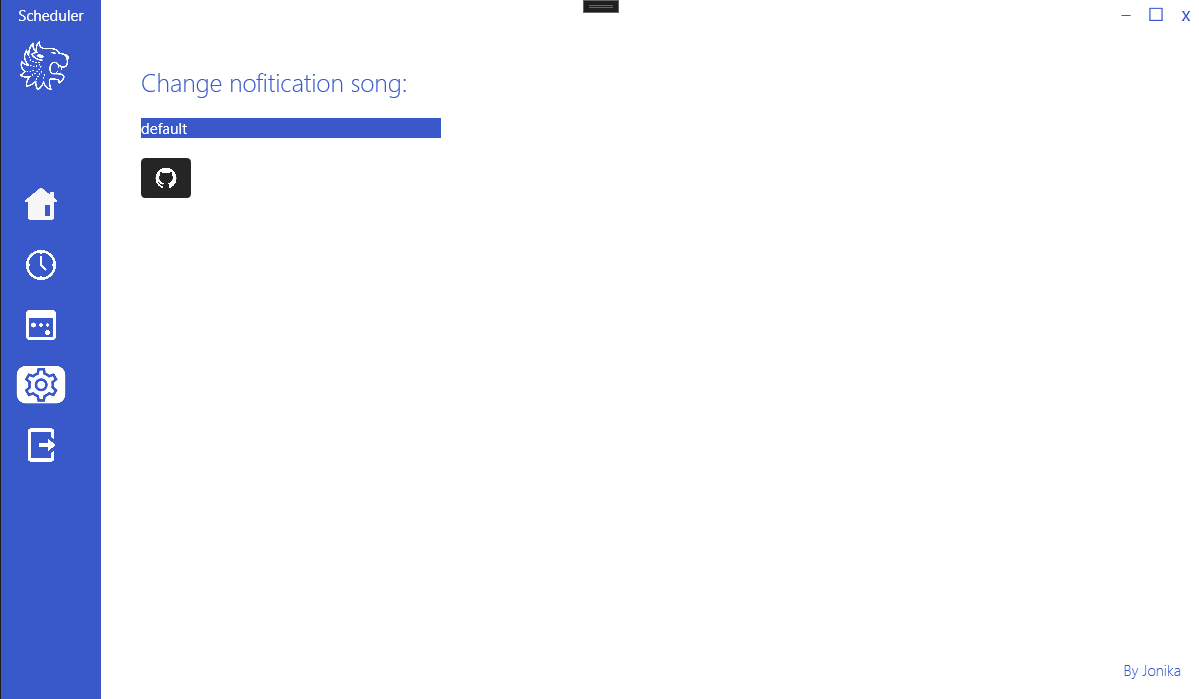
The last item just closes applications.