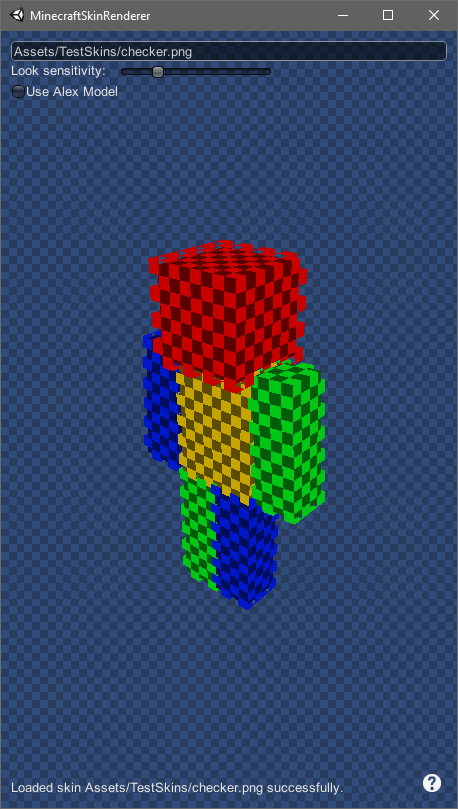
A tool for viewing minecraft skins while editing them in your favourite image editor.
- To download the latest version go to releases and under the latest release download
MinecraftSkinRenderer.zip. - In the zip file run MinecraftSkinRenderer.exe.
- Type the location of the skin into the bar at the top screen (use backslashes)
For example, if your skin is on your desktop, type in:
C:\Users\USERNAME\Desktop\skinName.png - Your skin will appear on the character as it should in game!
- Edit your skin in your favourite editor and save. This renderer should update!
- If it is an Alex model, click the "Use Alex Model".
If you have any problems/questions file them in the issues tab here.