Repository navigation
Terminal dashboard
Launch nido gui. Use the arrow keys to move, Enter to engage, Tab to move
between fields and Escape to cancel or return. The footer shows the shortcuts
for the current screen; keyboard and mouse use the same kit layout.
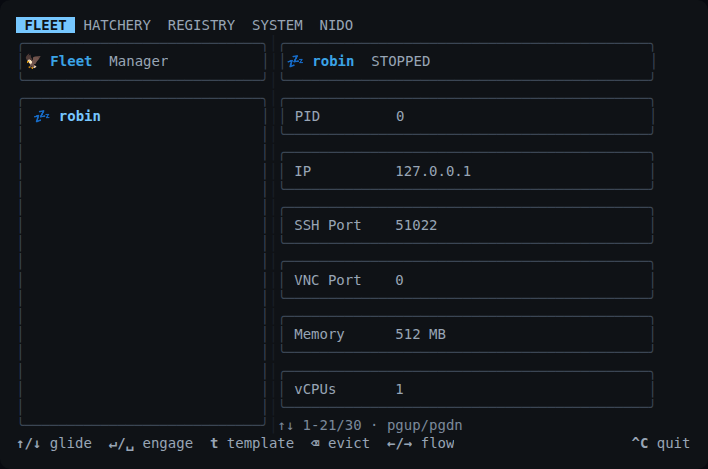
The dashboard adapts from a split view to compact lists and scrollable detail. Resizing preserves drafts and selection. Below the usable terminal size, a resting view suspends hidden inputs until the terminal grows again.
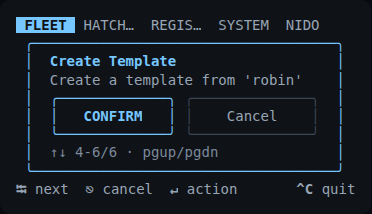
Both images are native terminal captures using demonstration metadata. No VM was started for them. Images have one canonical home in the release repository; the wiki reuses those assets.
Themes and customization · Reusable TUI kit · Visual and native PTY checks