


Real find and replace on the actual text in a PDF, from the command line.
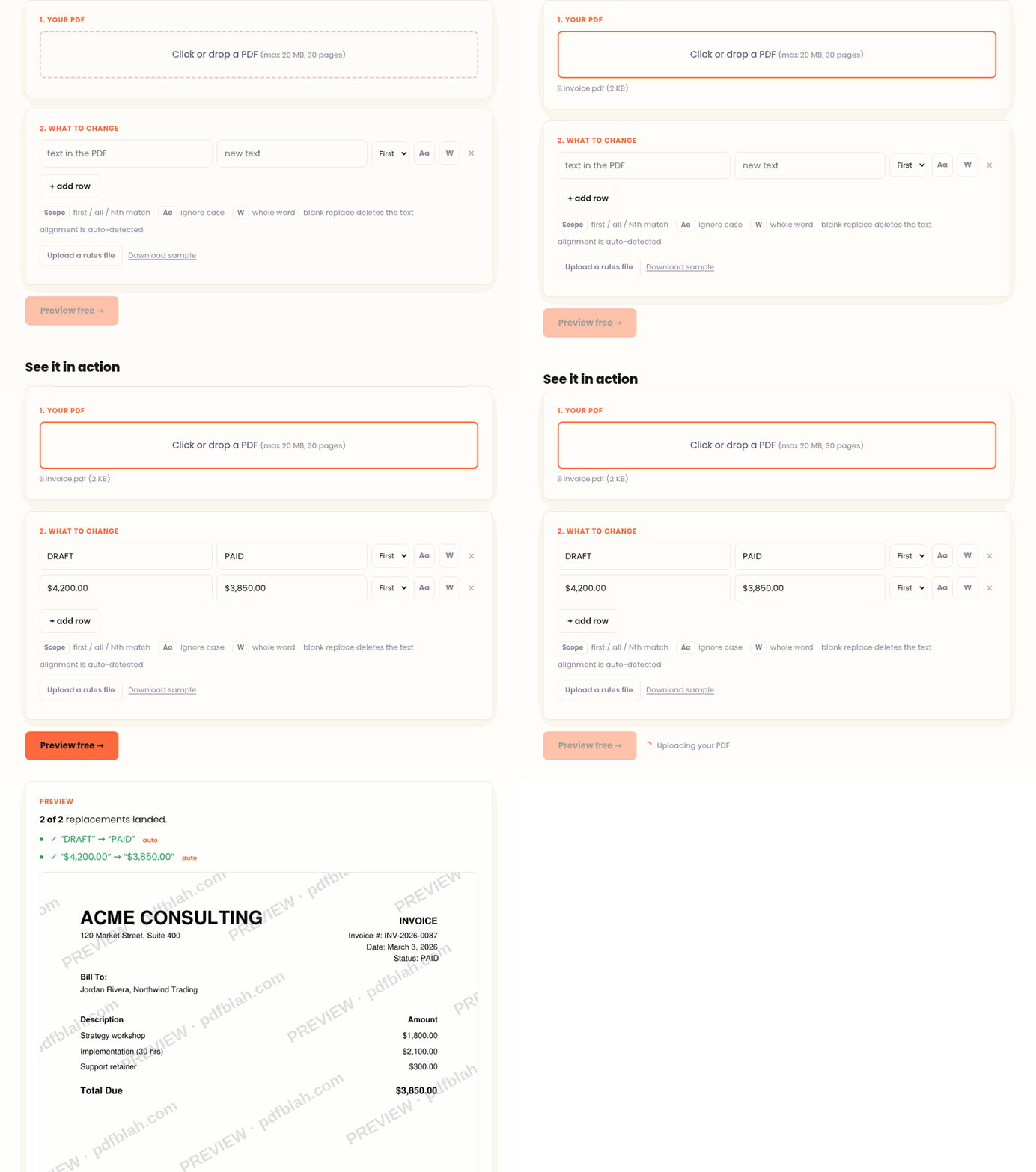
Most tools "edit" a PDF by painting a box over the old text and drawing new text
on top, which leaves the original underneath (copy and paste still reveals it) and
often adds a watermark. pdfblah rewrites the real text in the content stream, so:
- the old text is genuinely gone (
pdftotext, Ctrl-F, and copy show only the new value) - no overlay, no watermark
- the original metadata (dates, Producer, XMP) is preserved byte for byte
- alignment is auto-detected and kept, so right-aligned numbers stay flush
- fonts it cannot reproduce are refused instead of garbled
Pure Python (pdfplumber + pikepdf). No system dependencies.
pipx install pdfblah # recommended, isolated; or: pip install pdfblahOn a Mac with Homebrew, use Homebrew's pipx:
brew install pipx && pipx install pdfblahAlso works with uv: uv tool install pdfblah.
Replace the first match:
pdfblah in.pdf out.pdf --find "Old Name" --replace "New Name"Options:
--scope all         change every match           (default: first)
--scope 3           change the 3rd match
--ci                ignore case
--word              whole word only ("cat" will not match "category")
--page 2            only page 2
--replace ""        delete the text
Many rules from a file (FIND | REPLACE | FLAGS per line):
pdfblah in.pdf out.pdf --rules rules.txt# rules.txt
Old Company Name | New Company Name | all
CONFIDENTIAL DRAFT | FINAL | ci
Jane Doe | John Smith | all word
Total | Sum | 2
delete this phrase |
from pdfblah import process, apply_rules, parse_rules_file

process("in.pdf", "out.pdf", "999.00", "42.00", scope="all", ci=True)
Each call returns a report dict (ok, count, refused, reason, ...).
Scanned PDFs (image only, no text layer) cannot be edited. Fonts that are not embedded and not standard, or use a custom encoding, are refused rather than rendered wrong. This is by design: a wrong-looking edit is worse than a clear "no".
Want it without installing anything, or for a non-technical colleague? The hosted version at pdfblah.com does the same edit in the browser: upload, preview for free, download.
MIT, (c) 2026 Kuvop LLC.