Repository navigation
Home
- Download WebFramework and unzip in some folder.
- Set environment variable WebFrameworkSDK with path to that folder. For example C:\dev\WebFramework\ (last
\very important) - Download project template
movetoC:\Users\USER_NAME\Documents\Visual Studio {Version}\Templates\ProjectTemplates - Download items templates
unziptoC:\Users\USER_NAME\Documents\Visual Studio {Version}\Templates\ItemTemplates
- Open Visual Studio > Create a new project > under C++ find Executors
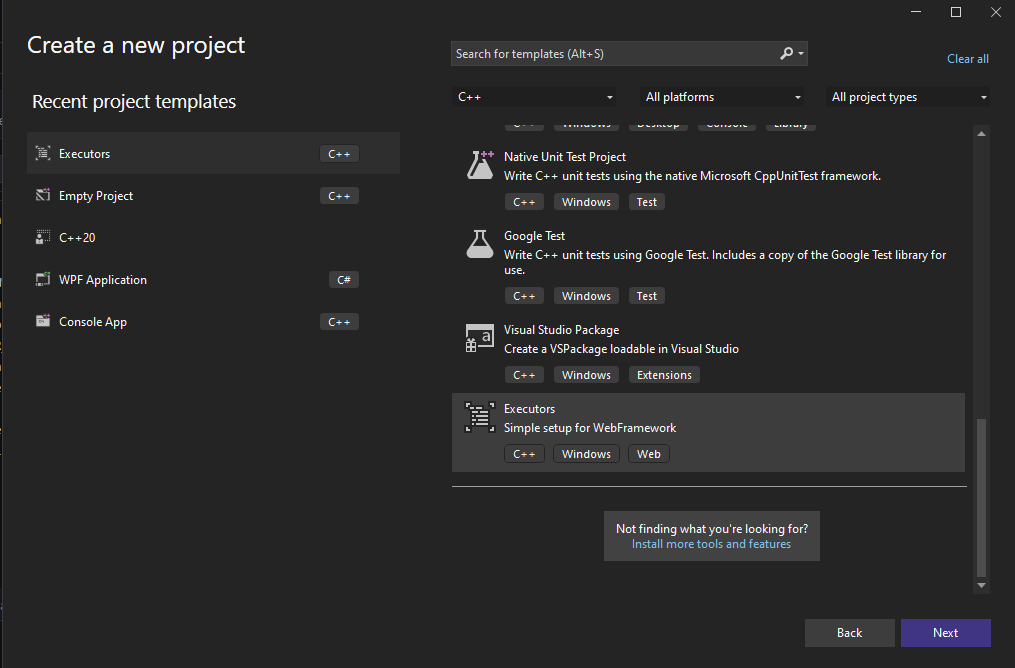
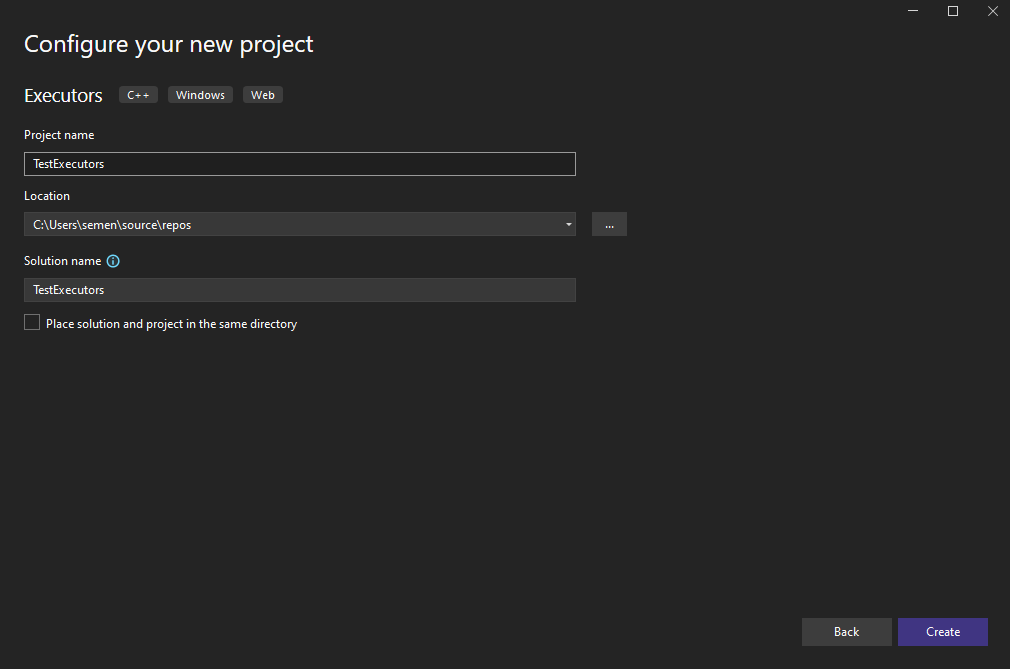
- Name your project
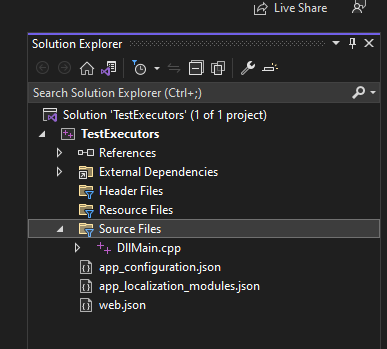
- Project structure
- All templates for quick executors setup
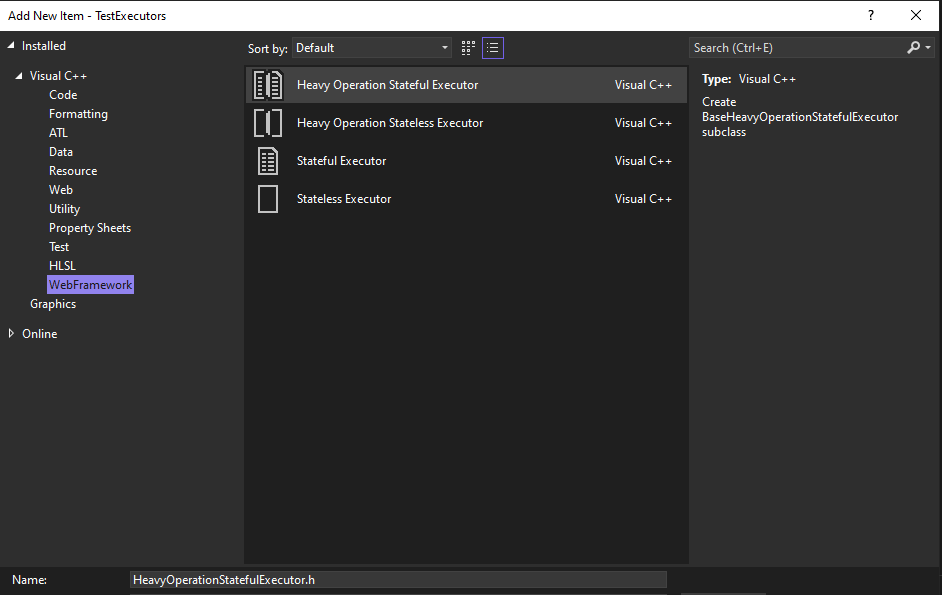
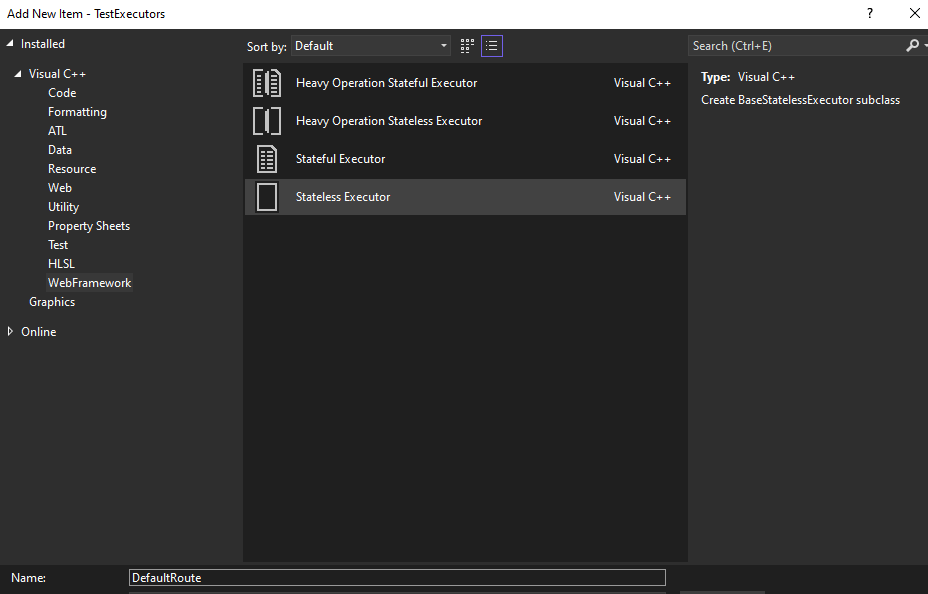
- Adding new executor
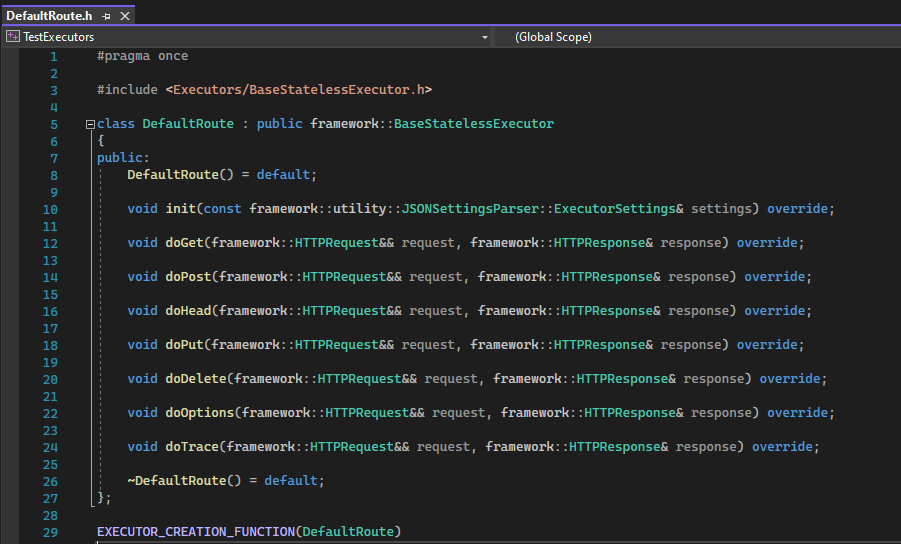
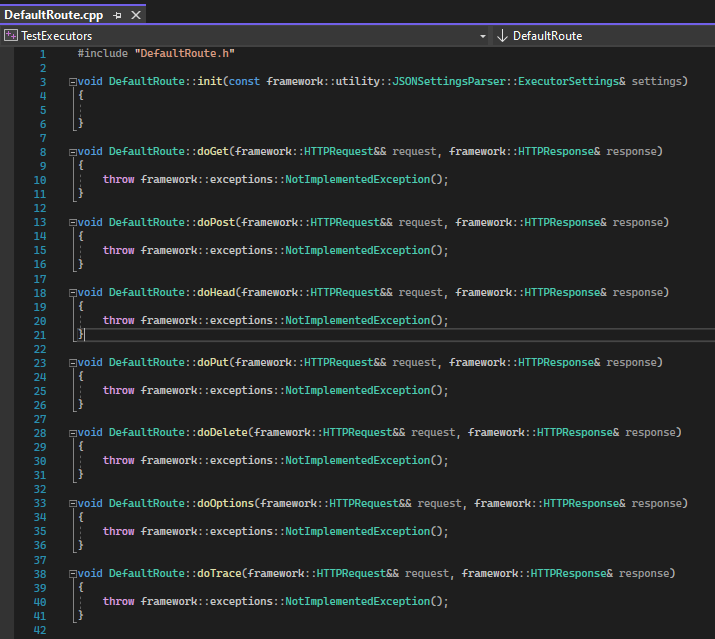
- Override doGet or another method

- Configure web.json
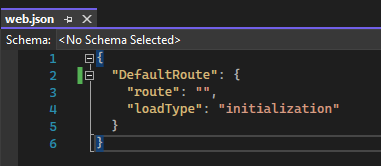
- Compile project
- Go to binaries and copy all files to some folder

- Run Simple Server and choose this folder
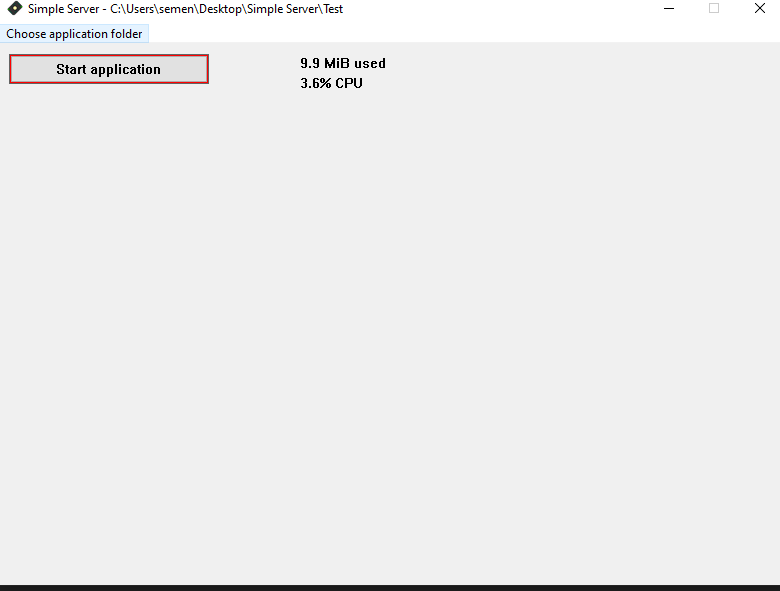
- Click Start application
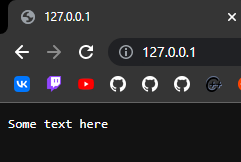
- Go to localhost