Start Activity
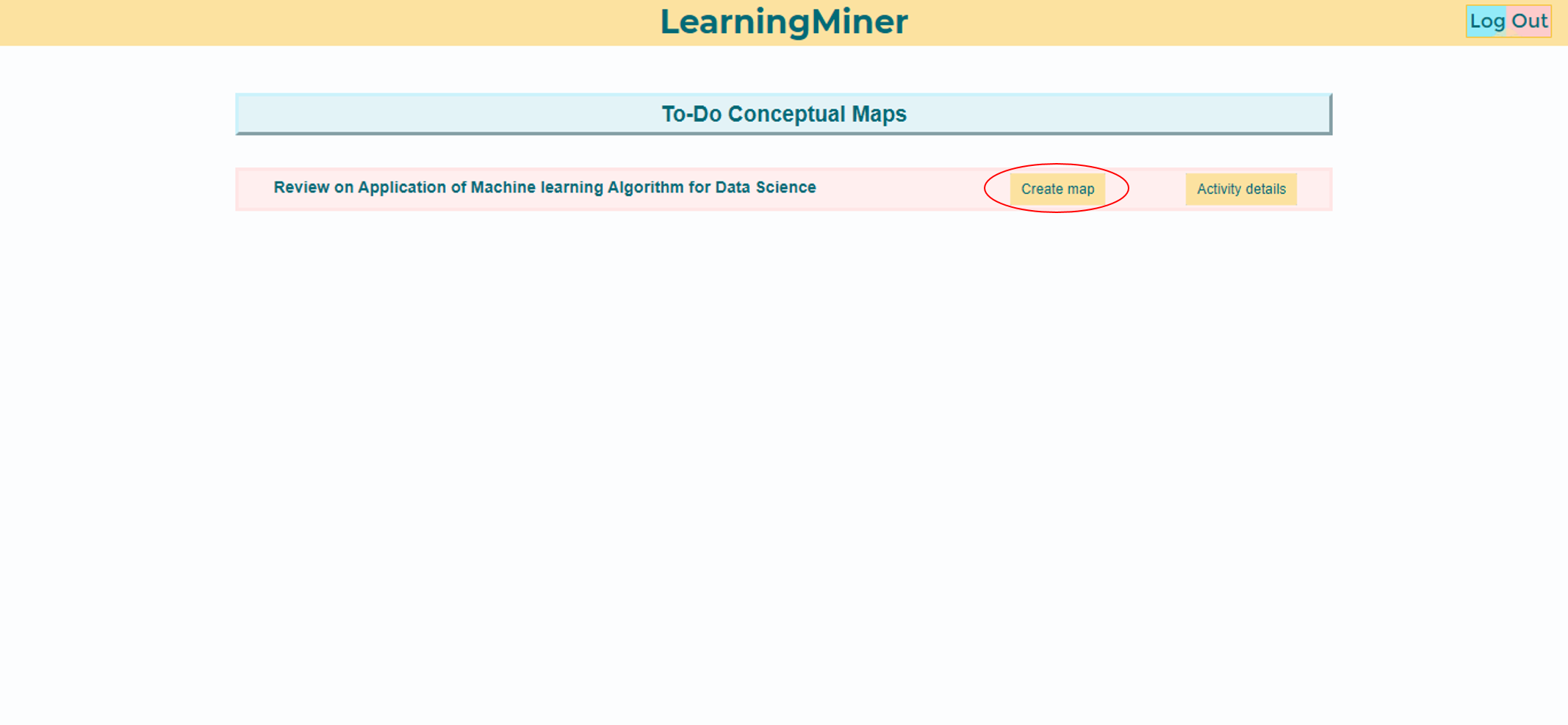
At the to-do maps menu, the student will find two things, a create map button, or, a activity details button. In this case, the student should select the create map button.
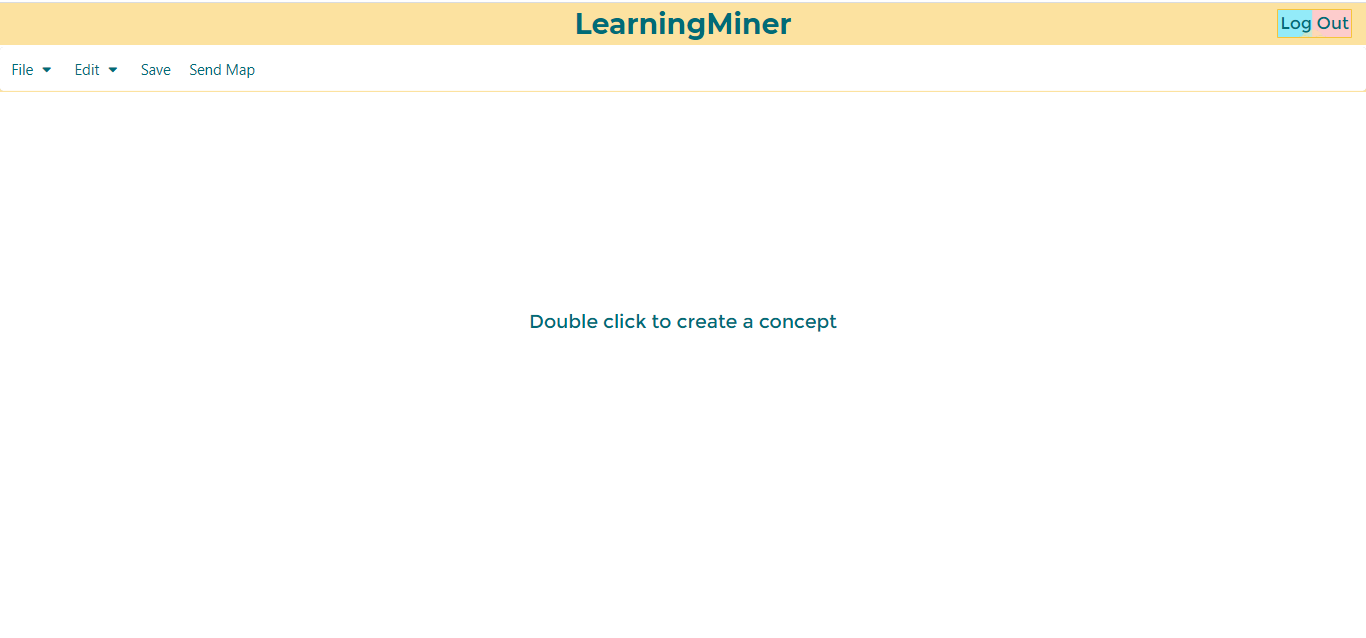
After that, the student will see an empty editor, like this:
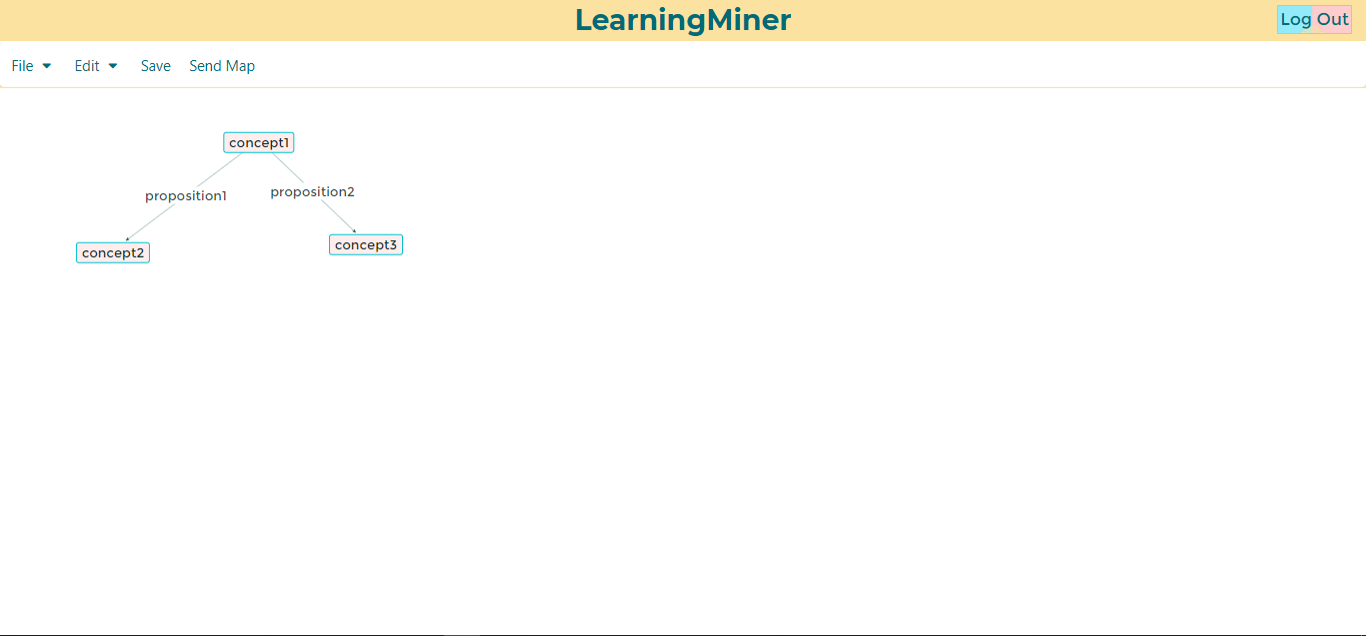
Then the student could begin the map using concepts and prepositions.
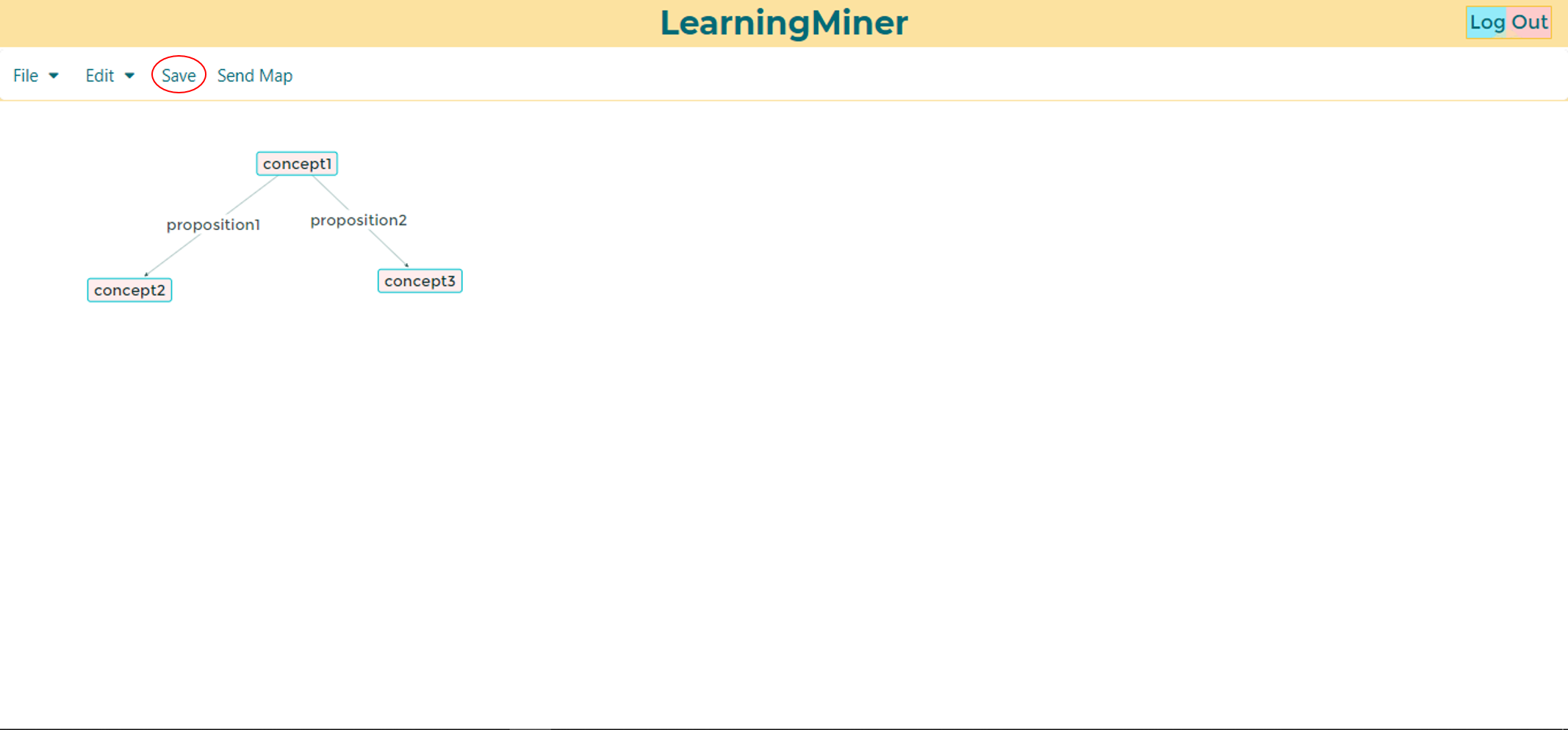
Finally the student could save the map, and keep continue editing later.
Return to home users manual
Back to to-do maps