RELEASES: v0.1.0-beta
Worktop is a lightweight, cross-platform application that brings spreadsheets, Markdown documentation, process modeling, and offline assistant workflows into a unified, local file structure. Your documents are stored privately on your machine using open, portable text formats.
Downloads:
- Windows (.exe)
Worktop offers three distinct ways to interact with and present your text documents, ensuring your raw data is always ready for presentation.
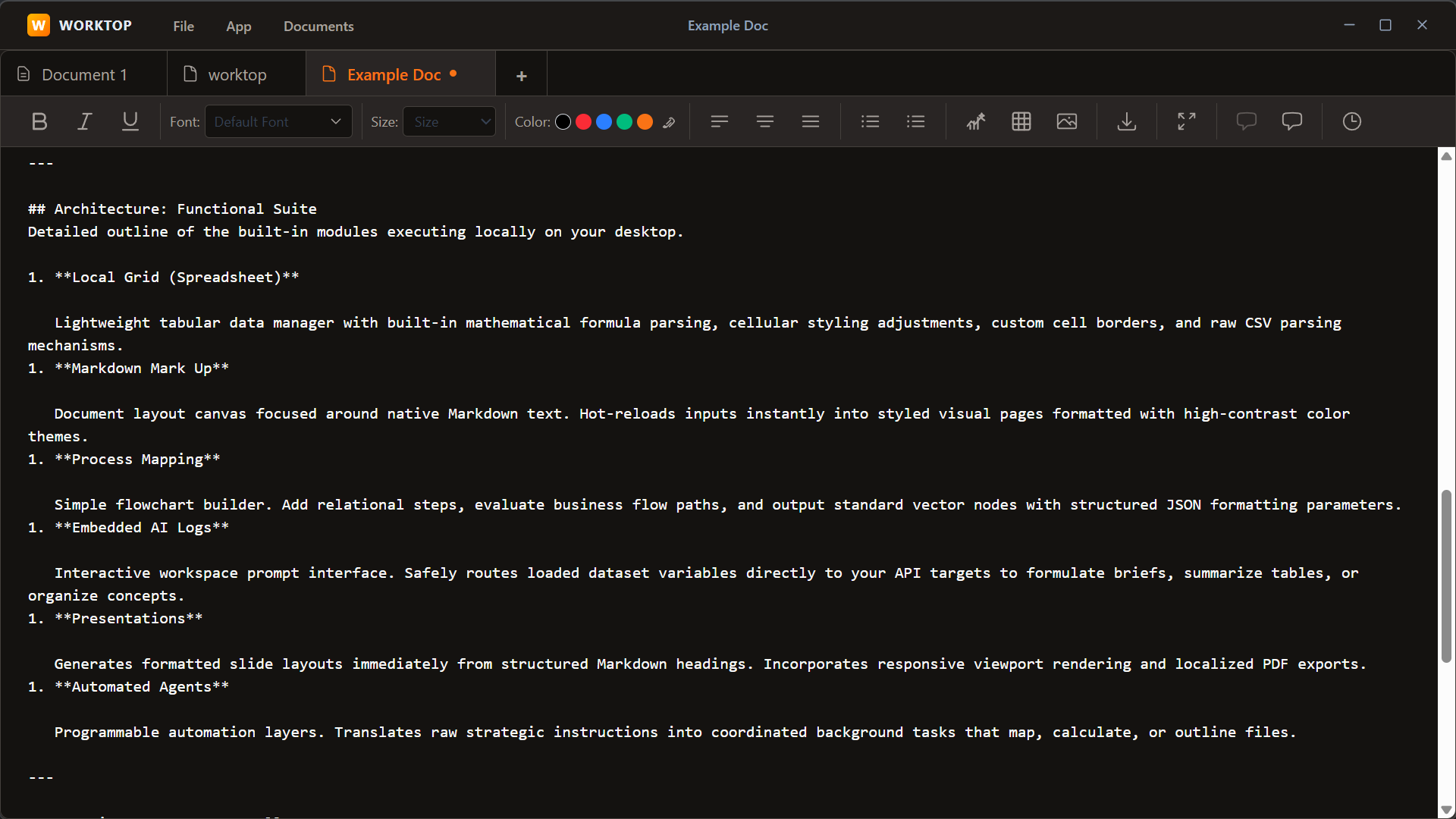
Write and edit your content quickly using standard plain-text Markdown formatting.
Preview your Markdown instantly. This mode renders your syntax into a continuous, highly readable visual format with a polished, paginated layout ideal for formal reports, slide decks, and PDF generation.
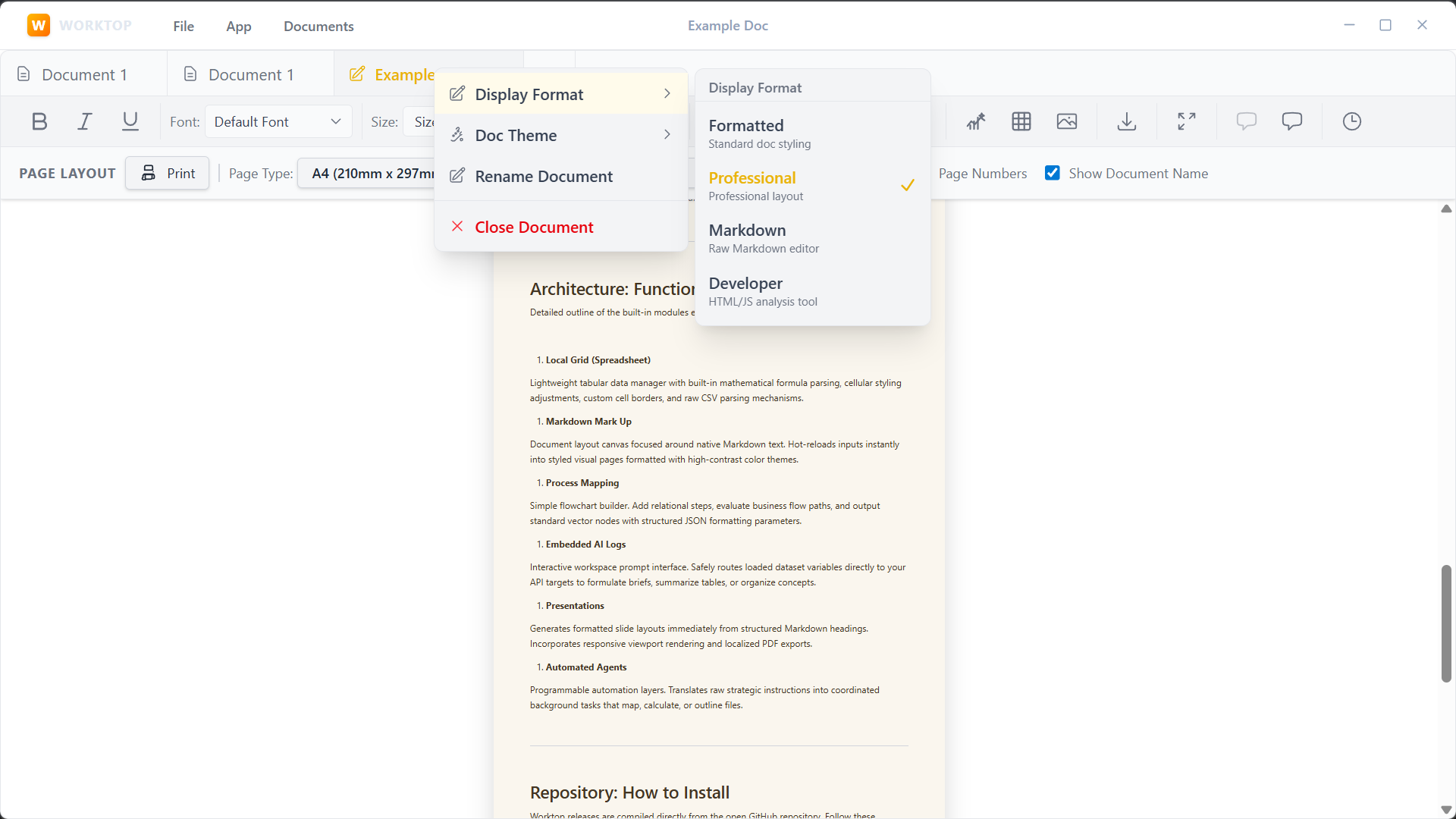
This mode renders your syntax into a continuous, highly readable visual format without forced pagination breaks.
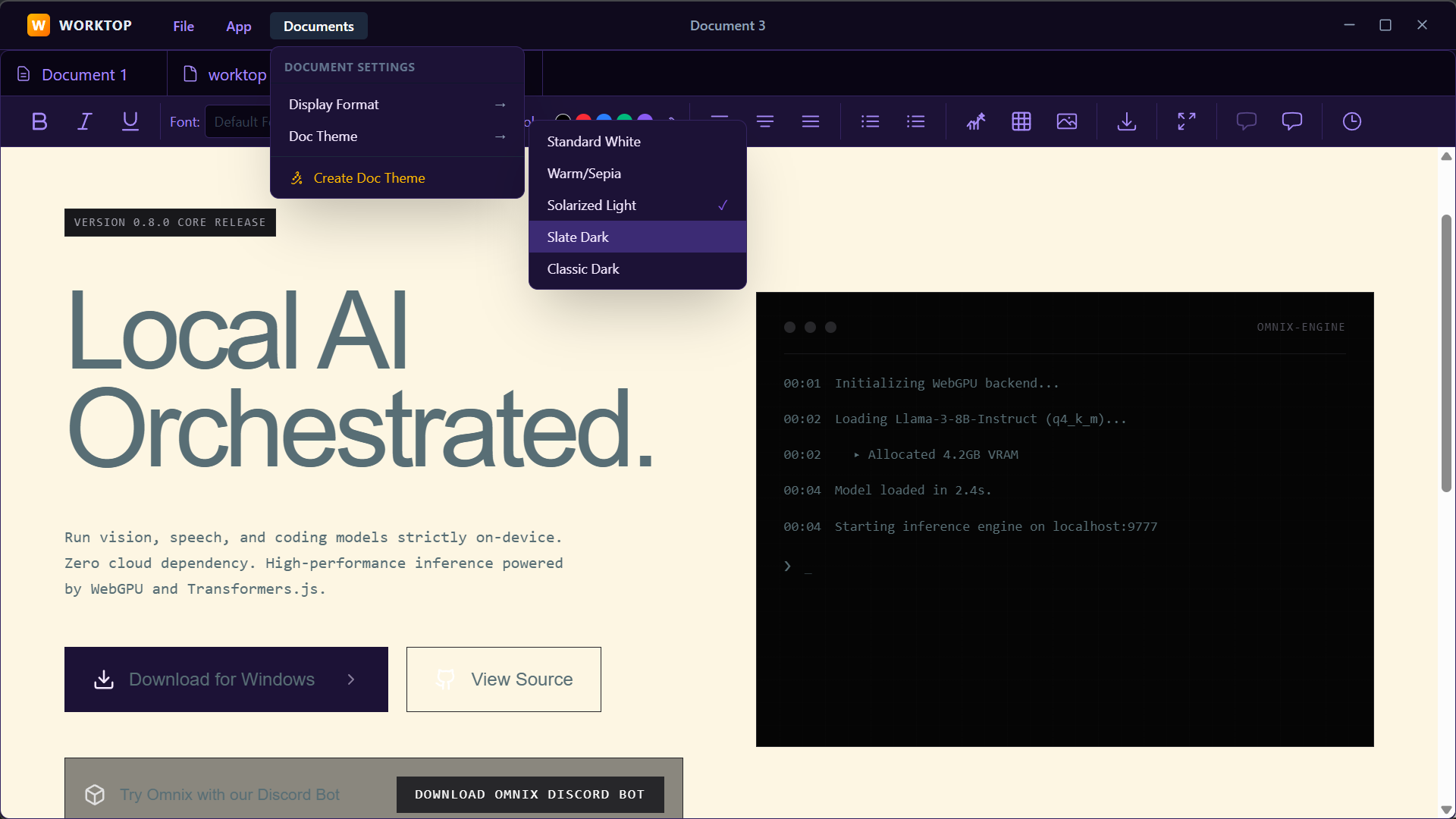
Your data belongs to you. Worktop avoids complex proprietary database layers, reading and writing files straight to your disk as industry-standard Markdown (.md), CSVs, and flat JSON models.
Files share context directly. Data calculated inside spreadsheets can be mapped onto structured process flowcharts, exported to presentation outlines, or summarized in plain-text markdown.
Built with Electron and React, the core editing features, formula engines, visual diagram renders, and localized formatting presets operate 100% offline without communicating with external clouds.
Interactive Module Preview Click between the tabs below to preview how the Worktop interface coordinates spreadsheet columns, Markdown drafts, visual flowcharts, and local assistant logs.
PREVIEW FRAMEWORK | OFFLINE CORE
- Spreadsheets
- Document Mark Up
- Process Maps
- AI Analyst Logs
CELL: R1C1 | fx = | [Run Auto-Classifier]
| Product Item | Unit Revenue | Units Sold | QoQ Growth | Classification |
|---|---|---|---|---|
| Worktop Pro | 120.00 | 150 | 51.2% | High Growth |
| Cloud Sync | 45.00 | 90 | -4.6% | Stagnant |
| AI Assistant | 199.00 | 80 | 82.0% | Explosive |
| Team Hub | 85.00 | 120 | 31.4% | Steady |
💡 Tip: Click any table cell to write numbers, or hit "Run Auto-Classifier" to execute local logic calculating the Classification column.
Detailed outline of the built-in modules executing locally on your desktop.
- Local Grid (Spreadsheet) Lightweight tabular data manager with built-in mathematical formula parsing, cellular styling adjustments, custom cell borders, and raw CSV parsing mechanisms.
- Markdown Mark Up Document layout canvas focused around native Markdown text. Hot-reloads inputs instantly into styled visual pages formatted with high-contrast color themes.
- Process Mapping Simple flowchart builder. Add relational steps, evaluate business flow paths, and output standard vector nodes with structured JSON formatting parameters.
- Embedded AI Logs Interactive workspace prompt interface. Safely routes loaded dataset variables directly to your API targets to formulate briefs, summarize tables, or organize concepts.
- Presentations Generates formatted slide layouts immediately from structured Markdown headings. Incorporates responsive viewport rendering and localized PDF exports.
- Automated Agents Programmable automation layers. Translates raw strategic instructions into coordinated background tasks that map, calculate, or outline files.
Worktop releases are compiled directly from the open GitHub repository. Follow these installation steps to boot the application on your local machine.
- Go to the GitHub Releases page link to download the build file corresponding to your operating system.
- Windows builds download as an executable installer. macOS packages are signed Universal DMGs compatible with both Intel and Apple Silicon chips.
- Linux builds deploy via standalone
.AppImagecontainers or standard debian archives.
// 1. Clone the repository and navigate inside
git clone https://github.com/LoanLemon/Worktop.git
cd Worktop

// 2. Install necessary project packages
npm install

// 3. Run development build (Electron app wrapper)
npm run dev