Repository navigation

🚀 face-unlock v2.1.0
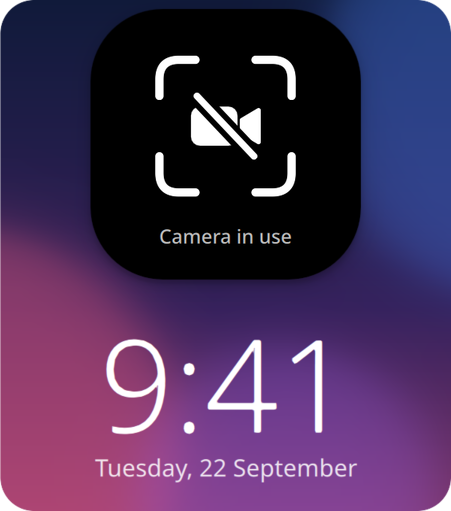
Welcome to face-unlock v2.1.0! It now gets out of the way during video calls: when another app uses the camera, you type your password right away. sudo and admin prompts take your face from the start.
Highlights
- A crossed-out camera when another app uses it
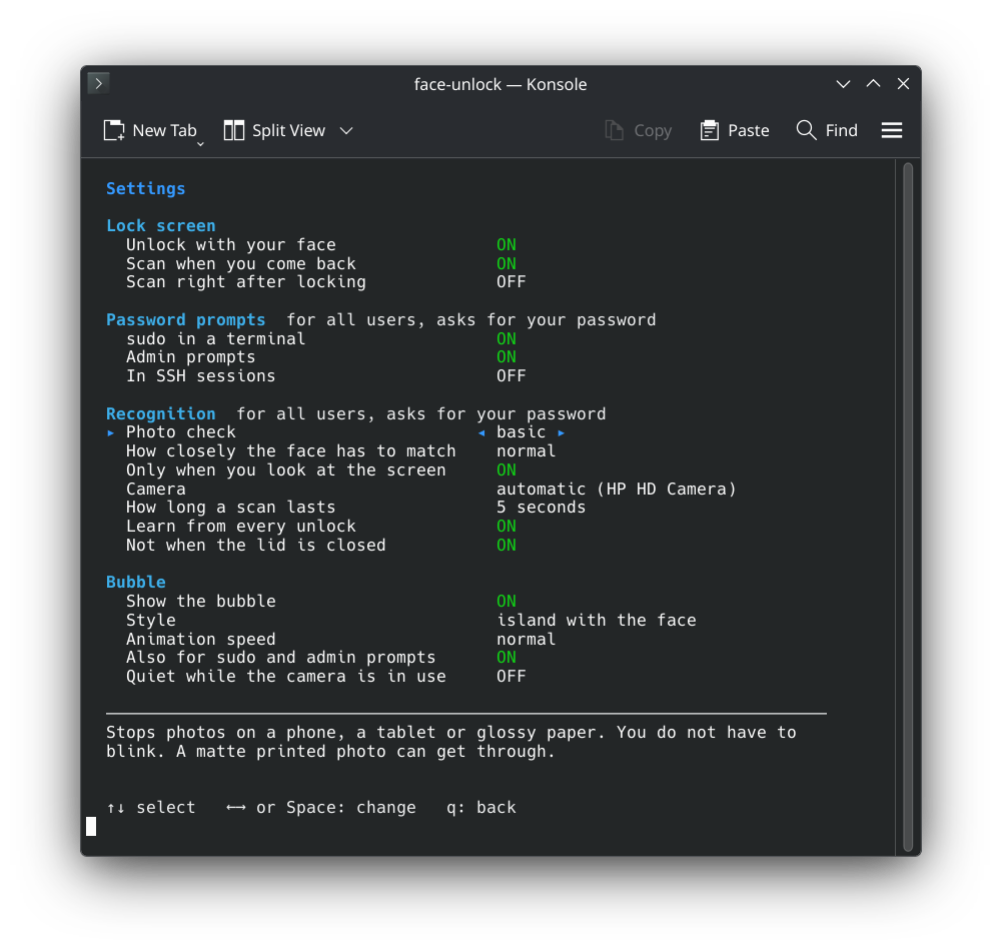
- A setting to stay quiet while the camera is in use
- sudo and admin prompts are on by default
- A setting for sudo over SSH, off by default
☕ Support face-unlock
If face-unlock is useful to you, you can buy me a coffee. It keeps these tools going. Found a bug or have an idea? Tell me in the issues.

What's Changed
🚀 Features
- feat: show a crossed-out camera when another app uses it by @Felitendo in 5eb9ea7
- feat: add a setting to stay quiet while the camera is in use by @Felitendo in 658adb7
- feat: add a setting for sudo over ssh by @Felitendo in d8bbefe
- feat: turn on sudo and admin prompts by default by @Felitendo in c1cf6cd
🐛 Bug fixes
- fix: enter no longer switches settings and faces by @Felitendo in c94a94a
📚 Documentation
- docs: update the settings screenshot by @Felitendo in da532e7
🧰 Maintenance (3)
- ci: add an arch tarball with static opencv by @Felitendo in fd8449e
- chore: revert 2.0.1 by @Felitendo in a6f6d1f
- ci: build the arch tarball with arch's flags by @Felitendo in ac38638
Full Changelog: v2.0.0...v2.1.0
Contributors

Felitendo