This script allows you to transfer your YouTube subscriptions.
To use this script, you need to have Python installed on your system, along with the following packages:
google-authgoogle-auth-oauthlibgoogle-auth-httplib2google-api-python-client
You can install the required packages using pip: pip install google-auth google-auth-oauthlib google-auth-httplib2 google-api-python-client
YOU NEED THE .JSON FILE TO RUN THIS AND ADD TEST USERS SO API ISNT BLOCKED SO PLEASE DO THAT BY=
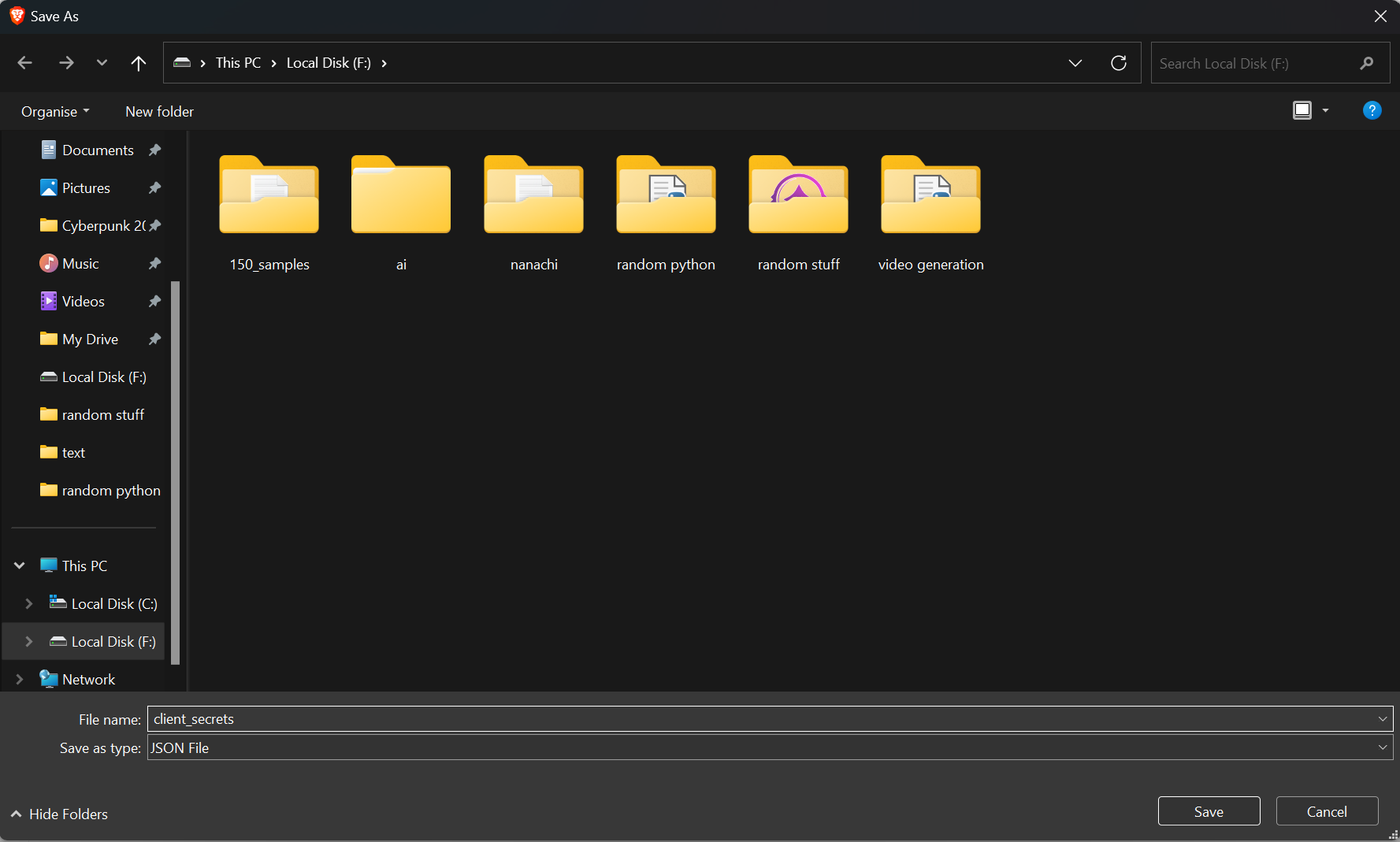
- MAKE THE client_secrets.json FILE: STEP 1=Go to the https://console.cloud.google.com/ STEP 2=Sign in with your Google account if you haven't already. STEP 3=Click the "Select a project" dropdown at the top, then click "New Project" in the top-right corner of the dialog (dont need to edit name or organization) and click create.


- ADDING ACCOUNTS TO TESTERS:
STEP 1=Go to the https://console.cloud.google.com/
STEP 2=In the left-hand menu, navigate to "APIs & Services" > "OAuth consent screen."
 STEP 3=Scroll down to the "Test users" section.
Click "Add Users" to add test users.
Enter the email addresses of the Google accounts you'd like to grant access to your app. These should be the email addresses of the source and target accounts you want to transfer data between. Click "SAVE" to save the test users.
STEP 3=Scroll down to the "Test users" section.
Click "Add Users" to add test users.
Enter the email addresses of the Google accounts you'd like to grant access to your app. These should be the email addresses of the source and target accounts you want to transfer data between. Click "SAVE" to save the test users. 
-
Open a terminal or command prompt and navigate to the directory containing the
transfer_youtube_data.pyscript and theclient_secrets.jsonfile. -
Run the script: python transfer_youtube_data.py
-
The script will prompt you to authorize access to your Google accounts. First, authorize the source account (the account you want to transfer data from) and then the target account (the account you want to transfer data to).
-
The script will transfer your YouTube subscriptions and playlists. Watch history cannot be transferred due to API limitations.
-
Once the transfer is complete, the script will display a confirmation message.
(dont forget to copy the python script)
Please keep your client_secrets.json file private and secure. It contains sensitive information about your Google API project, and sharing it could expose your project to unauthorized access or potential abuse.
also the script might say it has finished transferring but if it didnt transfer all of them then that means you have reached the daily quota and have to do it again in 24 hours