Releases: MJTech46/MCDataPack-MJCoordinates
Release list
MJCoordinates v2.0.0

MJCoordinates v2.0.0
A lightweight, accurate actionbar coordinate display datapack for Minecraft.
🚀 What's New in v2.0.0
🔄 Multi-Version Datapack Overlays
This major release introduces native Datapack Overlays! A single .zip file now seamlessly supports Minecraft 1.19 all the way through 26.2 without needing separate downloads for different game versions.
🛠️ Key Fixes & Enhancements
- 🎥 Rotation Anti-Flicker Fix: Updated yaw bounds using exact half-degree steps (
.5) to eliminate camera turning dead-zones where the HUD would flicker off. - 📍 Negative Coordinate Truncation Fix: Corrected Java integer rounding math so negative X, Y, Z values accurately match the F3 debug screen.
- 📁 Folder Structure Modernization: Added native handling for older
functions(plural) paths on 1.19–1.20.6 and newerfunction(singular) paths on 1.21+. - 🎨 New Pixel Art Icon: Custom 64x64 pixel art compass icon (
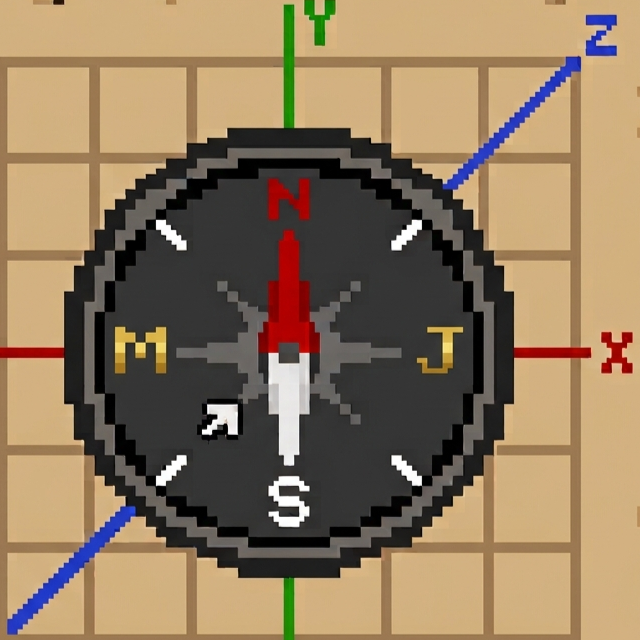
pack.png).
✨ Features
- 📍 Real-time Actionbar HUD: Shows X, Y, Z coordinates, world day count, and facing direction without cluttering your screen.
- 🧭 Full 360° Compass: Accurately maps player yaw angles (
-180°to180°) across all 8 cardinal directions (N,NE,E,SE,S,SW,W,NW). - ⚡ Optimized: Runs efficiently every tick with minimal score calculations and single-tick tag initialization.
🎯 Supported Minecraft Versions
| Game Version Range | Pack Format | Active Overlay / Folder |
|---|---|---|
| Minecraft 1.19 – 1.20.6 | 10 – 41 |
Base Pack (data/) |
| Minecraft 1.21 – 1.21.10 | 48 – 88 |
overlay_1_21 |
| Minecraft 1.21.11 | 89 – 94 |
overlay_1_21_11 |
| Minecraft 26.1 – 26.2 | 95 – 107 |
overlay_26 |
⚠️ Note on Incompatibility Warning: When loading on versions above 1.19, Minecraft may display a red warning saying the pack was "Made for an older/newer version of Minecraft". You can safely ignore this warning—Minecraft's nativeoverlayssystem automatically loads the correct syntax and files for your game version!
📦 Installation
- Download
MJCoordinates_v2.0.0_MCv1.19-1.26from the Assets below. - Place the
.zipfile into your world'sdatapacksdirectory:- Windows:
%appdata%\.minecraft\saves\<your-world-name>\datapacks\ - macOS:
~/Library/Application Support/minecraft/saves/<your-world-name>/datapacks/ - Linux:
~/.minecraft/saves/<your-world-name>/datapacks/
- Windows:
- Enter your world and run
/reload.
MJCoordinates v1.1.0

MJCoordinates
A lightweight, accurate actionbar coordinate display datapack for Minecraft.
📖 Overview
MJCoordinates is a clean, performance-friendly Minecraft datapack that displays your real-time X, Y, Z coordinates, the current world day count, and your cardinal facing direction directly on the action bar.
✨ Features
- 📍 Real-time Actionbar HUD: Shows X, Y, Z, world day count, and facing direction without cluttering your screen.
- 🧭 Full 360° Compass: Accurately maps player yaw angles (
-180°to180°) across all 8 cardinal directions (N,NE,E,SE,S,SW,W,NW). - ⚡ Optimized: Runs efficiently every tick with minimal score calculations and single-tick tag initialization.
🎯 Supported Versions
Minecraft Java Version:
- 1.21.9 to 1.26.2
- 1.20.2 to 1.21.9
- 1.6 to 1.20.2
- Note: On versions below "1.21.9" might show "incompatible", but it works perfectly across all specified versions.
MJCoordinates v1.0.0
MJCoordinates
A lightweight, accurate actionbar coordinate display datapack for Minecraft.
📖 Overview
MJCoordinates is a clean, performance-friendly Minecraft datapack that displays your real-time X, Y, Z coordinates, the current world day count, and your cardinal facing direction directly on the action bar.
✨ Features
- 📍 Real-time Actionbar HUD: Shows X, Y, Z, world day count, and facing direction without cluttering your screen.
- 🧭 Full 360° Compass: Accurately maps player yaw angles (
-180°to180°) across all 8 cardinal directions (N,NE,E,SE,S,SW,W,NW). - ⚡ Optimized: Runs efficiently every tick with minimal score calculations and single-tick tag initialization.
🎯 Supported Versions
- Minecraft Java Version: 1.21.9 – 1.26.2
- Older Version Support: coming soon...