

Professional-grade MKV and universal media player — powerful features, native performance underneath.


.png) |
Native MKV and universal media player built for professionals No setup, no friction. Built on macOS frameworks, runs natively on Intel and Apple Silicon with powerful tools designed for everyday professional use. |
|---|
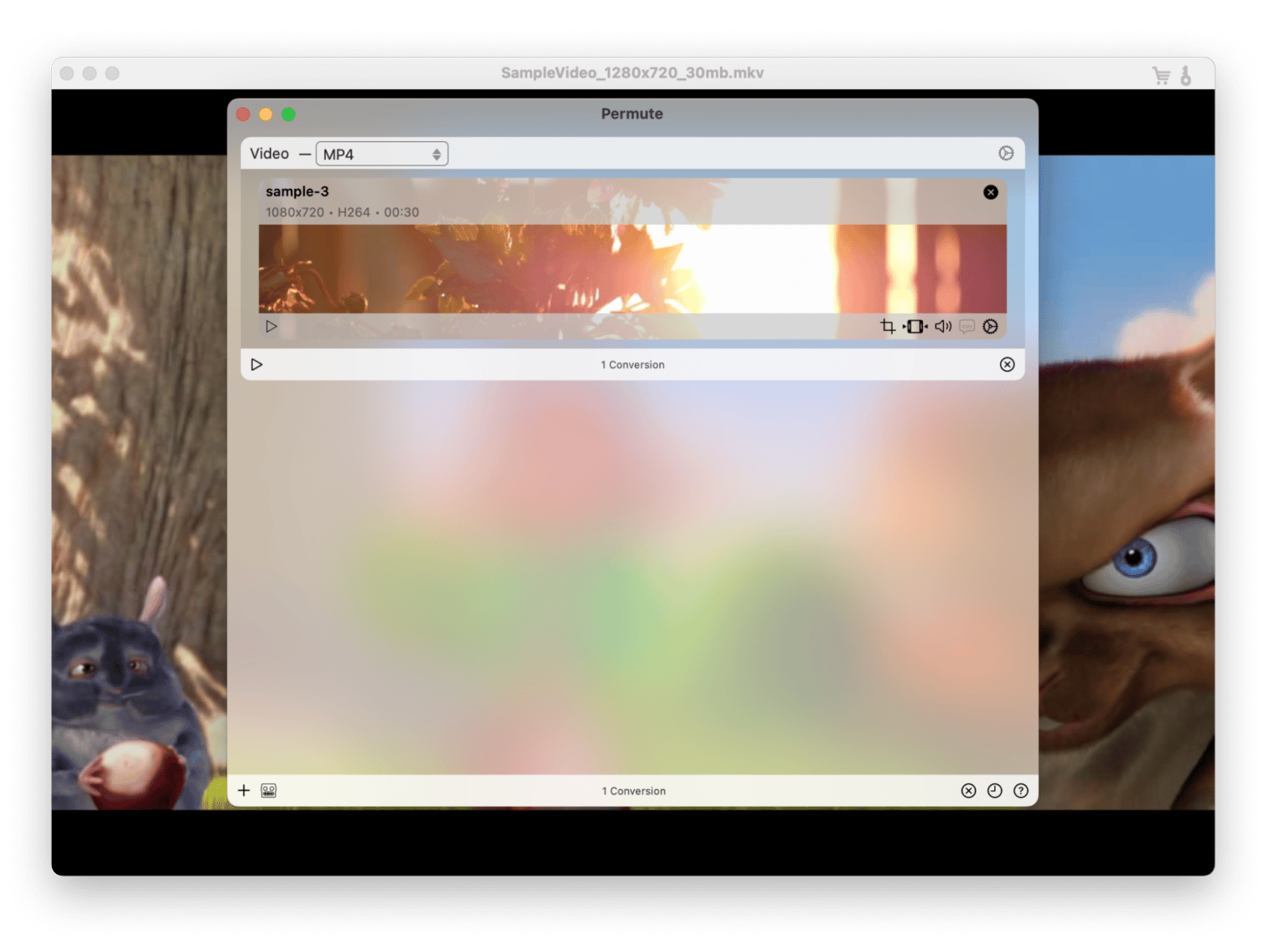
MKPlayer Advanced is a lightweight media player optimized for MKV format playback with comprehensive subtitle support, multiple audio track selection, and built-in format conversion capability. It handles the MKV container format that QuickTime cannot play natively, along with the subtitle and multi-track audio features that MKV files commonly contain. The application provides a focused, fast video playback experience without the complexity of heavyweight media players.
MKV playback handles the Matroska container format with all its capabilities — multiple video streams, multiple audio tracks in different languages, multiple subtitle tracks, chapter markers, and embedded metadata. The player decodes H.264, H.265/HEVC, VP9, AV1, and other codecs commonly found in MKV files with hardware acceleration for efficient playback.
Subtitle management loads embedded subtitle tracks, external SRT/SSA/ASS files, and provides online subtitle search with configurable appearance including font, size, color, and positioning. Subtitle timing adjustment corrects sync issues, and encoding detection handles international subtitle files correctly.
Audio track selection switches between multiple audio tracks — different languages, commentary tracks, and audio formats — that MKV files commonly contain. Audio delay adjustment corrects sync issues between audio and video.
For users who watch MKV files and need a player that handles the format's multi-track, multi-subtitle capabilities with a clean, fast interface, MKPlayer Advanced is the focused media player that makes MKV playback simple and complete.
| Feature | Description | |
|---|---|---|
| 🍎 | Native macOS | Uses system frameworks for deep platform integration |
| ⚡ | Universal Binary | Runs natively on Intel and Apple Silicon |
| 🌙 | Dark Mode | Follows your system appearance automatically |
| 🔍 | Quick Look | Preview files without opening a separate app |
| 🔎 | Spotlight | Find and launch from anywhere on your system |
| 🖥️ | Multi-Display | Remembers window positions across all monitors |
| ⌨️ | Keyboard Shortcuts | Navigate entirely without a mouse if you prefer |
| 🔄 | Background Tasks | Intensive operations run without blocking the UI |
| 🔌 | Automation | Connects with other tools via standard macOS protocols |
MKPlayer balances performance with system resource usage intelligently. Operations are handled in the background, keeping your system responsive for everything else.
Apple Silicon acceleration is fully utilized on M-series chips, delivering noticeably faster performance. On Intel machines, hardware acceleration is used wherever available.
MKPlayer is actively maintained to stay compatible as macOS evolves.
| 🔒 Data protection | Secure file handling and encrypted storage throughout |
| 🏢 Enterprise-ready | Distribute configs to teams, keep individual preferences intact |
| 🔁 Regular updates | Compatibility maintained across every new macOS release |
| 🎛️ Customizable | Shortcuts, layouts and behaviors adapt to your workflow |
- macOS 12 Monterey or later
- Apple Silicon or Intel — Universal Binary
- Compatible with macOS Ventura, Sonoma and Sequoia