

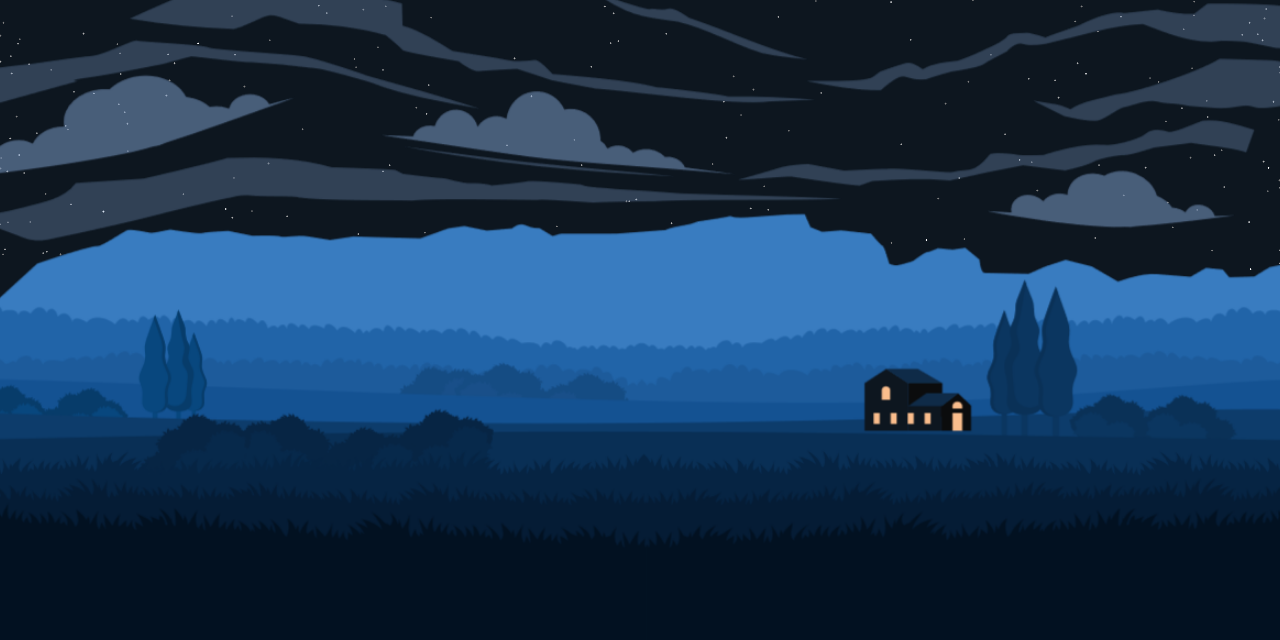
A landscape illustration that follows the time of day: parallax scenery, planet positions from your location, and a star field at night. Colors shift through dawn, day, dusk, and night using Astronomy Engine.
- Parallax landscape (field, trees, mountains, house) on desktop
- Sun, Moon, and planets drawn from real astronomy data
- Sky palette and CSS colors driven by the current time of day
- Stars at night; optional config panel to toggle layers and time presets
- PHP serves the page and switches between Vite dev assets and production build output
- Frontend: TypeScript, SCSS, Vite
- Backend: PHP 8+ (entry page and asset manifest)
- Tooling: ESLint, Stylelint, PHPStan, Husky
Requirements: PHP 8.0+, Node.js 22+, Composer
git clone https://github.com/MLNOP/Scenery.git
cd Scenery
composer install
npm install
Development (Vite HMR on port 5173):
npm run watchServe the project with PHP (or Docker below) and open the site in your browser.
Production build:
npm run buildOutput goes to build/. PHP reads build/.vite/manifest.json to load compiled assets.
Lint / format:
npm run beautify:allPHP 8.3 + Apache + Node.js 24. Optional Traefik labels are included.
-
Create
.env:PROJECT_NAME=scenery APP_FQDN=local.scenery.com
-
Add to hosts (
127.0.0.1 local.scenery.com). -
Start:
docker compose build
docker compose up -d
docker compose exec docker_app composer install
docker compose exec docker_app npm install
-
Open
http://local.scenery.comand run Vite inside the container:docker compose exec docker_app npm run watch
Useful commands: docker compose down, docker compose exec docker_app bash, docker compose logs -f docker_app.
- Planet phase tilt may still need visual tuning
- Star field uses a stylized dome projection, not a full planetarium model
Inspired by or built with help from:
- timeanddate.com — Moon & sun phases
- Moon phase on canvas (CodePen)
- Don Cross sky view
- Firewatch-style parallax landscape (CodePen)
- Astronomy Engine
- Fork the repo and create a branch
- Make and test your changes locally
- Open a pull request with a short description