Release v1.2.0

45b1063  MadAvidCoder
David Ma
MadAvidCoder
David Ma
Dark Mode & Autosave
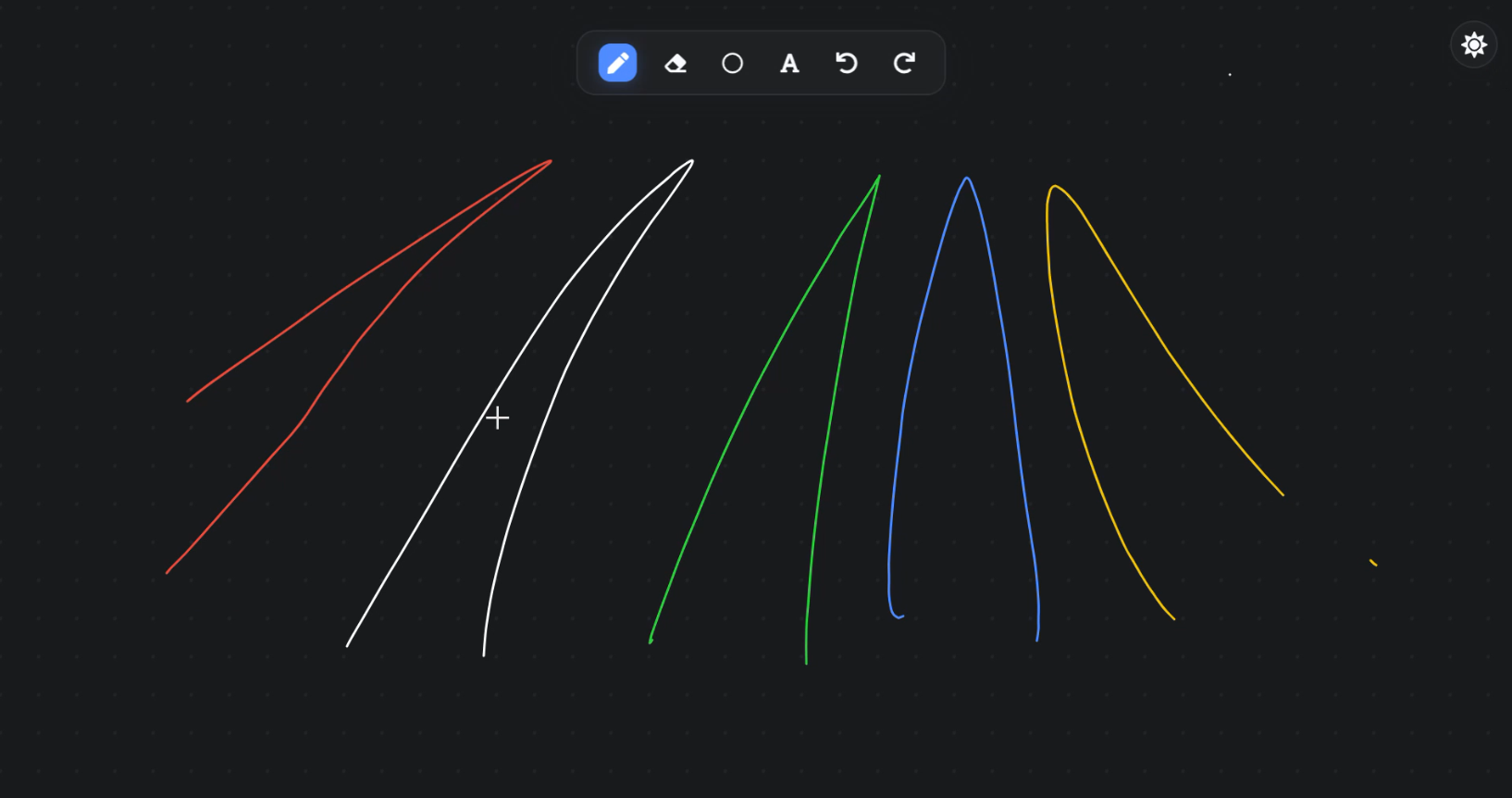
🎉 New Features in v1.2.0
I'm excited to announce the release of Liveboard v1.2.0! This version introduces two major features: Dark Mode and Autosave. These much anticipated features will hopefully significantly improve the user experience, making Liveboard more versatile and user-friendly.
🌙 Dark Mode - For late night brainstorming!
In this release, I have finally added dark mode to Liveboard. Possibly the best UI upgrade for dark mode users, this really makes Liveboard feel like a part of your desktop - it fits in so much better than light mode did! There's a toggle button in the top right corner of the screen, if you want to start using it. All black drawings will automatically be converted to white, (and vice versa), so you don't have to worry about your drawings disappearing when you switch modes.
💾 Autosave - Never lose your drawings again!
Liveboard now automatically saves all drawings to a local file (located in a .liveboard folder within your home directory), and loads them when you restart the app. This means that you can now close Liveboard and open it again later, without losing your drawings! If you ever do want a fresh whiteboard, just use the eraser tool and select Clear All, for a fresh slate.
🛠️ Minor Improvements
- Added tool mappings for all tools
Pfor penEfor eraserSfor shapeTfor textCtrl+Z(orCmd+Z) for undoCtrl+Y(orCmd+Y) for redo
- Improved performance when drawing large amounts of ink
- Revised startup scripts, so it will start on boot more reliably
- Fixed a bug where Liveboard would sometimes not show on top of multiple monitors - now it should show the same on all monitors
⬇️ Installing
If you have already installed a previous version, simply right-click the tray icon and click 'Quit' to stop Liveboard. Then you can run the new installer (available at the bottom of this release), and it should overwrite the previous version. If you haven't installed it before, just run the installer and it will appear on your desktop!
As always, when you run the installer it may warn you that it is 'unsigned' or 'unverified' or possibly even 'unsafe'. Unfortunately because I don't have Apple/Microsoft developer accounts, I can't control this. When Gatekeeper/SmartScreen/etc. blocks it, just manually allow it (either via more options or settings). All the code is completely open source, along with the build scripts, so if you're concerned about its security, you're more than welecome to check everything is safe yourself. (Please DM me or report a vulnerability if you find any problems in the code).