
A lightweight and interactive cloth simulation component built in React. Based on a classic JavaScript canvas simulation, this component lets you simulate realistic cloth physics with configurable properties.
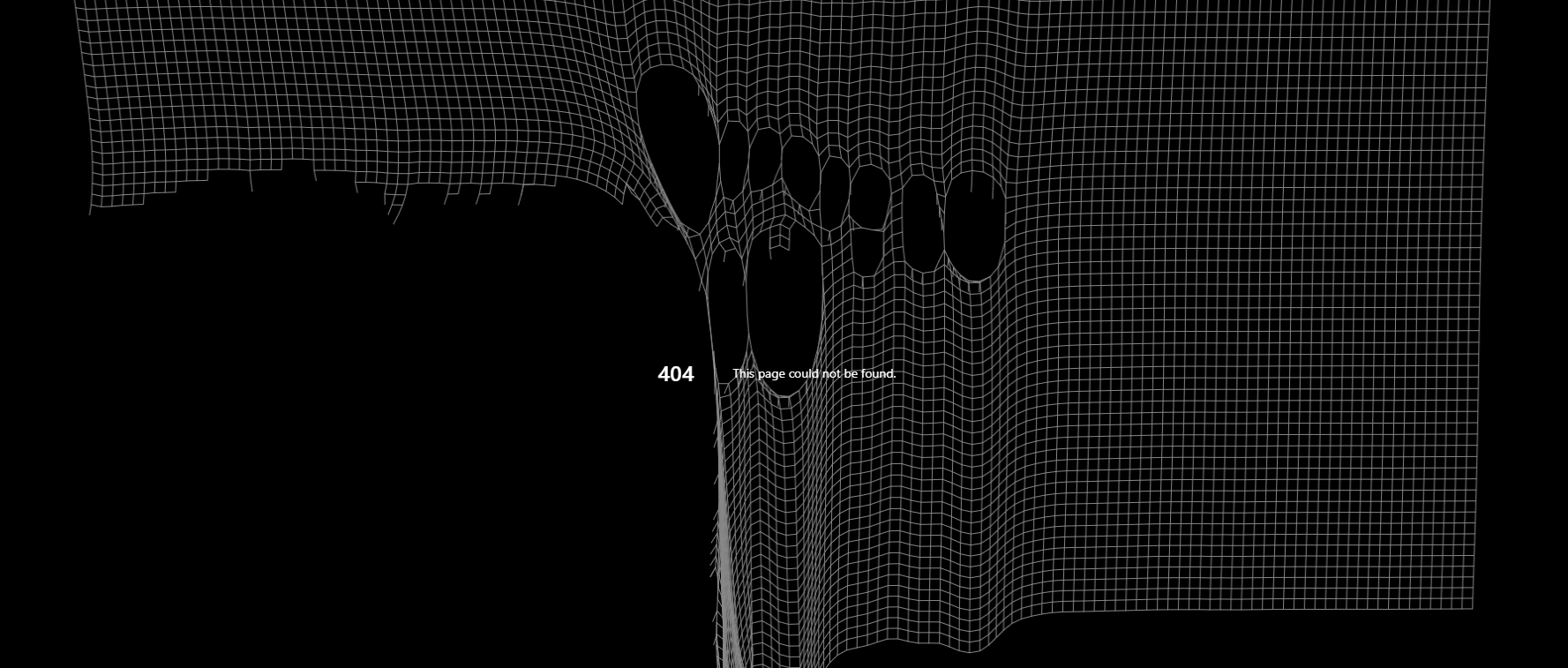
- Physics-based cloth simulation using Verlet integration
- Interact with the cloth via mouse or touch
- Customizable appearance and behavior via props
- Resize-aware and responsive
npm install react-cloth
or
yarn add react-cloth
import React from "react";
import { ClothSimulation } from "react-cloth";
export default function App() {
  return (
    <div style={{ height: "100vh", width: "100vw" }}>
      <ClothSimulation
        width={window.innerWidth}
        height={window.innerHeight}
        backgroundColor="black"
        lineColor="white"
      />
    </div>
  );
}
Want to see it in action? View the live demo
| Prop | Type | Default | Description |
|---|---|---|---|
| width | number | window.innerWidth | Canvas width |
| height | number | window.innerHeight | Canvas height |
| clothWidth | number | width / 14 | Number of points horizontally |
| clothHeight | number | 60 | Number of points vertically |
| spacing | number | 12 | Distance between points |
| gravity | number | 1200 | Gravity applied to cloth points |
| mouseInfluence | number | 30 | Distance in which mouse pulls cloth |
| mouseCut | number | 15 | Distance in which mouse cuts the cloth (right click or touch) |
| tearDistance | number | 60 | Max distance before a constraint (thread) tears |
| backgroundColor | string | "transparent" | Canvas background color |
| lineColor | string | "#888" | Color of cloth lines |
- Left Click / Drag: Pull the cloth
- Right Click / Touch: Tear the cloth
To test and tweak the component locally:
git clone https://github.com/MarceloArraes/react-cloth.git
cd react-cloth
npm install
npm run dev
- Add pinning/unpinning via UI
- Support cloth texture rendering
- Add physics performance options
- Export as Web Component
MIT © 2025 Marcelo Arraes Teixeira
🧵 Inspiration Based on the original JS cloth simulation from Adam Brooks, now adapted for modern React apps.