Releases 1.4.6
Compare
Sorry, something went wrong.
No results found
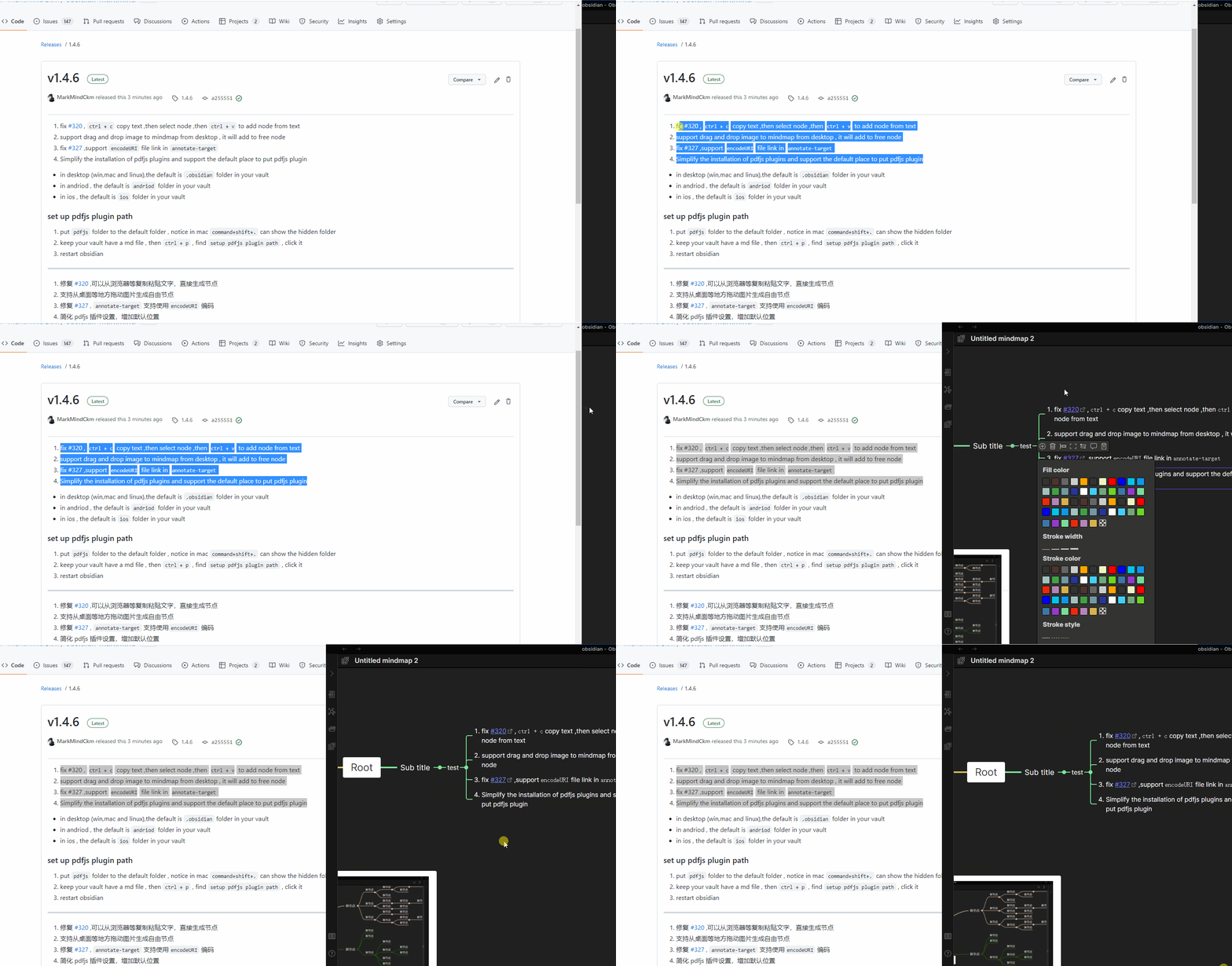
fix #320 , ctrl + c copy text ,then select node ,then ctrl + v to add node from text
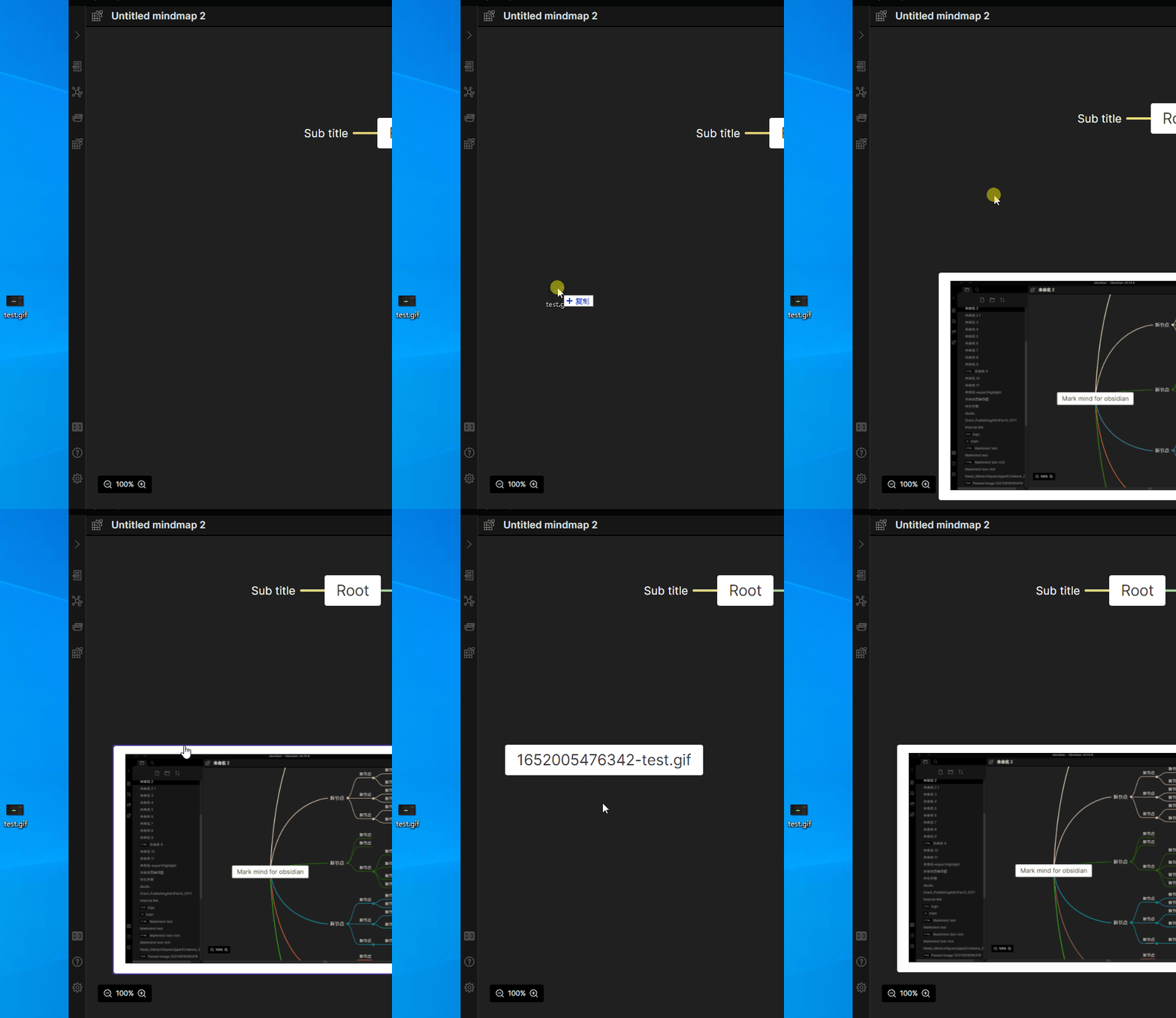
support drag and drop image to mindmap from desktop , it will add to free node
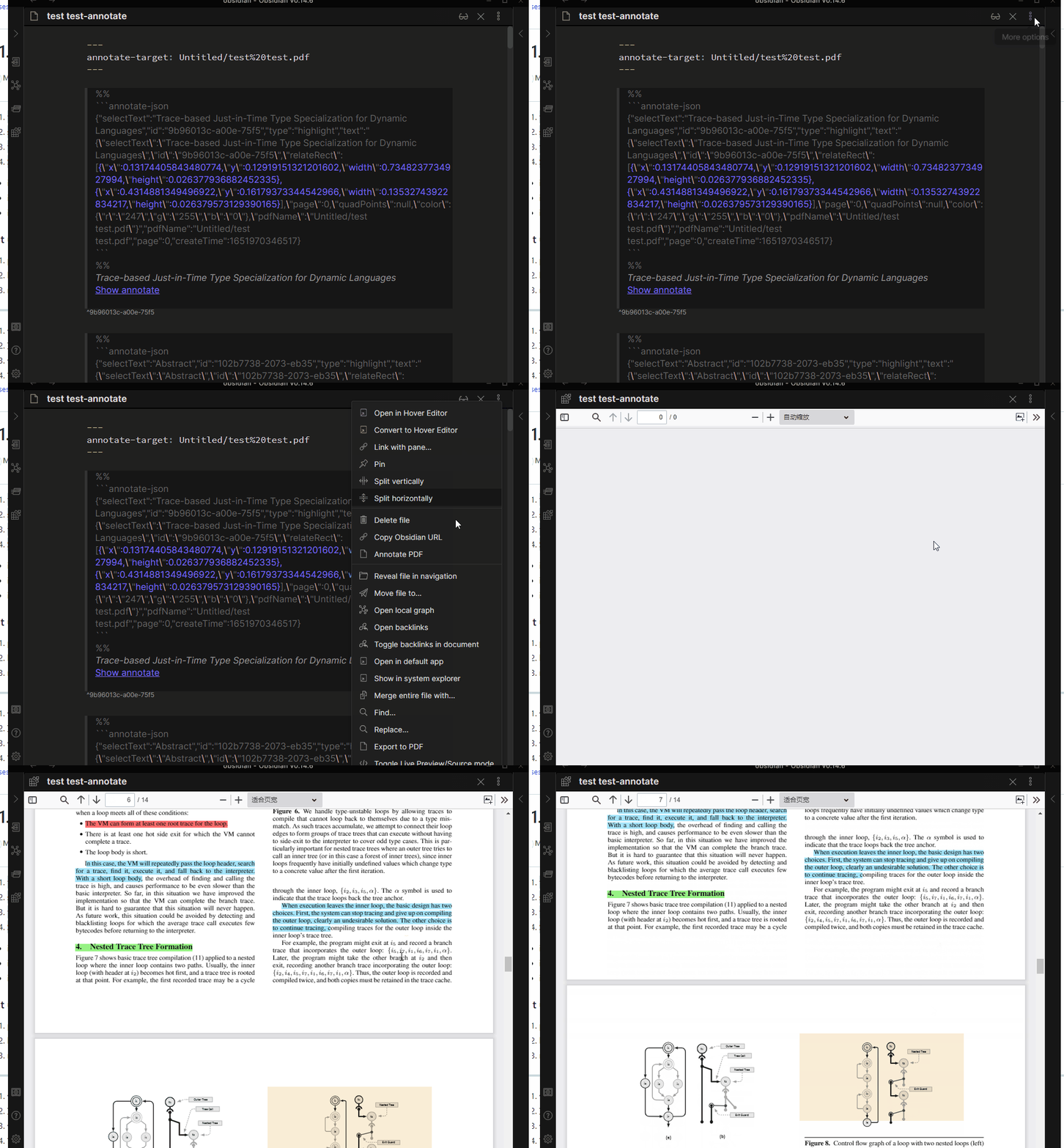
fix #327 ,support encodeURI file link in annotate-target
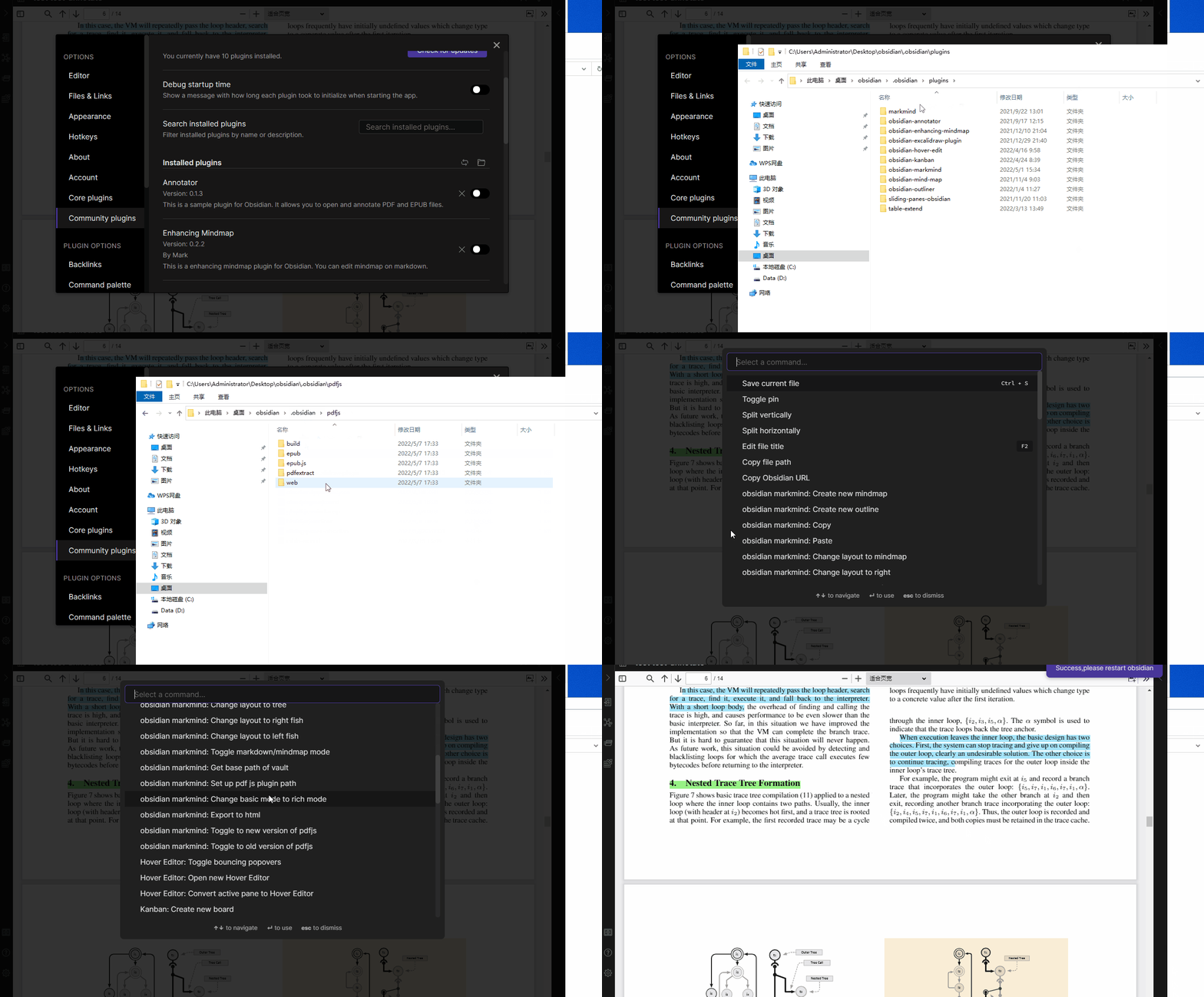
Simplify the installation of pdfjs plugins and support the default place to put pdfjs plugin
in desktop (win,mac and linux),the default is .obsidian folder in your vault
in andriod , the default is andriod folder in your vault
in ios , the default is ios folder in your vault
set up pdfjs plugin path
put pdfjs folder to the default folder , notice in mac command+shift+. can show the hidden folder
keep your vault have a md file , then ctrl + p , find setup pdfjs plugin path , click it
restart obsidian
修复 #320 ,可以从浏览器等复制粘贴文字,直接生成节点
支持从桌面等地方拖动图片生成自由节点
修复 #327 , annotate-target 支持使用encodeURI 编码
简化 pdfjs 插件设置,增加默认位置
桌面端 (win,mac 和 linux),默认放在库中的.obsidian文件夹下
安卓 默认放在库andriod 文件夹下
ios 苹果系统默认放在库 ios 文件夹下
设置pdfjs插件方法
将 pdfjs 方到默认的文件夹, 注意:mac 系统可以使用 command+shift+. 显示隐藏文件夹
保证库中至少存在一个md文件 , 使用ctrl + p , 点击设置pdfjs插件路径命令即可
重启obsidian
You can’t perform that action at this time.