Important Menu Commands
The most important menu commands are those providing formula content to be inserted into the editor field.
The generic procedure is as follows:
- Place the cursor in the editor field where the content is to be inserted.
- Invoke a dialog with formula content.
- Click on a content field in the dialog whose content is to be inserted.
- Generally the cursor is placed after the inserted content in the editor.
The following formulae are provided by the Insert menu.
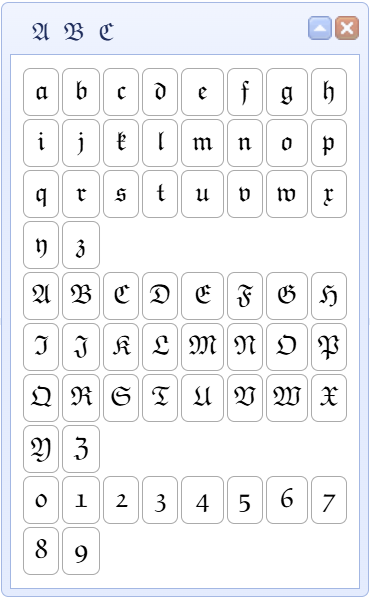
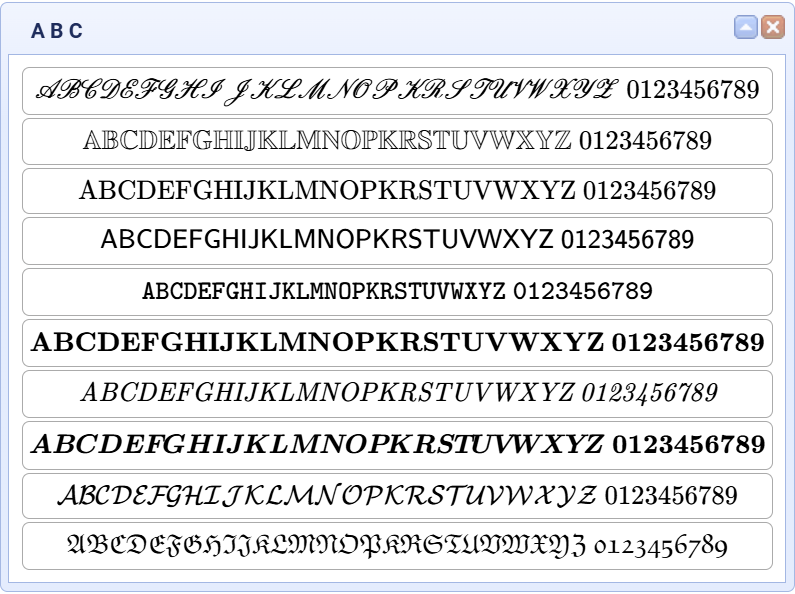
- Characters like Fraktur characters, Double Struck characters, Greek characters, summarizing dialog of characters, Special characters.
- Horizontal and Vertical spacing.
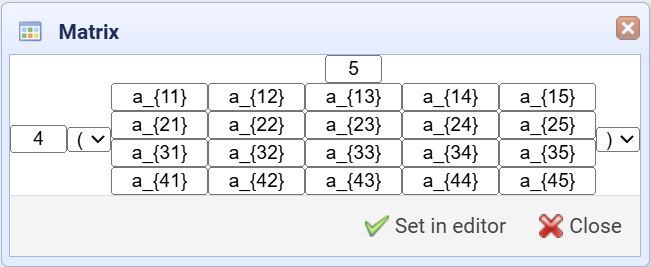
- The Matrix dialog.
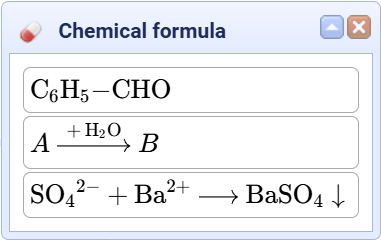
- Chemical formulae.
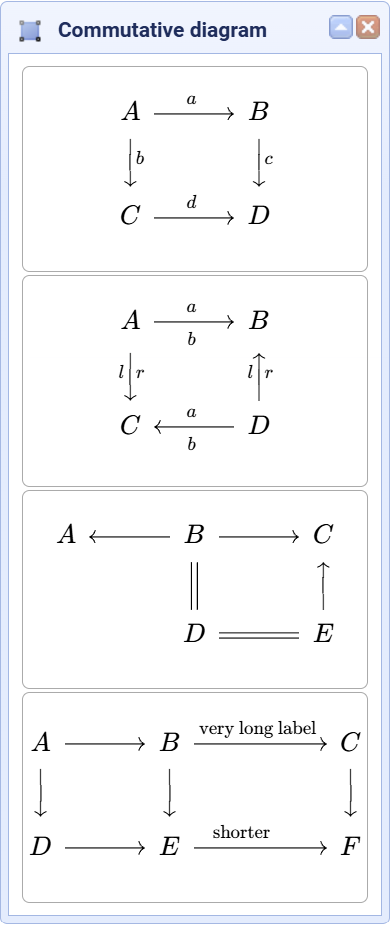
- Commutative diagrams.
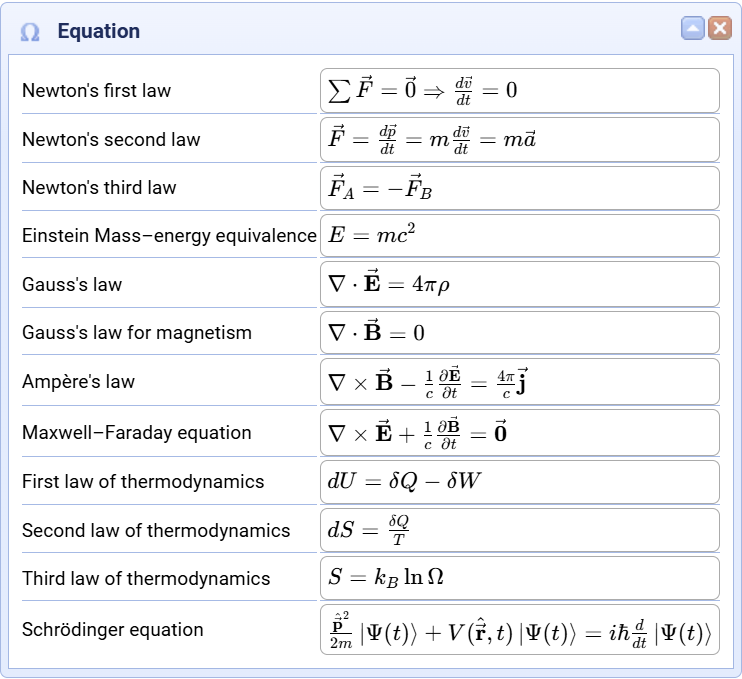
- Sample Equations.
- The Custom Equations dialog. This last dialog permits editing and using Your own formula collection.
Additional Dialogs.
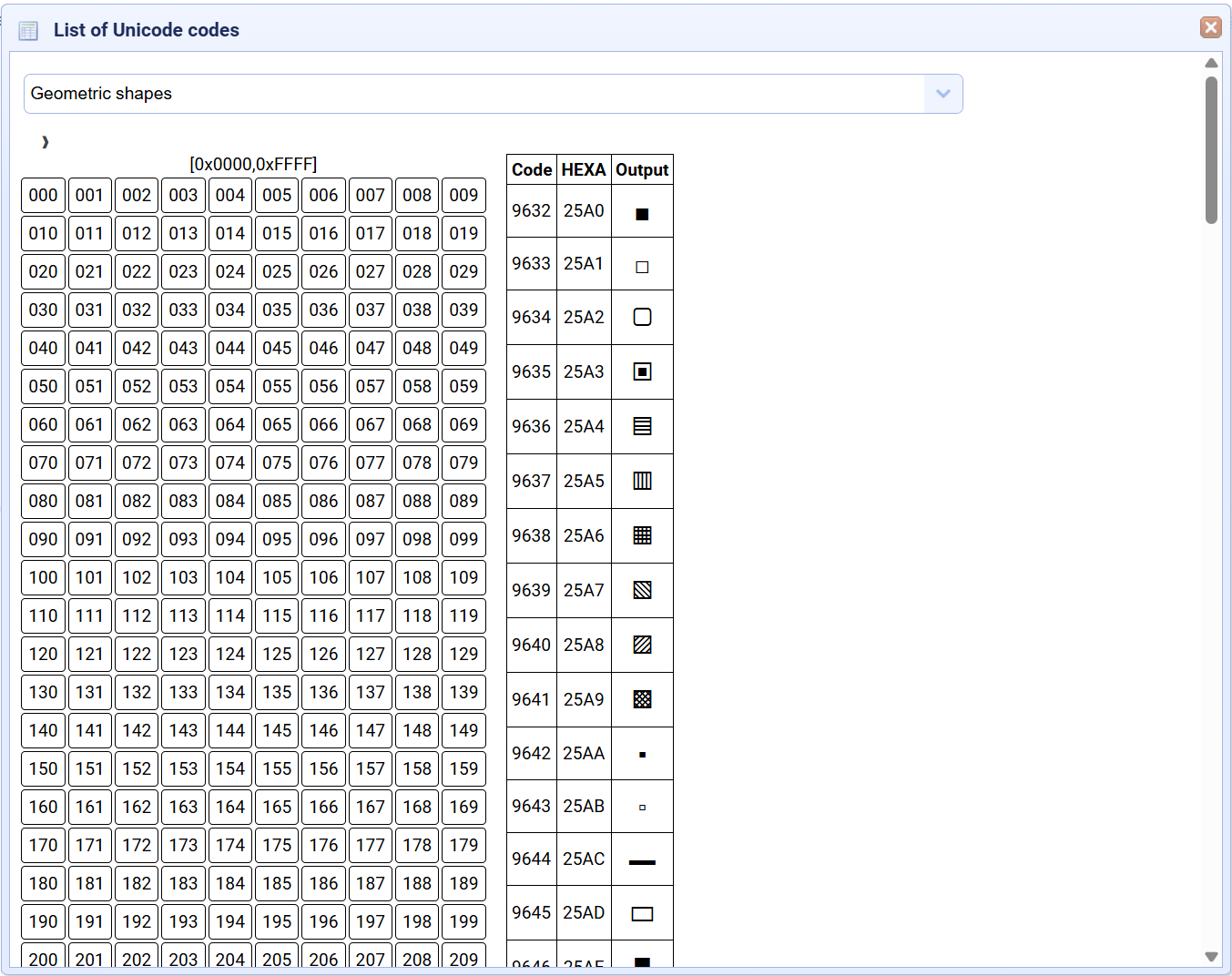
- The menu command View - Unicode invokes a dialog to insert Unicode characters.
- The menu command Informations - Equations Samples permits the insertion of sample equations.
Fraktur, Character Set collection
Chemical formulae, Commutative Diagrams