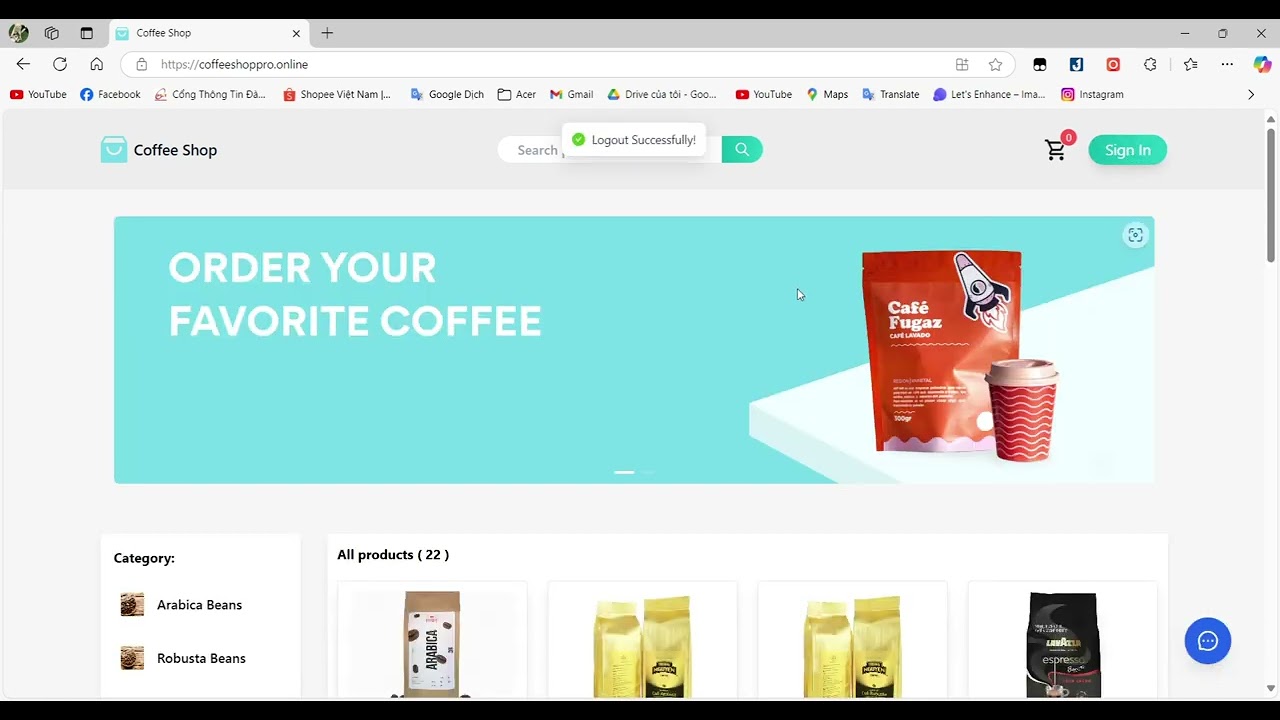

- Login
- Password recovery
- All user functionalities
- Registration
- Search for products
- View product details
- Add products to the cart and make payments (via cash on delivery or online payment using VNPay)
- Track order status and cancel orders
- Review products
- Send messages to administrators
- All user functionalities
- Manage customer accounts
- Manage products (CRUD products)
- Manage product categories (CRUD categories)
- Manage product brands (CRUD brands)
- Manage orders (update order status, cancel orders)
- View revenue statistics
- Respond to customer messages
- Java: OpenJDK 17
- Node.js: Version v20.13.1
- Maven: Version 3.9.6
- MySQL (or any other relational database)
- VNPay Account (for payment integration)
- Open the backend folder in IntelliJ IDEA
- Update the application.properties file in src/main/resources with your database configuration:
spring.datasource.username=your_username
spring.datasource.password=your_password
- Update the application.properties file in src/main/resources with your VNPay configuration
vnp.tmnCode=your_tmnCode
vnp.hashSecret=your_hashSecret
vnp.returnUrl=http://localhost:8080/api/v1/payment/vnpay/ipn
- Run the CoffeeShopApplication class
- The backend will be accessible at http://localhost:8080
- Open the frontend folder in Visual Studio Code
- Install Dependencies
npm install
- Start the Frontend
npm start
- The frontend will be accessible at http://localhost:3000
- If you want to log in as an administrator, you can use the following credentials:
- Username: admin@gmail.com
- Password: 12345678@
We would like to extend our deepest gratitude to Ms. Trịnh Thị Vân Anh for her guidance and support throughout this project. This work was successfully completed by Group 3, which includes the following members:
- Nguyễn Phú Tâm
- Cao Quang Thức
- Nguyễn Đắc Trường (It's me)