
projectMM v4.0.0
The scripting and desktop release — 124 commits. MoonLive grows from a proof of concept into a language you can actually write effects in: five types, fractional math, particles and shaders, running as native code on every supported chip including Windows and Linux desktops. Alongside it: desktop builds for macOS, Windows and Linux that install and keep their settings like real applications, LED panel cards over raw Ethernet, and an effect library that more than doubled to 52 effects, 12 modifiers and 18 layouts.
If you like projectMM, give it a ⭐️, fork it, or open an issue or pull request. It helps the project grow, improve, and get noticed.
🔬 How it's built
Every feature follows projectMM's Industry standards, our own code principle: spec the behaviour from primary sources, reach for the textbook algorithm and the textbook name, pin it with unit + scenario tests first, then write every line fresh against our own architecture, crediting the prior art by name. New this release: the JIT backends are verified instruction by instruction against the real assembler, and the firmware runs under QEMU in CI — a miscompiled shift or a clobbered stack pointer is caught by a test rather than by a boot loop on the bench.
✨ Highlights
MoonLive — write effects without rebuilding firmware
- A script is compiled on the device to real machine code, so a scripted effect runs at native speed rather than being interpreted. Edit it in the device's own editor, save, and the change is live.
- Five types (language reference):
int,byte,bool,fixedandstring.fixedis fractional math (Q16.16) — the piece that makes shaders, smooth motion and Mandelbrot zooms expressible at all. - Four instruction sets: Xtensa (classic ESP32 + S3), RISC-V (P4 / S31), arm64 and x86-64. The same script runs unchanged on a microcontroller, a Mac, a Windows PC, a Linux box and a Raspberry Pi.
- Three script kinds: effects, layouts (place lights from a script, with for-loops) and modifiers.
- Built-in particles, shaders and trails; arithmetic, division, nested loops and
print(). - Scripted controls appear in the UI automatically and keep their value across a reboot.
- A broken script fails safe — it renders dark and shows the error instead of crashing the device.
Desktop — macOS, Windows and Linux
- projectMM installs like a real application on all three platforms: a
.dmgon macOS, asetup.exeinstaller on Windows, and a.debfor Linux and Raspberry Pi OS (apt install ./file.deb), each alongside a universal archive. - Settings move to a per-user directory on every platform —
~/Library/Application Support/projectMMon macOS,%LOCALAPPDATA%\projectMMon Windows,$XDG_DATA_HOME/projectMMon Linux. A downloaded binary can now save settings at all, and moving the executable no longer loses them. - MoonLive runs on every desktop platform. It already ran on macOS and Linux through the arm64 and x86-64 backends; this release completes the set by fixing the Windows toolchain, so scripts now compile and run natively on all three.
Effects, palettes and primitives
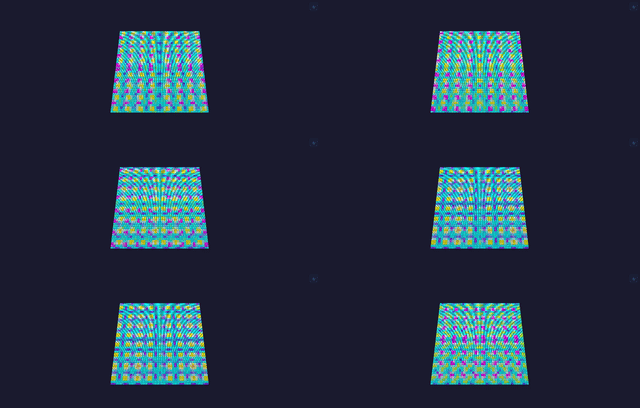
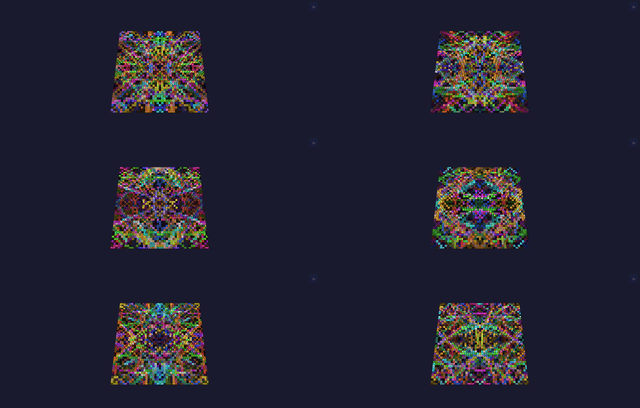
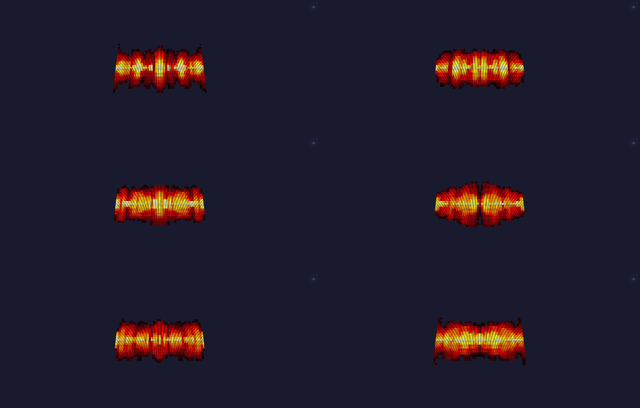
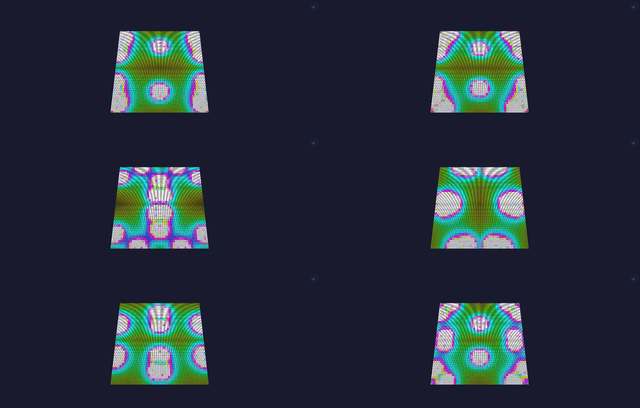
- 52 effects, 12 modifiers, 18 layouts — up from roughly 21 / 5 / 3 at v3.0.0.
- A shared palette: 16-entry gradient palettes selected once and read by every effect, replacing per-effect hard-coded tables. 47 of 52 effects follow the device's palette control.
- A shared primitive library — beat, noise, saturating math, blending, and a dimension-agnostic draw set that works from 1D to 3D, written once instead of per effect. See also the power functions.
- Effects run on elapsed time, so animation speed no longer depends on frame rate.
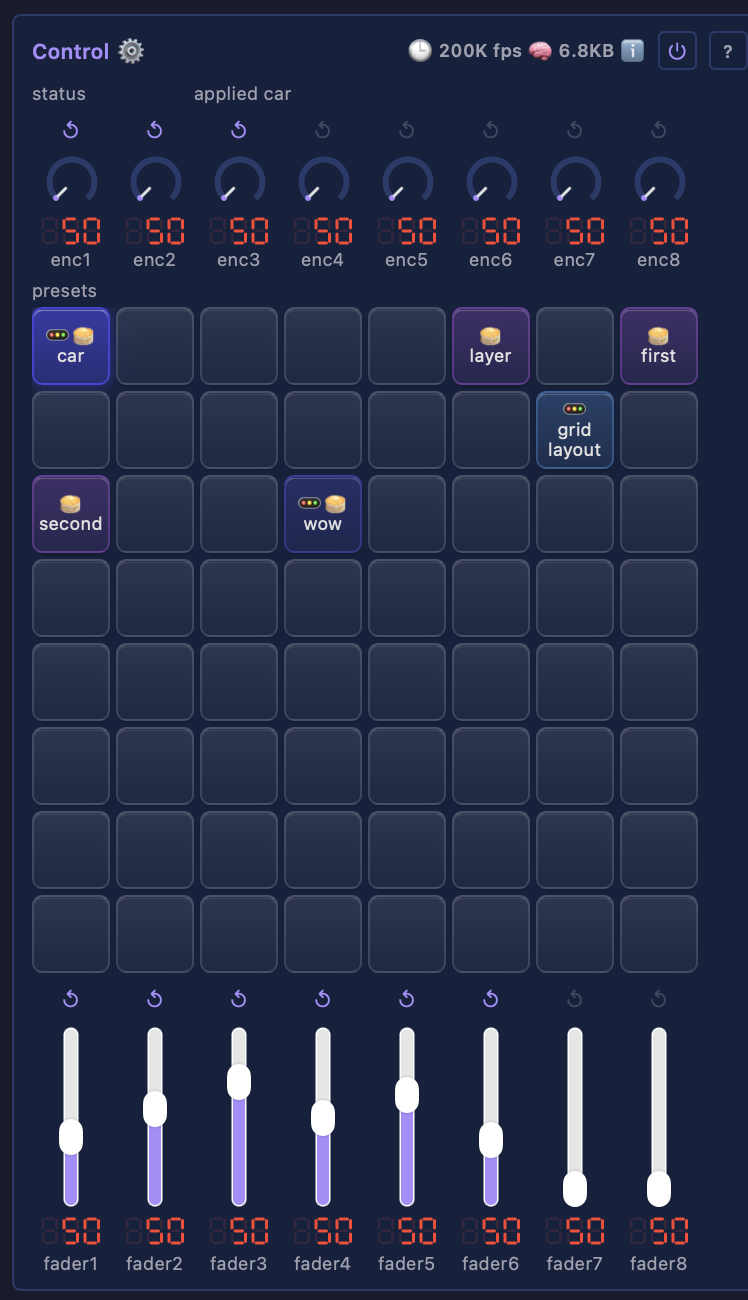
- ControlModule — presets on a control surface, published to Home Assistant.
Drivers and networking
- PanelCardDriver — drive LED panel cards over raw Ethernet, from an ESP32 or from a computer. On an Ethernet-equipped ESP32-S3, -P4, -S31 or classic board the chip sends the frames itself; on the desktop side the same driver runs on Linux, macOS and now Windows (via Npcap), so a Pi or a mini-PC is equally a real panel controller. Adds pre-v13 card support and named card vendors. Walkthrough: driving LED panels with a receiving card.
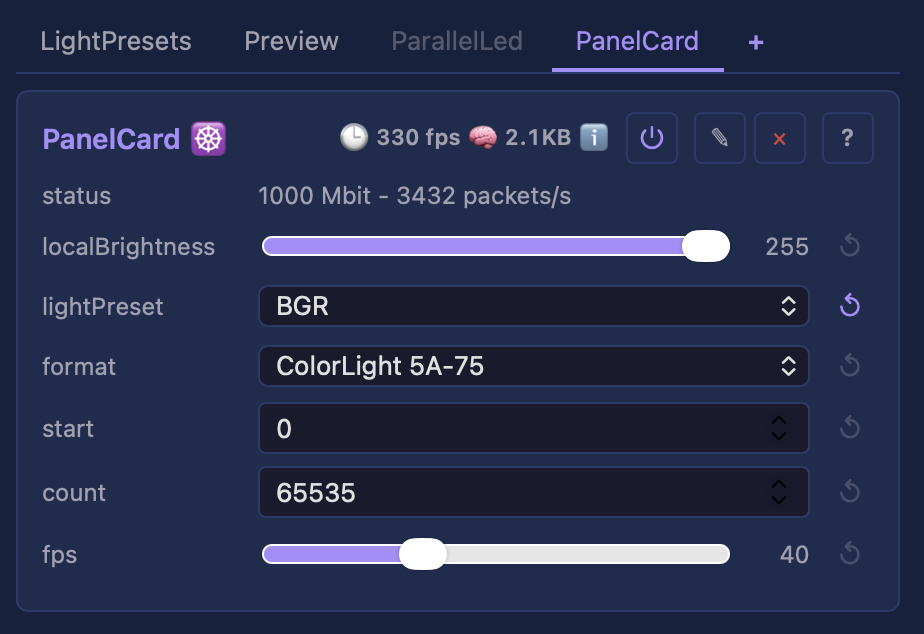
These cards want a gigabit link: a 256x256 frame is ~1.6 ms on the wire at 1 Gbit against ~16 ms at 100 Mbit. The driver reports the negotiated speed rather than refusing to run, so a 100 Mbit link says "expect tearing" instead of failing silently. The ESP32-S31 is the gigabit board.
- Static IP for both WiFi and Ethernet.
- ESP32-S31: RGMII Ethernet link, raised to 320 MHz.
- ESP32-P4: an oversized Parlio frame is refused before the bus init fails, rather than crashing the board.
- Every dropped frame is counted and reported.
Robustness
- Fixes for real crashes and stalls found on the bench: two heap overruns on a layout resize, a Parlio resize crash, a 4-second render stall in wedge recovery, an S31 Ethernet transmit wedge, a WiFi/Ethernet data race, and an LED driver that could silently claim an Ethernet pin.
- On the MoonLive side: a deleted script no longer renders, a renamed script no longer runs the old program, and the Xtensa frame bug that stopped scripts running on every ESP32 is fixed.
Toolchain and tooling
- Compiler-checked hot-path discipline — the render path's cost rules are enforced by the build, not by review.
- CodeQL, clang-tidy, clang-query and lizard static analysis, plus a repo-health ratchet so size and complexity regressions are visible the moment they land.
- Lifecycle gate scripts (
precommit/premerge/prerelease) driving every check from one place.
⚠️ Breaking changes — action on upgrade
Both are source-level only. A device needs no action: no control name, type, range, wire format or persisted value changes.
addControlreplaces the width-named adders.addUint8,addUint16,addInt16,addInt32andaddBoolbecome one overloadedaddControl(name, variable, min, max)— the same call a MoonLive script makes. Action for a third-party module: recompile. A missed call is a compile error, never a silent behaviour change.- Desktop settings move to a per-user directory (above). Action: nothing, unless your settings actually persisted before — if they did, copy
build/.configto the new location.
Full details: MIGRATING.
🐛 Open issues and their impact
None of these affect a typical install. Each is listed with who it actually reaches.
- #69 — DDP receive performance: largely fixed in this release. A receive effect was re-copying an unchanged frame every tick, costing 3.5 ms per tick at 12,288 lights; that is now around 240 us. Remaining reports are specific to very high light counts on a P4 over WiFi, where the on-board WiFi co-processor costs roughly 2x throughput against the same board on Ethernet.
- #70 — WiFi STA instability: a configuration gotcha, not a defect. Every reported case so far is a device provisioned with a 5 GHz SSID. The ESP32-S31 and every other supported ESP32 are 2.4 GHz only, so the join simply never succeeds. If your access point publishes separate SSIDs per band, provision the 2.4 GHz one.
- #79 — SK6812 / RGBW flicker on dense frames. Investigated at length this cycle. On the reproduction to hand it traced to a physical strip, not the driver, the timings or the memory path — swapping the strip between output pins moved the fault with it. Reports on very short wires are still unexplained and we would like more data. Background: LED signal integrity.
📦 Install
Flash from your browser — pick your board, flash the matching firmware, hand over WiFi via Improv: the web installer. Or run projectMM on your computer: the .dmg (macOS), setup.exe (Windows) and .deb (Linux / Raspberry Pi OS) are attached below, with universal archives beside them. Step-by-step in the Getting started guide, or start with how projectMM works.
Supported targets this release: ESP32 (classic / Olimex / WROVER), ESP32-S3, ESP32-P4, ESP32-S31, plus macOS arm64, Windows x64 and Linux x64 desktop.
📚 Documentation
Full documentation lives at moonmodules.org/projectMM — including the architecture, per-module performance figures, and how to log an issue.
🔭 What's next
v5.0.0 is the MoonLight replacement: DMX-512 output for light bars and moving heads, a mature central control module, scripted palettes, the per-library documentation model, and the remaining effect breadth.