Repository navigation


Abyss Linux 27.1: one picture from power on to your desktop, a smarter menu, and a shutdown fix.
Downloads
| File | Architecture | Boot | For | Size | SHA-256 |
|---|---|---|---|---|---|
abyss-linux-27.1-aarch64.iso |
ARM64 | UEFI | Apple Silicon (Apple Virtualization / Lumen, UTM, Parallels, QEMU), ARM64 servers and boards | 1.62 GiB | 50707aae83246c3462a43b479795db075bb3f606aed3f56c0a76e7730609f4f7 |
abyss-linux-27.1-x86_64.iso |
x86-64 | UEFI + BIOS | PCs, laptops, VirtualBox, VMware, QEMU/KVM, Hyper-V | 1.64 GiB | ed8c50ef449a5ab9c05ac7b44ce2f91db942d073fb59ba2820c0b3b7b7e0cf97 |
Verify: sha256sum -c SHA256SUMS (Linux) or shasum -a 256 -c SHA256SUMS (macOS).
Requirements: 2 cores, 2 GB RAM (4 GB recommended), 16 GB disk.
Live session: logs in automatically as anon (password voidlinux, root: voidlinux). To install: Menu → Install Abyss Linux, then Partition → auto.
What's new in 27.1
- Boot to desktop in one picture. A Plymouth "Abyss" splash from the first seconds, then a LightDM login screen on the same artwork: your user is already selected and the password box sits at the bottom centre. The live ISO logs in by itself; installed systems ask for your password. No text login flashes on screen any more.
- Shutdown fixed. Some installs failed
poweroffwithinit: fatal: unable to create /etc/runit/stopit. Abyss now repairs runit's control files at every boot, and the newabyss-powerhelper falls back to a clean manual shutdown if needed (abyss-power diagnoseshows the details). - A smarter Abyss menu. Your installed apps, grouped by category, each with its real icon and a short description of what it is ("Thunar · File Manager"), so programs with unusual names explain themselves. Settings are grouped into Network, Sound, Display (with text size), Keyboard and Appearance; System has a monitor, disks, services and power diagnostics; Session has lock, sleep, log out, restart and shut down.
- App search with icons. rofi shows each app's icon and what it does.
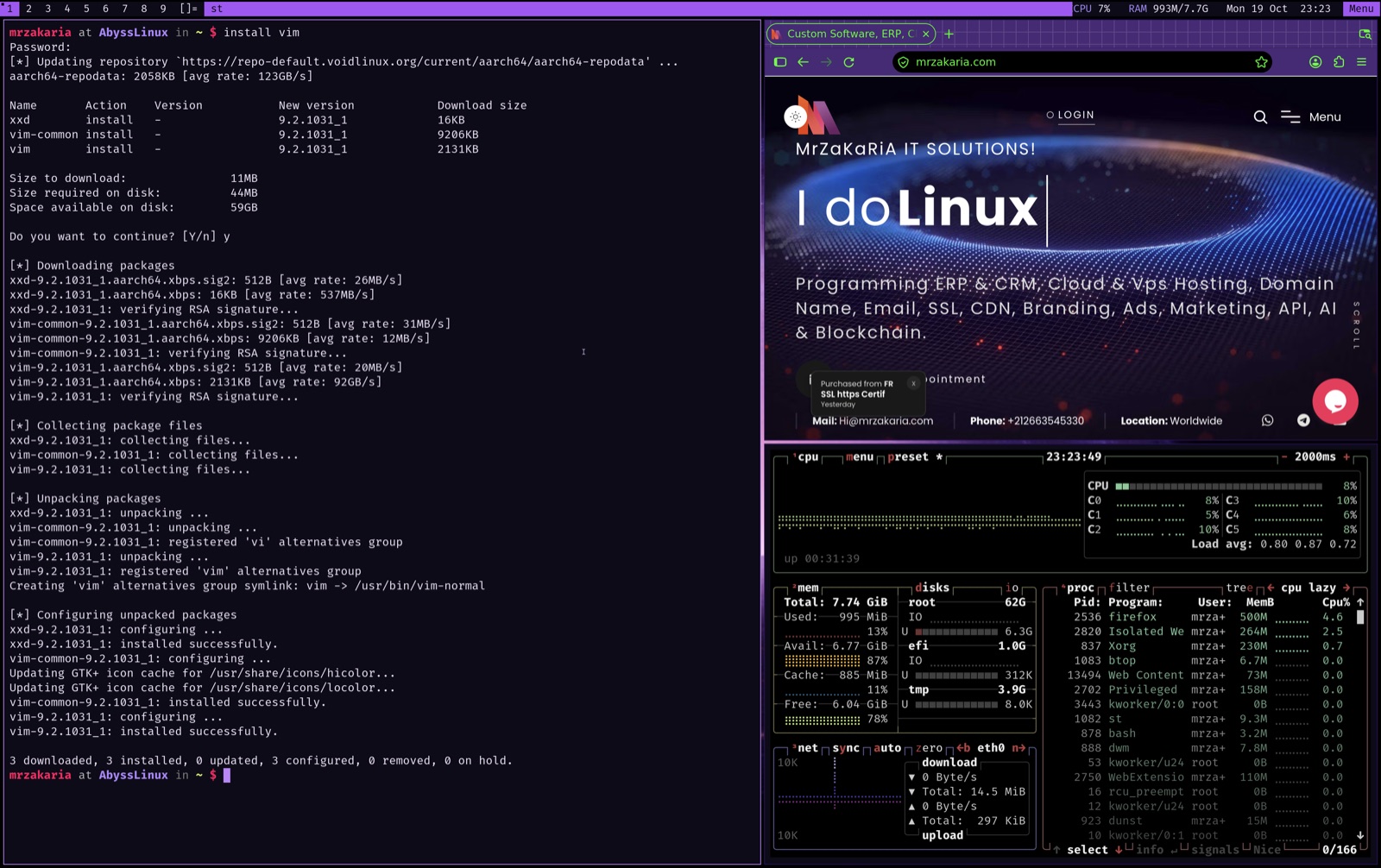
- A compact status bar: network ↓/↑ speed, CPU % and temperature (on machines with a sensor), RAM, disk and the clock.
- An Abyss installer: Abyss texts and defaults throughout.
- Shell:
poweroffandrebootgo throughabyss-power; bash in vi mode withu/i/q/rfor XBPS update / install / search / remove.
Upgrading from 27.0? Packages update with sudo xbps-install -Su as usual; the boot splash, login screen and new menu come with a fresh install of this ISO.