
After installation, all the panels appear in Window/Scneario/...
- Creating Isometric 2D Tiles for Game Maps and Levels in Unity
- Creating Platformer Game Levels Using Scenario and Unity
- Creating Animated Assets Using Basic 3D Models and Spritesheets
Follow the steps of Creating Isometric 2D Tiles for Game Maps and Levels in Unity
- Decide your isometric grid rate for X, Y and Z
- Typically, they are 1:0.5:1
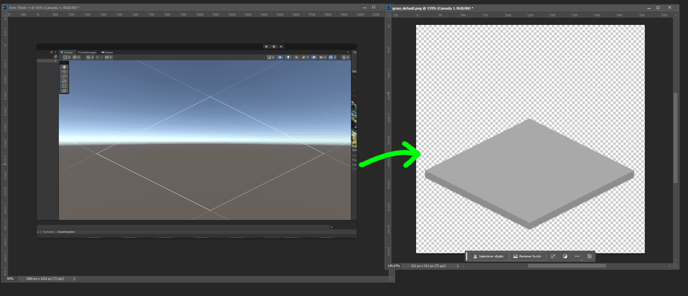
- Prepare a base isometric tile in the same rate 1:0.5:1
- Set the tile palette to be the same rate\
-
Edit/Project Settings/Graphics/Camera Setting
 Set the Transparency Sort Mode and Axis as shown
 -
Under the Hierarchy panel. Right Click -> 2D Object -> Tilemap -> Isometric Z as Y

-
Find the Tilemap Renderer
Set the Sort Order=Top Right, Mode = Individual


What about animated tile to add more dynamic?
Pokémon Tileset
2D -> 2.5D Effect


-
Select the Tilemap you have generated
-
Under the same Gameobject which contain the
Tilemapcomponent. Add theTilemap GeneratorScript -
Follow the guidance to set the tileset and the map
-


-
Keep the name of each tile as number in both tile assets and in the tilemap
-
-
You can freely click the
Update Tileset,Update Tilemap Array,Clean Tilemap, andRandom 5x5 Tilemapin editor to see what happens

