Repository navigation
Theme and Wallpaper Guide
A 4:3 image is the correct canvas for a Launchstation static wallpaper. Use 640 × 480 PNG to preserve detail, or 320 × 240 PNG for lower memory use. Both dimensions are exactly 4:3; smaller sources are not upscaled during decoding.
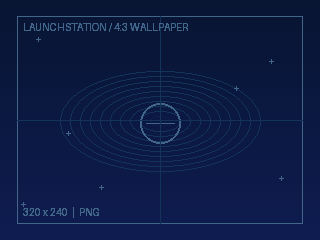
Files you can examine and copy:
Example PNG ·
Matching theme.cfg ·
Full example folder
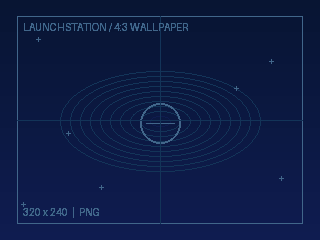
- Aspect ratio: the renderer takes the centered 4:3 region of the wallpaper and scales it to fill the console display.
- Cropping: a 16:9 image loses its left and right edges. A 320 × 256 (5:4) source is cropped vertically; 320 × 224 (10:7) is cropped horizontally. These can be loaded, but aren't ideal authoring sizes.
- Limits: PNG no more than 1.5 MB and up to 2048 × 2048 input pixels. The cached PS2 texture fits inside 640 × 512, so a 4:3 image can retain 640 × 480 pixels.
- Recommended: a normal non-interlaced RGB or indexed PNG.
- Composition: leave room for the dashboard's text, panels and hints. Keep vital artwork away from the edges; CRT overscan varies.
The image is a backdrop, not a configurable 16:9 UI. Setting a 640 × 448 canvas merely because that is the dashboard's logical rendering coordinate size will not produce an uncropped 4:3 wallpaper.
Single PNG: Settings > Appearance > Customize theme > Background > Wallpaper image... > select the PNG > save changes.
Shareable theme folder: Copy both theme.cfg and background.png
from the example to THEMES/WallpaperExample/ alongside the Launchstation
ELF (or into the dashboard configuration directory's THEMES/).
Open Settings > Appearance > Theme files & resets >
Load theme from folder... > choose that folder > save changes.
For an importable theme, put these lines in theme.cfg:
name = Wallpaper Example
background = image
image = background.png
wallpaper = off
The background / image settings are for the static background.
The separate wallpaper = focused setting overlays the selected
application's cover artwork, if enabled, and isn't required for a static PNG.
Full reference: Dashboard themes · Online theme guide.