Example Network Terminal
Goal: Serve a simple ANSITerm screen over the network so a PC can connect with telnet (or any raw TCP client).
This is not encrypted SSH. Traffic is plain TCP on port 23, like classic telnet.
- ESP32 / ESP8266 Wi‑Fi
- Arduino boards with WiFiNINA
- Arduino Mega with Ethernet shield
Edit the sketch to set your Wi‑Fi SSID and password (or use Ethernet / DHCP).
- Open NetworkTerminalExample.
- Set
ssidandpasswordnear the top of the file. - Upload to your board.
- Open the Arduino Serial Monitor briefly at 9600 baud to read the board’s IP address, then close it.
- On your PC:
telnet <ip-address> 23(or use PuTTY in Raw / Telnet mode to that host and port).
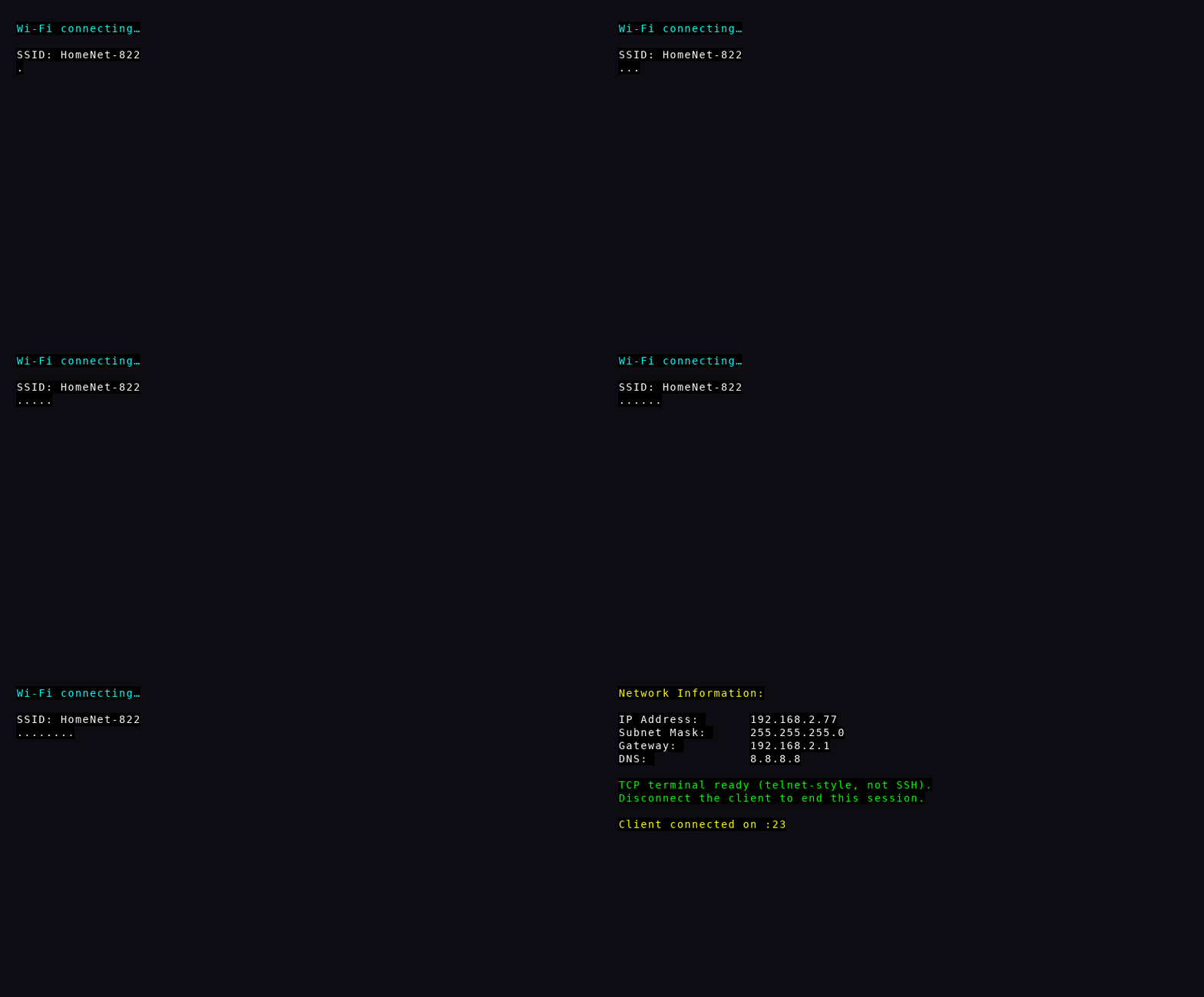
If Wi‑Fi fails to join within about 20 seconds, the sketch prints a timeout message on Serial and stops trying — fix the credentials and upload again.
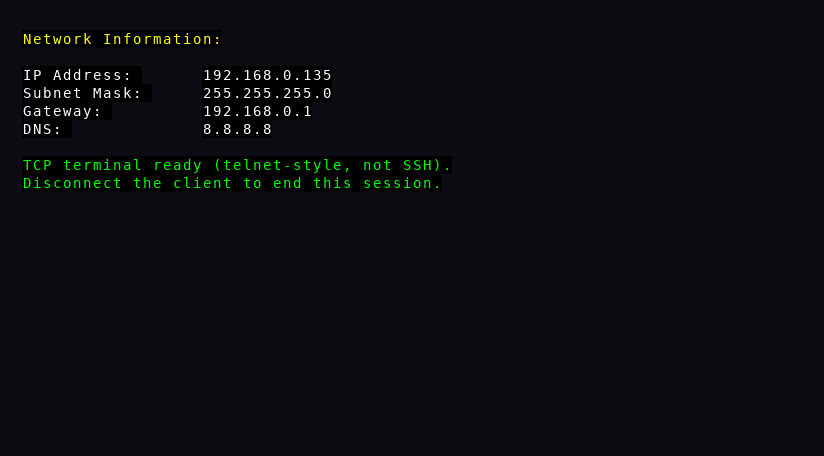
- “Network Information” with IP, subnet, gateway, and DNS
- A note that this is a TCP / telnet-style session
- Session ends when you disconnect the client
- Phone hotspot vs home Wi‑Fi: use a network the board can join (2.4 GHz for many ESP8266 boards).
- Corporate / guest networks often block device-to-device telnet.
- For a richer network UI, use ESP Wi‑Fi Control on ESP32/ESP8266.
The same kind of UI over a network connection.