Repository navigation
Artwork Manager
🇩🇪 Deutsch
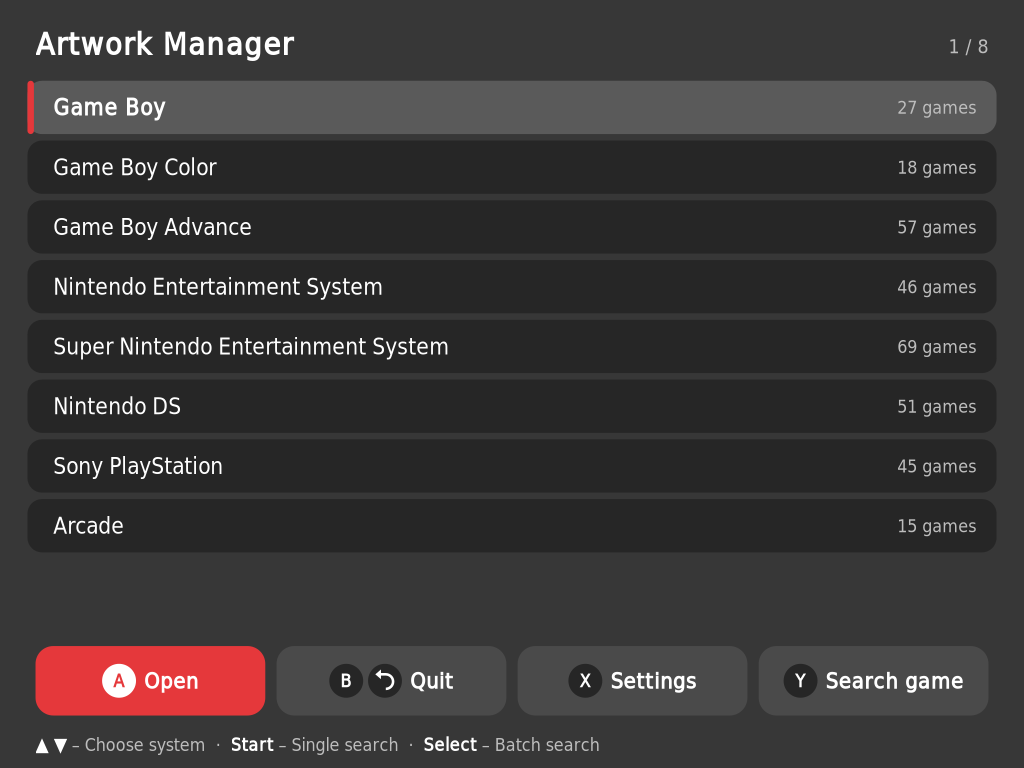
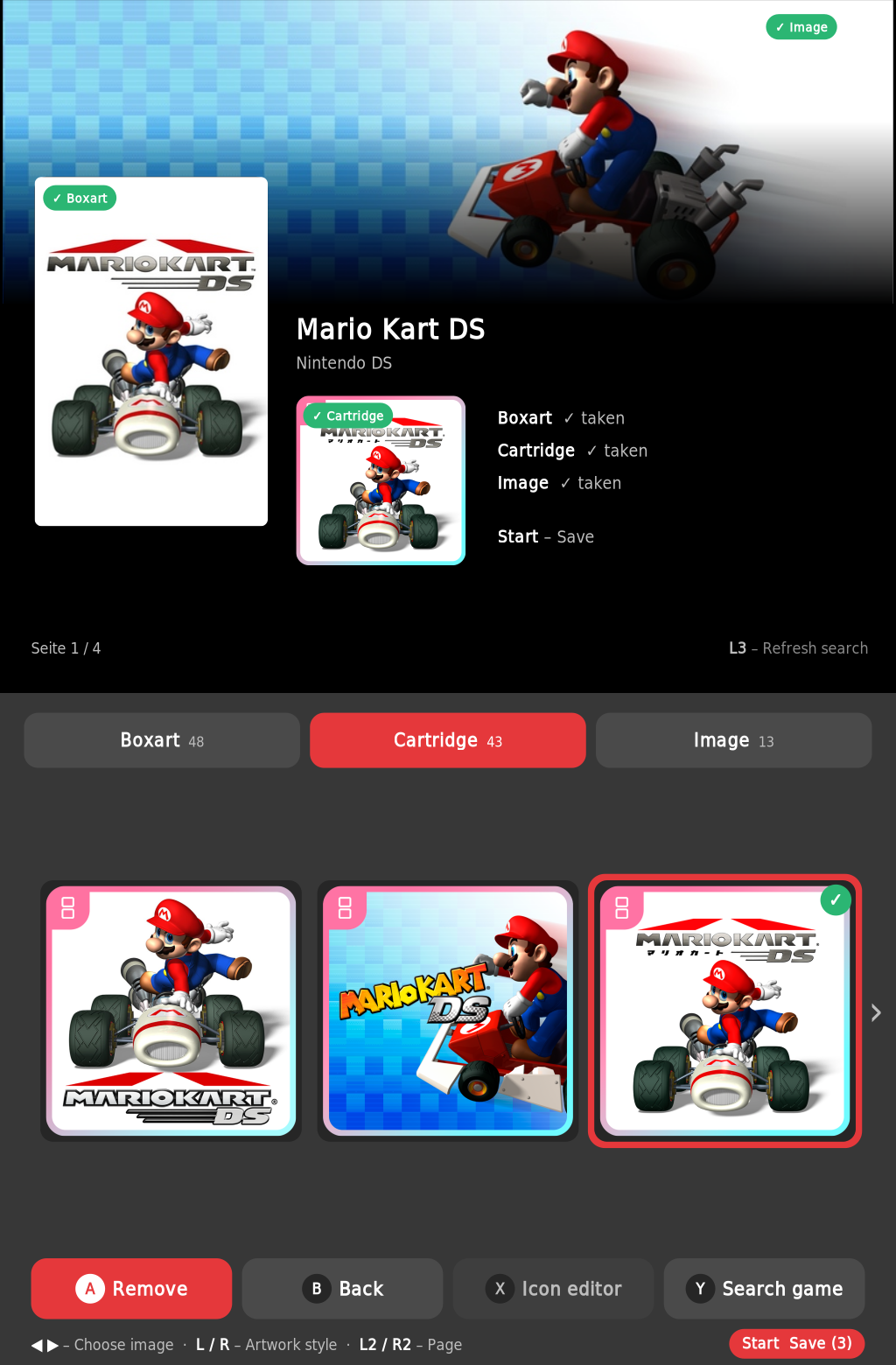
Start it from Ports → Artwork Manager. It fills in boxart, cartridge icon (1:1) and hero image for your games – the top screen shows a live preview, the bottom screen holds lists, search and buttons.
- Sources: iiSU database and SteamGridDB (free API key in the settings), plus your own images from
ports/rds-artworkmanager/eigene/ - Single search (Start) or batch (Select) through all games with missing artwork
- Icon editor – turns any icon into a 1:1 image with the iiSU border (move, zoom, choose border)
- Filter: all · missing · no artwork; game search across all systems
- Preview in the game list: the top screen shows the existing artwork of the selected game – wrong pictures stand out while scrolling
-
Multi-disc games merged into one
.m3uentry, arcade names from the FBNeo list - Backup of each
gamelist.xmlbefore the first save, restore in the settings
Requirement: each system needs a gamelist.xml – create it once with ScreenScraper in the ES menu under Scraper (works in dual mode, too).
 |
 |
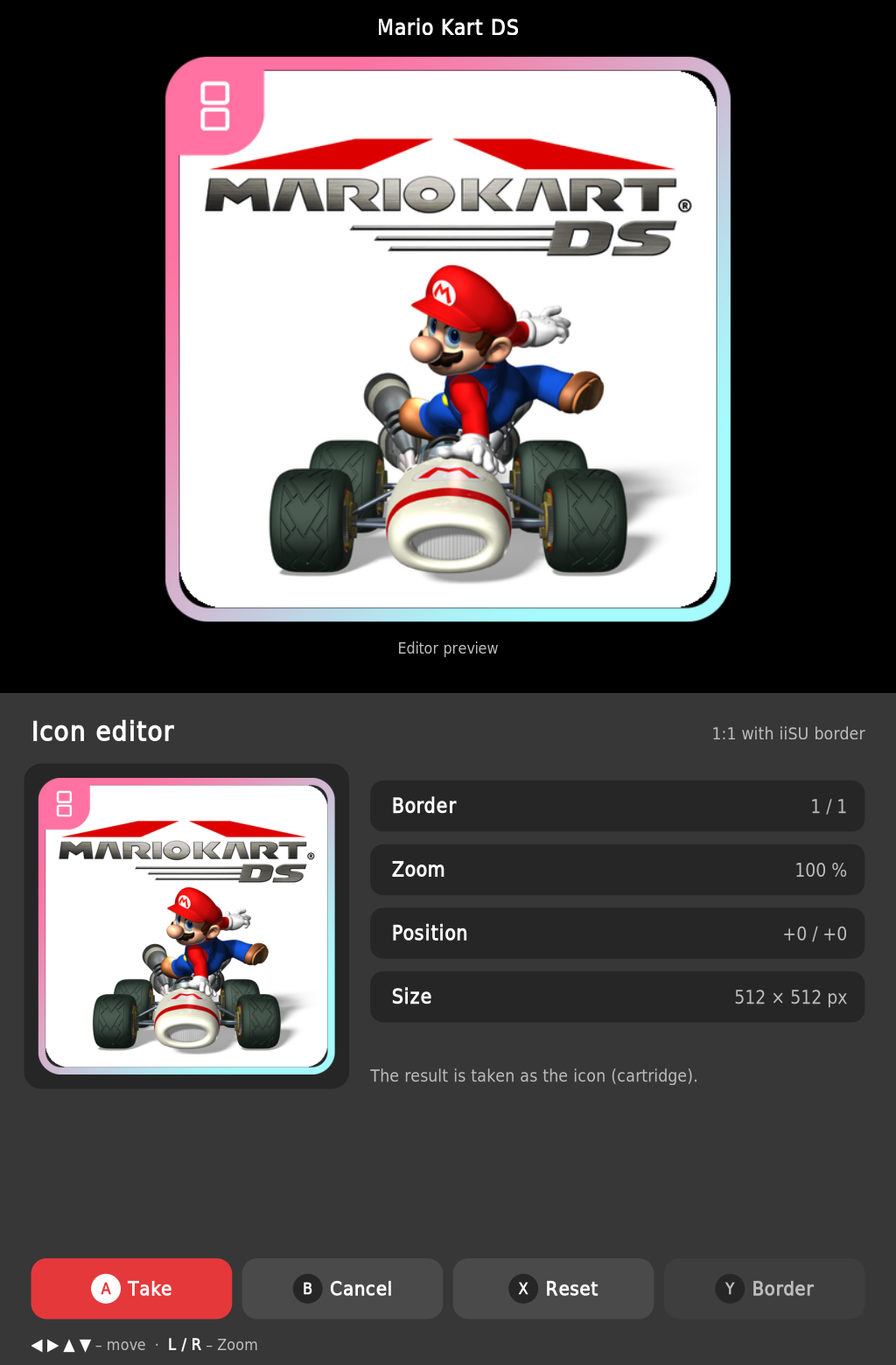 |
| Game list | Game with live preview | Icon editor |
All buttons: quick tour · PC version: RocknixDS Artwork Manager