

|
So I have been using OrcaSlicer and today I went to use it after a system update in Manjaro and my device tab just results in a blank window as shown below. It works fine in my ubuntu VM. Anyone else have this issue or have an idea of how to fix it?
I have removed the appimage removed my config, reintegrated the app image, and even used the AUR package (I will probably stay with its aur package) System info: |
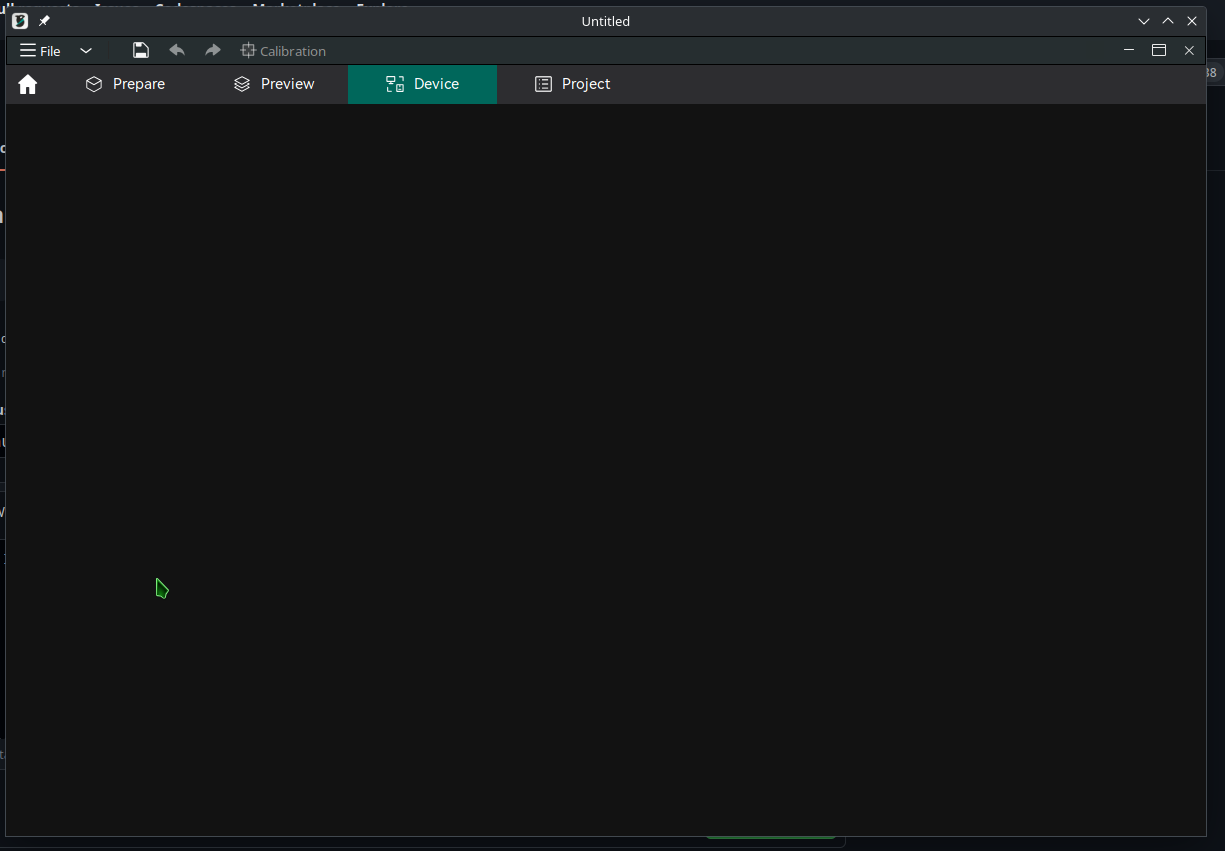
Replies: 8 comments 3 replies
|
well, I cannot replicate it on my fresh manjaro install in a VM.... great.... |

|
So I can replicate this .... it worked on the live disk but not the fully installed one.... hmmmm |
|
Just integrated the appimage from the V1.6.2 stable Ubuntu build & the device tab is still blank on my Manjaro system. I'm not sure what is required to use that page. @SoftFever do you have any idea what packages are getting called into use by that window? Because if there is no IP address the video showing how to use it plays and it was working until a system update so clearly something that was in use isn't in my system anymore any ideas? |

|
hmmm, it's using libwebkit. |
|
This makes two of us but now I have a direction to go down. |
|
I've rased an issue here as I don't know how to proceed and would like this to work. |

|
I am seeing the blank home, Device and Project pages as well. It was working, went for supper, came back to the PC and and the application seemed unresponsive. Closed it with the X and now Orcaslicer works only on the Prepare and Preview pages and the rest show blank. Restarting Orcaslicer makes no difference. This is on fully updated Windows 11, 3060 graphics card and Orcaslicer 1.6.3 |

|
I am also having this issue on my Mac running Sonoma. The device tab is just blank, I can send jobs to my printer. It is connected via OctoPrint and Orca can confirm successful connectivity to the IP via application key every time I test it. |

|
I solved this issue by reconfiguring the printer connection. In Printer config, click on the "wifi" green icon, entered connection parameters and the tab was fixed. 
|
|
solved for me. |

|
I'm also having this issue - the suggestion in #920 (comment) doesn't work for me. Meanwhile, I'm running the application via |


#920 (comment)
solved for me.