SSuite NetSurfer Prometheus Browser v2.6.8.4

SSuite NetSurfer Prometheus is a revolutionary browser that, rather than stealing fire, gifts you the blazing speed, security, and innovation needed to dominate the online digital realm without facing the wrath of BigTech, or any of the limitations of typical Chromium-based clones.
With its original design and forward-thinking functionality, NetSurfer Prometheus seeks not only to serve the individual but is also crafted to meet the needs of businesses seeking a reliable, secure browsing solution.

But here's the real kicker; NetSurfer Prometheus doesn't just copy what's already out there and then slap a "New and Improved" label on it. Oh no, it's got original flair... 🤗🤩
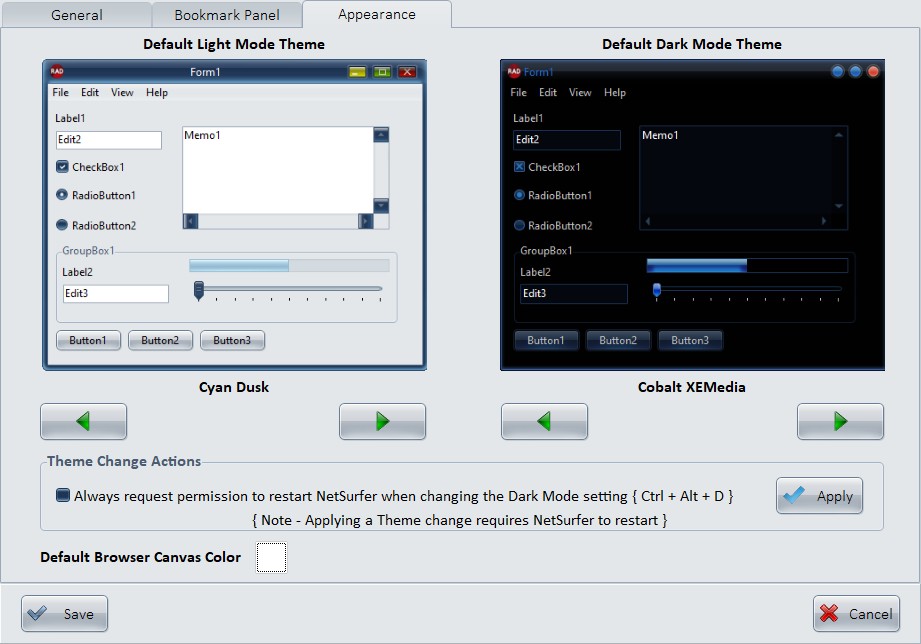
From its extensive array of 35 selectable colored themes(from light and dark and everything in between, because you deserve choices, not ultimatums) to its user-friendly interface, this browser makes you feel like a digital trailblazer every time you open it. Whether you're a casual user or a business looking to upgrade your online game, this browser doesn't just let you surf the web; it makes you enjoy it.
When you launch SSuite NetSurfer Prometheus or open a new tab, the browser will immediately direct you to your preferred default homepage, which can be selected from a range of top-tier websites in the settings menu. This stands in contrast to other browsers that always default to a fixed branded homepage, cluttered with paid advertisements and sponsored links, which cannot be modified or removed.
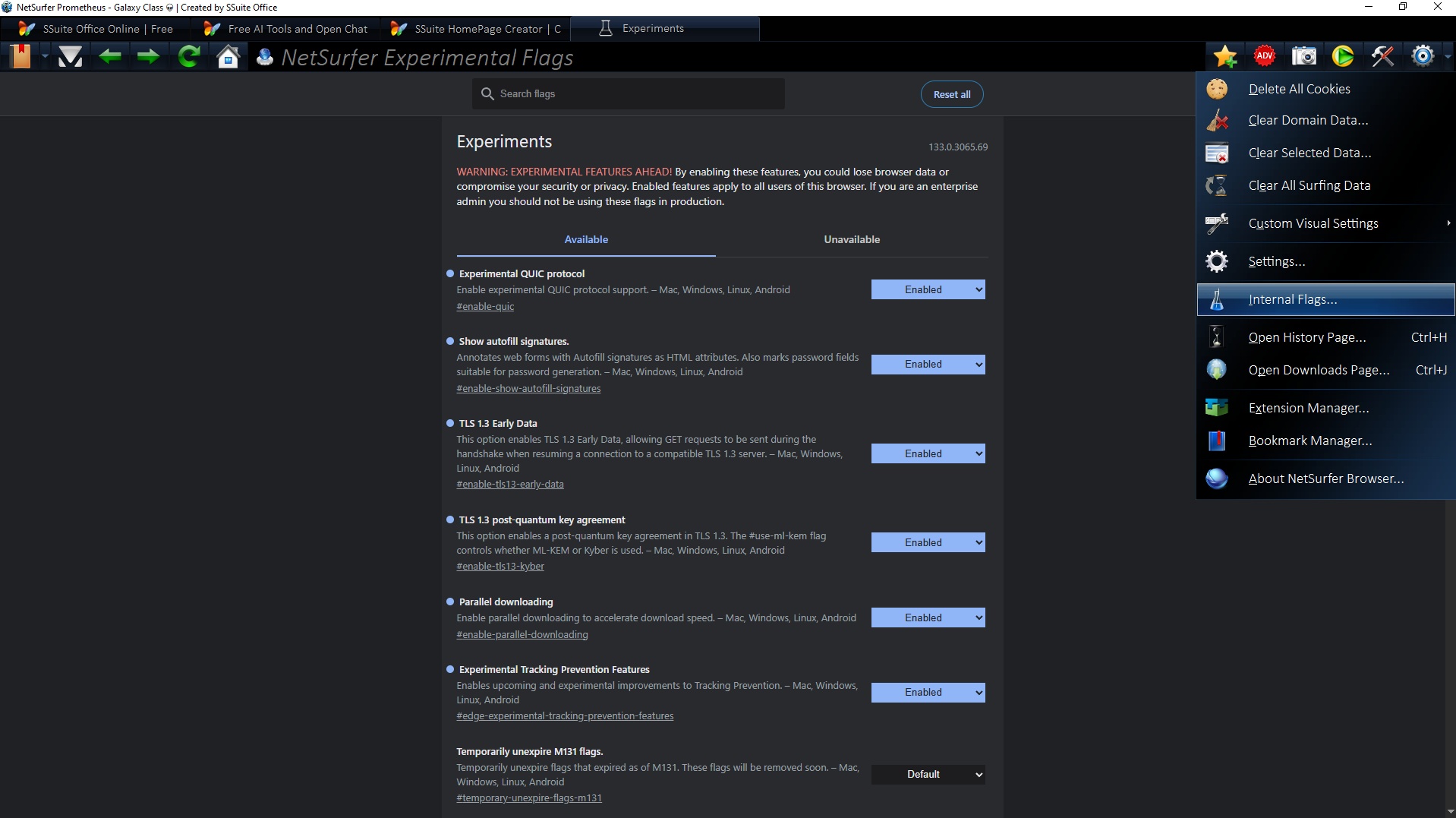
There are No performance dips, No sluggishness; just pure, uninterrupted browsing bliss ensuring rapid page loads and smooth navigation across the web! Its lightweight design ensures smooth operation, even on less powerful devices, making it ideal for both intense gaming sessions and relaxed entertainment breaks.
So... take a seat, open a new tab, and get ready to browse the web like a Titan legend! 👑🤴
Updates Made So Far in This Edition: ⚙🛠
-
Refactored and extended the Bookmark Side Panel functionality by introducing new features for managing bookmark favorites.
-
Improvements include optimized handling of add/remove operations and enhanced UI responsiveness to support a smoother user interaction flow.
-
This release is a general maintenance update, incorporating user feedback and comprehensive refactoring of the core application codebase to enhance stability and performance.
-
🔥 We Finally Outsmarted Microsoft. Somehow... 🤔 We dove headfirst into the shadowy maze of Microsoft’s Browser Default Dungeon, and guess what? We emerged victorious. NetSurfer Prometheus now proudly claims its rightful throne as your go-to default browser; from the vintage realms of Windows 7 to the modern lands beyond! 🎉🗺️
So go ahead. Set NetSurfer Prometheus as your default browser. Watch the icons change. Hear the distant wail of Microsoft's Edge or Google's Chrome browser becoming slightly less relevant... Sweet, sweet victory! 🥂😎
No more hidden traps, no more “Are you sure you want to switch?” nonsense. Just one click, and boom... NetSurfer Prometheus is the one. Smooth, seamless, unstoppable. Go ahead, set it, forget it, flex it! 🦾🔥
- This is a general maintenance release generated by user feedback.
- Updated the WebView2 runtime control DLL file that accompanies our browser.
Please Note: All updates must be applied manually to maintain user security and allow for individual choice.
Running the latest [ Install File ] will automatically update all of the above mentioned Extensions and the NetSurfer browser in one GO!
How To Update Our NetSurfer Browsers - Desktop Editions 💾 💻 🖥
To update your NetSurfer browser, simply run the new installation file you’ve recently downloaded. This process will automatically update your existing browser while keeping all of your web data—such as bookmarks, browsing history, and saved settings—completely intact.
This update method applies to both the 32-bit and 64-bit versions of NetSurfer. Your personalized settings, including any ad-blocking preferences or extensions, if installed, will remain unchanged after the update is complete. Proton Pass, if installed, will be automatically updated with the new version present in the new updated install file.
No technical expertise is required—just download the new version of NetSurfer, run the installation file, follow the prompts, and NetSurfer will take care of the rest... 😍
......................