Studio and interfaces
GenOS exposes the same core execution ideas through several surfaces: a Rust CLI, a versioned protocol and MCP server, a local API/backend, and GenOS Studio.
Studio is the local visual control plane. It combines a React/TypeScript frontend with an Express/SQLite backend and presents agent execution as workspaces, timelines, branches, evidence, and lineage rather than as a stream of opaque chat messages.
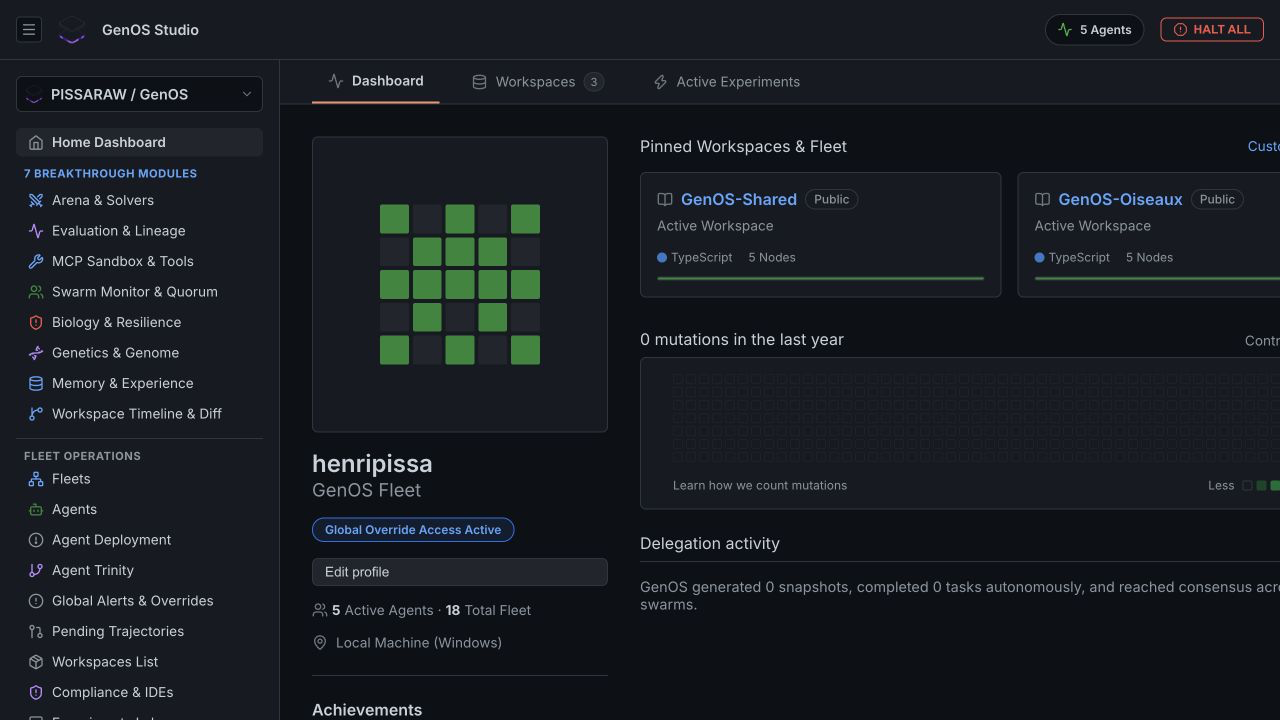
Current views cover areas such as:
- fleet and agent status;
- active workspaces and task timelines;
- counterfactual experiments and candidates;
- evaluation outcomes and lineage;
- workspace files and structural diffs;
- MCP tools and execution receipts;
- runtime telemetry and resilience signals;
- the safe parallel debugging proof.
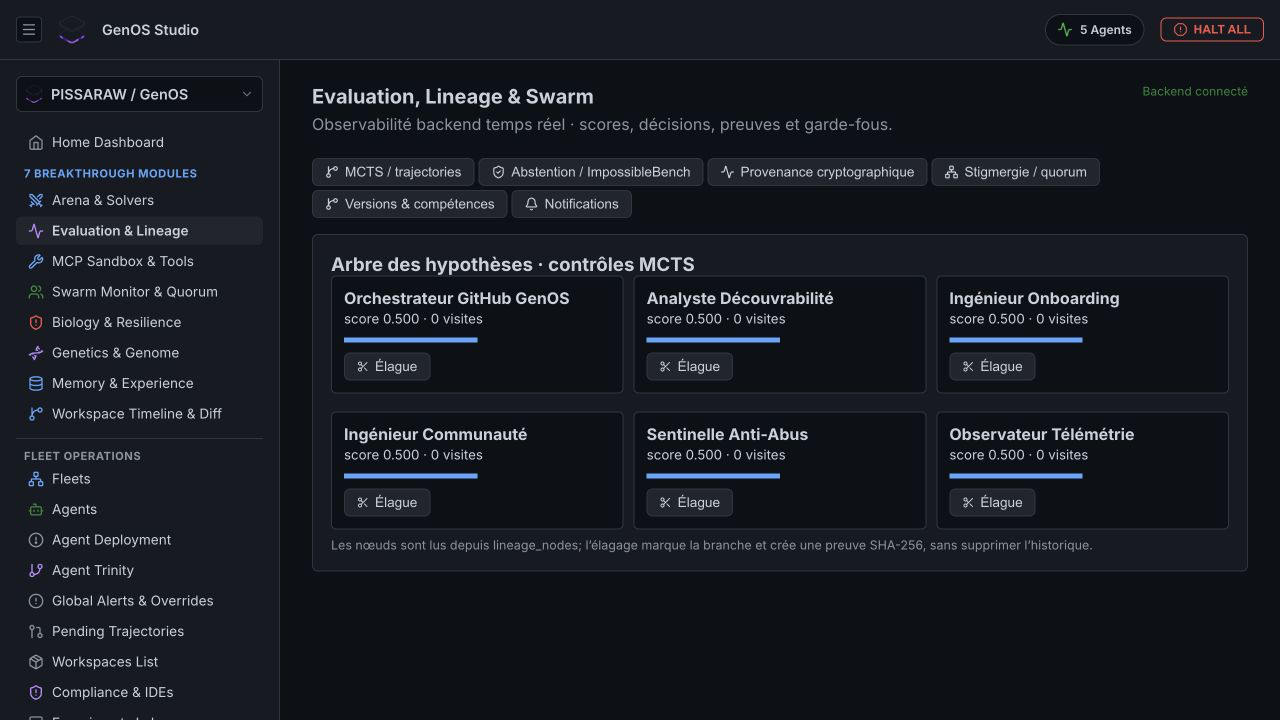
Studio is a local, pre-alpha interface. Some views expose experimental or planned concepts; the backend route and implementation status remain the source of truth.
Backend:
cd backend
npm ci
npm start
Frontend, in another terminal:
cd studio
npm ci
npm run dev
The backend defaults to http://localhost:4000; Vite prints the frontend URL.
The backend uses an agent runtime adapter. The local adapter supports the repository's native workflow and fixtures. An external adapter can be configured for another runtime boundary, but remote transport, authentication, and session semantics are not yet a production contract.
The genos CLI is the most complete direct interface to the local workspace. Major command families include:
| Family | Examples |
|---|---|
| Agent lifecycle | create, inspect, mutate, breed, run, diff, merge, lineage, replay |
| Snapshots and state | create, inspect, restore, timeline, state mutation |
| Worlds | create, read/write, snapshot, diff, cleanup |
| Development trajectories | diagnose, hypotheses, decisions, blame, assumptions, adversarial review |
| Experiments | counterfactual runs, cohort evaluation, causal comparison |
| Resilience and biomimicry | circuit breaking, recovery and research simulations |
| Hallucination research | detection, controlled injection, analysis and correction experiments |
Because the project is pre-alpha, use cargo run -p genos-cli -- --help and the current CLI reference rather than relying on a stale copied command.
The protocol uses a versioned envelope (genos.protocol/v1alpha1) and structured result fields for operation, output, stdout/stderr, exit status, errors, taint, and receipts.
The design goal is that a CLI command, MCP tool, or API call can describe the same domain operation without changing the underlying capsule semantics.
The maintained MCP surface provides ten canonical lifecycle tools over STDIO and stateless HTTP, with schemas and transport tests. This allows an MCP-capable coding agent or client to invoke GenOS operations as tools.
The repository also documents a broader catalogue of experimental tool families for counterfactual reasoning, resilience, biomimicry, hallucination mitigation, security, MCTS, evolution, and synaptic memory. Check the implementation status before assuming every documented research tool is available through the maintained server.
Important current limitations:
- remote authentication is not complete;
- sessionful remote deployment is not complete;
- a tool result may be tainted until verified;
- a successful transport call is not proof that the domain outcome is correct;
- host and network isolation remain separate concerns.
The repository contains integration contracts and early surfaces for VS Code, JetBrains, Antigravity, CI, and MCP clients. These are pre-alpha bridges around the core runtime, not yet a stable distribution promise.
| Goal | Start with |
|---|---|
| Learn the lifecycle |
run-demo.sh and the CLI |
| Inspect evidence visually | Studio |
| Let an AI client invoke GenOS | MCP over STDIO |
| Automate local workflows | CLI or backend API |
| Integrate a different runtime | Runtime adapter and protocol schemas |