Repository navigation
Home
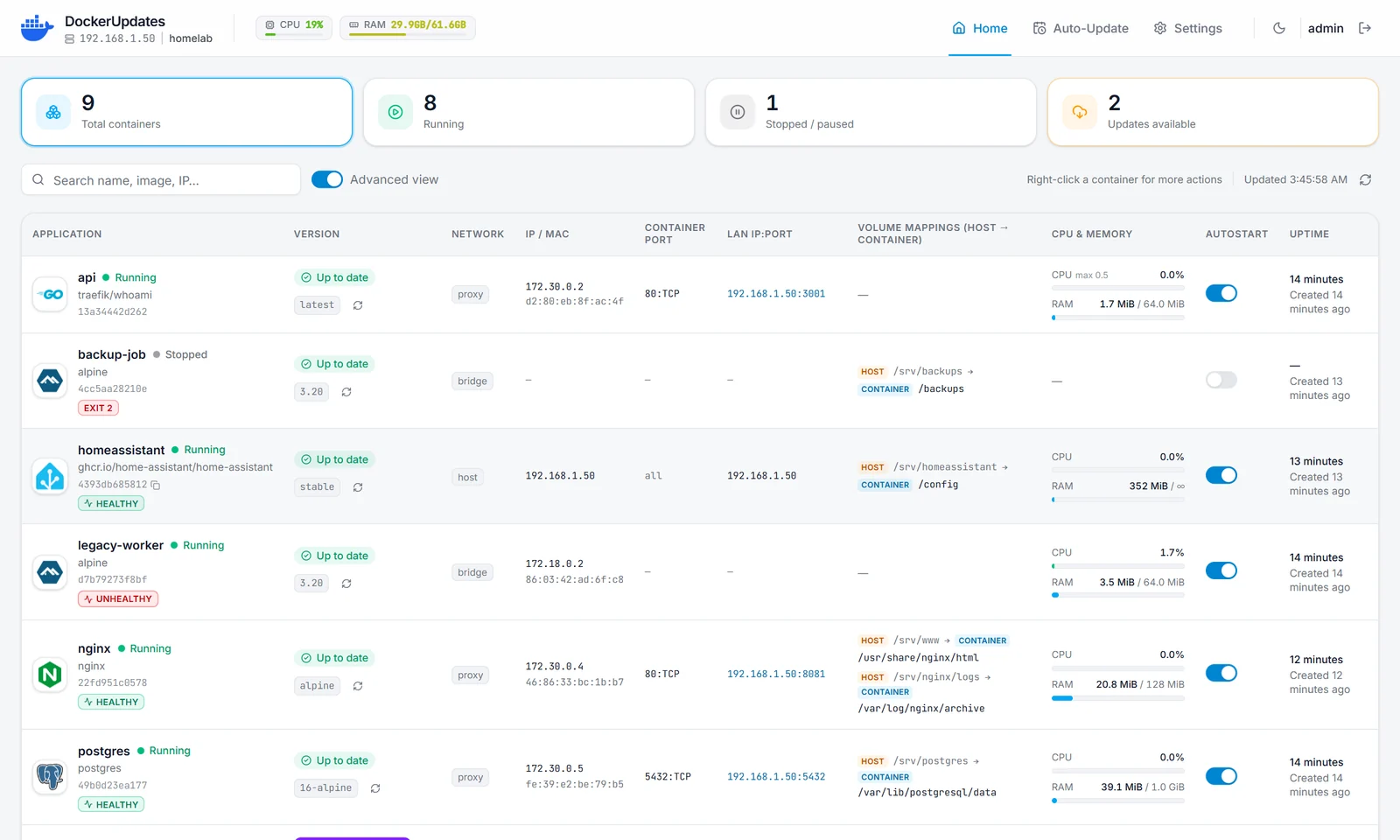
DockerUpdates is a self-hosted web dashboard to manage the Docker containers of your server and keep them updated: live status and resources, update checks, scheduled automatic updates, notifications, logs, a console, a container editor and more.
| Page | What you will find |
|---|---|
| Installation | Requirements, docker run, Docker Compose, Unraid, first sign-in, updating |
| Configuration | Every environment variable (.env), one by one, with examples |
| Settings | Every option of the Settings page in the web UI |
| Automatic updates | Update checks, schedules, cooldown, per-container rules |
| Notifications | Discord, Telegram, ntfy and signed webhooks |
| Reverse proxy | Nginx Proxy Manager, HTTPS, TRUST_PROXY, COOKIE_SECURE
|
| Private registries | GHCR, Docker Hub and other private images |
| LAN network | Dedicated LAN IPs for containers (macvlan / ipvlan) |
| Admin Panel | Sessions, server logs, IP access and bans, system information |
| Security | Security model, hardening checklist, no-new-privileges
|
| Troubleshooting | Common problems and how to fix them |
DockerUpdates reads its configuration from environment variables (usually a .env file passed with --env-file or env_file:). Most of them can later be changed in the web UI, in Settings:
- A value saved in the web UI takes precedence over the
.envfile and applies right away. - A value that was never saved in the UI keeps following the
.envfile. - The
.envfile is read by Docker only when the container is created. After editing it, recreate the container (docker compose up -d, ordocker rm -f+docker run). A restart, from the UI or withdocker restart, does not read it again.
Each field in Settings shows where its current value comes from: Set here, From .env, Auto-detected or Default.
- Source code and issues: https://github.com/PixlGalaxy/DockerUpdates
- Image:
ghcr.io/pixlgalaxy/dockerupdates:latest(linux/amd64,linux/arm64) - Report a vulnerability privately: Security advisories