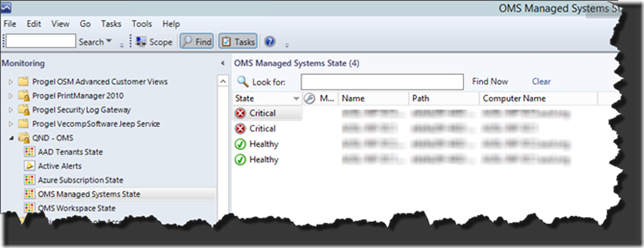
Version 1.x quick start
This is a suite of Management Packs aimed at monitoring OMS from Operations Manager. While in long run the plan is to use OMS as an alerting platform, the current de facto enterprise console is Operations Manager. This suite integrates OMS monitor into Operations Manager.
Version 1.0.0.43
More info and comments on http://nocentdocent.wordpress.com
Monitoring #MSOMS the other way around (#SCOM)
#MSOMS more monitoring from #scom #sysctr
Operational Insights monitoring - See Documentation.
Azure Automation monitoring - see Preview documentation
Azure Backup monitoring - see Azure backup
The management pack needs a little configuration OpsMgr side to be able to monitor OMS workspaces.
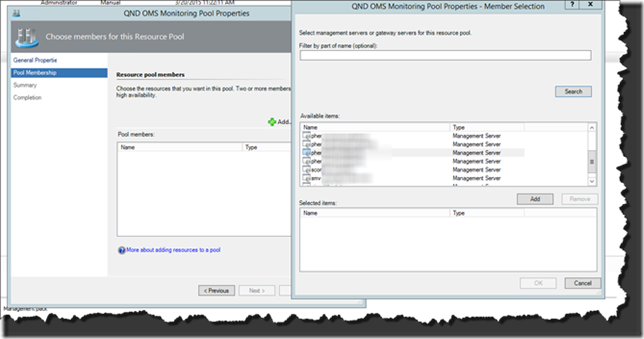
First of all it defines a resource pool “QND OMS Monitoring Pool”, it’s a good idea to set the pool in manual discovery and add just the management servers you want to use for OMS communication. The management servers need to have internet connectivity, at this stage I didn’t take into consideration proxying requirements.
Secondly you need to create a configuration file that lists all the Azure Active Directory tenants you want to discover. Bu default the file must be created in C:\QND on every pool member and must be named AADTenants.xml. These are the default, you can even set the file on a common share and override the discovery to point to that share. The file format must adhere to the following:
<Tenants>

  <Tenant Name=’QND1.onmicrosoft.com’ DisplayName=’QND1 Tenant’/>

  <Tenant Name=’QND2.onmicrosoft.com’ DisplayName=’QND2 Tenant’ />

</Tenants>
This discovery is very light weighted and runs frequently (every hour) to keep the MP responsive to any mod you make.
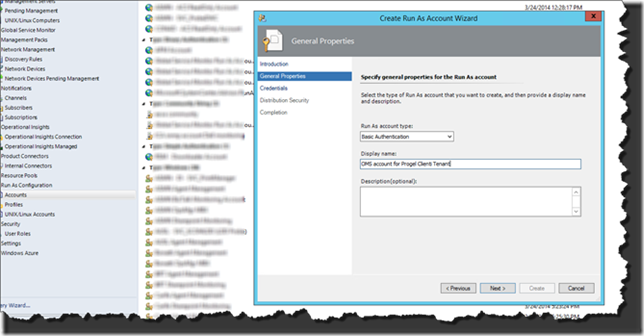
Thirdly you need to associate the proper access credentials to the tenants. The credentials need at least user access to the OMS workspaces to be monitored. The credentials must be of type “Basic Authentication”
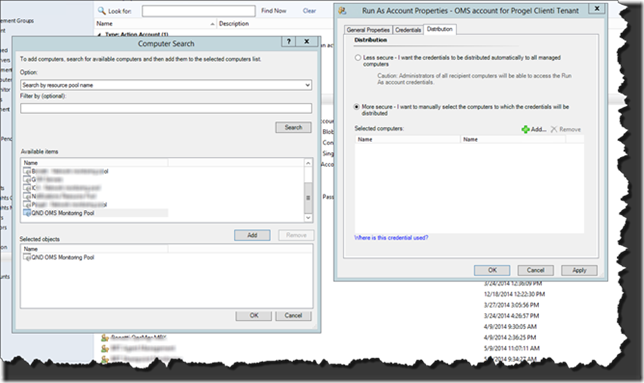
Remember to distribute the credentials to the pool
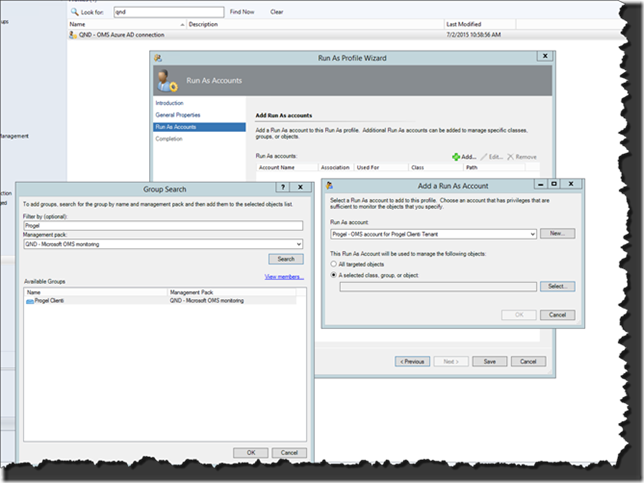
Finally you need to associate the credentials to the runas profile created by the MP “QND – OMS Azure AD connection” and in turn to the proper tenant (if you have more than one tenant). To make the association simple, every time the MP discovers a tenant it also creates a group you can use as the target of your runas account. The group will be named after the DisplayName property in the AADTenants.xml file.
That’s it, after all the discoveries had had a chance to run you’ll get your console properly populated